Skip to content

Ask your questions right here!

2.3k Topics 11.7k Posts

Note sure where to post? Ask questions here for direct access to the ModalAI engineering team

Subcategories


  • 164 Topics
    751 Posts
    Ben LinneB
    @heiko.lizan Any elrs radio that's 900mhz or dual band compatible should work when in low band mode. If the transmitter is running v4+ you should be able to downgrade it to v3 following the elrs update guide It's normal that some services aren't running. You may need to re-enable px4 with systemctl enable voxl-px4
  • Do you have a great idea for our products you would like to see implemented?

    27 90
    27 Topics
    90 Posts
    Serhii RovnyiS
    Hello everyone, I am looking for some expert advice on a VOXL 2 companion computer setup for a long-range platform. I have two main integration challenges: Challenge A: VIO at Higher Altitudes To solve the motion blur and pixel density issues at higher altitudes, I am planning a 6-camera configuration. I want to use 4 downward-facing sensors (2 daylight + 2 IR) equipped with narrow-angle lenses, alongside 2 standard wide-angle sensors (front and rear). Could you advise on the best supported sensors (e.g., IMX series) for this? Has anyone successfully tuned the voxl-qvio-server for narrow-angle lenses, and what were the altitude limits you achieved? Challenge B: LAN Integration & WireGuard The payload data flow will be: External RTSP Camera -> Ethernet -> VOXL 2 (WireGuard encryption) -> Ethernet -> Digital RX. Because VOXL 2 lacks multiple LAN ports, I will need a miniature industrial Ethernet switch. Does ModalAI have any tested hardware recommendations for this? Furthermore, what is the best practice for routing this VPN traffic through the VOXL 2 Ubuntu environment without bottlenecking the CPU? We are currently evaluating the VOXL 2 for a broader fleet deployment and want to ensure the ecosystem can support this custom optics requirement. Any feedback on off-the-shelf solutions or standard configurations for this use case would be greatly appreciated. Thank you!
  • Are you looking for a 3D model of one of our products?

    33 86
    33 Topics
    86 Posts
    Alex KushleyevA
    @nl_vdi , if you log into developer.modalai.com, you will see the CAD models. the latest model we have is: D0012-4-V3-C28-M36-T7-K0-Starling2-Max-V3-20260317.step [image: 1781036132877-376bf0dd-494a-4bf1-8d92-1b2d91afb83d-image.png]
  • starling 2 max qvio vs open-vins performance issues

    10
    0 Votes
    10 Posts
    1k Views
    tomT
    @Muqing-Cao Here is the latest beta release: https://storage.googleapis.com/platform-beta-releases/voxl2/voxl2_SDK_1.6.3-beta1.tar.gz
  • 0 Votes
    16 Posts
    2k Views
    zauberflote1Z
    @YUUJI-INOUE Glad to hear! All the best, ZBFT
  • Timeout on clearing waypoints from FCU

    2
    0 Votes
    2 Posts
    232 Views
    Eric KatzfeyE
    @sansoy Can you please provide some details on your setup? What hardware are you using? Which software are you using (including versions)?
  • How do I connect MAVROS to PX4 with UDP ports?

    2
    0 Votes
    2 Posts
    951 Views
    S
    @Denver-Bennett said in How do I connect MAVROS to PX4 with UDP ports?: voxl-vision-hub.conf did you ever get this resolved? having same issue. S
  • Unbricking VOXL2

    2
    0 Votes
    2 Posts
    339 Views
    ModeratorM
    @Aaky After that much use it could very well be ESD damage. It seems unlikely we would be able to fix via RMA.
  • Only 2 out of 4 cameras are detected

    2
    0 Votes
    2 Posts
    247 Views
    ModeratorM
    @Piyush-Singh Have you tried voxl-camera-server -d0 found here https://docs.modalai.com/voxl-camera-server/#troubleshooting ? You cannot plug in cameras arbitrarily, you'll need to use one of the supported camera configurations: https://docs.modalai.com/voxl2-camera-configs/
  • PMD ToF not detected on VOXL2

    2
    4
    0 Votes
    2 Posts
    307 Views
    S
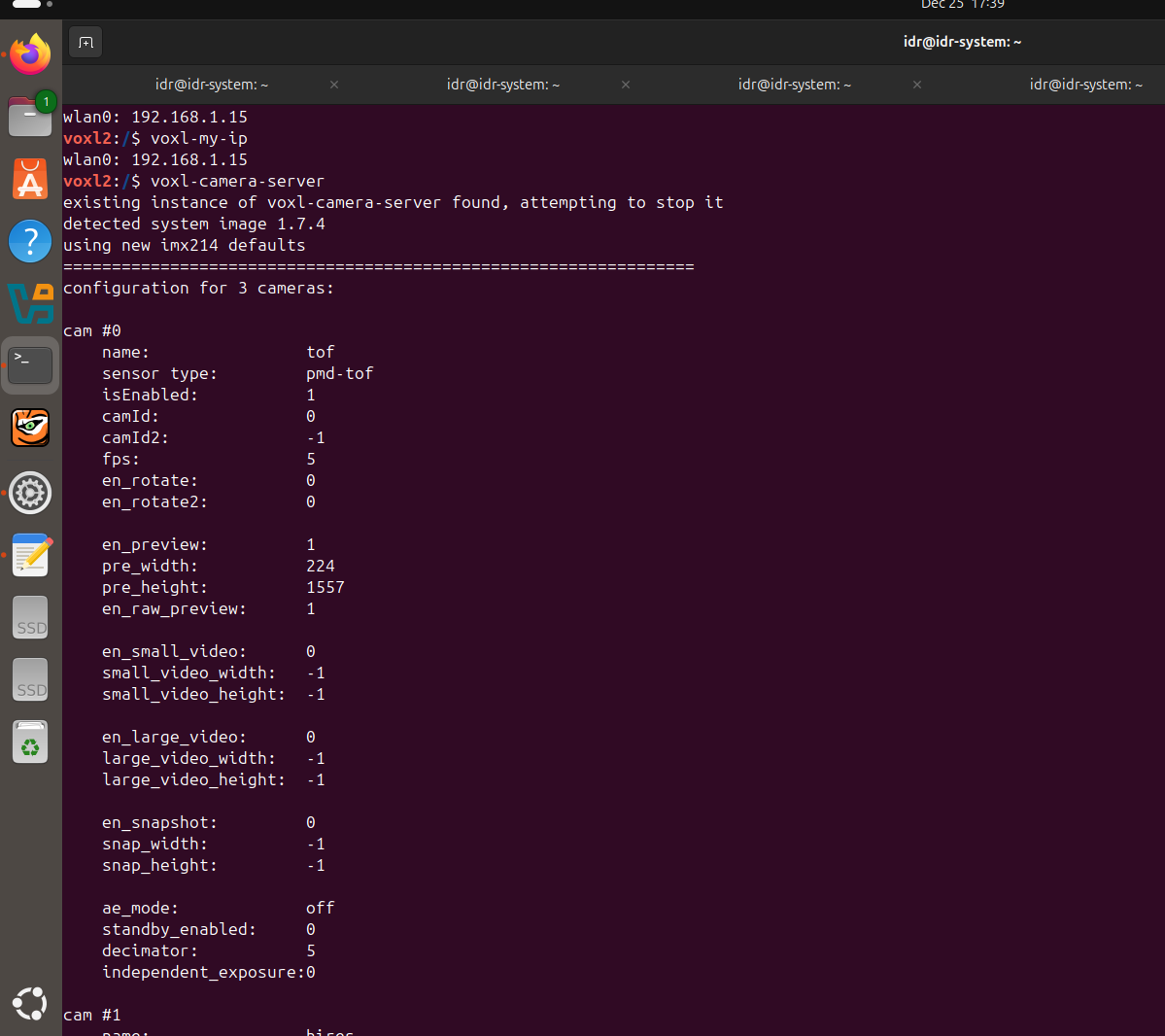
    @Sarika-Sharma Now TOF is detected. I have choosed pmd-tof instead of pmd-tof-liow2. But please give solution for the following problem. When I used J7 according to the following configuration Hardware Setup M0104 Connector Interposer Sensor HW ID J7 M0135 JL Tracking (M0014 ) 2 J7 M0135 JU Hires (M0025-2 ) 3 OR J7 M0135 JL Hires (M0025-2 ) 2 J7 M0135 JU Tracking (M0014 ) 3 ONLY , The camera which is connected to JL is working either tracking or hires. Cameras connected to JU is not working. When i run voxl-camera-server it gives this WARNING: cam tracking (id 1) does not seem to be alive ------ voxl-camera-server: Started 1 of 2 cameras ------ voxl-camera-server: Camera server is now running OR When i run voxl-camera-server it gives this WARNING: cam hires (id 1) does not seem to be alive ------ voxl-camera-server: Started 1 of 2 cameras ------ voxl-camera-server: Camera server is now running![alt text]([image: 1766754655536-ba913d5d-8f28-44d8-8ee4-8a906e5f680c-whatsapp-image-2025-12-26-at-5.31.01-pm.jpeg] )/home/idr/Downloads/WhatsApp Image 2025-12-26 at 5.31.01 PM.jpeg
  • 0 Votes
    8 Posts
    648 Views
    S
    @Sarika-Sharma Kindly resolve this issue also https://forum.modalai.com/topic/4952/pmd-tof-not-detected-on-voxl2?_=1766730439331.
  • Request for Detailed Datasheet and Power Consumption – MSU-M0186-1-109

    2
    0 Votes
    2 Posts
    573 Views
    Alex KushleyevA
    Hello @shalini-kumari , The M0186 camera uses the Sony IMX664 sensor. You can find high level information for the M0186 module here https://docs.modalai.com/M0186/ (as well as a link to the basic documentation from Sony). The camera sensor itself (within M0186 module) requires three primary voltages, 3.3V, 1.8V and 1.1V. The maximum power consumption is 0.6-0.7W (theoretical), although we have not explicitly measured it.This is for a worst case, full frame resolution 120FPS. VOXL2 and the M0186 module provide the appropriate voltages for the IMX664 sensor to function properly. Note that the power consumption of the whole system will not only depend on the camera resolution, fps, it will also depend on what you are doing with the images in VOXL2 (since VOXL2 will also consume power processing the images). Hopefully this helps. Alex
  • SITL using VOXL2 PX4 software

    10
    0 Votes
    10 Posts
    2k Views
    Eric KatzfeyE
    @jmltt For reference, here is a commit that will allow our fork to build for SITL on Ubuntu 24.04: https://github.com/modalai/px4-firmware/commit/8366d2e56c171230ee31c0856cb243d46f09de31
  • Using a GPS through SPI

    8
    0 Votes
    8 Posts
    581 Views
    Eric KatzfeyE
    @alan123 Are you starting voxl-px4 from the command line (e.g. voxl-px4 -d) or is it starting automatically from a systemd service file on startup. If you have started it from the command line you can enter commands from the px4 shell. So, after the script is done, you can enter gps status to see that the driver is doing. If the driver hasn't been started, try starting it directly from the command line.
  • 0 Votes
    4 Posts
    446 Views
    YUUJI INOUEY
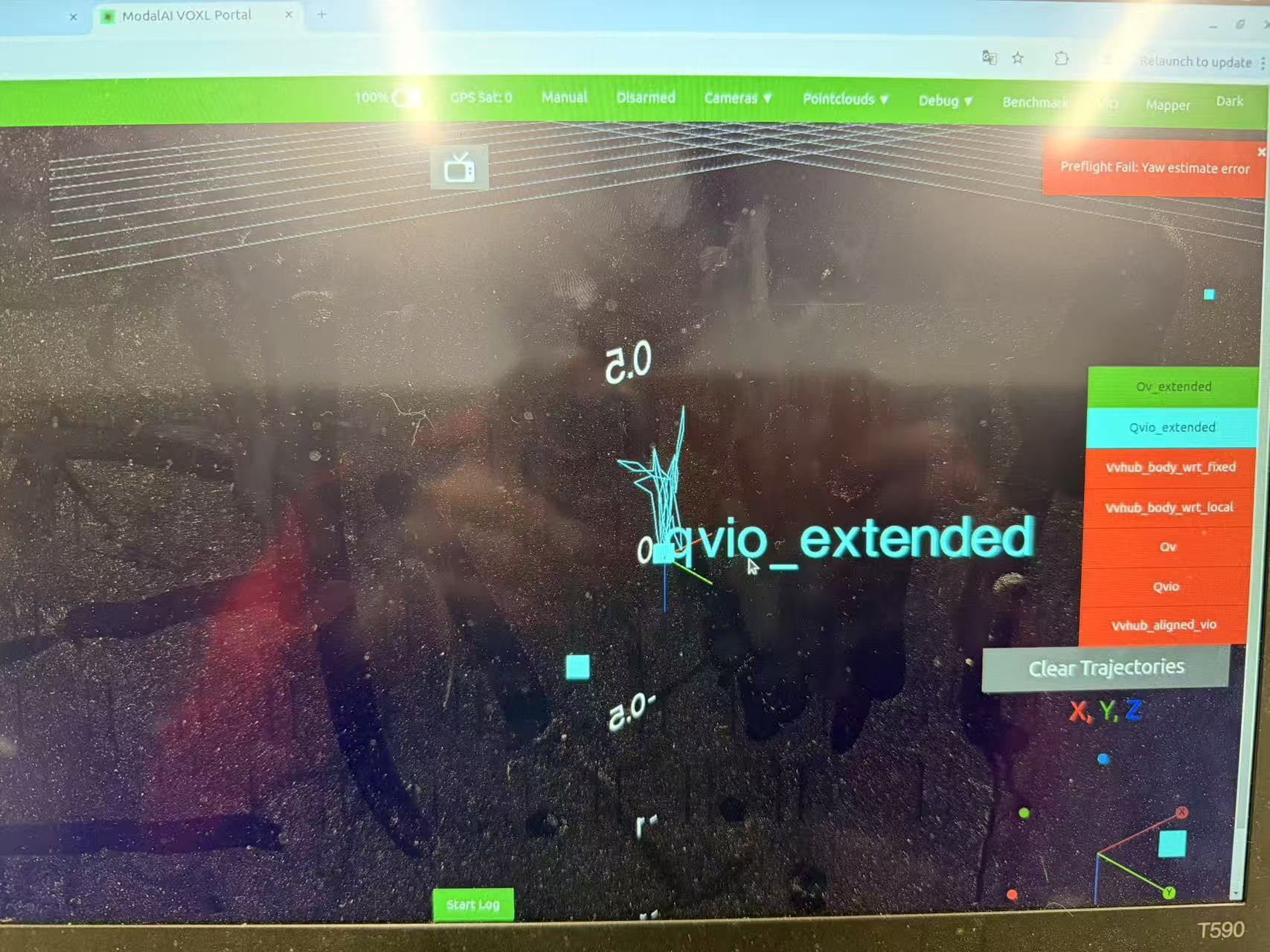
    @YUUJI-INOUE This is the setup I did for stable operation, please let me know if there are any mistakes. Stinger (VOXL 2 Mini) VIO Setup Guide This document provides instructions for setting up a stable VIO (Visual Inertial Odometry) environment on the ModalAI Stinger (equipped with VOXL 2 Mini). It focuses on SDK version selection and correct configuration commands for the D0013 build to ensure reliable autonomous flight. 1. Prerequisites Drone: ModalAI Stinger (VOXL 2 Mini) Configuration ID: D0013 (Stinger V2) PC Environment: Linux/Ubuntu with ADB (Android Debug Bridge) installed Network: Internet connection required for the drone (via Wi-Fi) for apt-get operations 2. SDK Version Check and Installation IMPORTANT: Development versions (Alpha/Beta) of the SDK may cause unstable VIO behavior. It is strongly recommended to use the Stable SDK 1.6.2. 2.1 Check Current Version Connect to VOXL via ADB and check the version: adb shell voxl-version # OR adb shell apt-cache policy voxl-suite If you see versions like 1.6.3~alpha, you must downgrade. 2.2 Install SDK 1.6.2 Force install the stable version: # Run inside VOXL shell or via adb shell adb shell "DEBIAN_FRONTEND=noninteractive apt-get install -y voxl-suite=1.6.2" 2.3 Install Required Libraries To fix dependency issues with OpenVINS in SDK 1.6.2, install the voxl-ceres-solver library (libceres.so.2 adb shell "apt-get install -y voxl-ceres-solver" Note: Without this, voxl-open-vins-server will fail to start. 3. Factory Reset and Configuration Apply the correct presets for Stinger (D0013). Using these commands is more reliable than manual configuration. 3.1 Configure Extrinsics Load the camera and IMU geometry for Stinger V2 (D0013). adb shell "voxl-configure-extrinsics D0013_Stinger_V2" 3.2 Configure Vision Hub Configure how VIO data is sent to PX4 using the Stinger-specific preset. adb shell "voxl-configure-vision-hub factory_enable_vfc_pos_back_flow_d0013" 3.3 Configure OpenVINS Reset the VIO server configuration. adb shell "voxl-configure-open-vins factory_enable" 3.4 Configure PX4 Parameters Load optimized PID gains and flight parameters for Stinger (D0013). adb shell "voxl-configure-px4-params -n -p MRB-D0013" 3.5 Enable VIO (Official Helper) Load the official parameter helper file for indoor VIO flight without GPS. adb shell "voxl-configure-px4-params -n -f /usr/share/modalai/px4_params/v1.14/EKF2_helpers/indoor_vio_missing_gps.params" 3.6 Configure ESCs Upload Stinger-specific ESC parameters. adb shell "/usr/bin/voxl-esc setup_d0013" If you encounter invalid option errors, use the manual python script method: adb shell "systemctl stop voxl-px4 && cd /usr/share/modalai/voxl-esc-tools/ && python3 voxl-esc-upload-params.py --params-file ../voxl-esc-params/D0013/lumenier_2305_2400kv_GF_D90_4S.xml && systemctl start voxl-px4" 3.7 Change ESC Mode (Critical) Change ESC control from RPM mode (default) to Power mode to ensure reliable motor startup. adb shell "px4-param set VOXL_ESC_MODE 0" 3.8 Motor Test WARNING: REMOVE PROPELLERS BEFORE TESTING Spin Motor 0 (Front Right) for 2 seconds to verify ESC communication. adb shell "systemctl stop voxl-px4" adb shell "cd /usr/share/modalai/voxl-esc-tools/ && python3 voxl-esc-spin.py --id 0 --power 15 --timeout 2 --skip-prompt True" adb shell "systemctl start voxl-px4" 4. Advanced Optimization (Critical for Stability) 4.1 OpenVINS Optimization (Stinger Specific) To prevent data corruption and initialization errors on Stinger (D0013): Disable imu_body_frame_mode. Change configuration folder to fpv. adb shell "sed -i 's/\"imu_body_frame_mode\":\ttrue/\"imu_body_frame_mode\":\tfalse/' /etc/modalai/voxl-open-vins-server.conf" adb shell "sed -i 's/starling2/fpv/g' /etc/modalai/voxl-open-vins-server.conf" 4.2 Stabilize Connection After Reboot Prevent voxl-vision-hub from starting before voxl-open-vins-server is ready by adding a 10-second delay. Edit /etc/systemd/system/voxl-vision-hub.service: adb shell "sed -i 's/After=voxl-wait-for-fs.service/After=voxl-wait-for-fs.service voxl-open-vins-server.service/' /etc/systemd/system/voxl-vision-hub.service" adb shell "sed -i '/ExecStart=\/usr\/bin\/voxl-vision-hub/i ExecStartPre=\/bin\/sleep 10' /etc/systemd/system/voxl-vision-hub.service" 4.3 IMU Calibration If VIO is unstable or the Web Portal Health Check shows "IMU Calibration Missing", perform calibration: adb shell "voxl-calibrate-imu" Follow the on-screen instructions to place the drone in 6 orientations. 5. Apply Changes and Reboot After applying all settings, reboot the drone. A hard power cycle (unplug battery) is recommended to ensure all sensors reset correctly. adb shell reboot 6. Verification 6.1 Check Services adb shell voxl-inspect-services Ensure voxl-open-vins-server, voxl-vision-hub, and voxl-px4 are Running. 6.2 Check VIO in VOXL Portal Access the VOXL Portal (via IP address) and check the VIO (3D View): Orientation: Does the drone in the view verify Pitch/Roll/Yaw movements correctly? Position: Does the drone stay still in the view when the physical drone is stationary? (No drifting/divergence) 6.3 Check QGroundControl (QGC) Local Position: Is the drone icon visible on the map? Position Mode: Switch flight mode to Position. It should say "Ready to fly" or "Position mode enabled" (not "Rejected"). If you can enter Position mode without GPS, VIO is working. 7. Operational Best Practices Power On: After plugging in the battery, leave the drone static on a level surface for ~30 seconds. This allows the gyro to calibrate biases and services to start. Initialize VIO: Pick up the drone and move it in a large figure-8 motion to excite the IMU and cameras. Pre-flight Check: Do not take off until you can successfully switch to Position mode in QGC. Note: If initialization fails (rarely), perform a reboot. 8. Troubleshooting Q. Cannot enter Position Mode on the ground ("Not Ready") A. Check the following: Run voxl-inspect-pose vvhub_body_wrt_local to see if VIO data is streaming. If no data, perform a hard reboot (battery pull) to fix timestamp sync issues. Set en_voa to false in voxl-vision-hub.conf to disable obstacle avoidance (can cause extrinsics errors). Ensure vio_pipe is set to ov.
  • Starling 2 max no odometry even with qvio enabled

    8
    3
    0 Votes
    8 Posts
    764 Views
    Muqing CaoM
    @Zachary-Lowell-0 after turning off open-vins and rebooting it works. thanks!
  • Mavlink messages through voxl-logging

    7
    1
    0 Votes
    7 Posts
    726 Views
    Zachary Lowell 0Z
    @rnunna at this point I would recommend either creating a python or cpp script that leverages mavsdk to probe the logs and get it into the format you are desiring. Zach
  • External INS integration on SLPI proc QUP6

    3
    0 Votes
    3 Posts
    398 Views
    J
    @Alex-Kushleyev Gotcha, thanks!
  • This topic is deleted!

    3
    0 Votes
    3 Posts
    30 Views
  • Different package version from voxl-cross and Voxl2

    5
    0 Votes
    5 Posts
    395 Views
    R
    @Eric-Katzfey Thanks Eric, building directly on the Voxl2 platform works.
  • STINGER (D0013) Position Mode Fails after replacing

    nonsaya
    2
    3
    0 Votes
    2 Posts
    299 Views
    YUUJI INOUEY
    @YUUJI-INOUE I made a mistake in the file name diagnostic_info
  • IMX664 Camera

    2
    0 Votes
    2 Posts
    213 Views
    Alex KushleyevA
    Hi @rpowerscat , You may be looking for these? https://docs.modalai.com/vtx-air-unit-datasheet/ https://docs.modalai.com/vrx-ground-unit-datasheet/ Will check availability and get back to you.. Alex
  • 5G Modem and Doodle Labs Simultaneously

    1
    0 Votes
    1 Posts
    208 Views
    No one has replied