Skip to content
  • Seeker User Manual

    Solved Development Drones seeker
    2
    0 Votes
    2 Posts
    181 Views
    tomT
    Please reach out here: https://www.modalai.com/pages/blue-uas-cleared-fpv-customer-intake-form
  • Seeker Documentations

    Unsolved Development Drones seeker
    10
    0 Votes
    10 Posts
    5k Views
    ModeratorM
    These are the propellers that were used for that drone https://www.getfpv.com/lumenier-6x4-slow-flyer-propeller-set-of-4-clear.html
  • VOXL 1 - Seeker Drone Setup with QGC

    Unsolved General Questions voxl seeker qgc
    2
    1
    0 Votes
    2 Posts
    1k Views
    N
    Also this is what I was getting when inspecting the mavlink server. 00:19:39.969721 IP 192.168.1.1. domain > 192.168.1.134. 40850: 5282 Refused 0/0/0 (42) 00:19:39.970315 IP 192.168.1.134.48451 > 192.168.1.1. domain: 5282+ PTR? 1.1.168.192. in-addr • arpa. (42) 00: 19:39.973637 IP 192.168.1.1. domain > 192.168.1.134.48451: 5282 Refused 0/0/0 (42) 00:19:40. 106351 IP 192.168.1.138.14550 > 192.168.1.134.14550: UDP, length 21 00:19:41. 068099 IP 192.168.1.138.14550 > 192.168.1.134.14550: UDP, length 21 00:19:41.553204 ARP, Request who-has 192.168.1.1 tell 192.168.1.134, length 28 00:19:41.553488 ARP, Request who-has 192.168.1.138 tell 192.168.1.134, length 28 00:19:41.558414 ARP, Reply 192.168.1.1 is-at 80:69:1a:06:84:4e (oui Unknown), length 28 00:19:41.561634 ARP, Reply 192.168.1.138 is-at 34:c9:3d:07:16:8d (oui Unknown), length 28 00:19:42. 065376 IP 192.168.1.138.14550 > 192.168.1.134.14550: UDP, length 21 00:19:43.070712 IP 192.168.1.138.14550 > 192.168.1.134.14550: UDP, Length 21 00:19:44.075718 IP 192.168.1.138.14550 > 192.168.1.134.14550: UDP, length 21 00:19:45. 064630 IP 192.168.1.138.14550 > 192.168.1.134.14550: UDP, length 21 00:19:46.062935 IP 192.168.1.138.14550 > 192.168.1.134.14550: UDP, Length 21 00: 19:47. 107960 IP 192.168.1.138.14550 > 192.168.1.134.14550: UDP, length 21
  • Seeker failing to take off after several successful flights

    Unsolved Development Drones seeker
    7
    0 Votes
    7 Posts
    2k Views
    Alex KushleyevA
    @Cody , please double check the actual and desired roll / pitch / yaw values in the flight review. When the vehicle is level, then roll and pitch should be close to zero and desired roll/pitch will be zero as well if you don't touch RC sticks. If the attitude estimate is incorrect (for whatever reason) this can cause the vehicle to not be level during flight / take-off. Alex
  • Seeker MPA to ROS Pointcloud Topic

    Unsolved Development Drones seeker
    1
    0 Votes
    1 Posts
    568 Views
    No one has replied
  • QgroundControl don't detect transmitter

    Unsolved Development Drones seeker
    2
    4
    0 Votes
    2 Posts
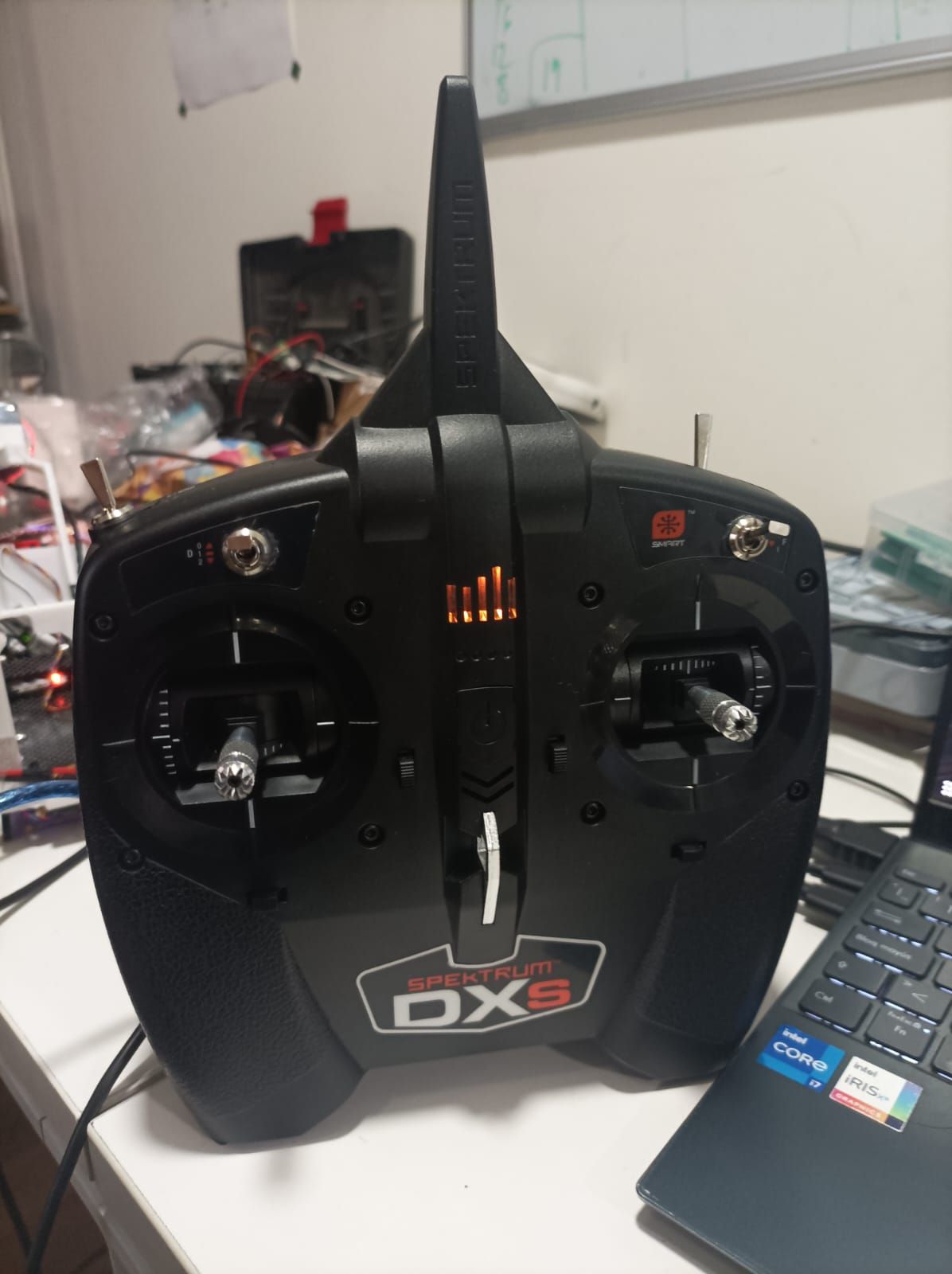
    1k Views
    A
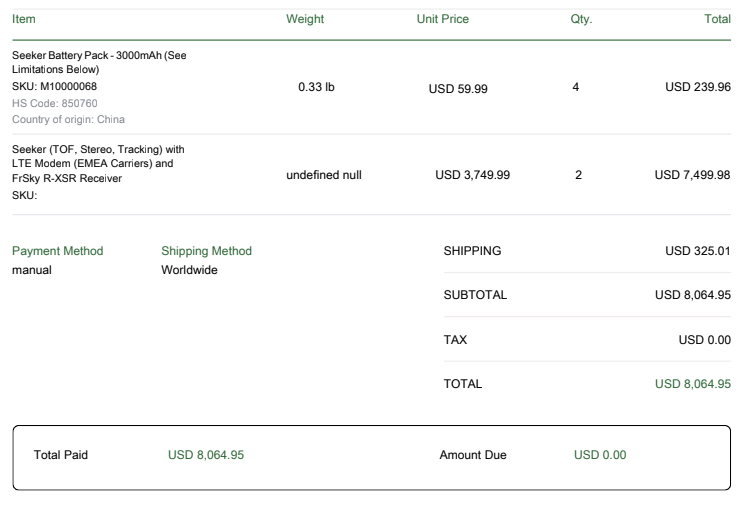
    @Ariel-Saez I already fix the problem, any case someone have the same problem, you need to update the SDK with the proper SKU version, in my case the /data/modalai/sku.txt show me "MRB-D0003-1-V1-C7", and looking my modalai's bill, show I buy the MRB-D0003-2-V2-C7. Next I change my sku.txt with the right code: MRB-D0003-2-V2-C7, then I update my voxl and fix everything. update SDK documentation: https://docs.modalai.com/flash-system-image/ SKU config and documentation: https://docs.modalai.com/voxl-configure-mpa/
  • 2 Seeker Drones for Sale (Switzerland)

    Unsolved Development Drones seeker
    1
    1
    0 Votes
    1 Posts
    700 Views
    No one has replied
  • VOXL-CAMERA-SERVER GOING DOWN

    Unsolved Development Drones seeker
    1
    1 Votes
    1 Posts
    787 Views
    No one has replied
  • Voxl-camera-server crash after undefined time

    Unsolved Development Drones seeker
    3
    1
    0 Votes
    3 Posts
    2k Views
    D
    @Moderator We did two flight tests inside our office in a luminous environment. Temperature seems to be lower while flying (around 60°C), and voxl-camera-server didn't stop. Yet, we could not do extensive tests because in both cases the px4 changed the flight mode from Position to Stabilize for visual failures. We attach a screenshot from QGC.!! [image: 1692204449517-e0d21384-f846-454c-a016-22e7312ce0ea.jpg]
  • 0 Votes
    1 Posts
    1k Views
    No one has replied
  • Seeker Arming motor doesn’t work

    Unsolved Development Drones seeker
    5
    0 Votes
    5 Posts
    2k Views
    YX LINY
    @Eric-Katzfey I fixed the problem thanks after I download the Seeker's parameter at gitlab it success arm by my RC and It can fly now
  • 0 Votes
    7 Posts
    2k Views
    nickyblanchN
    @tom Apologies for the delayed response, but I took your suggestion and had better luck on 0.9.5. Thanks!
  • Drone does not switch to Position mode indoors

    Unsolved Development Drones seeker
    10
    0 Votes
    10 Posts
    2k Views
    Umut JohnU
    OMG! The protective cap on the camera You're right! Just saw it minutes before checking it here. There was no cap on the first drone; it was probably dropped or something, so I did not even feel the need to look for it. Thank you, Adrian; sorry for the trouble. Case closed!
  • Avionics power

    Unsolved Development Drones seeker
    2
    0 Votes
    2 Posts
    1k Views
    VinnyV
    @g-ferrando You can safely ignore that message. PX4 doesn't have any filters on the power rail of the ADC so it flags any bit of noise on the 5V power rail. We've taken steps to improve that on FCv2. On both FCv1, and FCv2, our hardware can operate much lower than that default PX4 warning. If you use our power module and get reports that way of system voltage and current using the I2C bus, you can trust those numbers. Hope that helps.
  • Hires camera rotation

    Unsolved Development Drones seeker
    2
    2
    0 Votes
    2 Posts
    1k Views
    Alex KushleyevA
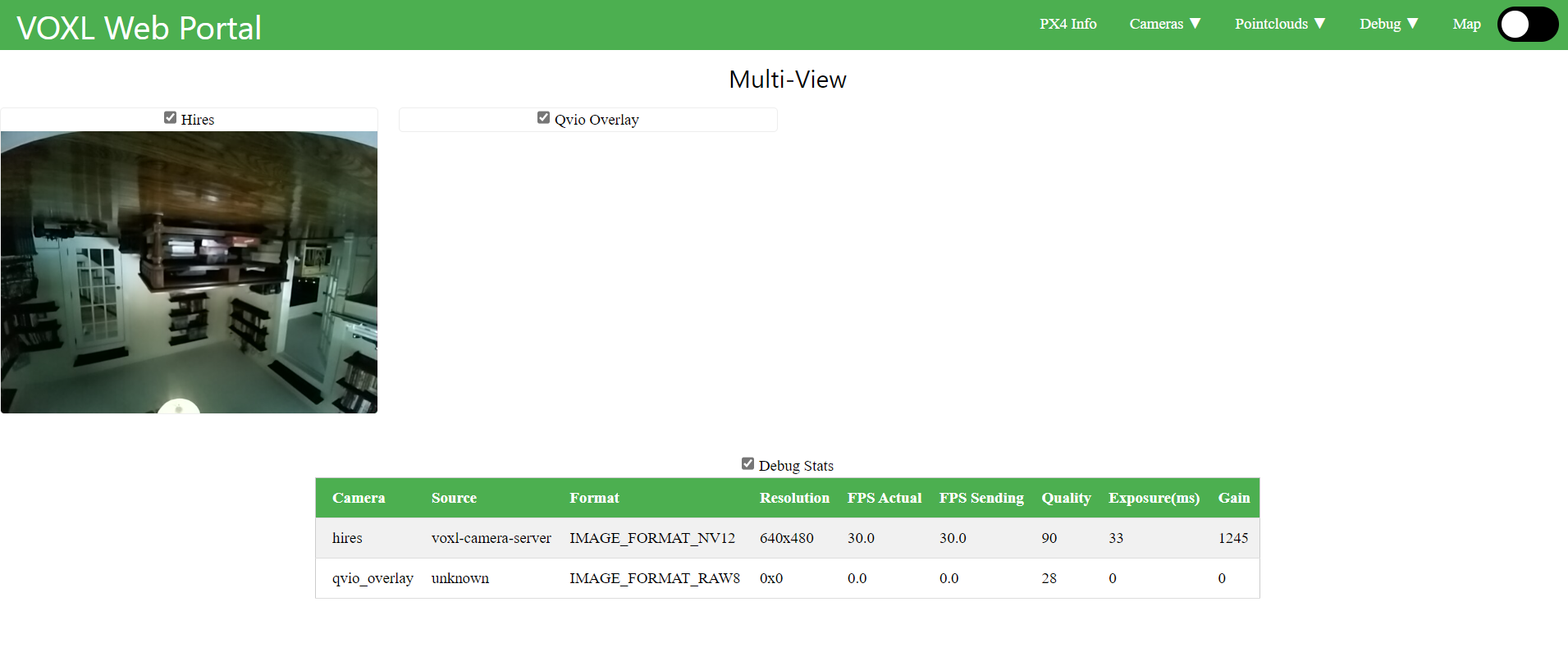
    Hello @JustinDev23 , Rotating Hires camera is not an option in the configuration menu, however you can still do this pretty easily. When you run voxl-configure-cameras, based on your use case, the script writes an appropriate configuration file to /system/etc/camera/camera_config.xml. In that file, you will see entries for all the cameras expected for the particular use case. Since you have already enabled the hires camera (IMX214), you already have an entry for it in camera_config.xml, so if you find it, you should see something like this <SensorName>imx214_rot180</SensorName> . What this does it tells the camera framework to load a dynamic library /usr/lib/libmmcamera_imx214_rot180.so - our default is the rotated version. To remove the rotation, you simply change the entry to <SensorName>imx214</SensorName>, which will in turn use /usr/lib/libmmcamera_imx214.so library after you reboot and the image should be right side up. Please remember that running voxl-configure-cameras again will overwrite the camera_config.xml that you may edit. Hope this helps! Alex
  • Manual Flight Mode to match Position Flight Mode

    Unsolved Development Drones seeker
    1
    0 Votes
    1 Posts
    755 Views
    No one has replied
  • Many problems related to the cameras

    Unsolved Development Drones seeker
    6
    0 Votes
    6 Posts
    2k Views
    D
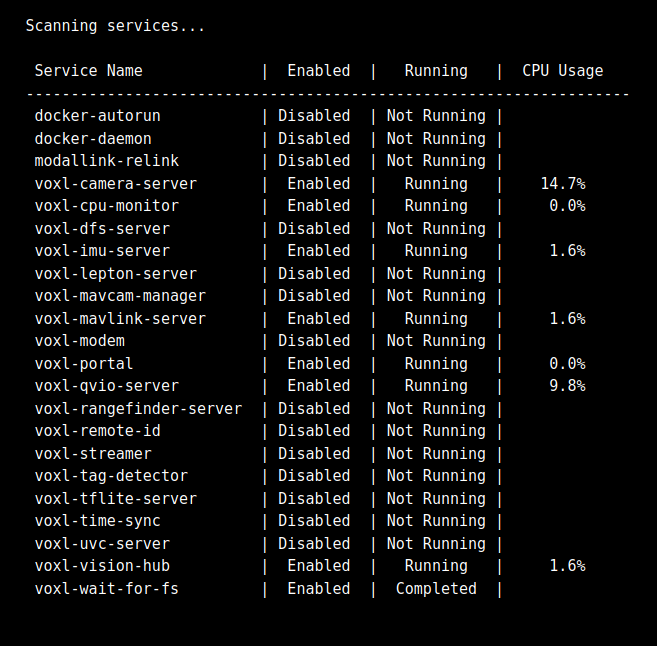
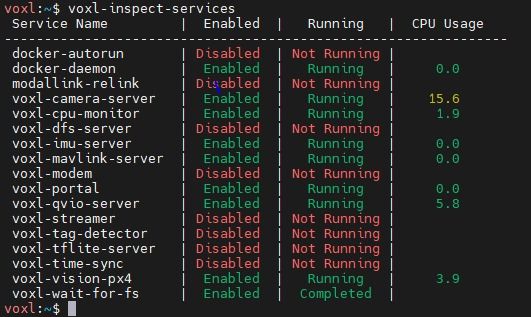
    The tracking camera calibration worked flawlessly after using the seeker in softAP mode, disabling the dfs-server and using the correct checkboard. Stereo camera calibration was much harder, and after many attempts there was always a failure in the exstrinsics calibration. We configured /etc/modalai/extrinsics.conf following this guide https://docs.modalai.com/configure-extrinsics/ . We tried manual control with Position flight mode and it worked fine. After we tried two simple autonomous flights with mavsdk inside docker, mainly using the set_position_ned() method. http://mavsdk-python-docs.s3-website.eu-central-1.amazonaws.com/plugins/offboard.html#mavsdk.offboard.Offboard.set_position_ned First mission: arm the drone, take off 1m from the ground, move forward 1.8m and then land. This one ended pretty badly, with a drone crash. Mission was not followed at all. The environment was an office sufficiently illuminated, and the Seeker drone started from the position where it was turned on. Second mission (simpler): arm the drone, take off 1m from the ground, land. In this one the drone took off around 2.5m from the ground, and then landed with relatively high speed, hitting the ground. I don't know if it can be an issue but in both tests dfs-server was disabled.
  • Voxl-camera-server crash

    Unsolved Development Drones seeker
    3
    0 Votes
    3 Posts
    1k Views
    Chad SweetC
    If you do reprogram your Seeker, this is the configure script voxl-configure-mpa -p --family seeker