
QgroundControl don't detect transmitter
-
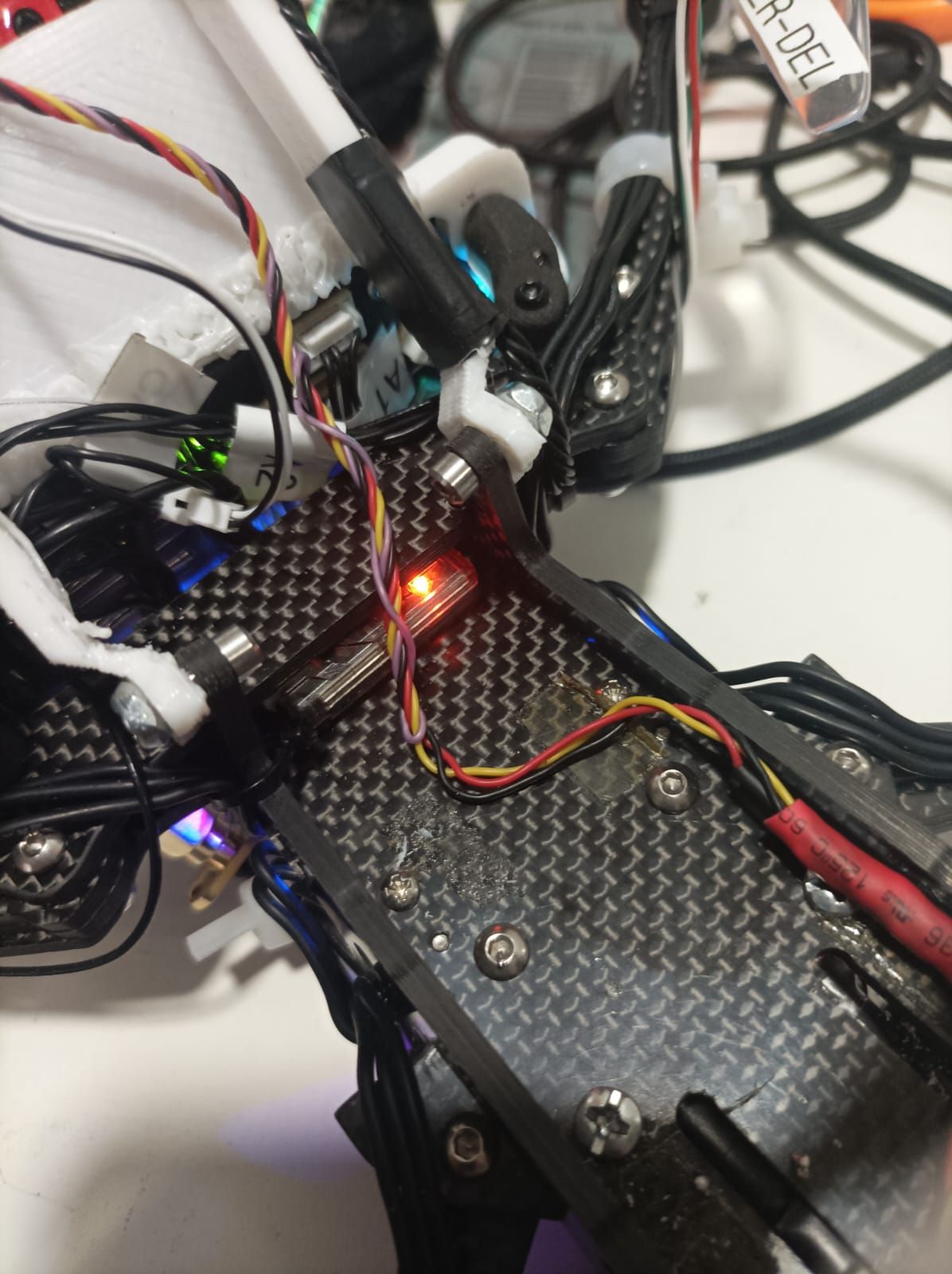
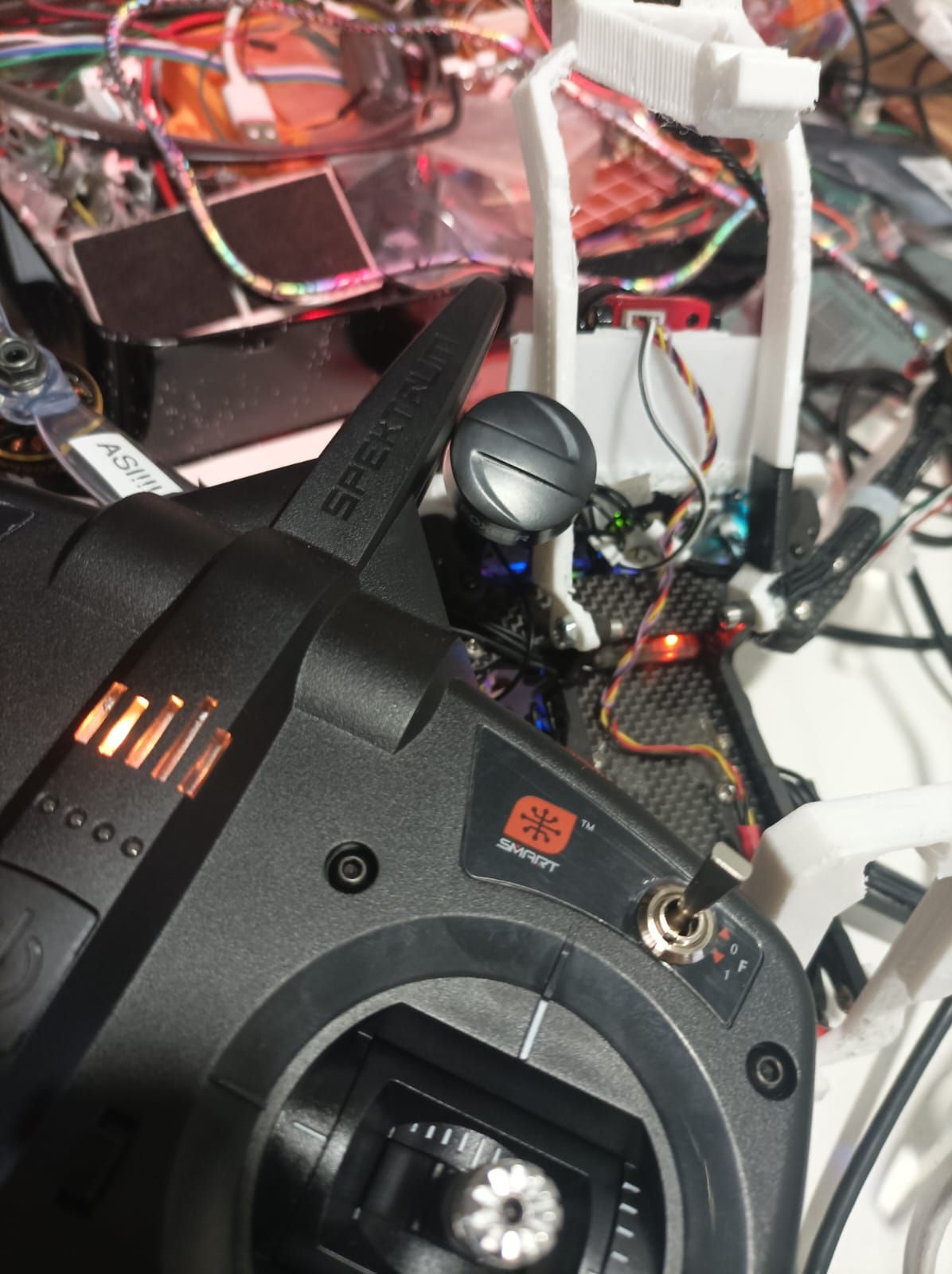
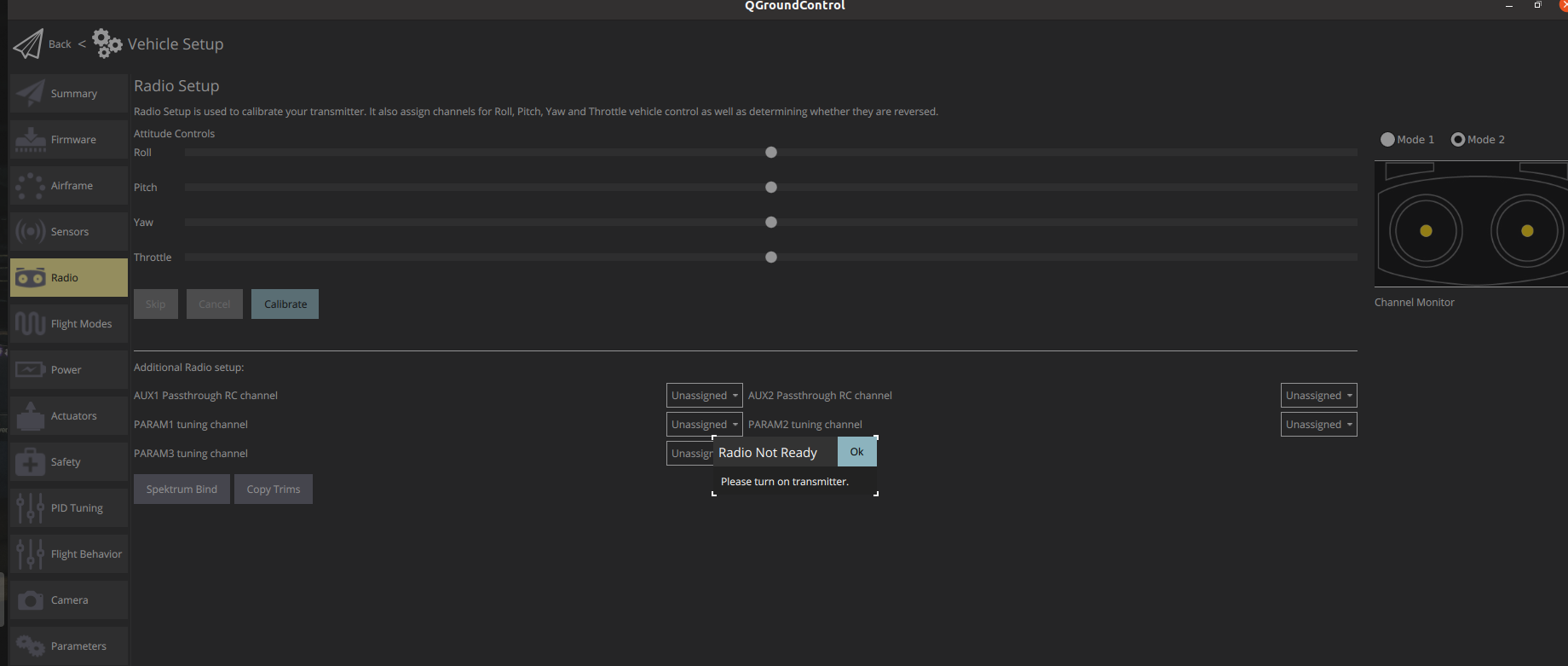
Hi, I'm working with the seeker dev Drone and I buy the Spektrum DSX 7-Channels transmiter to fly in manual mode. I follow the instructions to bind the transmitter to the DSMX Remote Receiver. The bind was complete, because I se the receiver turning on with the transmiter power button but When I go to Qgroundcontrol to calibrate the transmiter I keep getting a message to turn on the transmitter while I have the transmitter on.
Anyone Knows why is this happening?
The Transmitter: https://www.spektrumrc.com/product/dxs-transmitter-only/SPMR1010.html
The Receiver: https://www.spektrumrc.com/product/dsmx-remote-receiver/SPM9745.html.jpeg](/assets/uploads/files/1712146946617-whatsapp-image-2024-04-03-at-9.20.24-am-2.jpeg)
-
A Ariel Saez referenced this topic on
-
Hi, I'm working with the seeker dev Drone and I buy the Spektrum DSX 7-Channels transmiter to fly in manual mode. I follow the instructions to bind the transmitter to the DSMX Remote Receiver. The bind was complete, because I se the receiver turning on with the transmiter power button but When I go to Qgroundcontrol to calibrate the transmiter I keep getting a message to turn on the transmitter while I have the transmitter on.
Anyone Knows why is this happening?
The Transmitter: https://www.spektrumrc.com/product/dxs-transmitter-only/SPMR1010.html
The Receiver: https://www.spektrumrc.com/product/dsmx-remote-receiver/SPM9745.html![alt text](
@Ariel-Saez I already fix the problem, any case someone have the same problem, you need to update the SDK with the proper SKU version, in my case the /data/modalai/sku.txt show me "MRB-D0003-1-V1-C7", and looking my modalai's bill, show I buy the MRB-D0003-2-V2-C7. Next I change my sku.txt with the right code: MRB-D0003-2-V2-C7, then I update my voxl and fix everything.
update SDK documentation: https://docs.modalai.com/flash-system-image/
SKU config and documentation: https://docs.modalai.com/voxl-configure-mpa/
-
A Ariel Saez referenced this topic on
Reading along? Create a free ModalAI Forum account to join in.
With an account you can reply, ask your own question, get an email when a ModalAI engineer answers, and mark the reply that solved it. Your place in each thread is saved between visits.
Questions about VOXL, Flight Core, ESCs and ModalAI drones are answered here by the engineers who build them.
Register Login