
Hires camera rotation
-
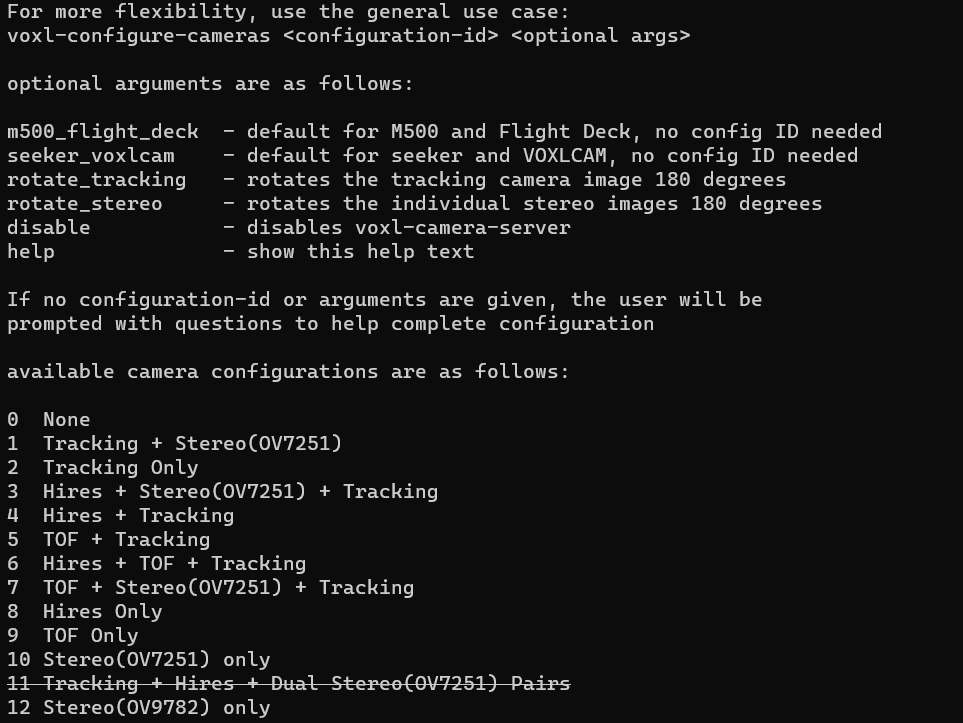
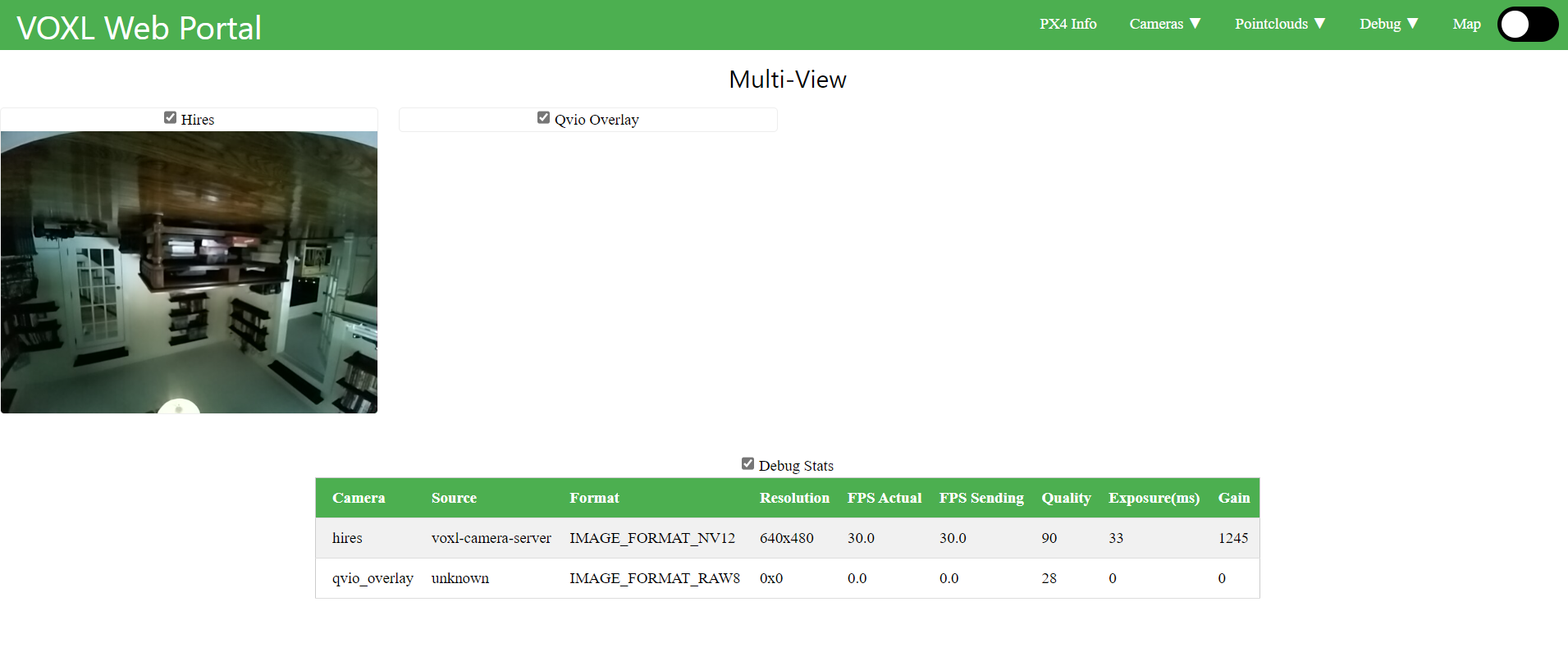
Having issues with Hires camera. Is there a way to rotate the camera similar to the rotate_tracking and rotate_stereo? I also assumed the default seeker_voxlcam would have hires as well but it only has TOF/Stereo/Tracking (ID #7).
-
Hello @JustinDev23 ,
Rotating Hires camera is not an option in the configuration menu, however you can still do this pretty easily.
When you run
voxl-configure-cameras, based on your use case, the script writes an appropriate configuration file to/system/etc/camera/camera_config.xml. In that file, you will see entries for all the cameras expected for the particular use case.Since you have already enabled the hires camera (IMX214), you already have an entry for it in
camera_config.xml, so if you find it, you should see something like this<SensorName>imx214_rot180</SensorName>. What this does it tells the camera framework to load a dynamic library/usr/lib/libmmcamera_imx214_rot180.so- our default is the rotated version. To remove the rotation, you simply change the entry to<SensorName>imx214</SensorName>, which will in turn use/usr/lib/libmmcamera_imx214.solibrary after you reboot and the image should be right side up.Please remember that running
voxl-configure-camerasagain will overwrite the camera_config.xml that you may edit.Hope this helps!
Alex
-
H hmlow referenced this topic on
-
H hmlow referenced this topic on

Reading along? Create a free ModalAI Forum account to join in.
With an account you can reply, ask your own question, get an email when a ModalAI engineer answers, and mark the reply that solved it. Your place in each thread is saved between visits.
Questions about VOXL, Flight Core, ESCs and ModalAI drones are answered here by the engineers who build them.
Register Login