Skip to content
  • 0 Votes
    1 Posts
    324 Views
    No one has replied
  • 0 Votes
    7 Posts
    2k Views
    tomT
    @Joshua-Ermias yes that would be the easiest way. You can either restart the service with systemctl restart voxl-camera-server or just power cycle your VOXL
  • No points from stereo cameras

    Unsolved Flight Core and Legacy VOXL voxl-cam
    2
    0 Votes
    2 Posts
    439 Views
    L
    I just found out, that the voxl-dfs-server is disabled at default. So I run systemctl enable voxl-dfs-server and it worked fin.
  • voxl-cam camera-server crash

    Unsolved Flight Core and Legacy VOXL voxl-cam
    4
    0 Votes
    4 Posts
    1k Views
    patrickpoirierP
    @modaltb I sent it for repair You fond an issue with bad connexion on camera I received it back It is working OK BUT I have an other issue regarding connecting to ArduPilot It seems it is having issue with MavLink Message : voxl-mavlink-server[3036]: ERROR message magic number wrong #284 And it seems to reconnect under a different ID [image: 1678979819117-f7f5c17a-561e-473f-8ddc-f930bc8f0b8a-image.png] Do you have a clue? Do you want me to open a new issue so we can follow more efficiently ? Regards
  • rx-tx from v2 to voxl

    Unsolved Flight Core and Legacy VOXL voxl-cam
    4
    0 Votes
    4 Posts
    1k Views
    jconkJ
    @Adrian-Hidalgo said in rx-tx from v2 to voxl: px4_uart_bus": 12, for J11 connection worked transmitting data now
  • 0 Votes
    1 Posts
    450 Views
    No one has replied
  • SLAM Capabilities

    Unsolved Flight Core and Legacy VOXL voxl-cam
    2
    0 Votes
    2 Posts
    674 Views
    Chad SweetC
    The VOXL CAM is a development kit for SLAM that comes with a number of reference implementations. None of the reference implementations require a closed loop. voxl-qvio-server provides a dead reckoning service based on visual inertial odometry voxl-mapper provides a mapping and planning service for navigating congested spaces
  • 1 Votes
    1 Posts
    495 Views
    No one has replied
  • VOXL-2 Version of Cam?

    Unsolved Flight Core and Legacy VOXL voxl-cam
    2
    0 Votes
    2 Posts
    523 Views
    Chad SweetC
    It is on the roadmap! Hopefully in the next 6 months or so
  • Problem with bitrate and omx encoder

    Unsolved Flight Core and Legacy VOXL voxl-cam
    11
    0 Votes
    11 Posts
    3k Views
    Alex KushleyevA
    @Connor-Fuhrman , I am not sure. Please try to enable debug-level logging, so you may see some errors (both in your application) and voxl-streamer. In your application you can add the following : M_JournalSetLevel((M_JournalLevel) debugLevel); example: https://gitlab.com/voxl-public/voxl-sdk/services/voxl-camera-server/-/blob/master/src/main.cpp?ref_type=heads#L301 voxl-streamer already has this option, just need a command line option : https://gitlab.com/voxl-public/voxl-sdk/services/voxl-streamer/-/blob/master/src/main.c?ref_type=heads#L383
  • Scratch/Adhesive on One of Stereo Cameras

    Unsolved Flight Core and Legacy VOXL voxl-cam
    2
    0 Votes
    2 Posts
    471 Views
    tomT
    It's possible that the lens has been knocked out of focus. See @Dobry-Kolacz 's write-up here on addressing that issue: https://forum.modalai.com/topic/1362/sentinel-stereo-camera-calibration-inconsistency/4?_=1674364904154 "To adjust the focus on our stereo cameras twist the lens housing clockwise or counterclockwise similarly to how you would on a DSLR lens. Look closely at the stereo cams and you will see 4 flat edges. I recommend using a 6mm wrench to engage 2 of the flat edges; from there you'll be able to rotate and adjust the lens as needed. It is possible to use something like tweezers or small pliers to accomplish this however I recommend against that method because it is too easy for the tool to slip off and end up scratching the lens. To clean the lens I recommend using a clean microfiber cloth, a lens tissue, or a fresh q-tip"
  • VOXL-CAM LTE connection

    Unsolved Flight Core and Legacy VOXL voxl-cam
    4
    0 Votes
    4 Posts
    821 Views
    Adrian HidalgoA
    @yhcho61 If you're asking where to plug in the antennas to the Voxl-Cam, then most times the Voxl-Cam has extensions from which to attach the LTE antennas to. If it didn't, you would just need to take the backpack off and thread the antenna through the slot of the backpack and plug them in to the modem. Reattach the backpack and then initialize the modem to use it.
  • Tracking Camera's Pixel and Lens Sizes

    Unsolved Flight Core and Legacy VOXL voxl-cam
    2
    0 Votes
    2 Posts
    721 Views
    Chad SweetC
    just updated datasheet link to https://www.ovt.com/wp-content/uploads/2022/01/OV7251-PB-v1.9-WEB.pdf thanks for pointing out
  • Dark image from tracking cam

    Unsolved Flight Core and Legacy VOXL voxl-cam
    2
    0 Votes
    2 Posts
    481 Views
    ?
    Hi, What software version are you running? This was an issue we saw commonly on some of our older software versions but fixed in our release of SDK 0.7 with the addition of a new exposure algorithm. You can check the software version on the drone by running voxl-version.
  • 0 Votes
    1 Posts
    387 Views
    No one has replied
  • 0 Votes
    5 Posts
    1k Views
    張為超
    I'm not 100% sure but I think you can check if you have publish /mavros/companion_process/status with component value 196 correctly, it should be publish by px4 avoidance automatically if your setup is good.
  • Tilting the VOXL CAM forward

    Unsolved Flight Core and Legacy VOXL voxl-cam
    3
    0 Votes
    3 Posts
    999 Views
    Sem AndewegS
    Hey @Steve-Turner, thanks for your answer, I will take a look into it!
  • Problem with voxl-camera-server

    Unsolved Flight Core and Legacy VOXL voxl-cam
    3
    1
    0 Votes
    3 Posts
    899 Views
    A
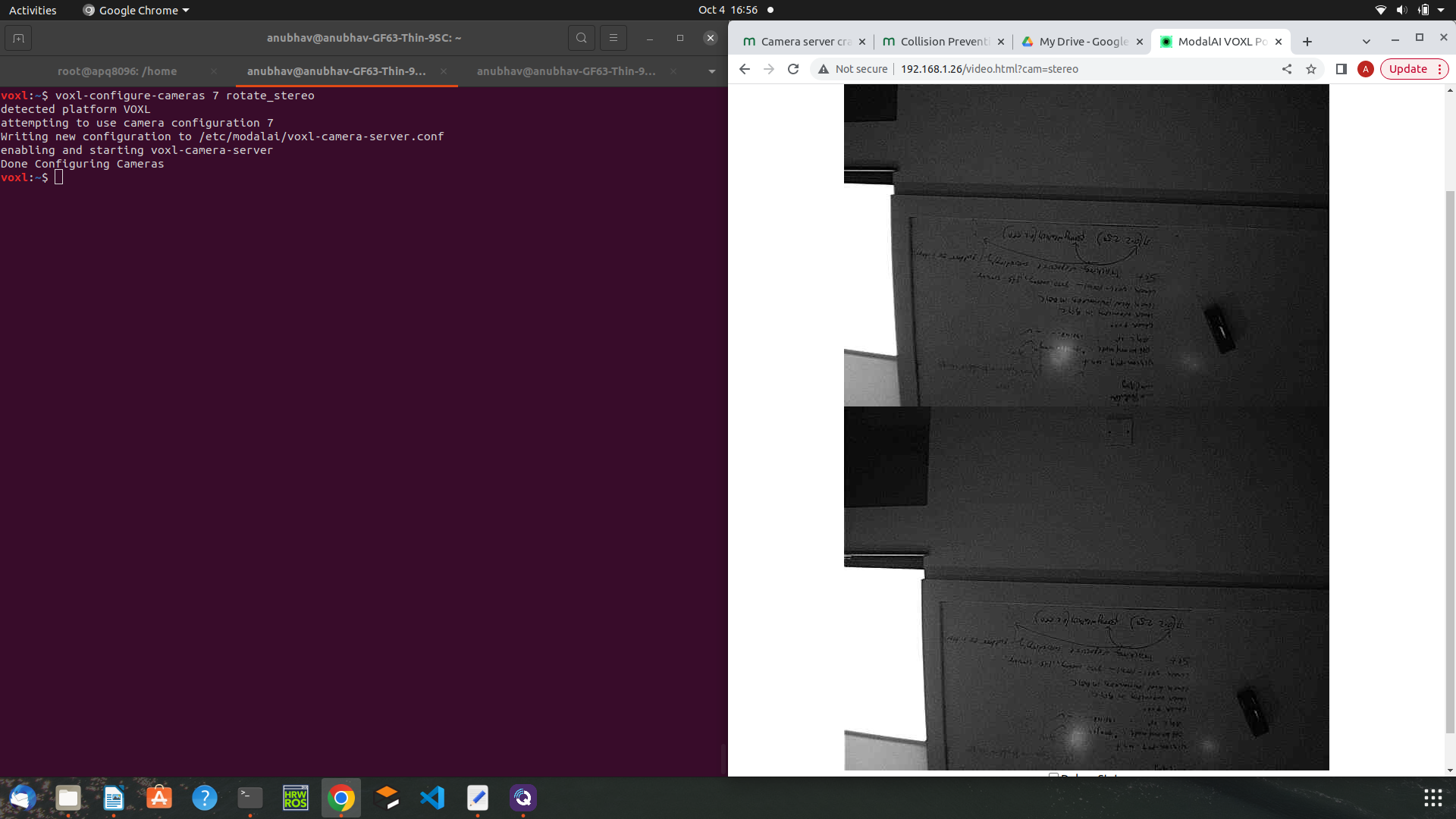
    Hi Alex, I have noticed following things: When I am using camera-configuration of stereo+tracking, camera server is not stopping after enabling and starting dfs server. When I am using camera-configuration of tof+stereo+tracking, camera server is stopping after enabling and starting dfs server. Tof sensor is working fine when not using dfs server. So, the problem of camera server getting stop with the configuration of tof+stereo+tracking and after enabling and starting dfs server a hardware issue? Does collision prevention works without the depth from stereo server instead just with the depth from tof sensor? Thanks! Anubhav
  • Error: Requesting home position

    Unsolved Flight Core and Legacy VOXL voxl-cam
    2
    0 Votes
    2 Posts
    1k Views
    Abdullah01A
    @Anubhav same issue here, have you figured it out?