Skip to content

General Questions

2.2k Topics 11.3k Posts

Not sure where your question goes? Ask here. ModalAI engineers and the community answer questions about any VOXL product.

  • Upgrade PX4 Developer Kit Drone

    Unsolved
    8
    0 Votes
    8 Posts
    1k Views
    tomT
    @greg_s Just pinged our support team, they're taking a look at it now
  • custom camera config for imx214

    Unsolved
    1
    0 Votes
    1 Posts
    374 Views
    No one has replied
  • This topic is deleted!

    1
    0 Votes
    1 Posts
    22 Views
    No one has replied
  • RC transmitter / receiver

    Unsolved
    3
    0 Votes
    3 Posts
    561 Views
    C
    @VictorG Sorry, the previous post wasn't clear The flight core 2 is capable to receive SBUS or DSMX protocols. So if your FlySky receiver is capable to output SBUS than you can use it
  • This topic is deleted!

    1
    0 Votes
    1 Posts
    3 Views
    No one has replied
  • Missing Config File

    Unsolved
    5
    1
    0 Votes
    5 Posts
    966 Views
    Q
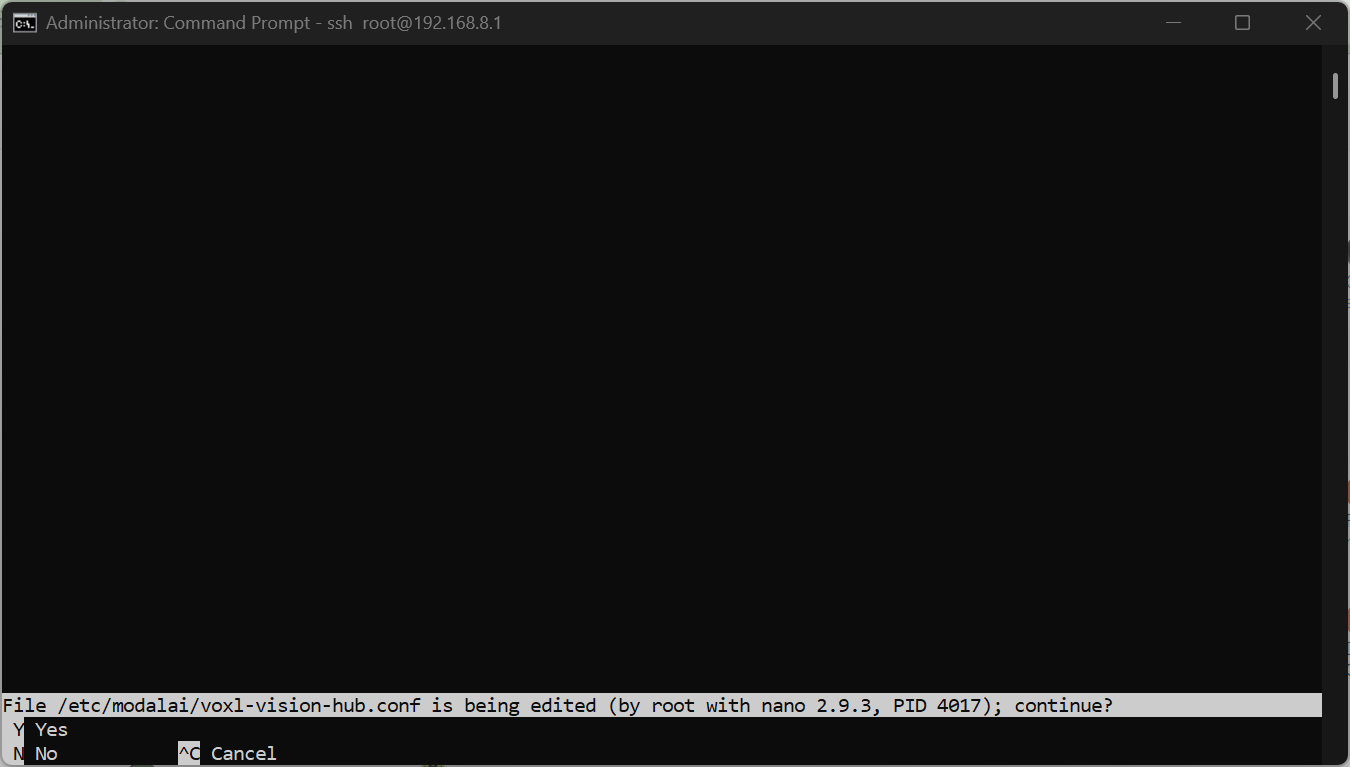
    @tom said in Missing Config File: voxl-configure-vision-hub factory_enable thanks. I tried the Sku Wizard then MPA but I seem to still have a blank file when I open it in nano. I will try the factory default next.
  • Dual FLIR Lepton thermal cameras with VOXL2 Mini and Sparrow

    Unsolved
    5
    0 Votes
    5 Posts
    927 Views
    J
    No new progress in the last few days. Do you have any idea what the issue might be @Alex-Kushleyev ?
  • Starling 2 SLAM ROS2 Foxy

    Unsolved
    8
    0 Votes
    8 Posts
    1k Views
    T
    Hi @Roya-Salehzadeh, Yep, the points showing up in voxl_mapper_aligned_ptcloud are static (ie. not tied to the vehicle's current pose) I've never tried to do that so I'm not 100% sure but recording the points with a ros2 bag seems like a reasonable approach 3a. I'm not sure why you would need to do any transformation to plot the data on RViz. Voxl-mapper already does transformations to put the data in a static frame of reference. If you're only seeing it as a live stream this is probably because it's playing one message one after the other. I'm not sure but there might be a setting in RViz to ignore the timestamps or you could potentially do something like set all the timestamps to 1. 3b. Voxl-mapper uses the tof data to generate the map. What are you trying to do by visualizing the tof data? 3c. For visualizing the path I'm not sure if you would need to do transformations or not. This is the line that digests the pose data in voxl-portal. After a little investigating it seems like the /world might be the correct frame_id. If it were me, I'd start by getting the accumulated map on RViz then plot the odometry inside that map with the /world frame_id and then check if you need to do any additional transformations. @brahim what're your thoughts on the RViz frame_id for odometry? Let me know if that helps, Ted
  • Cant use Mavsdk! please Help!

    Unsolved
    6
    0 Votes
    6 Posts
    1k Views
    Eric KatzfeyE
    @Daniel-Rincon Yes, please start a new post for the VIO question
  • This topic is deleted!

    1
    4
    0 Votes
    1 Posts
    14 Views
    No one has replied
  • voxl2 and FLIR Hadron Gimbal

    Unsolved
    1
    0 Votes
    1 Posts
    353 Views
    No one has replied
  • UART communication using J19 - VOXL2 SENTINEL

    Unsolved
    5
    0 Votes
    5 Posts
    1k Views
    Eric KatzfeyE
    @constantines Unfortunately, the PX4 Mavlink module is only running on the applications processor (Linux) and not on the DSP side. Mavlink would have to be added to the DSP PX4 build.
  • Cannot access wifi and USB

    Unsolved
    3
    0 Votes
    3 Posts
    768 Views
    Kiazoa JoaoK
    @Avery-Cuevas Yes, the VOXL powers up and I've tried using different USBs and still no result. I even tried reflashing the system, but it won't detect fastboot and adb devices
  • I can't see OBSTACLE_DISTANCE on QGC

    Unsolved
    18
    0 Votes
    18 Posts
    4k Views
    C
    @Inverse-AJ @rogerli Hi, I also struggled with the OBSTACLE_DISTANCE MAVLink message not appearing in the MAVLink Inspector. Moreover, obstacle avoidance was not functioning after I upgraded v1.3.5 to ModalAI SDK v1.5.0. If you're experiencing this issue, ensure the following: Set MPC_POS_MODE to 0 (Simple Position Control) or 3 (Smooth Position Control). The default value (4, Acceleration-based Input) is incompatible with ModalAI’s VOXL platform. Set COM_OBS_AVOID to 1. This enables obstacle avoidance in PX4. Set CP_DIST to a value greater than 0. This specifies the critical distance for collision prevention. Ensure your drone has a valid home position or local position from QVIO. This is required for proper navigation. Ensure your drone is in Position Hold mode. Obstacle avoidance requires this flight mode. Although the OBSTACLE_DISTANCE message does not appear in the MAVLink Inspector, QGroundControl displays the obstacle distance overlay in its telemetry view, and the drone successfully performs obstacle avoidance. Note: This applies to ModalAI SDK v1.5.0; check for updates in newer versions. [image: 1753088579973-f0d0fe9f-61ff-4287-9210-186dafc0879a-untitled.jpg]
  • Firmware Structure (Adding VTOL support) - Clarifications

    Unsolved
    20
    0 Votes
    20 Posts
    3k Views
    Eric KatzfeyE
    @garret Here's the source code for our branch of Gazebo: https://github.com/modalai/PX4-SITL_gazebo-classic/tree/voxl-dev
  • ❗️build.sh qrb5165 voxl Stuck at "Waiting for voxl device..." (Using ADB)

    Unsolved
    1
    0 Votes
    1 Posts
    276 Views
    No one has replied
  • Drone Unexpectedly Exited Position Mode During Indoor Flight ❓

    Unsolved
    1
    0 Votes
    1 Posts
    355 Views
    No one has replied
  • 0 Votes
    1 Posts
    869 Views
    No one has replied
  • Flir Boson over m0153 setup

    Unsolved
    13
    0 Votes
    13 Posts
    2k Views
    Matthew WellnerM
    @Alex-Kushleyev Thanks again for the help. Unfortunately as it turns out, even though I have a Boson 640+ FLIR told me that the version I have is right before they started providing the MIPI output. I can still use the UVC interface, but it doesn't look like the Boson+ that I have can use the MIPI adapter after all. I don't know that many others will have my problem, but you guys might want to note that only the newest version of the Boson camera will support the MIPI adapter kit (https://flir.custhelp.com/app/answers/detail/a_id/6245/~/flir-oem---boson-software-versions). Matt
  • Need help with what to buy

    Unsolved
    2
    0 Votes
    2 Posts
    442 Views
    T
    Sorry If i have asked the wrong question. I don't have much experience. Any help is appreciated.