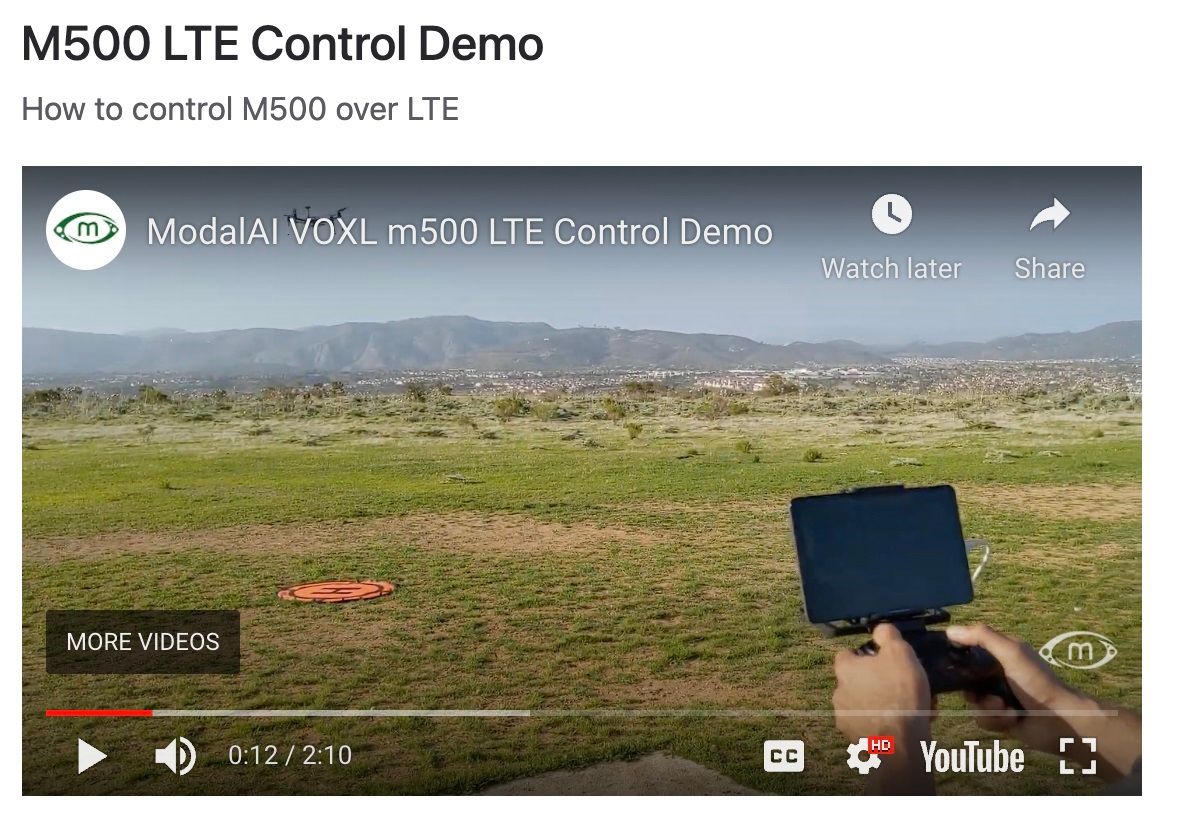
@RichieRich said in Which controller are you using in the LTE demo video?:
https://www.razer.com/mobile-controllers/razer-raiju-mobile/RZ06-02800100-R3U1
Thanks!
@tom The crazy continues. The ATT sim card works at my home, though not in the office. I have an ATT phone, and it works at the office, though the data sim card does not. arrgh.
@Arrowtec This seems like it could be either a SIM card issue or an APN issue. Can you test the SIM card in another device such as a cellphone to confirm that it is functional? If it is, I would use voxl-configure-modem and confirm that you are using the correct APN in order to connect to the network.
@Eric-Katzfey I figured that would be the case. Atm I am just letting it boot on it's own; the systemd service file is an idea that i will test and afterwards I will get back to you.
@Aldo-Castro-Freire thanks for the feedback, do you mind sharing the openVPN Client and Server versions you ended up using that worked?
We've tested using server v2.4.8, voxl-vpn (v2.1.3 inside that), and OpenVPN Connect ver 3.2.2 on Adroid.
Hi @Olivier-GASTÉ
It looks as though the instructions you are following are for the "v1" LTE modem while you are using a "v2" LTE modem.
Just yesterday I updated our modem documentation. Here is the updated documentation for getting your modem going: https://docs.modalai.com/lte-v2-modem-manual/
These instructions require the newest version of voxl-modem which can be downloaded directly from http://voxl-packages.modalai.com/stable/voxl-modem_0.10.0.ipk
In order to install this new ipk, you can use the following:
# On host pc
adb push voxl-modem_0.10.0.ipk /home/root/ipk/
adb shell
# On VOXL
opkg install /home/root/ipk/voxl-modem_0.10.0.ipk
Once installed, you should be able to use the voxl-configure-modem script to get your modem up and running.