Skip to content

General Questions

2.2k Topics 11.3k Posts

Not sure where your question goes? Ask here. ModalAI engineers and the community answer questions about any VOXL product.

  • Unable to access px4 with qgc in voxl 2 using usb-jst cable

    Unsolved
    15
    1
    0 Votes
    15 Posts
    3k Views
    Eric KatzfeyE
    @Tamas-Pal-0 In order to prevent px4 from running automatically in the background as a daemon on system startup use systemctl disable voxl-px4 and then sync. Reboot voxl 2 and then try voxl-px4-hitl again.
  • How to calibrate sensors with qgc in voxl 2?

    Unsolved
    2
    0 Votes
    2 Posts
    429 Views
    Eric KatzfeyE
    @Tamas-Pal-0 You don't use the USB with VOXL 2. Just follow the on screen instructions to do each calibration (compass, accelerometer, etc.)
  • VOXL2 Mythic M1076 Add On Card

    Unsolved
    2
    0 Votes
    2 Posts
    547 Views
    VinnyV
    Hi Rohit, Accept my apologies for a delayed response here. We currently do not offer a combo card that supports both Mythic and Microhard simultaneously. We do have an architecture that could support Mythic directly, with Microhard as a stand-alone config through our USB Hub. https://www.modalai.com/products/mh-sa However, we have not had enough interest to make this a formal product as of yet. We do have a proof of concept working for Mythic, but it needs some refinement. We would be looking at a few months to complete that design and get it for sale. If this is something that you think can be of interest to you, please let us know using our "contact" form so you can reach us to talk about potential volumes and if we could support this for you. Thanks!
  • Which cable is supported for receiver for voxl 2

    Unsolved
    4
    0 Votes
    4 Posts
    464 Views
    modaltbM
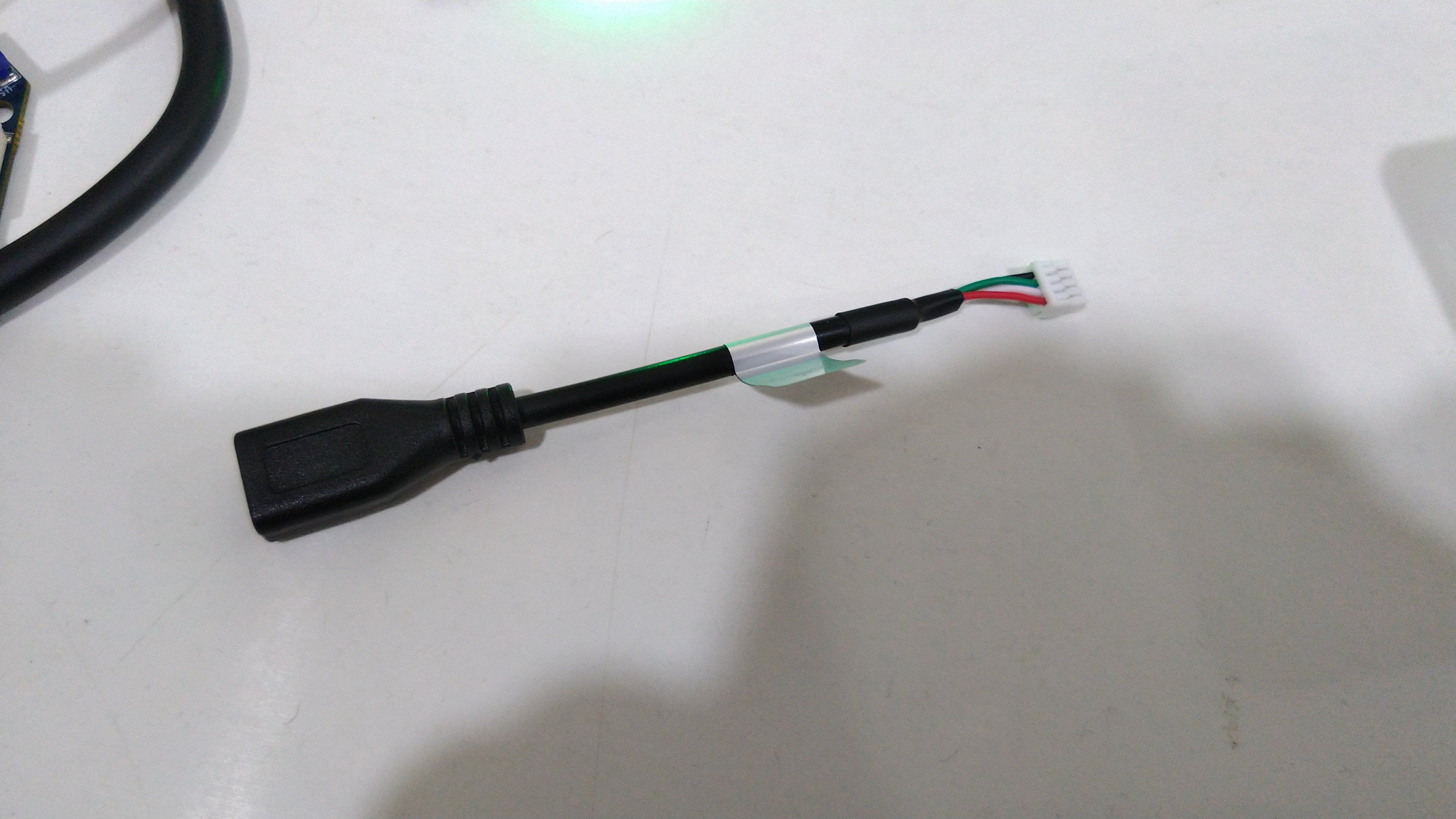
    Hi @Tamas-Pal-0 , Here's what we make for the Sentinel drone, where we have the spektrum bind board in series along with a GPS/mag: https://www.modalai.com/products/voxl-2-gps-mag-rc-assembly?variant=40673762869299 If it's just the RC input you need, then using a 12 pin JST GH connector and pins 9/11/12 of this connector: https://beta-docs.modalai.com/voxl2-connectors/#j19-pin-out and you can make a custom cable.
  • PX4 is **NOT** Getting VIO Data

    Unsolved voxl-flight voxl
    4
    1
    0 Votes
    4 Posts
    2k Views
    Chad SweetC
    Check out the troubleshooting tips here for future referenec https://docs.modalai.com/flying-with-vio/#position-mode-rejected
  • VOXL Flight might be broken?

    Unsolved
    5
    0 Votes
    5 Posts
    1k Views
    R
    I dropped the faulty VOXL Flight Deck last Monday to your office with the RMA Order number. Is there any update on this? Thanks!
  • RealSense D430 and DW1000 UWB integration on VOXL

    Unsolved
    3
    0 Votes
    3 Posts
    626 Views
    R
    Thanks for the reply! Good to know.
  • VOXL Flight will not flash image

    Unsolved
    8
    0 Votes
    8 Posts
    2k Views
    ?
    Hi Kris, Can you make a new thread explaining your issue in more detail?
  • Missing PX4-HITL configuration files

    Unsolved
    1
    0 Votes
    1 Posts
    258 Views
    No one has replied
  • Need Help- I can't engage flight mode

    Unsolved
    7
    0 Votes
    7 Posts
    2k Views
    tomT
    @Ward-Javoronok https://docs.modalai.com/configure-rc-radio/
  • modifying voxl-mapper

    Unsolved
    23
    0 Votes
    23 Posts
    7k Views
    N
    @Matthew-Booker This worked! Thank you
  • Question about LTE North American Options...

    Unsolved
    7
    0 Votes
    7 Posts
    2k Views
    Chad SweetC
    No, V1 uses WNC modems and V2 uses Sierra
  • HITL with voxl 2

    Unsolved
    2
    0 Votes
    2 Posts
    408 Views
    Eric KatzfeyE
    @Tamas-Pal-0 Please try with branch "voxl-dev"
  • voxl-vision-px4 1.* not working on apq8096

    Unsolved
    2
    4
    0 Votes
    2 Posts
    624 Views
    Philemon BennerP
    Ok i resolved the issue. You actually need to run voxl-mavlink-server and voxl-vision-px4 to get Autopilot enabled for Mavsdk.
  • Connection reset by peer when updating opkg

    Unsolved
    1
    2
    0 Votes
    1 Posts
    362 Views
    No one has replied
  • voxl-mapper does not run: libgomp.so.1 does not exist

    Unsolved
    2
    0 Votes
    2 Posts
    761 Views
    ?
    Hi, You will need to install the openmp package for voxl which can be found here http://voxl-packages.modalai.com/stable/. The easiest way to do this would be to follow these steps: Edit the /etc/opkg/opkg.conf file and change the last line from src/gz modalai http://voxl-packages.modalai.com/dists/apq8096/stable/binary-arm64/ to src/gz modalai http://voxl-packages.modalai.com/stable/ Run opkg update Run opkg install openmp Redit the /etc/opkg/opkg.conf file to change the last line back to the original i.e. src/gz modalai http://voxl-packages.modalai.com/dists/apq8096/stable/binary-arm64/ Rerun opkg update Let me know if there are any issues.
  • Cloning System Image

    Unsolved
    2
    0 Votes
    2 Posts
    711 Views
    modaltbM
    Hi @ryan-langlois1 , I don't know of a way to do this at this point that is equivalent to say a hard drive clone... In general, we are doing this using Yocto/Bitbake to generate the original system image, and customize it using recipes etc. In our production line, we flash the bare minimum system image, and then load debian packages needed to get the functionality that we want. We do this via the "Platform Release" (https://developer.modalai.com/). There's a few scripts and a bunch of packages in there, you can see this for reference, e.g. the offline-install.sh is a good example: [image: 1660146627309-1c84cb2c-e2ad-4281-b5f4-cca7c2094c49-image.png]
  • QGC LOCAL_POSITION_NED drifting

    Unsolved
    7
    2
    0 Votes
    7 Posts
    2k Views
    M
    @Adrian-Hidalgo Correct, this is on an m500 drone. I intend to fly to GPS waypoints in mission mode (I have done this a few times successfully before noticing the local_position_ned was drifting). I didn't see the vehicle drift while in flight but wanted to double-check before flying again. I am not sure when the local_position_ned began drifting. I have tried resetting qvio - seeing that doing so had resolved local_position_ned issues for someone on another forum. I have the drone on my desk and powered from a 12V 3A wall power supply - I believe that is why the battery status reports zero (when I use a lipo, the battery status looks correct). & yes the vehicle parameters have been loaded.
  • IMU configuration - dynamic range

    Unsolved
    3
    0 Votes
    3 Posts
    512 Views
    אוהד יעריא
    thank you
  • Possible issue with Dockerfile.xenial-base in gitlab...

    Unsolved
    1
    0 Votes
    1 Posts
    322 Views
    No one has replied