I'm trying to follow the unbricking procedure for a voxl2. Tried to download this file, "VOXL2 QDL Image 14.1a_1.7.8" . After agreeing to the EULA I'm able to see the download directory, but could not find the file there: 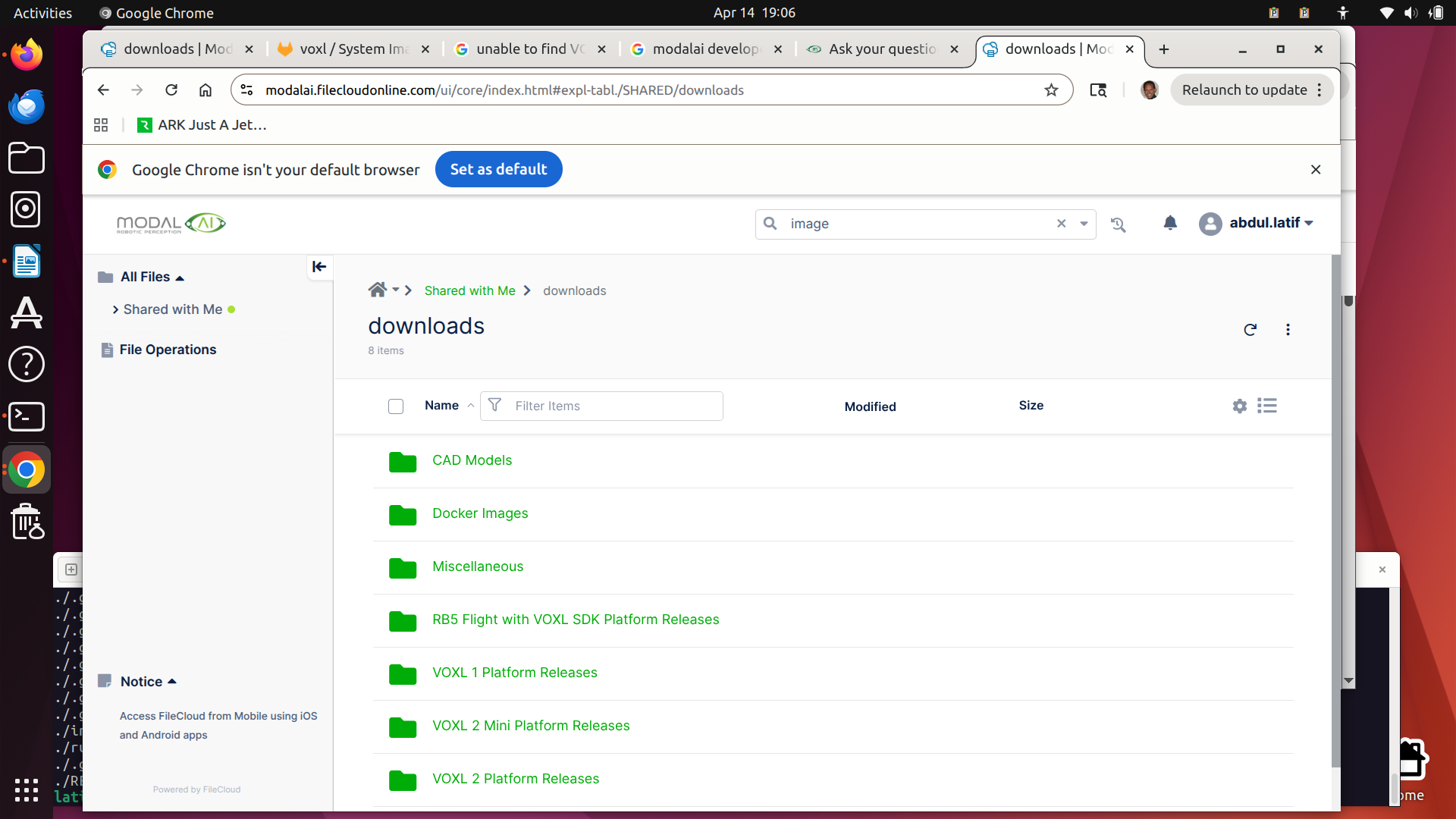
L
latif
@latif
Posts
-
Unable to find QDL image -
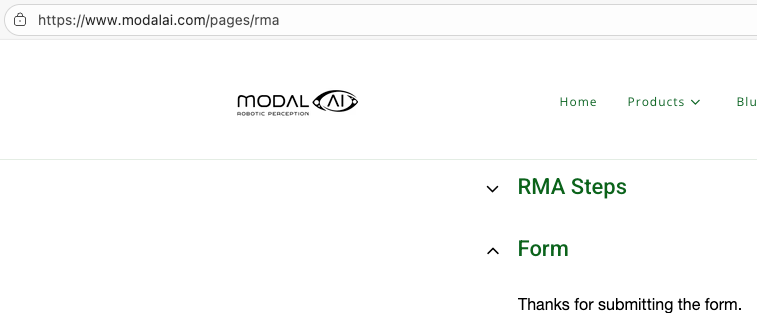
VOXL2 ADK Repair/Replacement Options@tom Thank you! Submitted the RMA today (22-NOV-2025). Did not get any number or anything, but the following message:
-
VOXL2 ADK Repair/Replacement Options@latif @Moderator , is it possible to get any help from ModalAI on this?
-
VOXL2 ADK Repair/Replacement Options@latif Can someone help me with some repair options for a VOXL2 ADK?
-
VOXL2 ADK Repair/Replacement Options@latif @tom, @Maxwell-Schaefer: you guys have helped me before with my initial problem. I hope you can help me again fixing this broken item.
-
VOXL2 ADK Repair/Replacement OptionsHi,
My new VOXL2 ADK Serial# M25000000018S had, what I think is a minor crash. Now, it no longer connects via ADB. Three visible damages I can see are the following:- A broken leg
- A damaged propeller
- A loose GPS (Taoglas) module
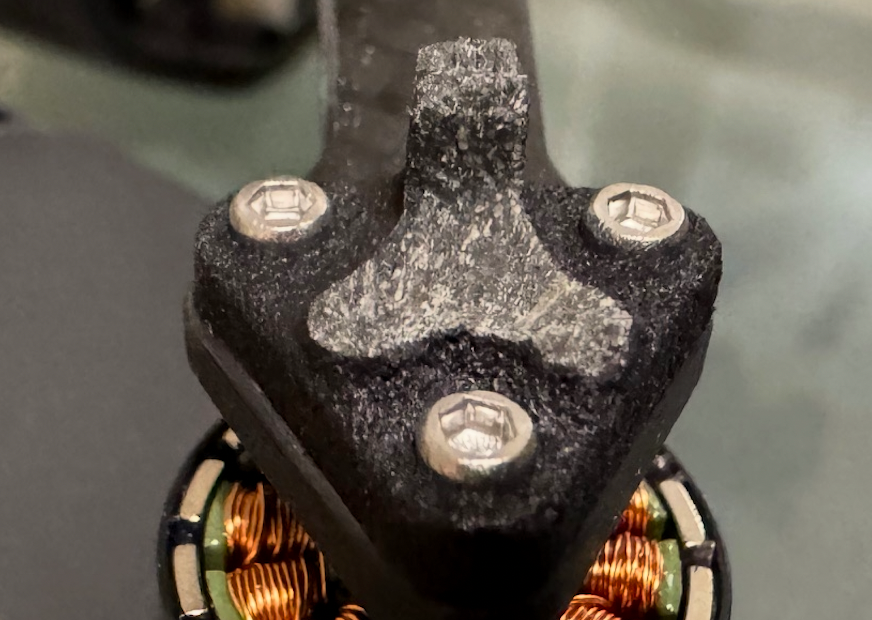
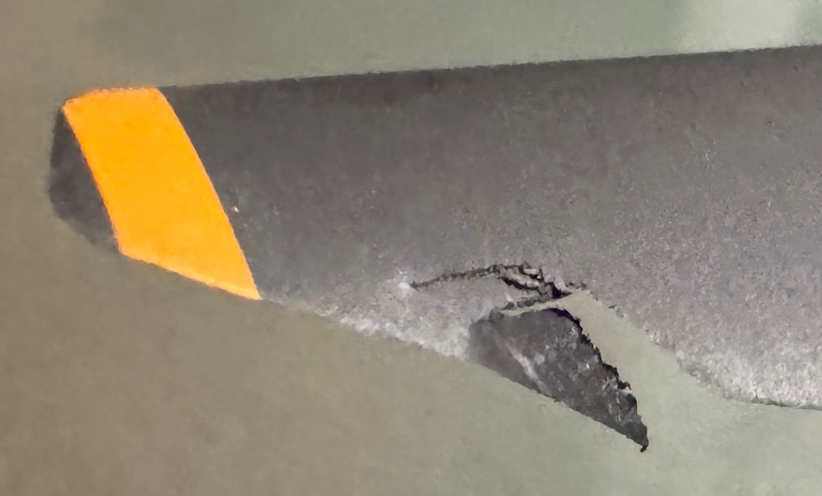
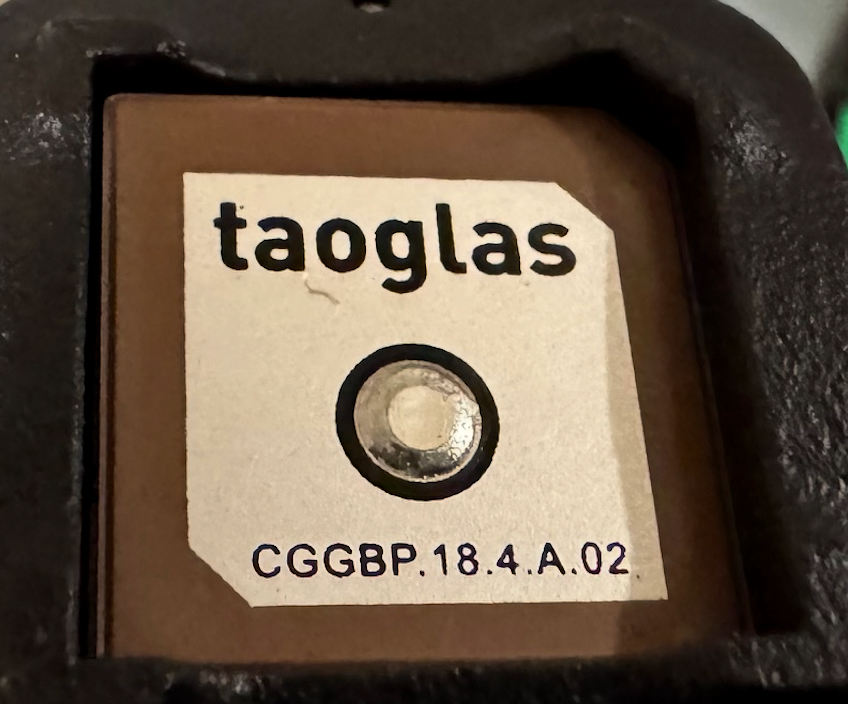
I cannot tell what else may have been damaged internally. Could you help me in bringing it back to a flying shape with communication?
-
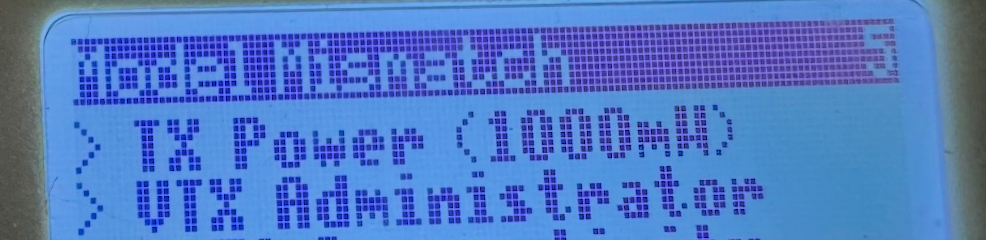
Requesting the factory original calibration files for ADK Ser#M2500000185@Maxwell-Schaefer Thank you! I was able to set the model match to off using the controller screen.
-
Requesting the factory original calibration files for ADK Ser#M2500000185@latif
 -
Requesting the factory original calibration files for ADK Ser#M2500000185@tom Now that I seem to have a good health check and the cameras working, I'd like to do the simplest possible first flight -- I went through the video directions in the Bootcamp, but wasn't able to go beyond trying to "arm" it.
- I can't tell if it is binding or not. Tried the voxl-elrs -b, which seems to take it as the blue flashing lights become steady, but no movement of the propellers on trying to arm. I'm seeing a "model mismatch" message on the Commando8 Remote Controller. This shipped with the ADK and nothing has been done to it.
- I need some help in flying it, indoors if that's ealier without GPS, but ultimately with GPS mission-planning, but I seem to be far from it, because I haven't done even a simple off-the-shelf type of flight.
- This is my first time handling a drone of any kind, so I'm lacking some knowledge and could use some instructions to get this simple first flight job done.
-
Requesting the factory original calibration files for ADK Ser#M2500000185@tom I'll let it sit outside for a few minutes for GPS locks. Here's the output for voxl-check-calibration:
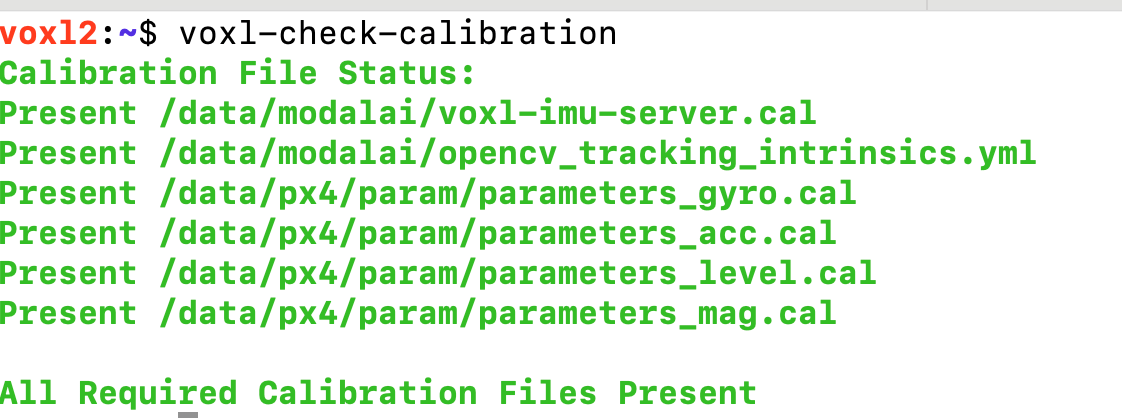
Still seeing things like

-
Requesting the factory original calibration files for ADK Ser#M2500000185@latif Hi @tom, cleaning up the /var/syslog file enabled the camera server to run - so the cameras are fine. I'm still not sure if all the calibrations are right, I see an error message
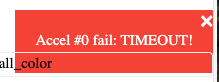 when I try to bind the Commando8 Controller. Also, could never get a "READY" sign on QGroundControl. Should I run the "Sensor Calibration" options? Not knowing what that'd do, I didn't run them.
If this is relevant information: I'm not getting GPS data consistently (right now getting nothing, but earlier at some point in time I did), right now I see this on QGC: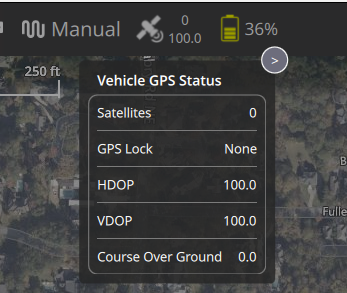
-
Requesting the factory original calibration files for ADK Ser#M2500000185@latif Thanks! syslog was 27G! Emptied it out and running voxl-configure-cameras again. Hopefully this will fix the other issues.
-
Requesting the factory original calibration files for ADK Ser#M2500000185@tom Yeah, it's starting to look dangerous. Here's the output:
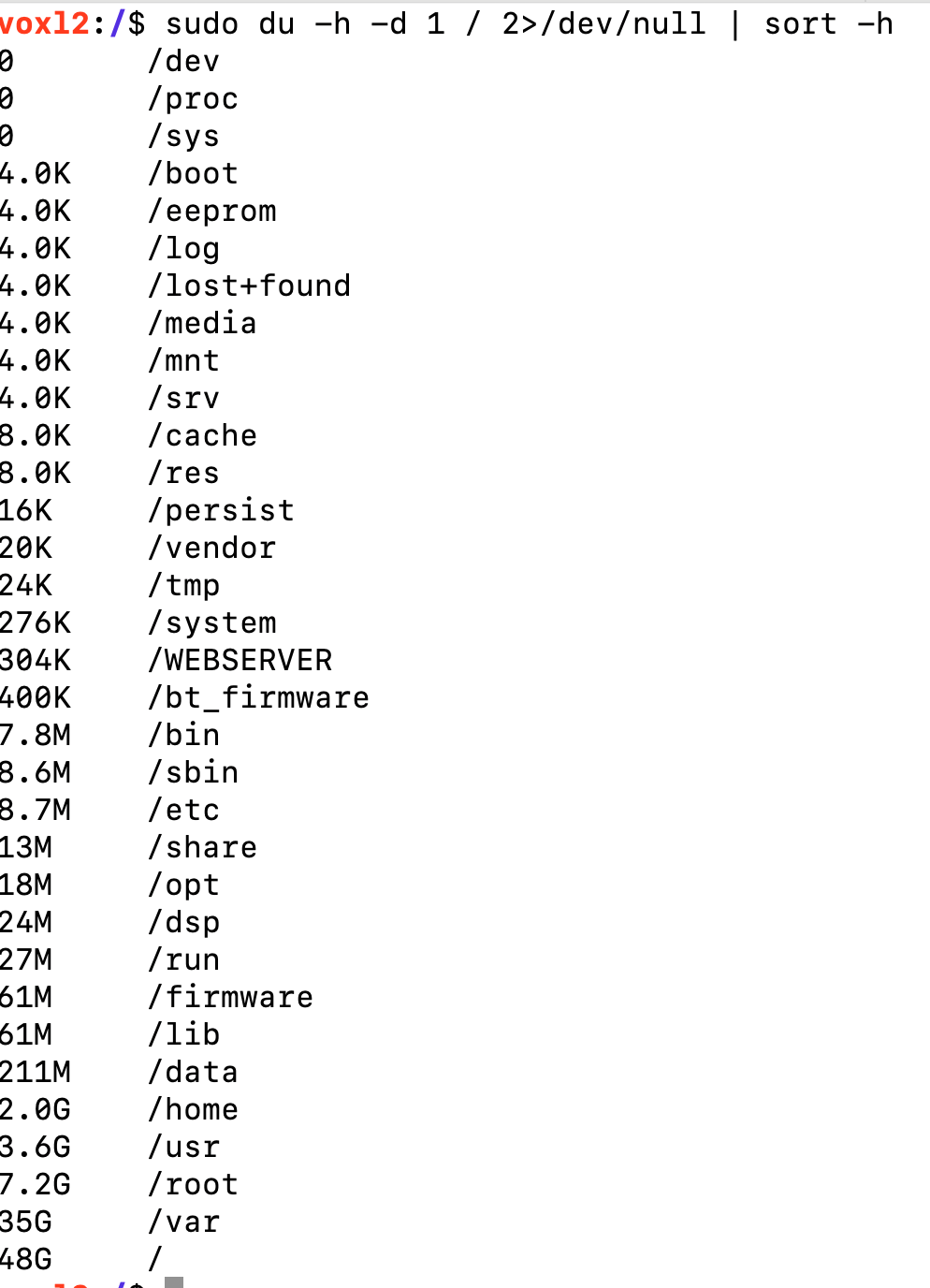
-
Requesting the factory original calibration files for ADK Ser#M2500000185@tom Yeah, it's starting to look bleak! Here's the output:
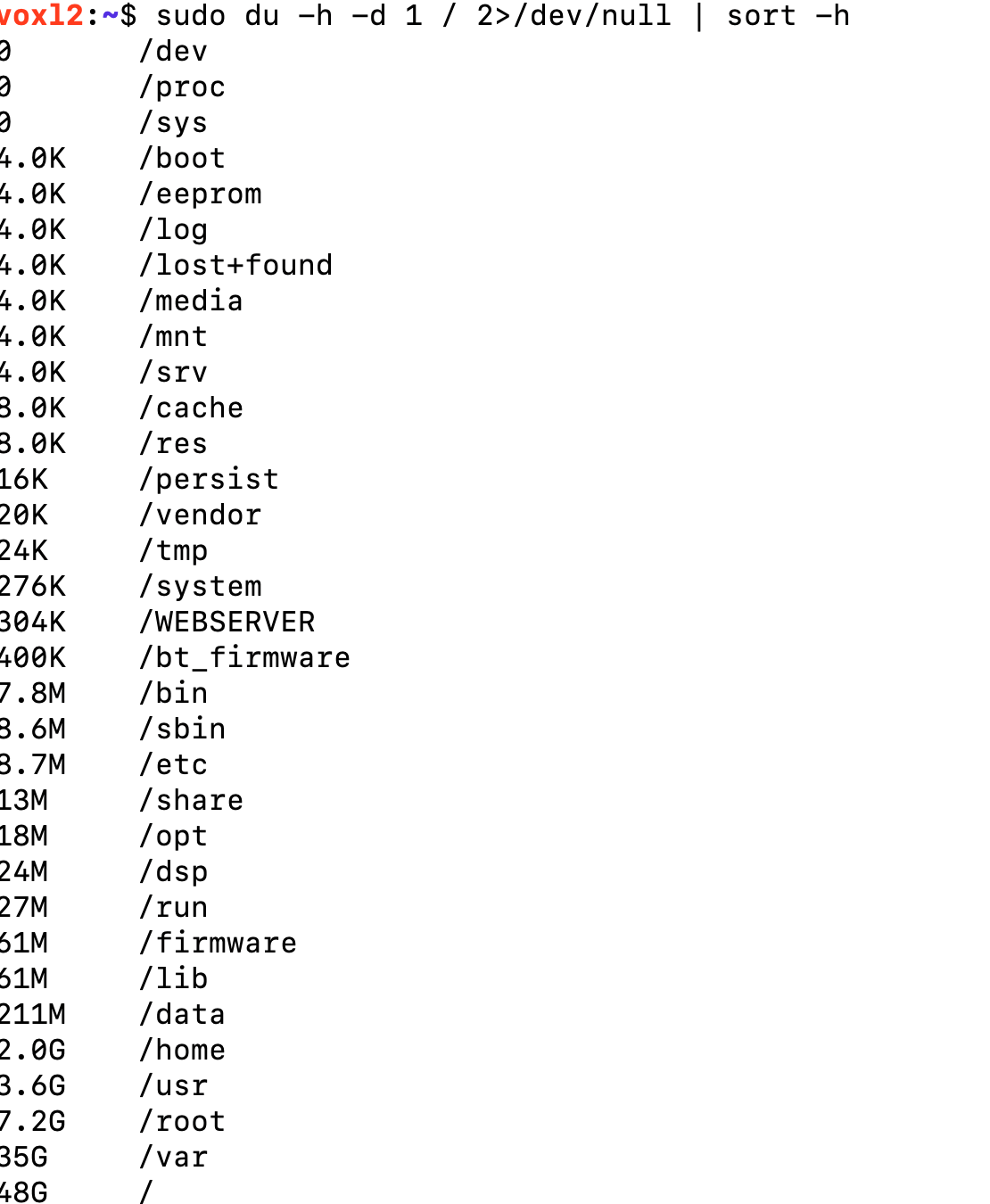
The only user data I have is under /home/root, about 1.8GB. I can free up some of it, but how do I redirect the configuration processes to use a different directory other than /usr, /lib, etc.?
Also, is there a way to increase the overall storage size? I see that the biggest partition ("sda") is only 118G and now full. -
Requesting the factory original calibration files for ADK Ser#M2500000185Maybe a different issue, running configure stand-alone shows this problem:

Checking space I see this:

-
Requesting the factory original calibration files for ADK Ser#M2500000185 -
Requesting the factory original calibration files for ADK Ser#M2500000185@latif I meant "voxl-configure-cameras 19"... in the post above.
-
Requesting the factory original calibration files for ADK Ser#M2500000185@latif Hi @tom, thank you for sending me the yml file. Applying that I get a good healthcheck, after calibrating the imu.
I do still have a problem with the cameras. I see that voxl-camera-server is not running (fails at startup).My SKU is the following, having taken the default cam config of 20:
family code: MRB-D0011 (px4-autonomy-dev-kit)
compute board: 4 (voxl2)
hw version: 1
cam config: 20
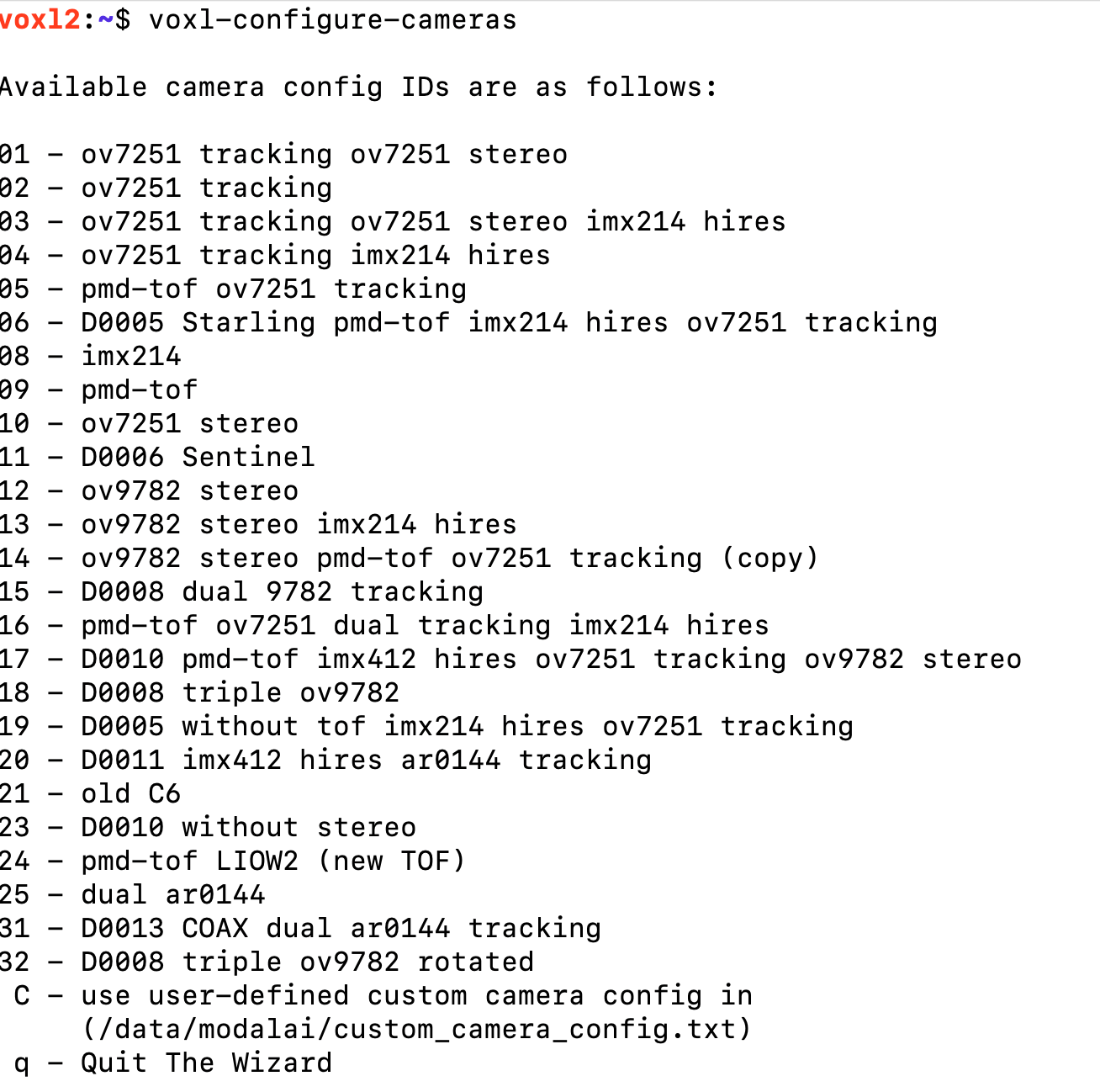
modem config: 0 (none)
tx config: 7 (elrs_beta_fpv)
extras config: 0 (none)
SKU: MRB-D0011-4-V1-C20-T7-M0-X0I did see this error while running voxl-configure-mpa: FAILED TO EXECUTE: voxl-configure-cameras 20
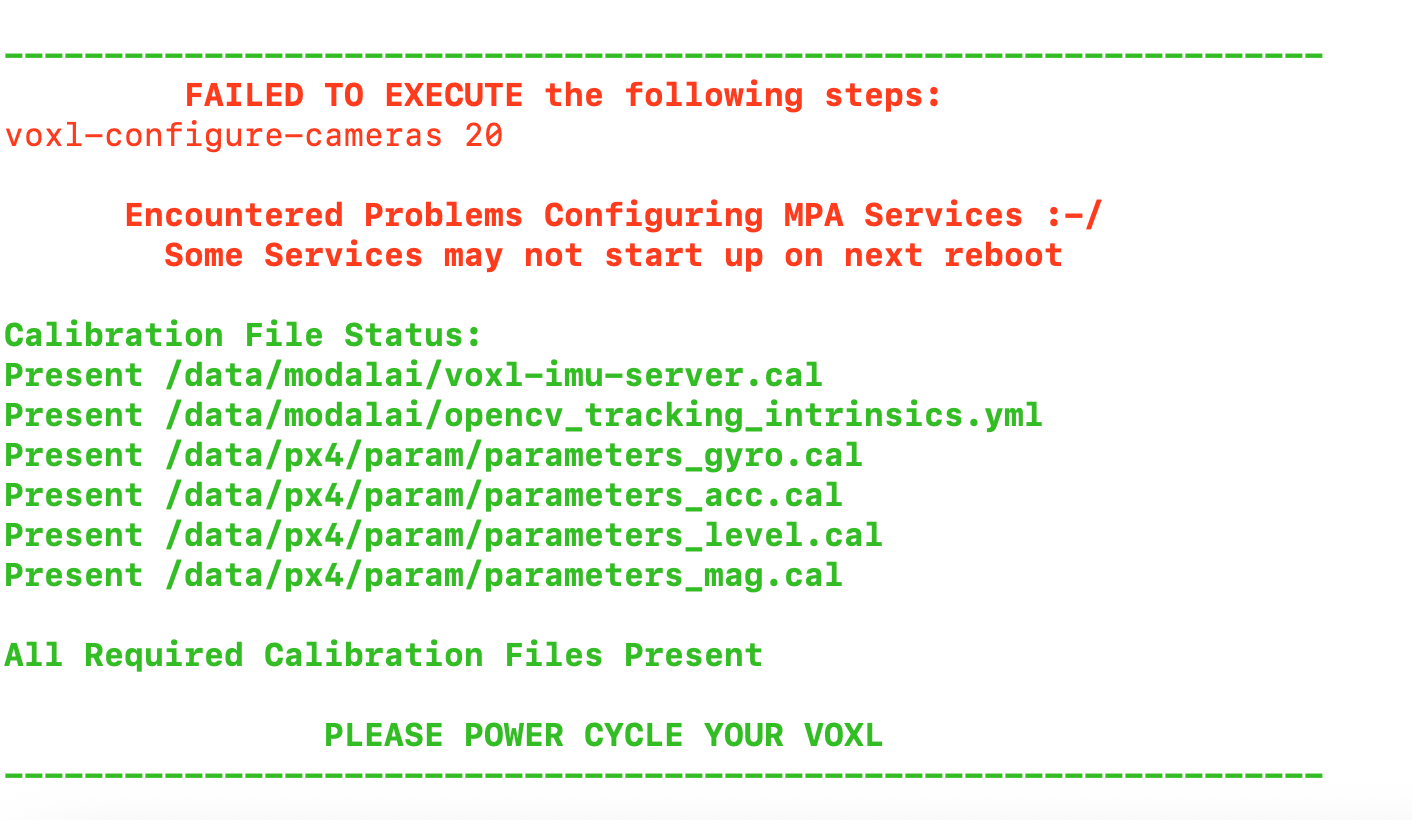
Please advise what camera configuration to use. FYI, I did try 19, and with that it was able to run "voxl-configure-cameras 20", but the final result was the same, voxl-camera-server was not running.
-
Requesting the factory original calibration files for ADK Ser#M2500000185@tom Absolutely. I'd definitely like to have the correct files, On a closer look
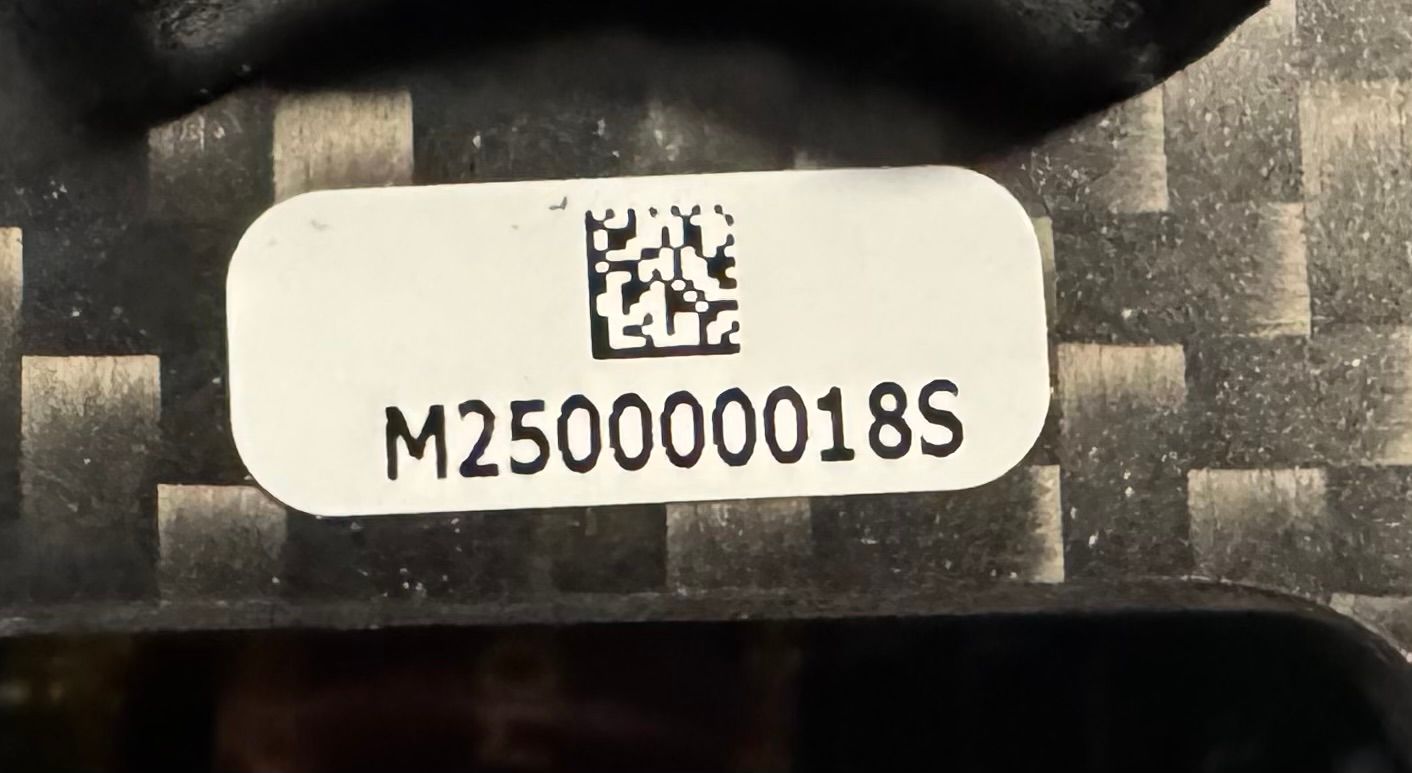 I probably read the S as a "5" - the serial number I think is "M250000018S" - that probably changes everything. Here's a photo of the drone:
You'll send me the voxl-imu-server.cal also, right? It's been flagged as missing. Thanks!
I'm also attaching the packing slip so we can finalize on what the correct SKU should be.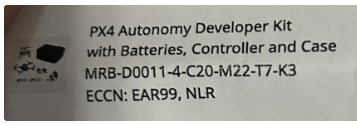
-
Requesting the factory original calibration files for ADK Ser#M2500000185@support, like to request the following missing/corrupted calibration files (factory original) for my PX4 Autonomy Development Kit with serial number M2500000185.
- voxl-imu-server.cal
- opencv_tracking_intrinsics.yml
FAILED TO EXECUTE the following steps:voxl-configure-cameras 20
  Encountered Problems Configuring MPA Services :-/
    Some Services may not start up on next reboot
Calibration File Status:
Missing /data/modalai/voxl-imu-server.cal
Missing /data/modalai/opencv_tracking_intrinsics.yml
Present /data/px4/param/parameters_gyro.cal
Present /data/px4/param/parameters_acc.cal
Present /data/px4/param/parameters_level.cal
Present /data/px4/param/parameters_mag.calDetected Missing Calibration Files
please run the required cals
https://docs.modalai.com/calibration/PLEASE POWER CYCLE YOUR VOXL