
Sony RXO over USB
-
-
We have tried VLC with both Linux and Windows, appears to load it with no video stream.
-
@tom is the VOXL streamer apk required in order to use the gphoto2 to stream video?
@Matt-Goddard We have two different implementations for gphoto2 on VOXL.
voxl-libgphoto2which is what you are using and we also havevoxl-gphoto2which is a newer version that also usesvoxl-streamer. I think I will have you tryvoxl-gphoto2now.Here is the link to the build/install instructions for the newer gphoto2 implementation.
Here is a link to the documentation
You will need to use this in combination with voxl-streamer and here is some documentation for getting that going.
-
I will try this now and get back to you. Thanks!
-
During the process, we managed to brick the board. Will not boot now..
-
During the process, we managed to brick the board. Will not boot now..
-
Got it, we will order the part and unbrick lol. Thanks for the help!
-
The USB and Serial Debug board arrived today. I unbricked the board and installed gphoto2 and VOXL-streamer. The image below is an error I received after running the voxl-gphoto2 command.
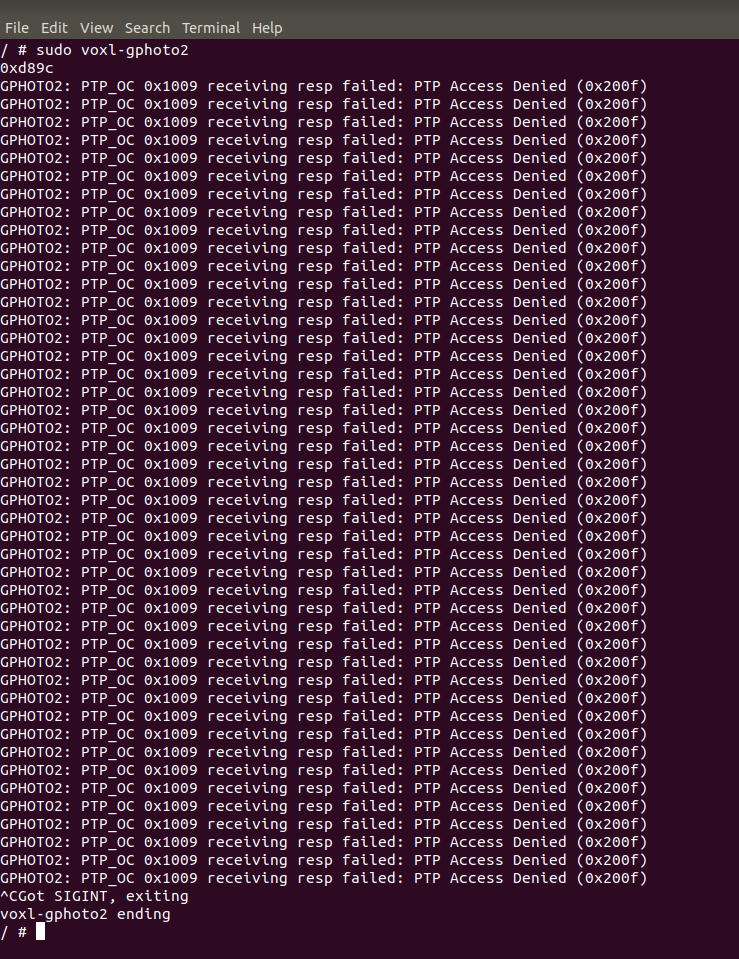
Please advise.
-
Have you tried gphoto2 using a Linux machine to make sure this device is supported?
-
@Matt-Goddard said in Sony RXO over USB:
Sony RXO
The RX0 II is on the list, is that what you're using?
http://www.gphoto.org/proj/libgphoto2/support.php -
Yes we are attempting to use the RX0. The image below shows that gphoto2 does detect it on an ubuntu machine.
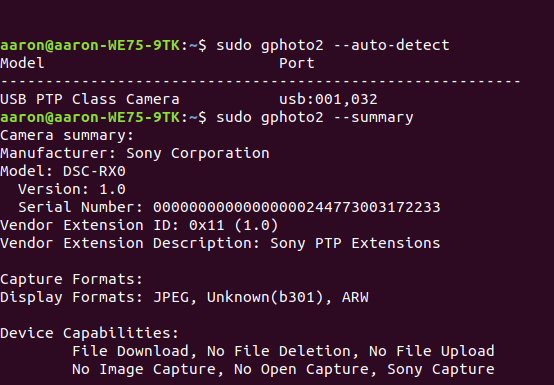
-
Yes we are attempting to use the RX0. The image below shows that gphoto2 does detect it on an ubuntu machine.
@Aaron-Bottke What happens when you run
gphoto2 --capture-preview? Do you get an image? -
Yes we are attempting to use the RX0. The image below shows that gphoto2 does detect it on an ubuntu machine.
@Aaron-Bottke Also, can you try running voxl-gphoto2 with debugging information enabled and send us the ouput? For example:
voxl-gphoto2 -d -v -g -
Results of gphoto2 --capture-preview on my host machine as follows.
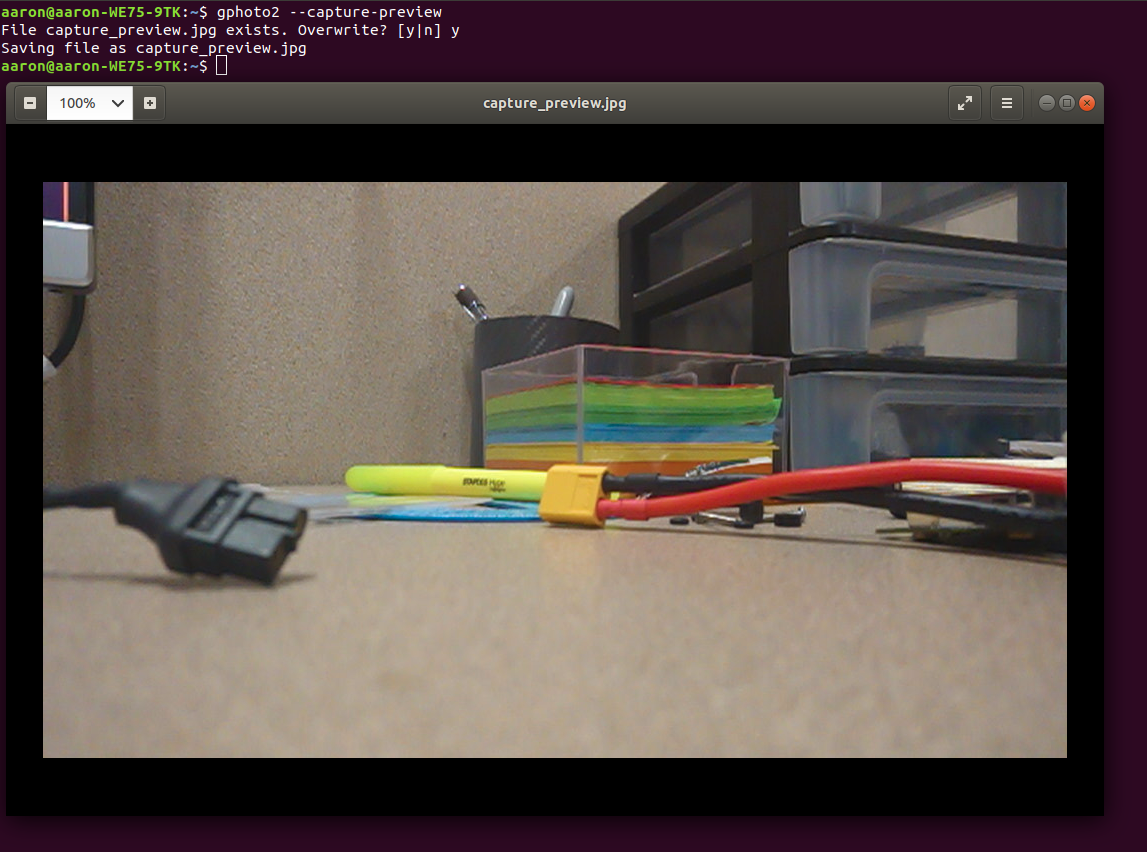
On the VOXL running voxl-gphoto2 -d -v -g yields way to much for me to share here so I will split it up.
voxl-gphoto2 -d below.
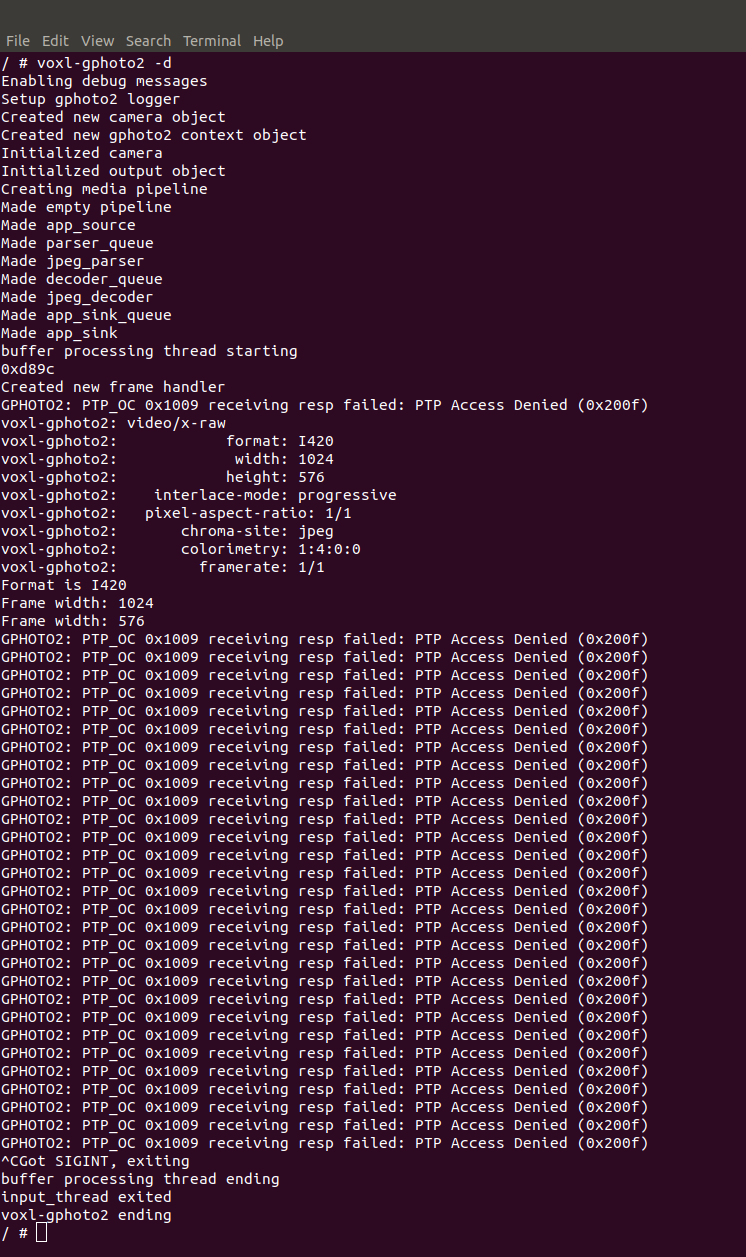
voxl-gphoto2 -v yields a lot of messages very quickly.
Output as follows.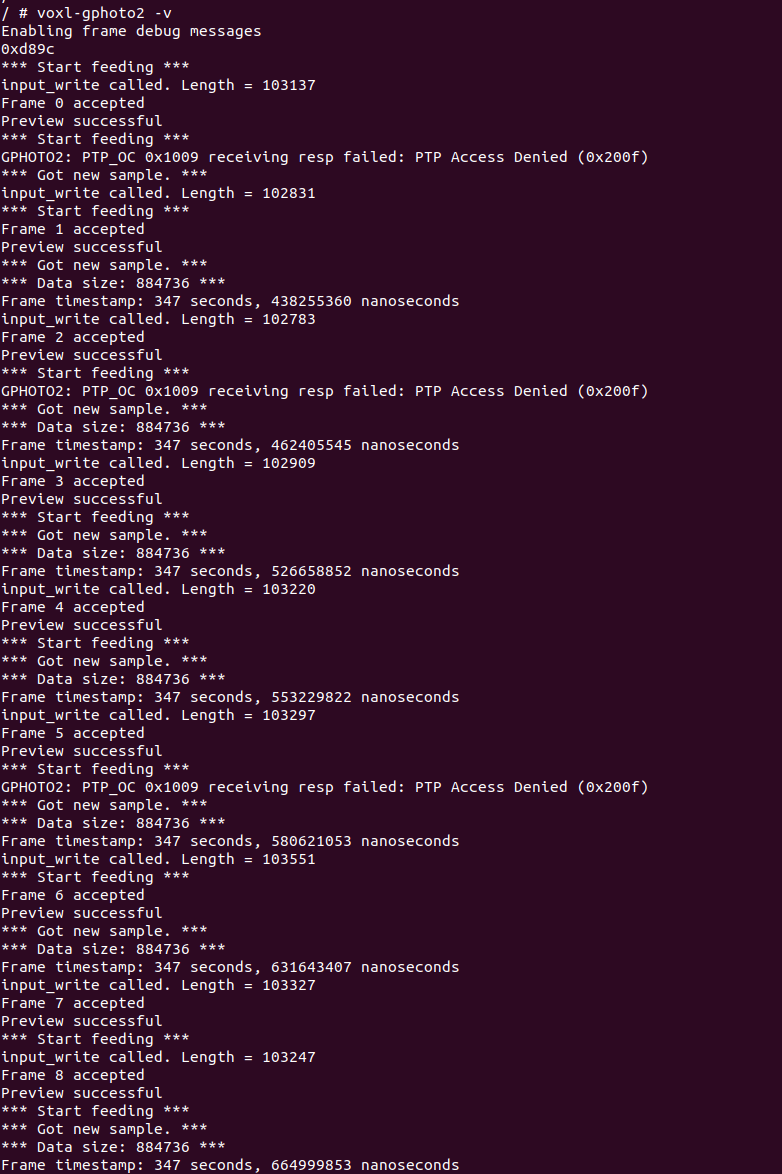
voxl-gphoto2 -v yields too many messages for me to upload with a screenshot.
I don't see a way to submit a .txt file but the most interesting part of the output that I see is this.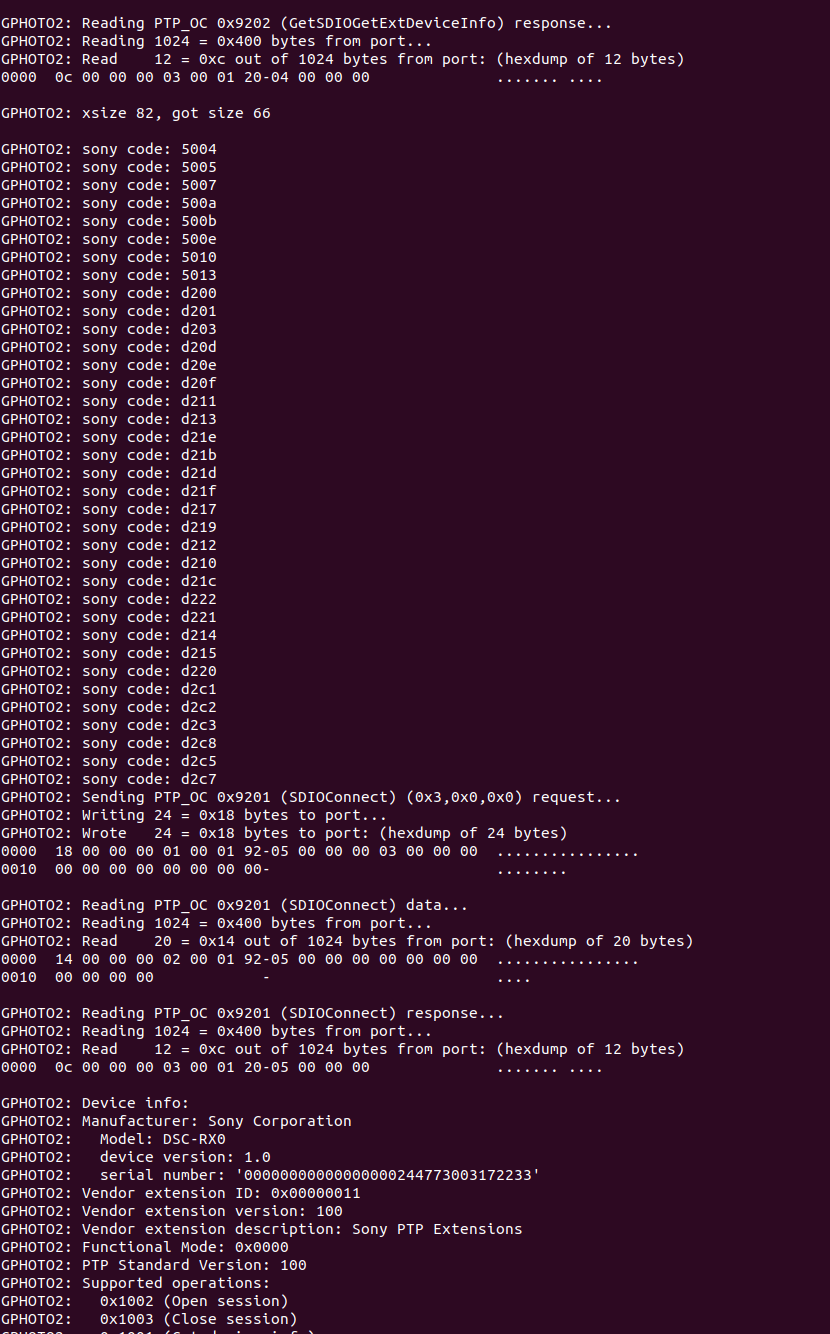
-
Results of gphoto2 --capture-preview on my host machine as follows.
On the VOXL running voxl-gphoto2 -d -v -g yields way to much for me to share here so I will split it up.
voxl-gphoto2 -d below.
voxl-gphoto2 -v yields a lot of messages very quickly.
Output as follows.voxl-gphoto2 -v yields too many messages for me to upload with a screenshot.
I don't see a way to submit a .txt file but the most interesting part of the output that I see is this.@Aaron-Bottke Okay, thanks! That's very helpful information. It looks like the camera is producing images and voxl-gphoto2 is processing them correctly. So try voxl-streamer and see if you can stream the video. That error message seems to be coming from the gphoto2 library but doesn't seem to be hurting anything.
-
Unless I am missing something in the command this is the result from running voxl-streamer and voxl-gphoto2.
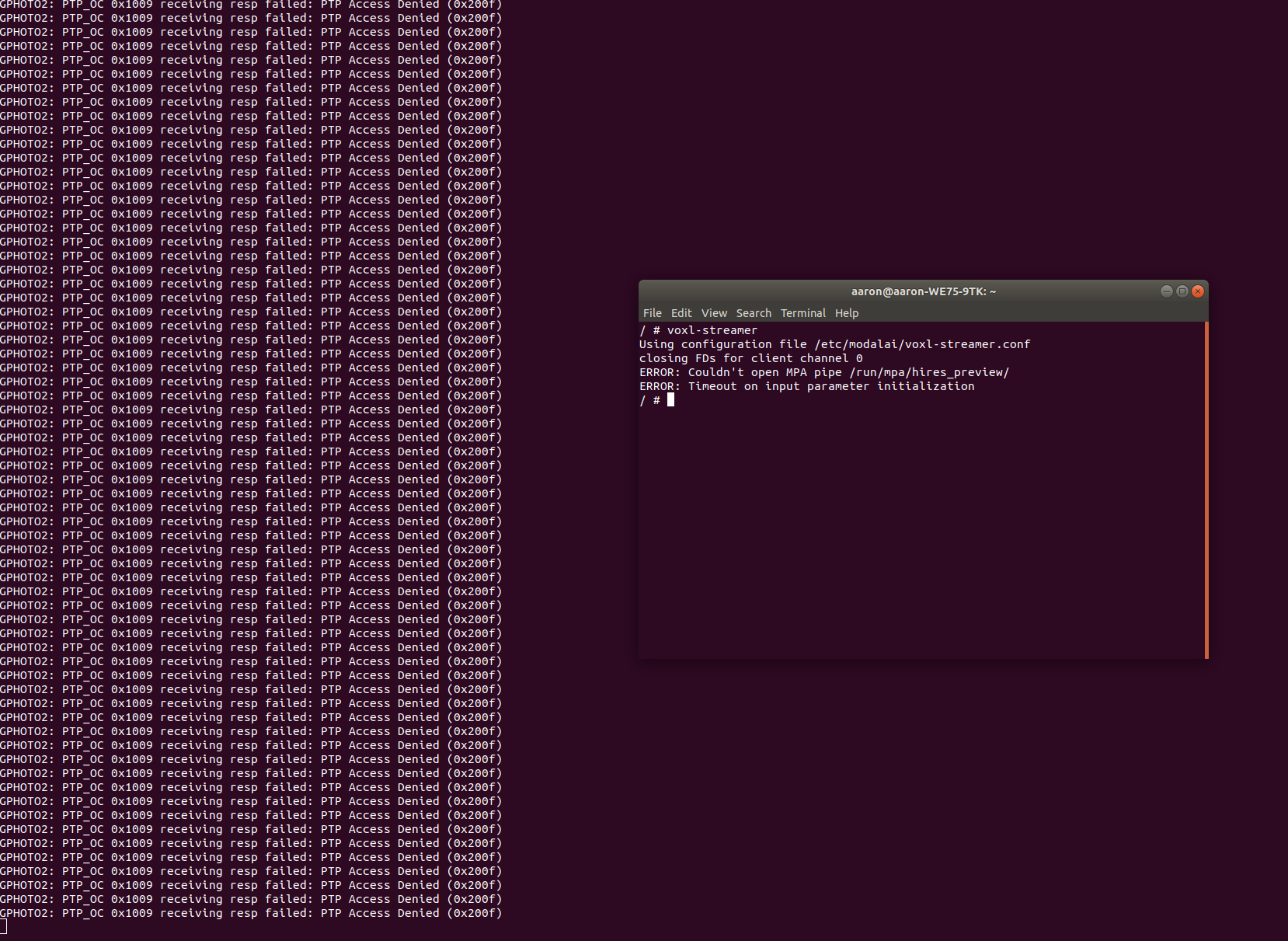
Thanks for all the help.
-
Unless I am missing something in the command this is the result from running voxl-streamer and voxl-gphoto2.
Thanks for all the help.
@Aaron-Bottke Documentation on voxl-streamer is here: https://docs.modalai.com/voxl-streamer/
For gphoto2 you will want to look at the
gphoto2-mpaconfiguration in/etc/modalai/voxl-streamer.conf. You can use this configuration record by launching withvoxl-streamer -c gphoto2-mpa -
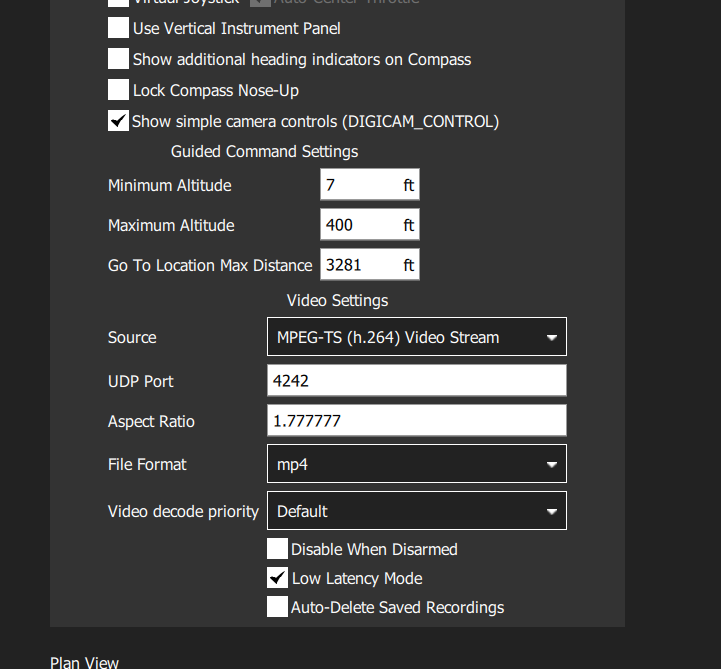
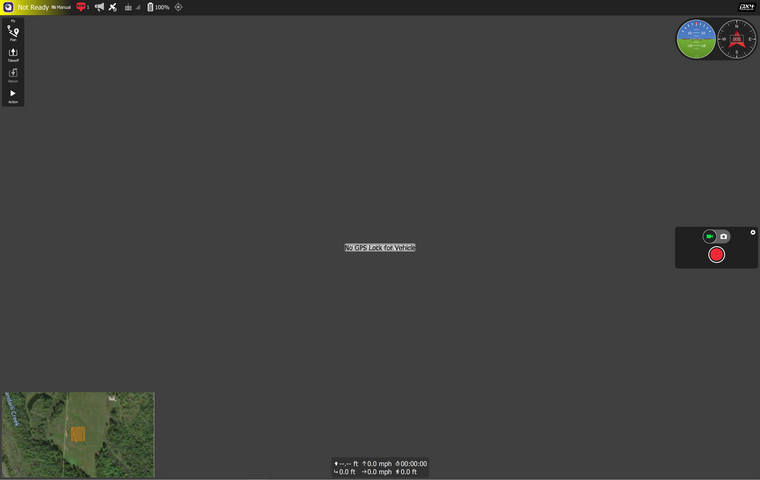
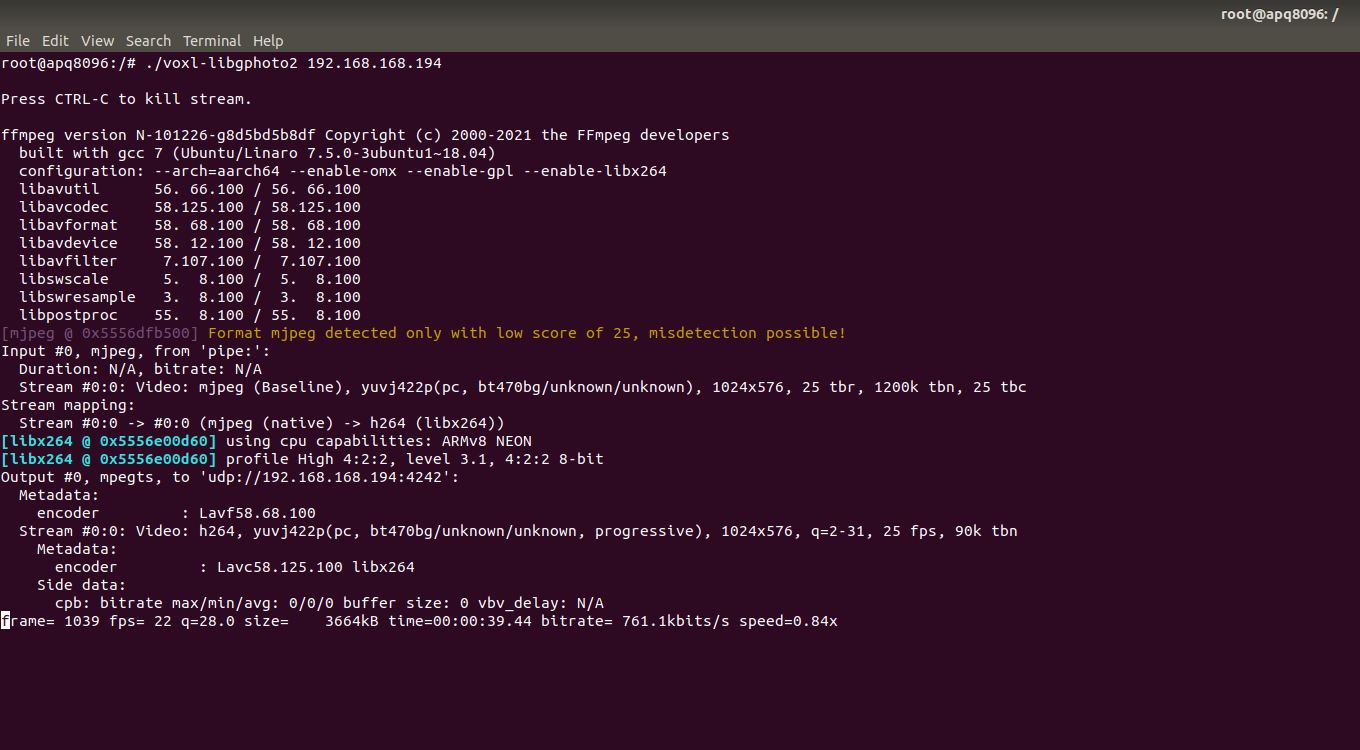
That got it working!!! I really appreciate the help with this!!!
My telemetry quit working though so I have to play with that and get that up and running again.
Thanks!





Reading along? Create a free ModalAI Forum account to join in.
With an account you can reply, ask your own question, get an email when a ModalAI engineer answers, and mark the reply that solved it. Your place in each thread is saved between visits.
Questions about VOXL, Flight Core, ESCs and ModalAI drones are answered here by the engineers who build them.
Register Login