Skip to content

Support Request Format for Best Results

164 Topics 751 Posts
  • Please Read: Support Request Format for Best Results

    Pinned Locked
    1
    1 Votes
    1 Posts
    2k Views
    No one has replied
  • Binding Problem Starling2Max with Radiomaster Boxer

    5
    0 Votes
    5 Posts
    168 Views
    Ben LinneB
    @heiko.lizan Any elrs radio that's 900mhz or dual band compatible should work when in low band mode. If the transmitter is running v4+ you should be able to downgrade it to v3 following the elrs update guide It's normal that some services aren't running. You may need to re-enable px4 with systemctl enable voxl-px4
  • Questions on Starling 2 Max

    6
    1
    0 Votes
    6 Posts
    166 Views
    Maxwell SchaeferM
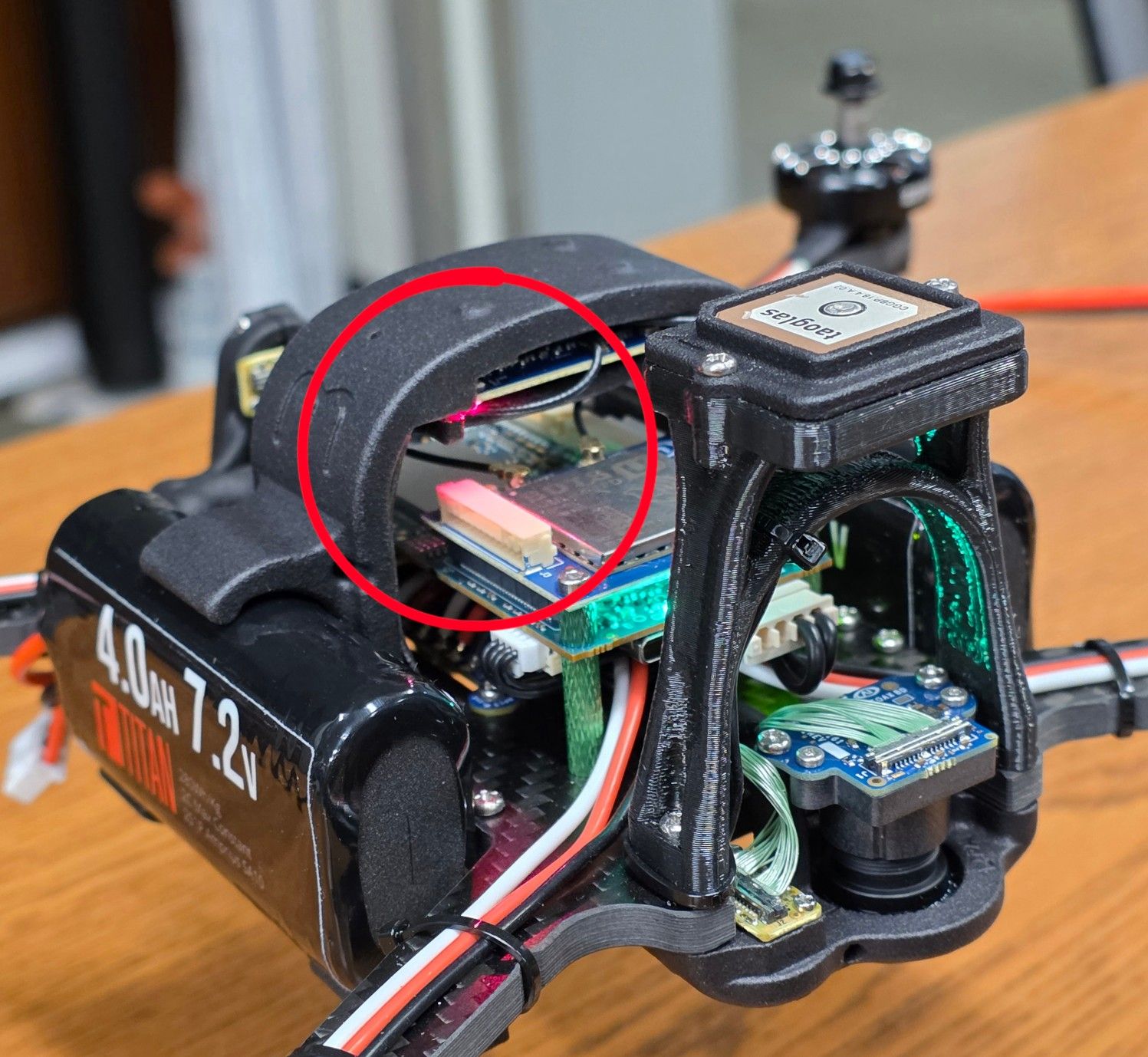
    That red light is for the M0184 ELRS receiver. A constant slow blink from the light means it is disconnected. It will turn solid with a connection. Other LED states are documented here.
  • voxl2 mini flashing

    1
    0 Votes
    1 Posts
    40 Views
    No one has replied
  • Doodle Labs For Voxl 2

    4
    0 Votes
    4 Posts
    2k Views
    M
    @emarcphera Thanks for the info! What antennas do you use for your setup if you don't mind me asking?
  • Alfa WiFi dongle not working

    2
    0 Votes
    2 Posts
    520 Views
    D
    Same here, mine died after about 40hrs of operation. I suspect is thermal damage
  • Questions about using VOXL2 Max / Max2 legally in Japan

    2
    0 Votes
    2 Posts
    158 Views
    K
    Hello, I would like to follow up on this topic. We are currently evaluating the feasibility of using Starling 2 for indoor autonomous flight applications in Japan. Understanding the recommended Wi-Fi configuration for operation in Japan will help us continue our evaluation. If anyone from the ModalAI team could provide guidance, we would greatly appreciate it. Thank you very much.
  • Need Operating and Storage Temperature Ranges for 5 Components

    4
    0 Votes
    4 Posts
    825 Views
    Daniel 1D
    MCBL-00084-180 (26-pin Micro-Coax Cable): Operating temperature 0°C to +70°C; Storage temperature 0°C to +70°C. MSU-M0161 (EO Camera): Operating temperature 0°C to +70°C; Storage temperature 0°C to +70°C. (The Sony IMX412 image sensor guarantees image performance from −10°C to +60°C.) VOXL 2 / MDK-M0154-1-00 (Flight Computer): Operating temperature 0°C to +70°C; Storage temperature 0°C to +70°C. MDK-M0155-1-00 (Image Sensor Micro-Coax Adapter): Operating temperature 0°C to +70°C; Storage temperature 0°C to +70°C. MDK-M0062-3-00 (VOXL2 Ethernet & USB Hub Adapter): Operating temperature 0°C to +70°C; Storage temperature 0°C to +70°C.
  • RC Receiver Not Detected by ArduPilot on VOXL2 IO Board (M0065)

    4
    0 Votes
    4 Posts
    201 Views
    Eric KatzfeyE
    Yes, use the normal RC port. But cannot use an SBUS receiver with that port.
  • Request Support: VOXL2 Not Powering up.

    13
    0 Votes
    13 Posts
    4k Views
    VinnyV
    Great to hear @mikhail-mayers . I tested the module you sent back and it baffles me... must be some internal silicon damage to the IC since it had all in-spec inputs, and no faults on any outputs, but it was just not turning on... so, it is now one of my Mechanical Samples Glad we could get that resolved for you and thanks for your patience.
  • IMU/Gyro Calibration

    2
    0 Votes
    2 Posts
    444 Views
    Eric KatzfeyE
    Yes, your understanding is correct. To see the PX4 IMU values use standard PX4 commands. For example, on voxl2 you can use the PX4 listener commands: voxl2:/$ px4-listener sensor_accel TOPIC: sensor_accel sensor_accel timestamp: 30123125 (0.006725 seconds ago) timestamp_sample: 30122829 (296 us before timestamp) device_id: 2490378 (Type: 0x26, SPI:1 (0x00)) x: -0.05360 y: 0.01754 z: -9.68999 temperature: 34.62560 error_count: 0 clip_counter: [0, 0, 0] samples: 20 voxl2:/$ px4-listener sensor_gyro TOPIC: sensor_gyro sensor_gyro timestamp: 37716660 (0.003955 seconds ago) timestamp_sample: 37716405 (255 us before timestamp) device_id: 2490378 (Type: 0x26, SPI:1 (0x00)) x: -0.00409 y: 0.00796 z: -0.01429 temperature: 34.32669 error_count: 0 clip_counter: [0, 0, 0] samples: 20
  • voxl-mpa-tools build probelms

    2
    0 Votes
    2 Posts
    878 Views
    Eric KatzfeyE
    Yes, unfortunately some of the dependencies have changed. Can you checkout tag sdk-1.6.4-1 of voxl-mpa-tools and then in the docker ./install_build_deps.sh qrb5165 sdk-1.6. That should work.
  • ov7251 tracking + imx214 hires not working

    9
    1
    0 Votes
    9 Posts
    4k Views
    Alex KushleyevA
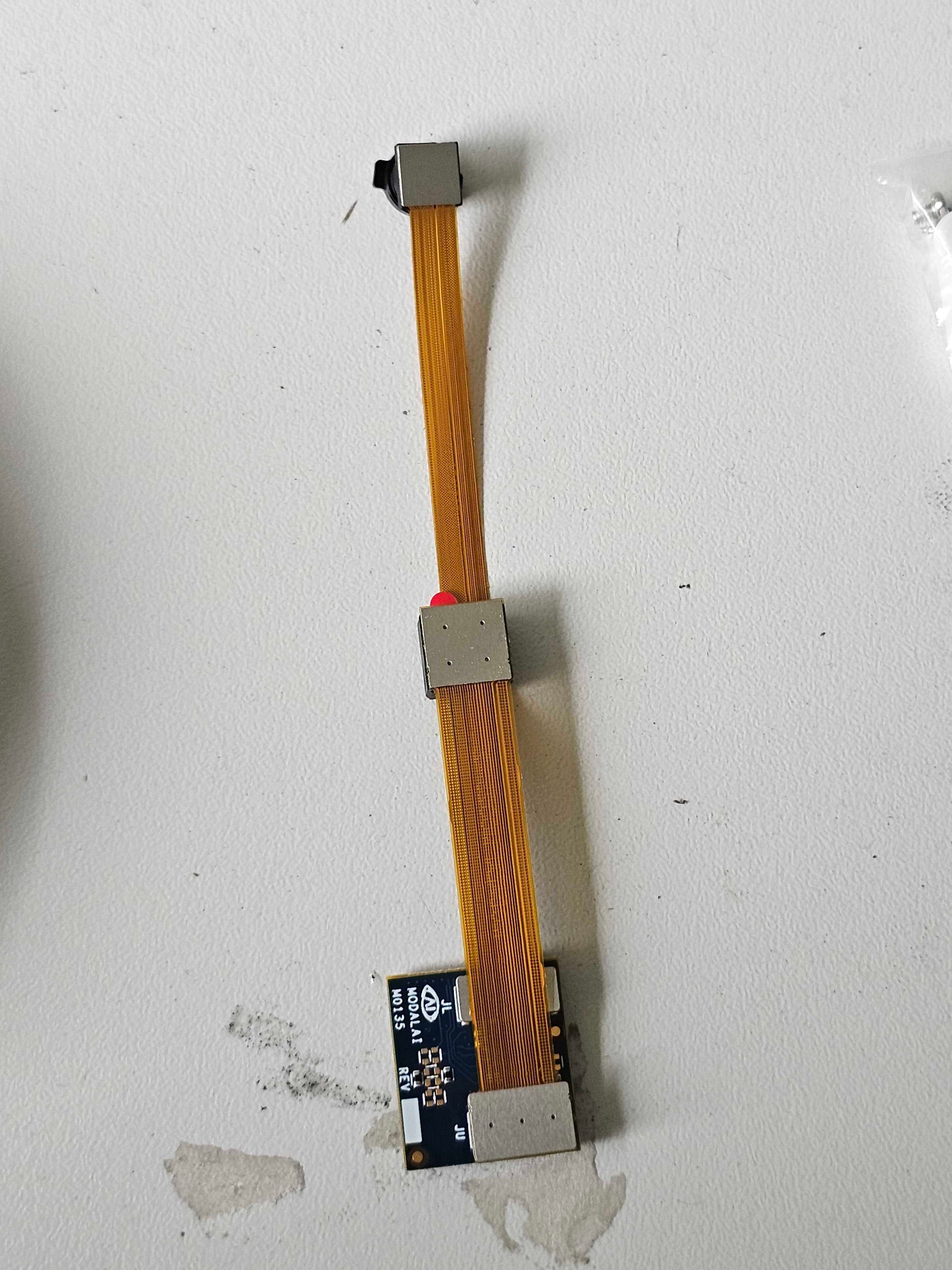
    @astro_phil , I just tested your configuration on voxl2 mini ov7251 connected to M0135 JL imx214 connected to M0135 JU M0135 interposer connected to Voxl2 mini J7 cameras are connected to hardware camera slots 2 and 3 respectively This particular board is using an old SDK but it should not matter, kernel variant 2.0.0 hw platform: M0104 mach.var: 2.0.0 -------------------------------------------------------------------------------- voxl-suite: 1.3.3 voxl-camera-server -l DEBUG: Attempting to open the hal module DEBUG: SUCCESS: Camera module opened on attempt 0 DEBUG: ----------- Number of cameras: 2 DEBUG: Cam idx: 0, Cam slot: 2, Slave Address: 0x00E2, Sensor Id: 0x7750 DEBUG: Cam idx: 1, Cam slot: 3, Slave Address: 0x0020, Sensor Id: 0x0214 DEBUG: Note: This list comes from the HAL module and may not be indicative DEBUG: of configurations that have full pipelines DEBUG: Number of cameras: 2 dmesg: [ 209.617719] CAM_INFO: CAM-ICP: cam_icp_mgr_hw_open: 3879 FW download done successfully [ 209.648730] qcom,camera ac50000.qcom,cci:qcom,cam-sensor3: Linked as a consumer to regulator.59 [ 209.649003] qcom,camera ac50000.qcom,cci:qcom,cam-sensor3: Linked as a consumer to regulator.55 [ 209.649103] qcom,camera ac50000.qcom,cci:qcom,cam-sensor3: Linked as a consumer to regulator.60 [ 209.649137] qcom,camera ac50000.qcom,cci:qcom,cam-sensor3: Linked as a consumer to regulator.79 [ 209.666156] CAM_INFO: CAM-SENSOR: cam_sensor_driver_cmd: 918 Probe success,slot:3,slave_addr:0x20,sensor_id:0x214 [ 209.666263] qcom,camera ac50000.qcom,cci:qcom,cam-sensor3: Dropping the link to regulator.79 [ 209.670389] qcom,camera ac50000.qcom,cci:qcom,cam-sensor3: Dropping the link to regulator.60 [ 209.670476] qcom,camera ac50000.qcom,cci:qcom,cam-sensor3: Dropping the link to regulator.55 [ 209.670541] qcom,camera ac50000.qcom,cci:qcom,cam-sensor3: Dropping the link to regulator.59 [ 209.688989] qcom,camera ac50000.qcom,cci:qcom,cam-sensor2: Linked as a consumer to regulator.59 [ 209.691170] qcom,camera ac50000.qcom,cci:qcom,cam-sensor2: Linked as a consumer to regulator.55 [ 209.693356] qcom,camera ac50000.qcom,cci:qcom,cam-sensor2: Linked as a consumer to regulator.60 [ 209.693454] qcom,camera ac50000.qcom,cci:qcom,cam-sensor2: Linked as a consumer to regulator.79 [ 209.717968] CAM_INFO: CAM-SENSOR: cam_sensor_set_alt_id: 731 [Applying Alternative Address] : Sensor Index : 2538021044 [ 209.717979] CAM_INFO: CAM-SENSOR: cam_sensor_set_alt_id: 732 [Applying Alternative Address] : Slave Address : 0xE2 [ 209.717988] CAM_INFO: CAM-SENSOR: cam_sensor_set_alt_id: 733 [Applying Alternative Address] : Slave sensor id: 0x7750 [ 209.717997] CAM_INFO: CAM-SENSOR: cam_sensor_set_alt_id: 734 [Applying Alternative Address] : cci_client sid : 0x71 [ 209.718308] CAM_INFO: CAM-SENSOR: cam_sensor_set_alt_id: 770 [Applying Alternative Address] : Probe : Alternate address updated [ 209.718543] CAM_INFO: CAM-SENSOR: cam_sensor_driver_cmd: 918 Probe success,slot:2,slave_addr:0xe2,sensor_id:0x7750 I also tested the same configuration in J6: voxl-camera-server -l DEBUG: Attempting to open the hal module DEBUG: SUCCESS: Camera module opened on attempt 0 DEBUG: ----------- Number of cameras: 2 DEBUG: Cam idx: 0, Cam slot: 0, Slave Address: 0x00E2, Sensor Id: 0x7750 DEBUG: Cam idx: 1, Cam slot: 1, Slave Address: 0x0020, Sensor Id: 0x0214 DEBUG: Note: This list comes from the HAL module and may not be indicative DEBUG: of configurations that have full pipelines DEBUG: Number of cameras: 2 dmesg [ 216.996797] CAM_INFO: CAM-ICP: cam_icp_mgr_hw_open: 3879 FW download done successfully [ 217.029303] qcom,camera ac4f000.qcom,cci:qcom,cam-sensor1: Linked as a consumer to regulator.58 [ 217.029395] qcom,camera ac4f000.qcom,cci:qcom,cam-sensor1: Linked as a consumer to regulator.55 [ 217.029484] qcom,camera ac4f000.qcom,cci:qcom,cam-sensor1: Linked as a consumer to regulator.60 [ 217.029516] qcom,camera ac4f000.qcom,cci:qcom,cam-sensor1: Linked as a consumer to regulator.79 [ 217.046069] CAM_INFO: CAM-SENSOR: cam_sensor_driver_cmd: 918 Probe success,slot:1,slave_addr:0x20,sensor_id:0x214 [ 217.046191] qcom,camera ac4f000.qcom,cci:qcom,cam-sensor1: Dropping the link to regulator.79 [ 217.050324] qcom,camera ac4f000.qcom,cci:qcom,cam-sensor1: Dropping the link to regulator.60 [ 217.050407] qcom,camera ac4f000.qcom,cci:qcom,cam-sensor1: Dropping the link to regulator.55 [ 217.050470] qcom,camera ac4f000.qcom,cci:qcom,cam-sensor1: Dropping the link to regulator.58 [ 217.069409] qcom,camera ac4f000.qcom,cci:qcom,cam-sensor0: Linked as a consumer to regulator.58 [ 217.071541] qcom,camera ac4f000.qcom,cci:qcom,cam-sensor0: Linked as a consumer to regulator.55 [ 217.073710] qcom,camera ac4f000.qcom,cci:qcom,cam-sensor0: Linked as a consumer to regulator.60 [ 217.073801] qcom,camera ac4f000.qcom,cci:qcom,cam-sensor0: Linked as a consumer to regulator.79 [ 217.097221] CAM_INFO: CAM-SENSOR: cam_sensor_set_alt_id: 731 [Applying Alternative Address] : Sensor Index : 390152372 [ 217.097229] CAM_INFO: CAM-SENSOR: cam_sensor_set_alt_id: 732 [Applying Alternative Address] : Slave Address : 0xE2 [ 217.097234] CAM_INFO: CAM-SENSOR: cam_sensor_set_alt_id: 733 [Applying Alternative Address] : Slave sensor id: 0x7750 [ 217.097239] CAM_INFO: CAM-SENSOR: cam_sensor_set_alt_id: 734 [Applying Alternative Address] : cci_client sid : 0x71 [ 217.097532] CAM_INFO: CAM-SENSOR: cam_sensor_set_alt_id: 770 [Applying Alternative Address] : Probe : Alternate address updated [ 217.097747] CAM_INFO: CAM-SENSOR: cam_sensor_driver_cmd: 918 Probe success,slot:0,slave_addr:0xe2,sensor_id:0x7750 By the way, i think the SDKs are now not including the imx214 driver for slot 1. If you need it, you can use the following drivers https://storage.googleapis.com/modalai_public/temp/imx214_test_bins/imx214_eis_drivers_20250815.zip for all camera slots. The only functional change of these drivers is that the maximum resolution of the sensor has been changed from 4208 x 3120 to 4196 x 3120 due to some optimizations in gpu-based debayering that require certain image width (long story, but you can still use this driver, just may need to adjust your camera server config so that you are not requesting impossible resolution). When you do your tests, please make sure you have the correct sensormodule id's for each camera in /usr/lib/camera . The slot number where the camera is physically plugged in has to match the index at the end of the sensormodule file name (before .bin). Alex
  • VOXL 2 Mini / MCCA-M0178-1 Adapter Compatibility

    5
    0 Votes
    5 Posts
    2k Views
    ModeratorM
    The Doodle Labs pinout could be inferred from this cable mcbl-00085
  • 5G Antenna Replacement Kit MRP-D0004-1-06

    1
    1
    0 Votes
    1 Posts
    716 Views
    No one has replied
  • LTE Modem v2 Pro

    2
    0 Votes
    2 Posts
    1k Views
    tomT
    @Michael-Hatton Did you run through the voxl-configure-modem setup in order to configure APN, etc? https://docs.modalai.com/voxl-modem/#usage
  • Powering Starling 2 Max

    2
    0 Votes
    2 Posts
    1k Views
    Eric KatzfeyE
    @Michael-Hatton When you arm the drone it is in flight mode and the motors start to spin. It's that spinning of the motors that you don't want while plugged into a power supply. Only use your battery to actually spin the motors and fly.
  • How to install LTE Modem v2 Pro

    1
    0 Votes
    1 Posts
    695 Views
    No one has replied
  • MCBL-00084 Drawing

    2
    0 Votes
    2 Posts
    1k Views
    Alex KushleyevA
    @pmeras , the connector specs are provided here : https://docs.modalai.com/micro-coax-user-guide/ . Specifically, the connector part number is DF56C-26S-0.3V(51). You can find some more information regarding the cable pinout for our hires camera here : https://docs.modalai.com/M0186/ We do not manufacture custom cables, just the ones used in our VOXL camera ecosystem. Alex
  • Replace stock VOXL2 on Starling 2 Max with fresh VOXL2

    2
    0 Votes
    2 Posts
    1k Views
    Alex KushleyevA
    @AndrewC , sorry for the delay. There are no hardware modifications to VOXL2 before installing it into Starling 2 Max. You would just need to configure SKU on your new VOXL2 board (https://docs.modalai.com/sku/) and just just reflash the latest SDK to start off clean. During the SDK install, there are a few steps (voxl-configure-mpa) that will load all the needed configurations for your SKU. Please let us know if you have any issues with that. Alex