Skip to content

Development Drones

632 Topics 3.3k Posts

Starling 2, Starling 2 Max, Sentinel, Seeker, m500, RB5, the PX4 Autonomy Developer Kit and Stinger FPV: flying, tuning, repairs and spare parts.

  • 0 Votes
    19 Posts
    6k Views
    ModeratorM
    @Stefan-Amundarain what do the flight logs tell you?
  • Starling loosing stability when switching from position mode to trajectory mode

    Unsolved starling
    5
    0 Votes
    5 Posts
    1k Views
    I
    When we start voxl-tag-detector service with "en_tag_fixed_frame": true any change to offboard mode makes the drone loose the position, heavily drifting sideways. Isn't the px4 control referenced only to local frame? If so tag relocalization shouldn't affect the hold position. Is there any other configuration we are missing?
  • QgroundControl don't detect transmitter

    Unsolved seeker
    2
    4
    0 Votes
    2 Posts
    1k Views
    A
    @Ariel-Saez I already fix the problem, any case someone have the same problem, you need to update the SDK with the proper SKU version, in my case the /data/modalai/sku.txt show me "MRB-D0003-1-V1-C7", and looking my modalai's bill, show I buy the MRB-D0003-2-V2-C7. Next I change my sku.txt with the right code: MRB-D0003-2-V2-C7, then I update my voxl and fix everything. update SDK documentation: https://docs.modalai.com/flash-system-image/ SKU config and documentation: https://docs.modalai.com/voxl-configure-mpa/
  • Errors Flashing 1.2.0 Onto Starling Running 1.1.3

    Unsolved starling
    3
    0 Votes
    3 Posts
    718 Views
    Mihir BalaM
    @Moderator Hello, thanks for your help. However I am still confused about what to do with this information. Is there a special version of the SDK I need to install for our version (M0054-2)? It says it requires SDK version 1.1.3+ and we are trying to install 1.2.0 which should be ok, correct?
  • VIO keeps falling out

    Unsolved m500
    3
    0 Votes
    3 Posts
    689 Views
    wilkinsafW
    Following up here. We upgraded to a voxl2 and stopped since this error. we think it might have been an issue with voxl flight on the newest SDK for auto exposure
  • Seeking Guidance on RB5 Drone Control System Development

    Unsolved rb5
    5
    0 Votes
    5 Posts
    1k Views
    Eric KatzfeyE
    @Amin-Bassiri The RB5 drone uses the PX4 autopilot software https://px4.io/
  • Disabling GPS sensor input to PX4

    Unsolved sentinel
    3
    0 Votes
    3 Posts
    1k Views
    J
    @Eric-Katzfey that did it, thanks!
  • what’s the function of this module?

    rb5
    1
    1
    0 Votes
    1 Posts
    351 Views
    No one has replied
  • Robotic simulation for Starling-2

    Unsolved starling
    2
    0 Votes
    2 Posts
    858 Views
    Eric KatzfeyE
    @kgn-mdlai Is HITL interesting for your purposes? https://docs.modalai.com/voxl2-PX4-hitl/
  • Starling not arming

    Unsolved starling
    3
    0 Votes
    3 Posts
    1k Views
    david devassyD
    Thanks for the wonderful support from team modal AI. Here is the solution which they have shared with me, which is tested and working 100%. Please download the attached file file: Download this Move into the ufs sub directory of that release ^: cd 2024-02-09-1.7.4-M0054-2/ufs Slide the SW2 switch to ON to be in QDL mode Plug in power and USB Run: sudo qdl --debug --storage ufs --include . prog_firehose_ddr.elf rawprogram_unsparse0.xml rawprogram1.xml rawprogram2.xml rawprogram3.xml rawprogram4.xml rawprogram5.xml patch0.xml patch1.xml patch2.xml patch3.xml patch4.xml patch5.xml
  • How to do SLAM and VOXL-Mapper flying with Starling Drone ?

    Unsolved starling
    13
    0 Votes
    13 Posts
    3k Views
    david devassyD
    @tom I have a new issue Since yesterday, when I turned on the Starling drone, it just sits there. It's not getting armed. When I checked for ADB shell, it's not getting connected, and an error comes up saying no devices found. When I checked the forum, it said it might be bricked due to some file loss. We followed the unbrick tutorial, and after successful flashing of the latest QDL M0054.14.1a-flat-v3, the device is showing up as Qualcomm bulk something. However, ADB still isn't getting connected. Please note that I am unable to enter adb shell and fast boot mode . For unbrick I followed this https://docs.modalai.com/voxl2-unbricking
  • MAVSDK not connecting to the RB5 drone

    Unsolved rb5
    9
    0 Votes
    9 Posts
    2k Views
    Eric KatzfeyE
    @Advait-Pandit You can trace the packets used for the QGC connection with tcpdump and compare against what is happening with mavsdk. That should help you to understand what is going wrong.
  • RB5 drone goes to a different height than I input

    Unsolved rb5
    12
    0 Votes
    12 Posts
    2k Views
    A
    @Eric-Katzfey Thank you for the advise, I will take a look!
  • Increasing Mavlink Message Stream Rate from PX4 to VOXL2

    Unsolved sentinel
    3
    0 Votes
    3 Posts
    2k Views
    J
    @Eric-Katzfey Thanks for clearing that up. I didn't know I could access it from the voxl's file system but I just found the script in usr/bin. I'll vim into it and change what I need. Thanks!
  • Starling - 3D Mapping & Path Planning features aren't working

    Unsolved starling
    7
    2
    0 Votes
    7 Posts
    2k Views
    ModeratorM
    What does /etc/modalai/voxl-vision-hub.conf contain? Did you follow the setup instructions and configure offboard_mode to trajectory?
  • RB5 Flight drone not recognized by QGC when connected to the same WiFi network

    Unsolved rb5
    4
    0 Votes
    4 Posts
    948 Views
    Eric KatzfeyE
    @Advait-Pandit Please open a new thread for this new topic. Also, you are asking about a PX4 software behavior so it would be good to ask that question on the PX4 forum also.
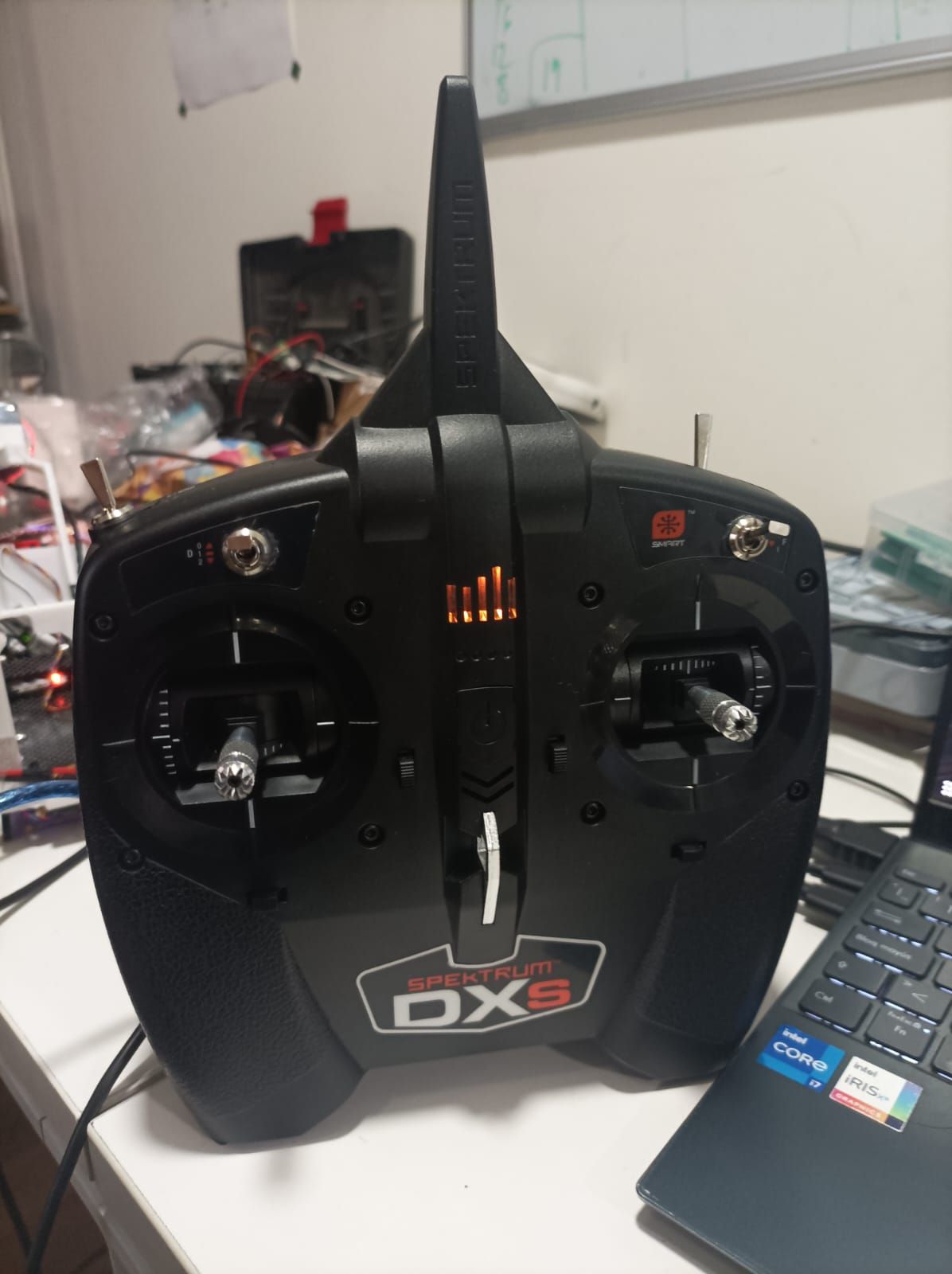
  • Controller not recognized in QGC

    Unsolved m500
    13
    0 Votes
    13 Posts
    4k Views
    Evan DE
    @Eric-Katzfey Reinstalling px4 solved my problem, thanks for your help!
  • Starling gone rogue (uncontrollable) in Position flight mode

    Unsolved px4-dev-kit
    8
    1 Votes
    8 Posts
    5k Views
    M
    @Eric-Katzfey Hi, The first change of flight mode to "Altitude" was because of the loss of control of pilot (see it from the "Manual Control Output") on the drone. This wasn't happened first time, I experienced the same before this flight too. The steps you provided aren't suitable, I can't do the flights like "Manual" and then verify everything everytime, this is a random behavior, even if I try in the manual mode and get a good flight, I can still experience the bad flight afterwards. When I get the bad VIO data, I get the message of "invalid setpoints" in the log and over the QGC too and the drone goes into the "altitude" mode. But, the problem I shared here is the loss of control over the drone, drone kept going upwards and even pulling the throttle to "0" isn't bring the drone to ground. You can clearly see, even in the altitude flight mode (2nd time), the drone still kept going upwards at "0" throttle. Please get us a fix for this.
  • Starling is losing position in indoor flights

    Unsolved starling
    5
    2
    0 Votes
    5 Posts
    2k Views
    M
    @Moderator As far as I can see, there is no interference in the area, I am working along for like 100's of meters. I don't have any such equipment in my premises which can interfere. Physically, I checked the "915MHz ELRS Receiver" (BetaFPV Nano RX) and it's not lose. What else I can check? Please help us fix all the issues, we are in agony since we started using this (Starling) kit. I have other open issues too. Starling gone rogue (uncontrollable) in Position flight mode
  • Sentinel ESC blue leds don't remain solid or flash

    Unsolved starling
    13
    0 Votes
    13 Posts
    2k Views
    I
    @Eric-Katzfey We loaded the default parameters with QGC and everything is back to normal. Thank you for your help!