Skip to content

General Questions

2.2k Topics 11.3k Posts

Not sure where your question goes? Ask here. ModalAI engineers and the community answer questions about any VOXL product.

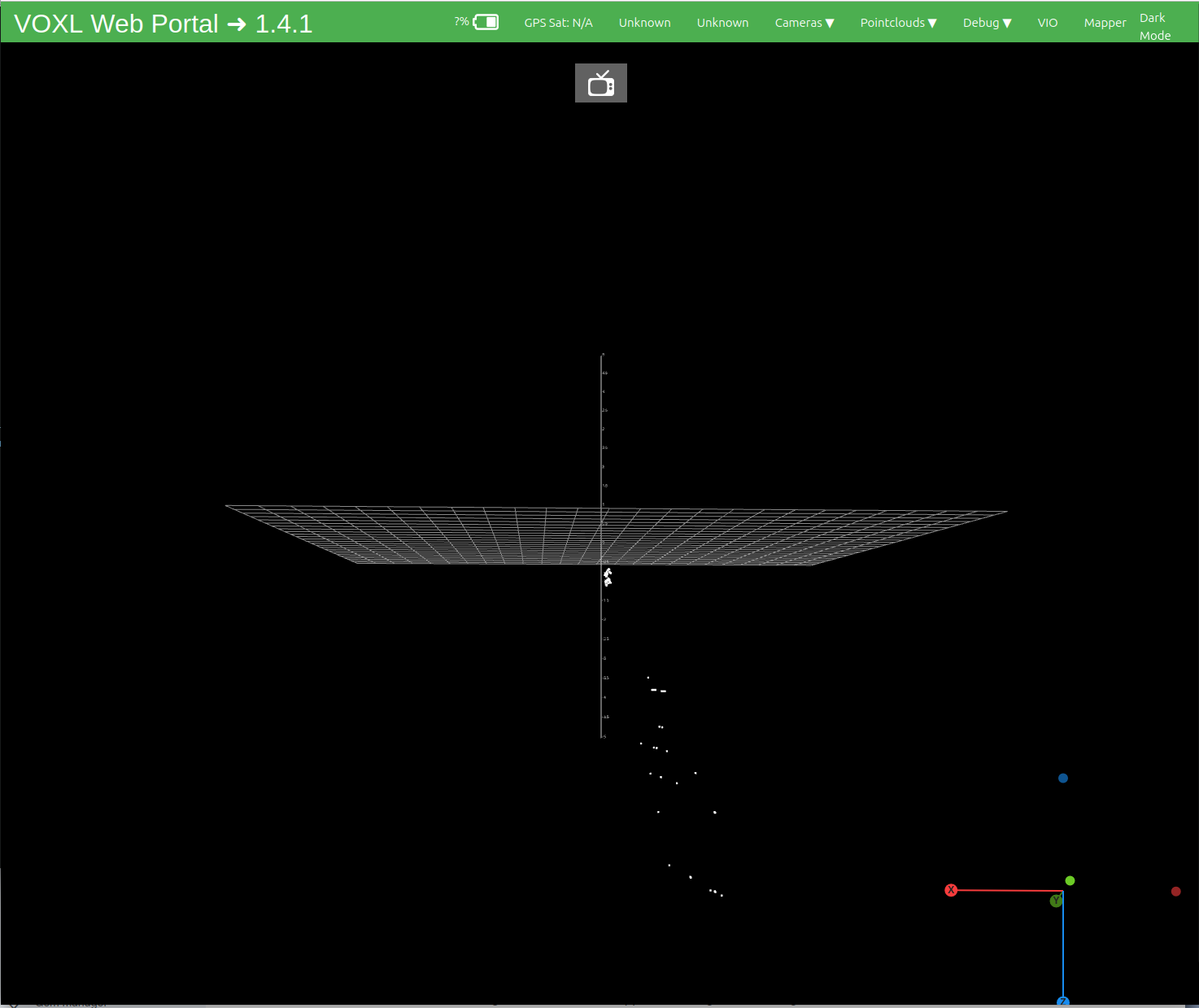
  • Processing point cloud data

    Unsolved
    1
    1
    0 Votes
    1 Posts
    372 Views
    No one has replied
  • Immediate crashes in HITL

    Unsolved
    12
    0 Votes
    12 Posts
    2k Views
    S
    @Eric-Katzfey Okay, I'll keep this in mind as I develop toward offboard control. If I find any more information, I'll follow up here. Just a side note: I don't see this behavior in real-world flight during manual or position, seems to be isolated to HITL at this point in time. Thanks!
  • Doodle Labs mini-OEM Helix Mesh Rider Radio M1-M6 Hex Band not configuring

    Unsolved doodlelabs
    8
    0 Votes
    8 Posts
    3k Views
    S
    @Vinny Really appreciate the in-depth response and thoughtfulness, your intuition was correct I tried to reproduce the setup from the windows PC Wall power supply to Starling 2 (Same mains outlet) 12VAC to 5VDC to doodle labs radio Twisted D-/+ cables Upon USB connection, I'm able to see the following on dmesg -w: [ 1156.696173] usb 1-1: new high-speed USB device number 6 using xhci-hcd [ 1156.832876] usb 1-1: New USB device found, idVendor=0424, idProduct=9e00, bcdDevice= 3.00 [ 1156.832886] usb 1-1: New USB device strings: Mfr=0, Product=0, SerialNumber=0 [ 1156.848011] smsc95xx v1.0.6 [ 1156.912009] smsc95xx 1-1:1.0 eth0: register 'smsc95xx' at usb-xhci-hcd.0.auto-1, smsc95xx USB 2.0 Ethernet, 00:30:1a:3a:eb:c8 [ 1156.981572] IPv6: ADDRCONF(NETDEV_UP): eth0: link is not ready [ 1156.989474] QTI:Netlink Query to Kernel Success [ 1158.456775] IPv6: ADDRCONF(NETDEV_CHANGE): eth0: link becomes ready [ 1158.464411] QTI:LINK_UP message posted [ 1158.465167] QTI:Processing LINK_UP [ 1158.465606] smsc95xx 1-1:1.0 eth0: link up, 100Mbps, full-duplex, lpa 0x4DE1 [ 1158.472660] QTI:Enable mobileap [ 1158.479629] QCMAP:Enable mobileap [ 1158.598399] QCMAP:Enable mobileap done [ 1158.602320] QTI:Setup TETHERED link [ 1158.676632] QTI:LINK_UP Processed and am able to stream data via voxl portal for a few seconds. Afterwards, the USB connection goes into a repeated disconnect/reconnect cycle. Moving forward for next testing (and obviously final configuration), I'll power both from the same source (w/ a BEC), shorten the cables, and be sure to twist the data lines (similar to mcbl-0085)
  • mavlink peripherals

    Unsolved
    5
    0 Votes
    5 Posts
    872 Views
    Eric KatzfeyE
    @h3robotics I've been using v2.5 on my development machine and it works fine so v2.7 should also be fine. (Dang, I need to update )
  • VOXL Flight Deck Bricked - Unable to Connect via ADB or WiFi

    Unsolved voxl-flight wifi bricked
    1
    0 Votes
    1 Posts
    833 Views
    No one has replied
  • m0076 / VOXL 2

    Unsolved
    4
    3
    0 Votes
    4 Posts
    515 Views
    No one has replied
  • VOXL 2 Mini not booting...LEDs on and whirring noise

    Unsolved
    3
    0 Votes
    3 Posts
    514 Views
    VinnyV
    Hi @serviceberry I happened to stumble on your post here, sorry it looks like no one ever responded to you. Is your HW still in error? Can you confirm how you are powering the VOXL 2 mini, and if anything changed before this issue? The two ICs you show that are smoking hot are interesting. The one at 156C is the level translator for our I2C bus on the power connector. Are you sure you have pins 1 and 2 as power, and not pins 3 & 4? If pins 3 & 4 were accidentally used to power the VOXL 2 Mini, this chip would indeed see the brunt of that issue. The other chip heating up may just be secondary due to the other failure since that chip is downstream of this one for powering the board from the voltage impacted. Looking forward to your response and sorry again no one responded (or did you submit a second case??) Thanks!
  • Starling 2 Max Dead Reckoning

    Unsolved
    1
    0 Votes
    1 Posts
    356 Views
    No one has replied
  • Heavy drift on VOXL 2

    Unsolved
    6
    0 Votes
    6 Posts
    1k Views
    astro_philA
    @astro_phil with some further investigation over the weekend, i found a small fix in the px4 codebase that seems to reduce the velocity estimation error. I low pass filtered the delta time (dt) value that is used to integrate the linear acceleration to obtain the velocity estimate. [image: 1746443064707-vibration_fix-resized.png] Left is without the "fix" and right is with the "fix". Flying in position hold. [image: 1746443272985-whatsapp-image-2025-05-03-at-15.50.57.jpeg] I tried to induce more vibration on purpose to test the impact on position tracking. Both flights shown in the plot where done with the system shown in the picture.
  • Starling 2 Max endurance & Propulsion system

    Unsolved
    1
    0 Votes
    1 Posts
    378 Views
    No one has replied
  • 0 Votes
    11 Posts
    1k Views
    W
    @Eric-Katzfey From other discussion, I add qshell gps start -d 7 -b 115200 and get the GPS now. Here is my setting and please let me know if any questions. Thank you for your precious time on this matter. AIRFRAME=MULTICOPTER GPS=AUTODETECT RC=CRSF_RAW ESC=VOXL_ESC POWER_MANAGER=VOXLPM AIRSPEED_SENSOR=NONE DISTANCE_SENSOR=NONE OSD=DISABLE DAEMON_MODE=ENABLE SENSOR_CAL=ACTUAL ARTIFACT_MODE=DISABLE EXTRA_STEPS=( qshell gps start -d 7 -b 115200 )
  • VOXL Starling 2 Max hires_front camera unresponsive

    Unsolved
    16
    4
    0 Votes
    16 Posts
    2k Views
    Dobry KolaczD
    @brandon Do you have a plastic spudger tool? Something like this. A plastic tool will significantly reduce the possibility of damaging any components (compared to using anything hard like metal). Press only on the metal part of the connector to prevent warping that plastic nub end. Typically we use a fingernail to press those connectors in place but for that connector in particular it would be hard to reach with a fingernail. [image: 1746037900033-6d21bb38-e0a6-4d12-b21a-d201dd4fc446-image.png]
  • no data being piped thru /run/mpa/tflite_data

    Unsolved
    2
    0 Votes
    2 Posts
    431 Views
    Alex KushleyevA
    @ssansoy , you cannot access the data from these pipes directly, you have to use the MPA mechanisms to do that. There is an example of doing that for tflite detections right here : https://gitlab.com/voxl-public/voxl-sdk/utilities/voxl-mpa-tools/-/blob/master/tools/voxl-inspect-detections.c and the compiled app should also be present in the SDK, so you can run it on your VOXL2 (voxl-inspect-detections). Alex
  • 0 Votes
    9 Posts
    1k Views
    Alex KushleyevA
    @Yoshimaru-Tanaka , you are right, the information in the documentation is not sufficient to diagnose this issue. There is a page already for camera debugging information, but it is very brief. We will add more details (from this thread and more) to this page. https://docs.modalai.com/debugging-camera-issues/ Thank you Alex
  • microhard integration with voxl2, not able to get the data.

    Unsolved
    10
    3
    0 Votes
    10 Posts
    1k Views
    tomT
    @Jetson-Nano We have never used Microhard on windows but it's possible your firewall is blocking UDP data on that port
  • Country of origin for stereo camera

    Unsolved
    1
    0 Votes
    1 Posts
    348 Views
    No one has replied
  • SPIR-V on Voxl 2 Mini

    Unsolved
    1
    0 Votes
    1 Posts
    232 Views
    No one has replied
  • VOXL 1 - Seeker Drone Setup with QGC

    Unsolved voxl seeker qgc
    2
    1
    0 Votes
    2 Posts
    1k Views
    N
    Also this is what I was getting when inspecting the mavlink server. 00:19:39.969721 IP 192.168.1.1. domain > 192.168.1.134. 40850: 5282 Refused 0/0/0 (42) 00:19:39.970315 IP 192.168.1.134.48451 > 192.168.1.1. domain: 5282+ PTR? 1.1.168.192. in-addr • arpa. (42) 00: 19:39.973637 IP 192.168.1.1. domain > 192.168.1.134.48451: 5282 Refused 0/0/0 (42) 00:19:40. 106351 IP 192.168.1.138.14550 > 192.168.1.134.14550: UDP, length 21 00:19:41. 068099 IP 192.168.1.138.14550 > 192.168.1.134.14550: UDP, length 21 00:19:41.553204 ARP, Request who-has 192.168.1.1 tell 192.168.1.134, length 28 00:19:41.553488 ARP, Request who-has 192.168.1.138 tell 192.168.1.134, length 28 00:19:41.558414 ARP, Reply 192.168.1.1 is-at 80:69:1a:06:84:4e (oui Unknown), length 28 00:19:41.561634 ARP, Reply 192.168.1.138 is-at 34:c9:3d:07:16:8d (oui Unknown), length 28 00:19:42. 065376 IP 192.168.1.138.14550 > 192.168.1.134.14550: UDP, length 21 00:19:43.070712 IP 192.168.1.138.14550 > 192.168.1.134.14550: UDP, Length 21 00:19:44.075718 IP 192.168.1.138.14550 > 192.168.1.134.14550: UDP, length 21 00:19:45. 064630 IP 192.168.1.138.14550 > 192.168.1.134.14550: UDP, length 21 00:19:46.062935 IP 192.168.1.138.14550 > 192.168.1.134.14550: UDP, Length 21 00: 19:47. 107960 IP 192.168.1.138.14550 > 192.168.1.134.14550: UDP, length 21
  • M0173 dual tracking camera error

    Unsolved
    12
    0 Votes
    12 Posts
    2k Views
    Jetson NanoJ
    @Alex-Kushleyev, I using voxl2 with M0173 board with camera config 29. The errors are now solved, I made the necessary changes and reconfigured every server and pipeline and calibrated the cameras.
  • algorithm for voxl-dfs-server depth estimation

    Unsolved
    2
    0 Votes
    2 Posts
    470 Views
    Alex KushleyevA
    @KnightHawk06 , DFS on VOXL2 uses the Qualcomm's proprietary implementation of the DFS algorithm, which runs on the specialized DSP (CVP - Computer Vision Processor). Unfortunately we do not have any details about the actual algorithm. Alex