
QVIO-server issues
-
Hello @Alex-Kushleyev @Eric-Katzfey
I had build voxl-qvio-server and flashed the VOXL2 board. while running the voxl-qvio-server the server is broken.
I had refered this linkhttps://forum.modalai.com/topic/2551/add-mask-file-to-qvio-algorithm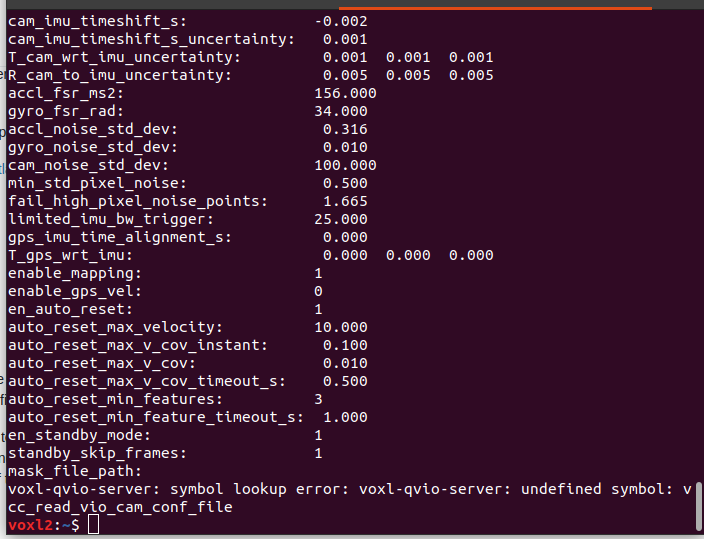
Can you help me out figure this out?
-
Hello @Alex-Kushleyev @Eric-Katzfey
I had build voxl-qvio-server and flashed the VOXL2 board. while running the voxl-qvio-server the server is broken.
I had refered this linkhttps://forum.modalai.com/topic/2551/add-mask-file-to-qvio-algorithmCan you help me out figure this out?
-
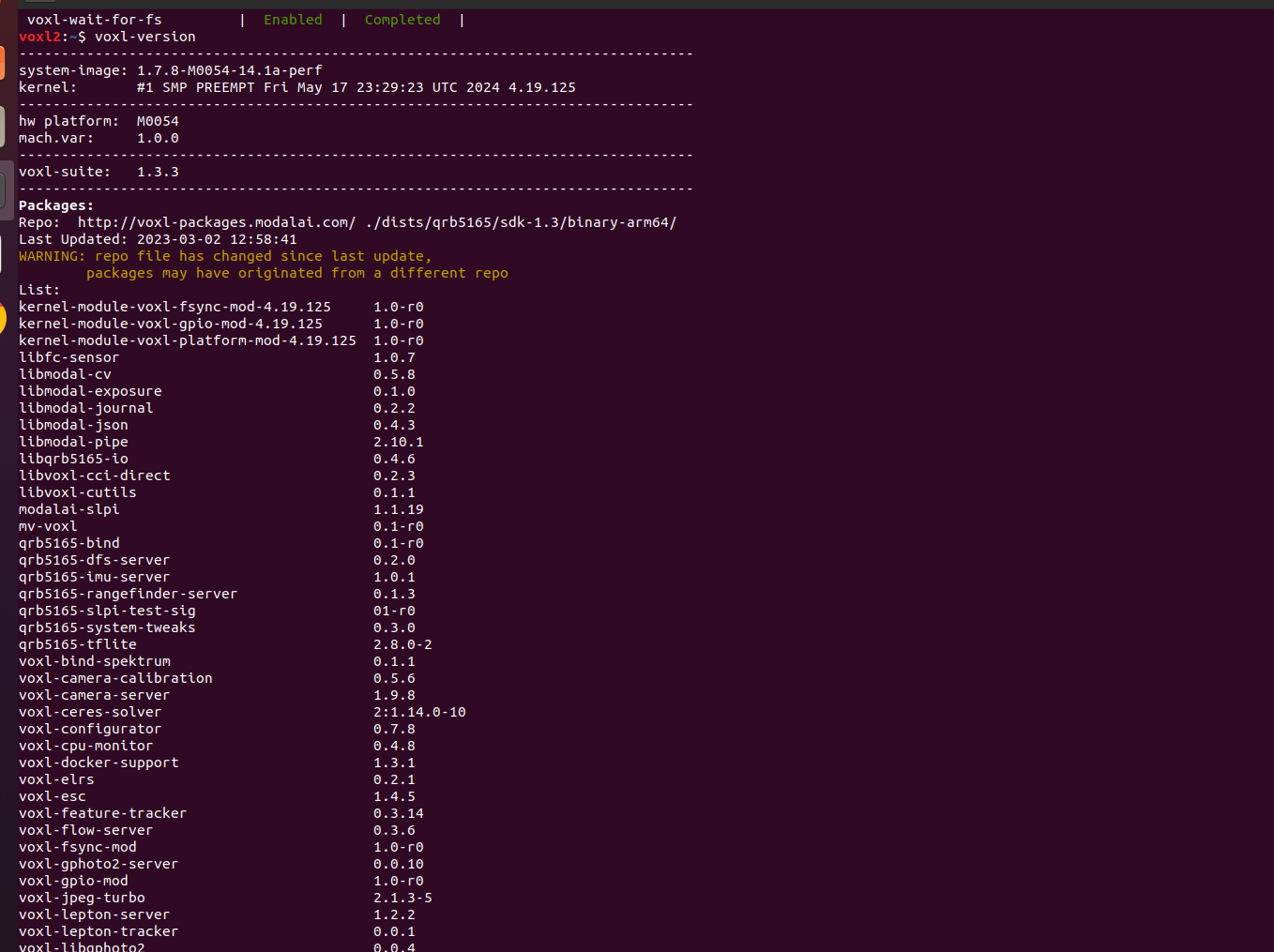
@Jetson-Nano There's likely a version mismatch going on, make sure you're building off of the tag of the SDK in which you have loaded on your VOXL2
If you post the output of
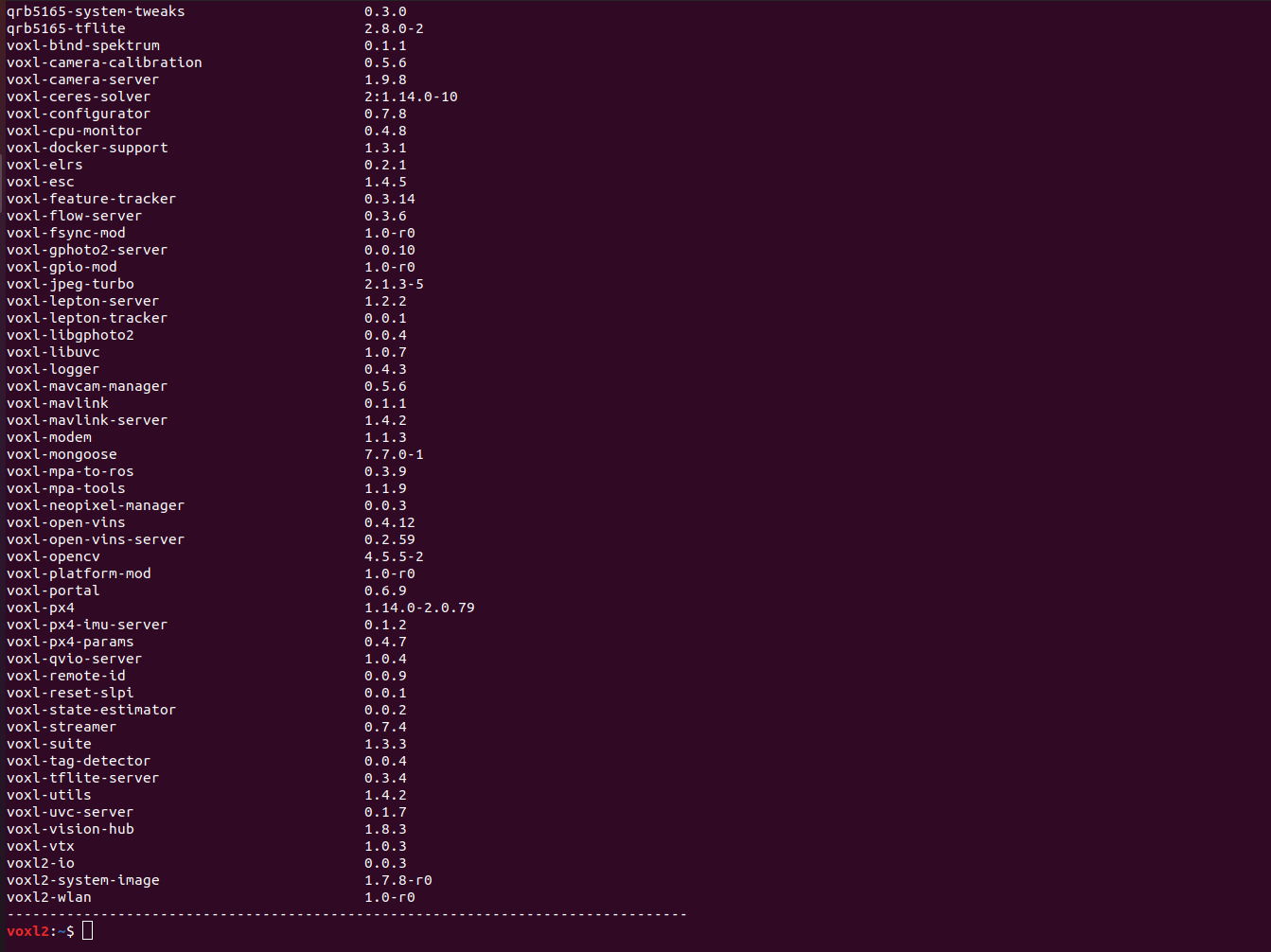
voxl-versionI can point you in the right directionMost likely need to update
voxl-mpa-toolsto latest : https://gitlab.com/voxl-public/voxl-sdk/utilities/voxl-mpa-tools/-/blob/master/lib/voxl_common_config.c?ref_type=heads#L655 or usevoxl-mpa-toolsandvoxl-qvio-serverfrom the same SDK release -
Most likely need to update
voxl-mpa-toolsto latest : https://gitlab.com/voxl-public/voxl-sdk/utilities/voxl-mpa-tools/-/blob/master/lib/voxl_common_config.c?ref_type=heads#L655 or usevoxl-mpa-toolsandvoxl-qvio-serverfrom the same SDK release@Alex-Kushleyev @tom
thank you guys for reverting back.
I currently facing another issue withvoxl-qvio-server.
The tracking camera is working. The qvio-server is also running,but the cam-stalled message is shown andvoxl-qvio-serveris not working.
I have attached the screenshots of the terminals and portal.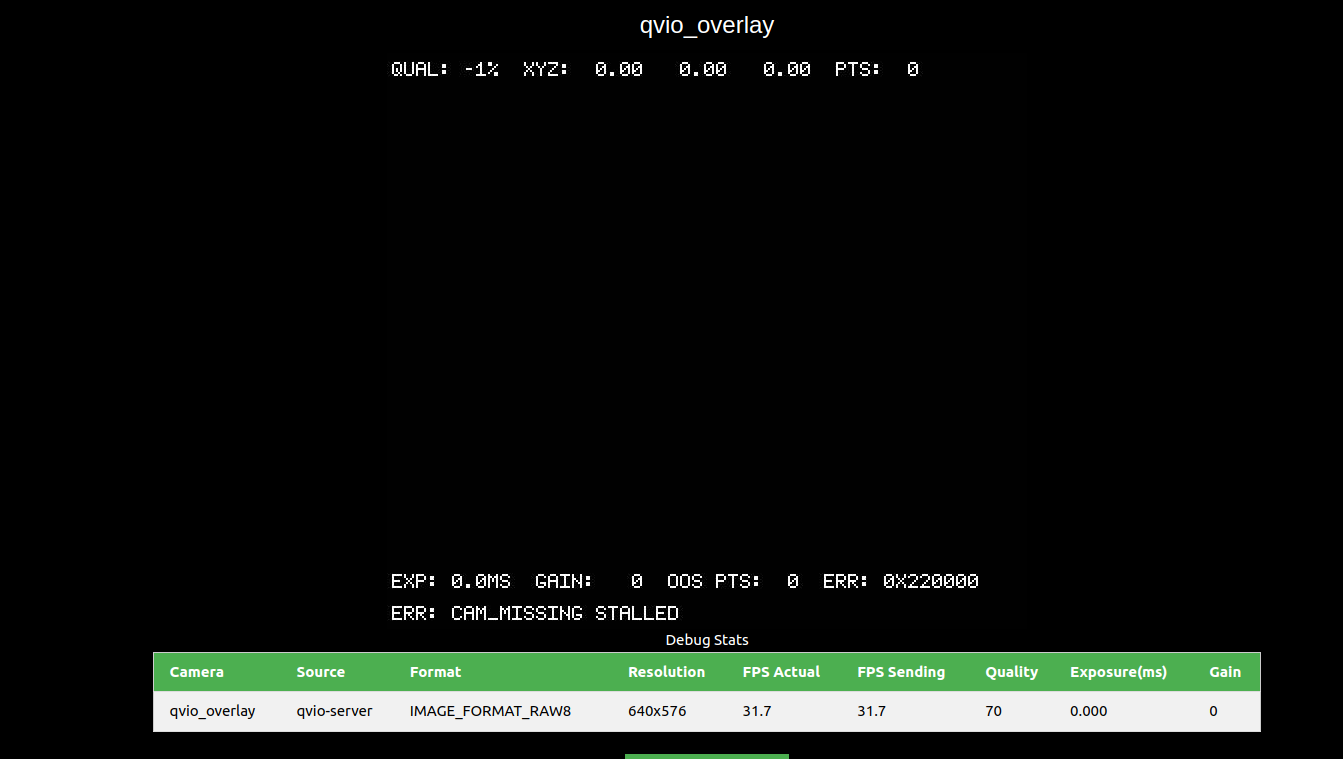
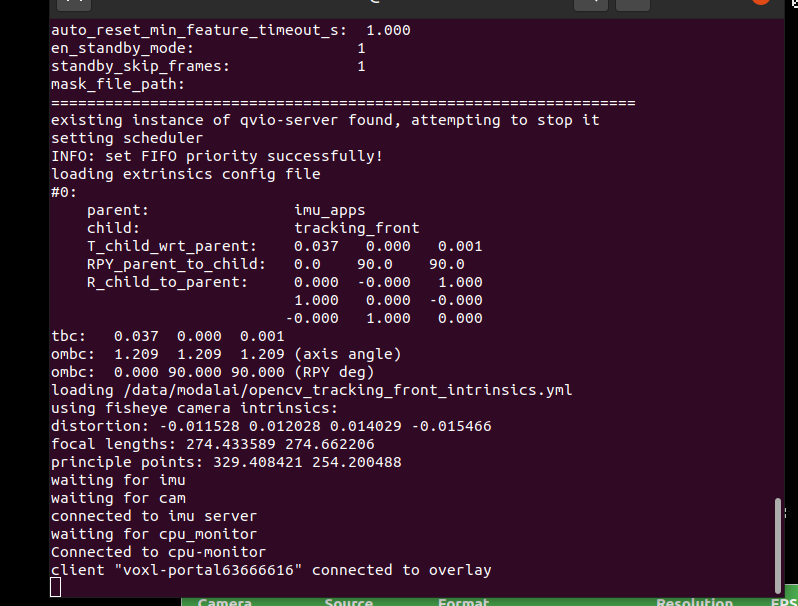
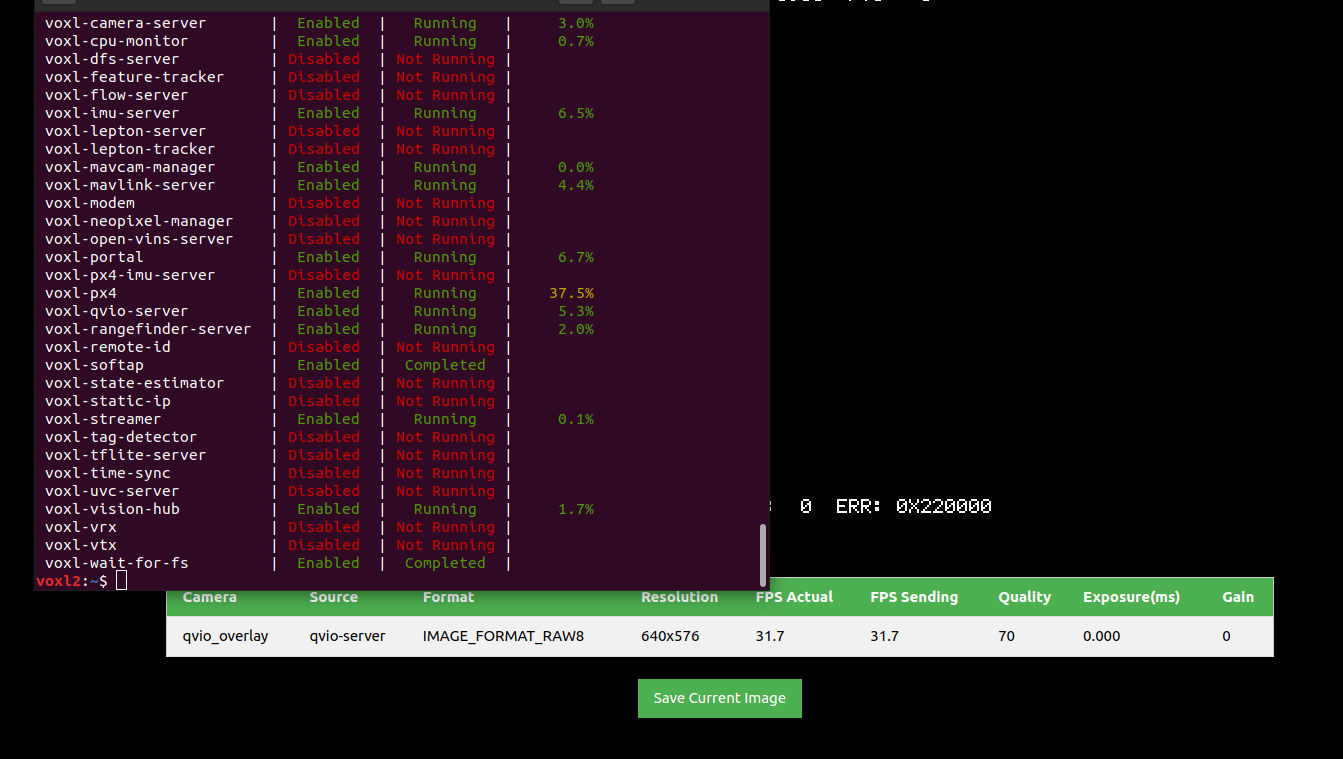
-
@Alex-Kushleyev @tom
thank you guys for reverting back.
I currently facing another issue withvoxl-qvio-server.
The tracking camera is working. The qvio-server is also running,but the cam-stalled message is shown andvoxl-qvio-serveris not working.
I have attached the screenshots of the terminals and portal. -
@Jetson-Nano What does
/etc/modalai/voxl-qvio-server.conflook like?As well as
voxl-inspect-cam -a@tom thank you for reverting , I sorted out the issue, the file name in the voxl-qvio-server was
opencv_tracking_front_intrinsics.ymlinstead ofopencv_tracking_intrinsics.yml
and in thevoxl-vision-hubthe name was tracking_front which i renamed in tracking. After the above mentioned changed thevoxl-qvio-serveris working fine.
thank you for the support.



Reading along? Create a free ModalAI Forum account to join in.
With an account you can reply, ask your own question, get an email when a ModalAI engineer answers, and mark the reply that solved it. Your place in each thread is saved between visits.
Questions about VOXL, Flight Core, ESCs and ModalAI drones are answered here by the engineers who build them.
Register Login