
VOXL-2 Drone M0054-2 Boot Issue After C26 Camera Update
-
@tom I'm using WSL Ubuntu to connect to it. It was working well previously.
@antenna-eng It's possible that the board is booting into a mode that WSL doesn't recognize. I haven't used WSL myself, I would recommend booting a linux machine or dual booting your machine if possible.
Does the windows device manager recognize it at all? It may be enumerating as a different device type depending on the state of the board
-
@tom I'm using WSL Ubuntu to connect to it. It was working well previously.
Hi @antenna-eng
I've tried WSL for years internally with no luck.. it just does not work!!
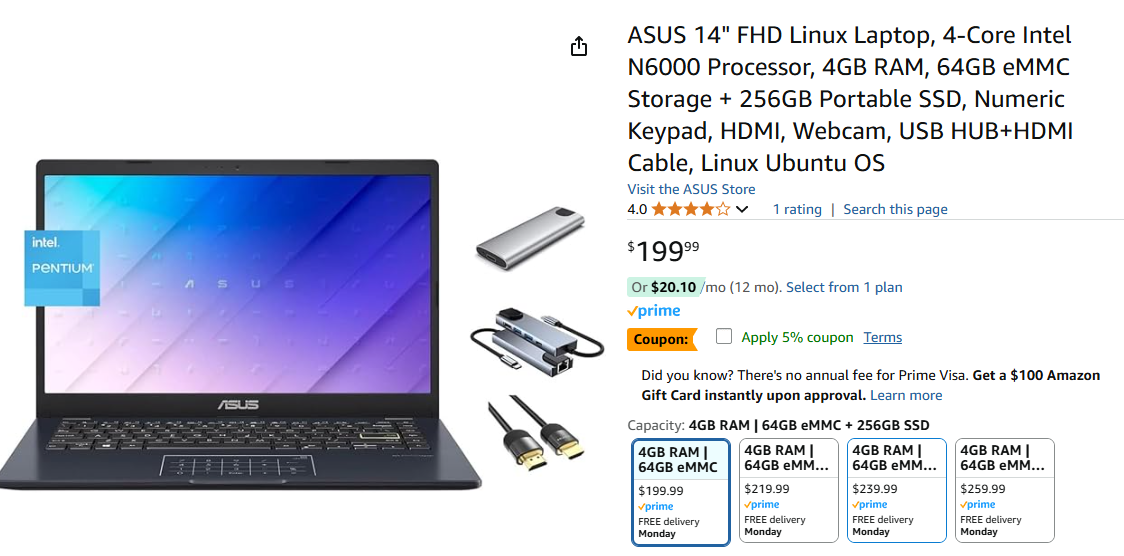
It's worth buying a $300 Ubuntu laptop and know your issues may all be solved!!! I just searched AMZN and found some for less than $250!!! -
Hi @antenna-eng
I've tried WSL for years internally with no luck.. it just does not work!!
It's worth buying a $300 Ubuntu laptop and know your issues may all be solved!!! I just searched AMZN and found some for less than $250!!! -
Hi @antenna-eng
I've tried WSL for years internally with no luck.. it just does not work!!
It's worth buying a $300 Ubuntu laptop and know your issues may all be solved!!! I just searched AMZN and found some for less than $250!!!@Vinny I also have other Linux systems (Ubuntu, Redhat, etc) that I can use. We were using WSL to connect to it and it was working fine. We can try some other systems to rule out that issue.
-
Hi @antenna-eng
I've tried WSL for years internally with no luck.. it just does not work!!
It's worth buying a $300 Ubuntu laptop and know your issues may all be solved!!! I just searched AMZN and found some for less than $250!!!@Vinny I was reminded after my post that our team did try the system on Ubuntu. Just to check, one of my team members just tried it on a Ubuntu system we have and it doesn't show up as a USB device. What do you think we should do?
-
@Vinny I was reminded after my post that our team did try the system on Ubuntu. Just to check, one of my team members just tried it on a Ubuntu system we have and it doesn't show up as a USB device. What do you think we should do?
Hi @antenna-eng ,
@tom has you covered, I was just expressing my experiences with WSL in the hopes it helped.
Thanks! -
@Vinny I was reminded after my post that our team did try the system on Ubuntu. Just to check, one of my team members just tried it on a Ubuntu system we have and it doesn't show up as a USB device. What do you think we should do?
-
@antenna-eng What do you see with
lsusb?@tom
The VOXL board isn't appearing when connected. I'm just seeing the system USB bus devices and things like the mouse/keyboard. Below is the output of lsusbdrone@ubuntu:~$ lsusb
Bus 002 Device 002: ID 2109:0822 VIA Labs, Inc. USB3.1 Hub
Bus 002 Device 001: ID 1d6b:0003 Linux Foundation 3.0 root hub
Bus 001 Device 005: ID 0bda:c811 Realtek Semiconductor Corp. 802.11ac NIC
Bus 001 Device 004: ID 046d:c31c Logitech, Inc. Keyboard K120
Bus 001 Device 003: ID 046d:c05a Logitech, Inc. M90/M100 Optical Mouse
Bus 001 Device 002: ID 2109:2822 VIA Labs, Inc. USB2.0 Hub
Bus 001 Device 001: ID 1d6b:0002 Linux Foundation 2.0 root hub -
@tom
The VOXL board isn't appearing when connected. I'm just seeing the system USB bus devices and things like the mouse/keyboard. Below is the output of lsusbdrone@ubuntu:~$ lsusb
Bus 002 Device 002: ID 2109:0822 VIA Labs, Inc. USB3.1 Hub
Bus 002 Device 001: ID 1d6b:0003 Linux Foundation 3.0 root hub
Bus 001 Device 005: ID 0bda:c811 Realtek Semiconductor Corp. 802.11ac NIC
Bus 001 Device 004: ID 046d:c31c Logitech, Inc. Keyboard K120
Bus 001 Device 003: ID 046d:c05a Logitech, Inc. M90/M100 Optical Mouse
Bus 001 Device 002: ID 2109:2822 VIA Labs, Inc. USB2.0 Hub
Bus 001 Device 001: ID 1d6b:0002 Linux Foundation 2.0 root hub -
@antenna-eng Can you run
sudo dmesg -wHand then plug in the board to your machine and see if it's enumerating? -
@tom Using the dmesg -wH command you provided, I can't see the device enumerating after plugging it in. I also tried different USB cables just to check. Still no change.
-
@antenna-eng How are you powering the board?
-
@tom I connected it to the battery. I made sure the battery was charged.


Reading along? Create a free ModalAI Forum account to join in.
With an account you can reply, ask your own question, get an email when a ModalAI engineer answers, and mark the reply that solved it. Your place in each thread is saved between visits.
Questions about VOXL, Flight Core, ESCs and ModalAI drones are answered here by the engineers who build them.
Register Login