
Starling is making only 8 instead of following the path
-
Hi,
I recently bought the VOXL 2 Starling Indoor and Outdoor SLAM & Autonomy Development Drone from ModalAI.My main purpose of purchasing this product is the use of Indoor SLAM and Autonomous flights. But, I am not satisfied with the product.
Initially, the drone wasn't creating the 3D map as shown in the video, but unfortunately as of now I am just struggling with the feature.
In the beginning the mapper service wasn't installed over my VOXL2, I got the instructions and installed it somehow.
Problem:
Now, I can create the map (not perfect), but upon doing the "Plan to a Point" ---> "Go" ---> "Follow Path", the drone isn't following the path and it just hover and doesn't move.
If I switch the flight mode to "Offboard", the drone starts doing 8.Logs are attached below:
Log # 1:
https://review.px4.io/plot_app?log=b9497141-2f1b-4e55-8ebc-662d930ae9eeLog # 2:
https://review.px4.io/plot_app?log=5ed85caf-a1b8-43d5-8205-45ea4ad5bcccLog # 3:
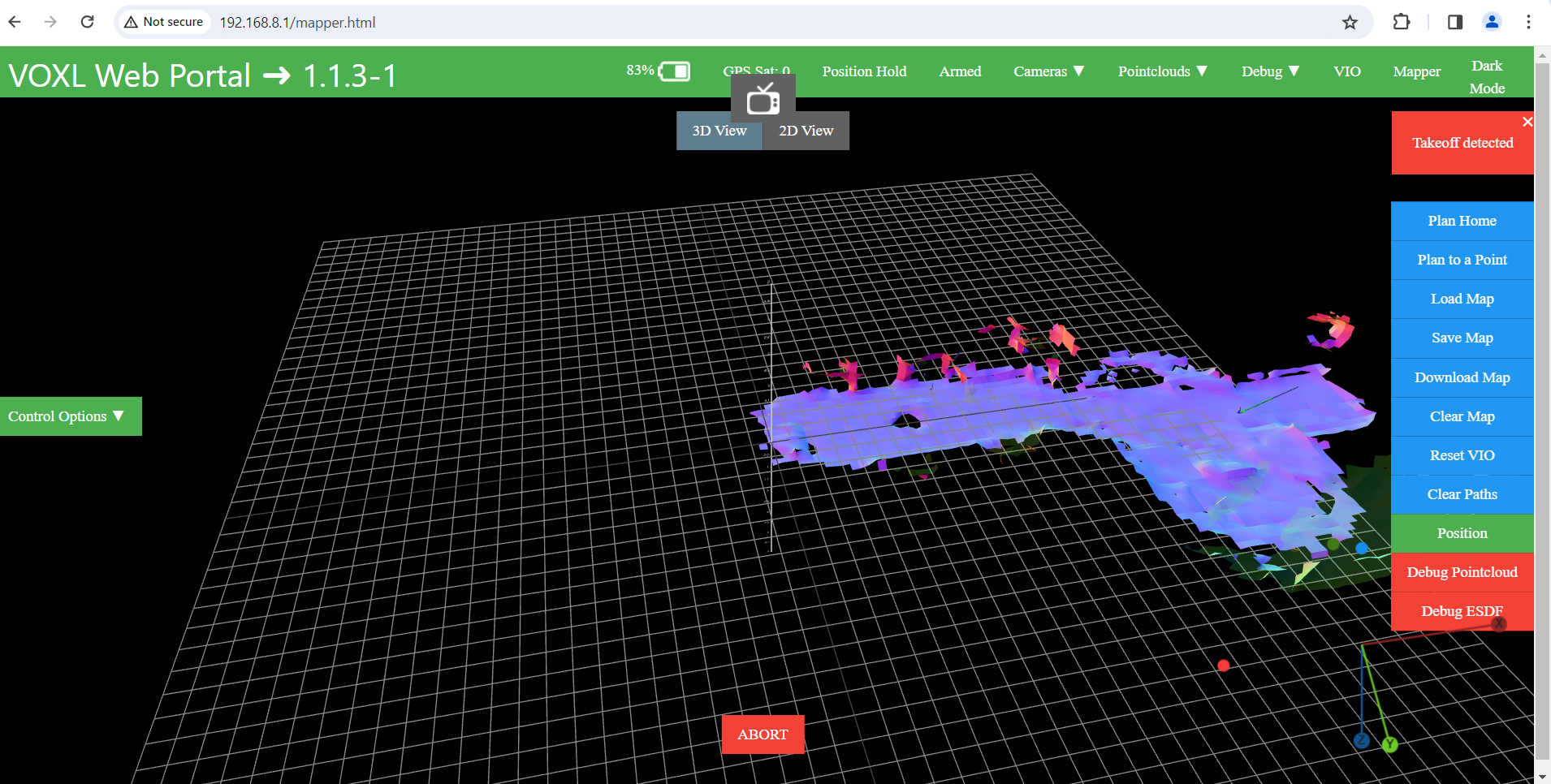
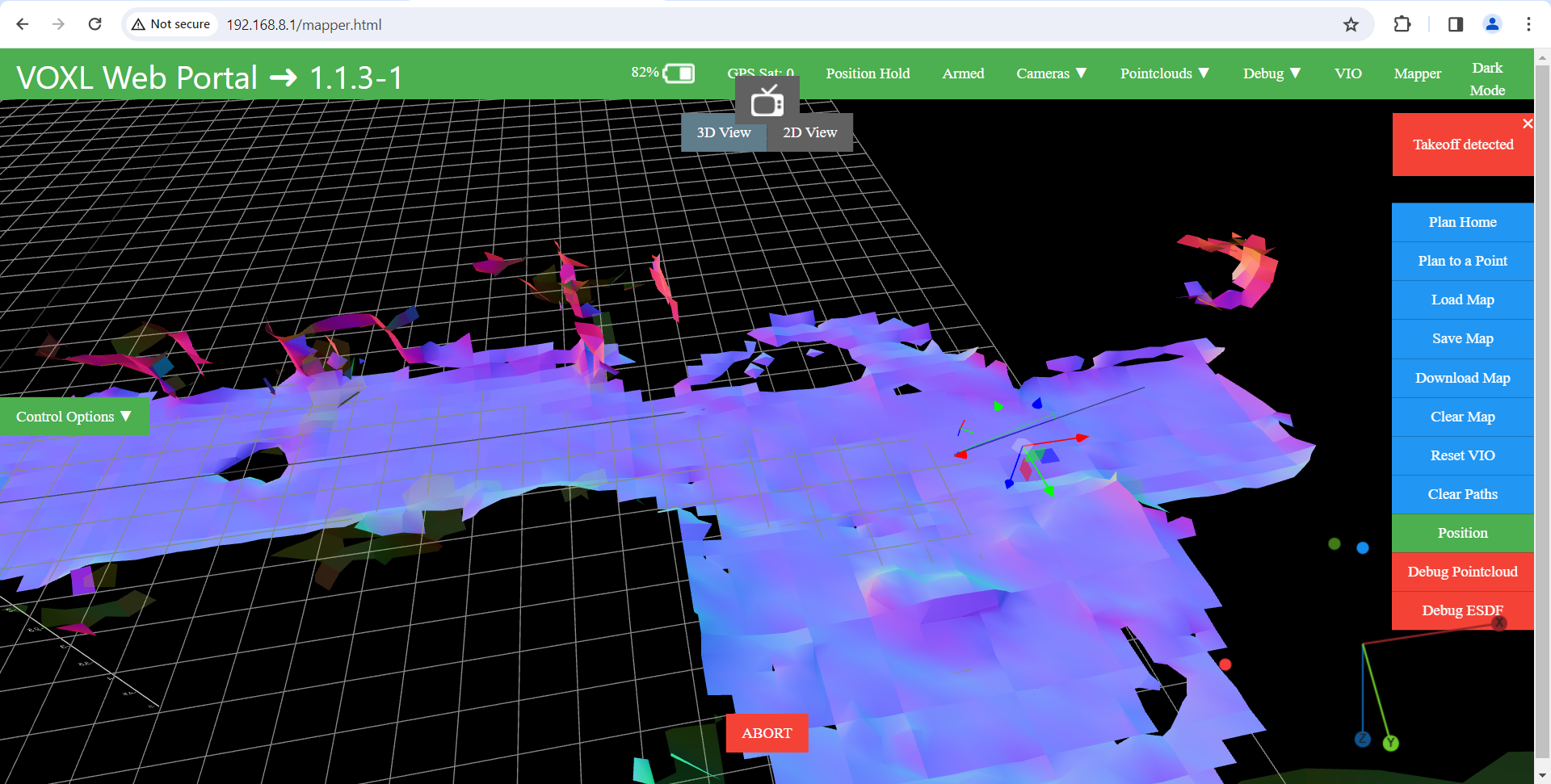
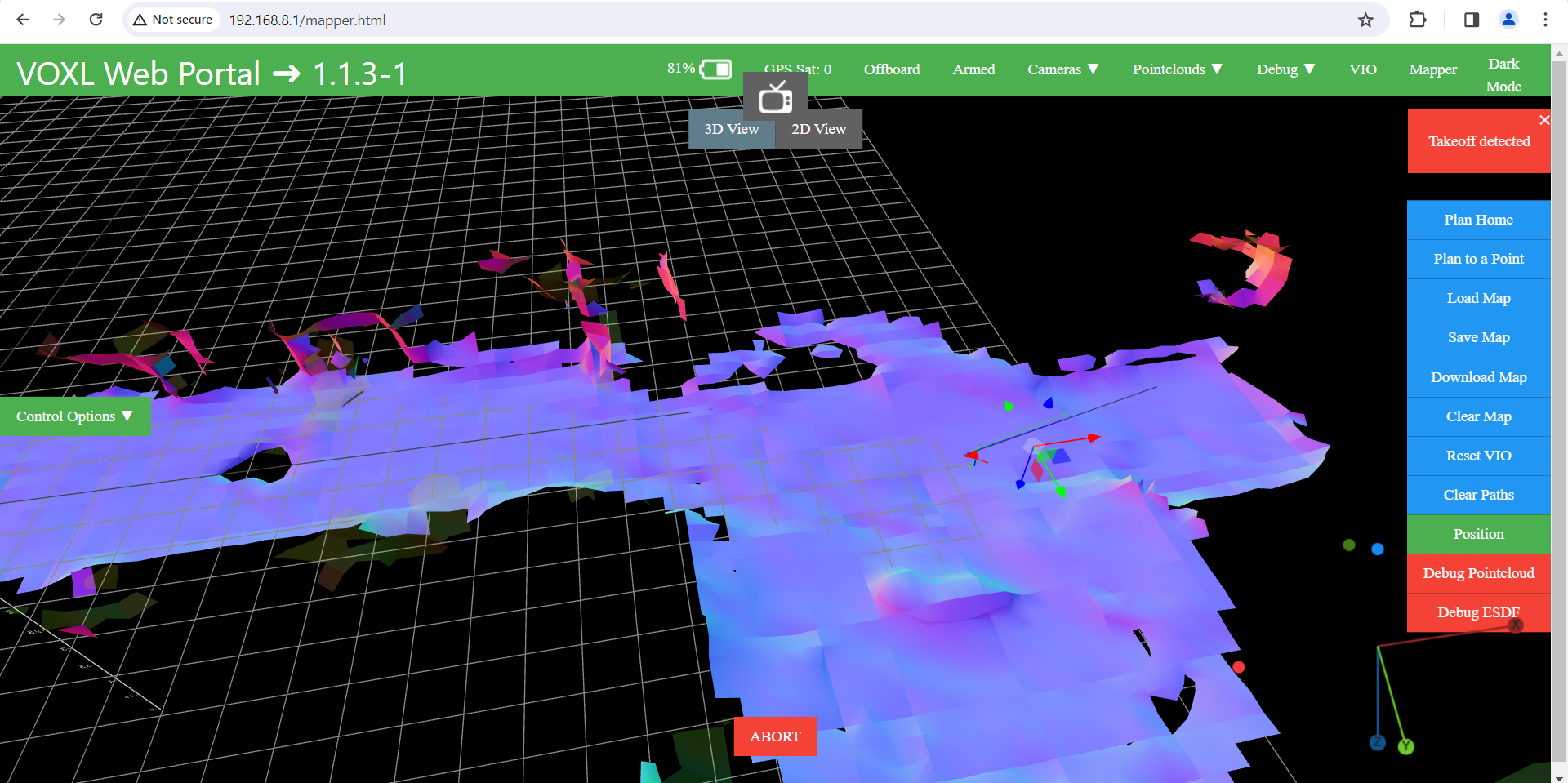
https://review.px4.io/plot_app?log=7b315b3b-e2b5-4969-97ad-10aae12823dfPictures of the map are also attached below:
-
Hi,
I recently bought the VOXL 2 Starling Indoor and Outdoor SLAM & Autonomy Development Drone from ModalAI.My main purpose of purchasing this product is the use of Indoor SLAM and Autonomous flights. But, I am not satisfied with the product.
Initially, the drone wasn't creating the 3D map as shown in the video, but unfortunately as of now I am just struggling with the feature.
In the beginning the mapper service wasn't installed over my VOXL2, I got the instructions and installed it somehow.
Problem:
Now, I can create the map (not perfect), but upon doing the "Plan to a Point" ---> "Go" ---> "Follow Path", the drone isn't following the path and it just hover and doesn't move.
If I switch the flight mode to "Offboard", the drone starts doing 8.Logs are attached below:
Log # 1:
https://review.px4.io/plot_app?log=b9497141-2f1b-4e55-8ebc-662d930ae9eeLog # 2:
https://review.px4.io/plot_app?log=5ed85caf-a1b8-43d5-8205-45ea4ad5bcccLog # 3:
https://review.px4.io/plot_app?log=7b315b3b-e2b5-4969-97ad-10aae12823dfPictures of the map are also attached below:
@Alex-Kushleyev @Vinny @Eric-Katzfey @modaltb
Your early response will be appreciated.
Thank you -
@Alex-Kushleyev @Vinny @Eric-Katzfey @modaltb
Your early response will be appreciated.
Thank you@muhammadbilal1 please see docs here: https://docs.modalai.com/setting-up-voxl-mapper/
-
@muhammadbilal1 please see docs here: https://docs.modalai.com/setting-up-voxl-mapper/
@Moderator I was able to do the flight after setting ""offboard_mode": "trajectory",".
But, I am only able to set 1 point (Plan to a Point) on the map.Is this possible to setup a complete mission instead of only putting a single point at once?
-
@Moderator I was able to do the flight after setting ""offboard_mode": "trajectory",".
But, I am only able to set 1 point (Plan to a Point) on the map.Is this possible to setup a complete mission instead of only putting a single point at once?
@muhammadbilal1 at this point, the gui only provides a single point as input. The code is all open so our customers can modify how they see fit. We are happy to incorporate merge requests if you have a feature you'd like to be incorporated into mainline

Reading along? Create a free ModalAI Forum account to join in.
With an account you can reply, ask your own question, get an email when a ModalAI engineer answers, and mark the reply that solved it. Your place in each thread is saved between visits.
Questions about VOXL, Flight Core, ESCs and ModalAI drones are answered here by the engineers who build them.
Register Login