Skip to content

Video and Image Sensors

45 Topics 338 Posts

General questions regarding the VOXL SDK that do not fit into other categories

  • camera not working and missing configuration

    2
    0 Votes
    2 Posts
    1k Views
    tomT
    @mkriesel You'll need to re-flash the SDK and select the correct kernel option that supports C11. When running ./install.sh you'll see the following options: Would you like to continue with SDK install? 1) Yes, with questions along the way to configure VOXL 2 2) Yes, just update SDK keeping the same SKU configuration 3) No Select, option 1, and you'll get the option to choose which kernel to flash Detected: M0054-1 (QRB5165M) Detected: Config 1 w/ M0173 Breakout Board (Starling 2 Max, Starling 2, FPV V5) ======================================================================================================= In order to support all of VOXL's camera configurations, specific drones require differing kernel images. Please select your drone hardware to proceed with flashing the appropriate kernel image. ======================================================================================================= PLEASE SELECT WHICH KERNEL TO FLASH 0. M0054-1 -> QRB5165M, Starling (D0005), Sentinel (D0006), FPV V4 (D0008), D0010, PX4 Dev Kit (D0011) 1. M0054-1 -> QRB5165M w/ M0173 Camera Breakout Board, Starling 2 Max (D0012), Starling 2 (D0014), FPV V5 (D0008/D0019/D0020) Select your choice from the options above or press [Enter] to continue with current config: For your use case, you'll want to select option 0 as you are not using an M0173 camera breakout board and the C11 camera config is inherited from the sentinel (D0006) platform.
  • EIS functionality

    14
    2
    0 Votes
    14 Posts
    1k Views
    Alex KushleyevA
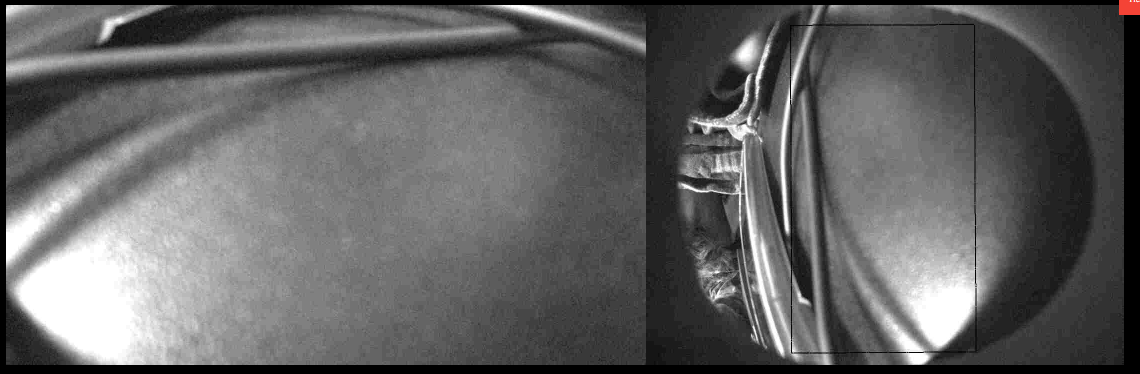
    @SKA , Does this happen right away after you start voxl-camera-server ? What raw "preview" resolution / fps are you requesting in camera server config? Also, can you post output of dmesg (everything after you start voxl-camera-server) Alex
  • tracking down pipe switching to images of traccking front camera

    14
    2
    0 Votes
    14 Posts
    1k Views
    Alex KushleyevA
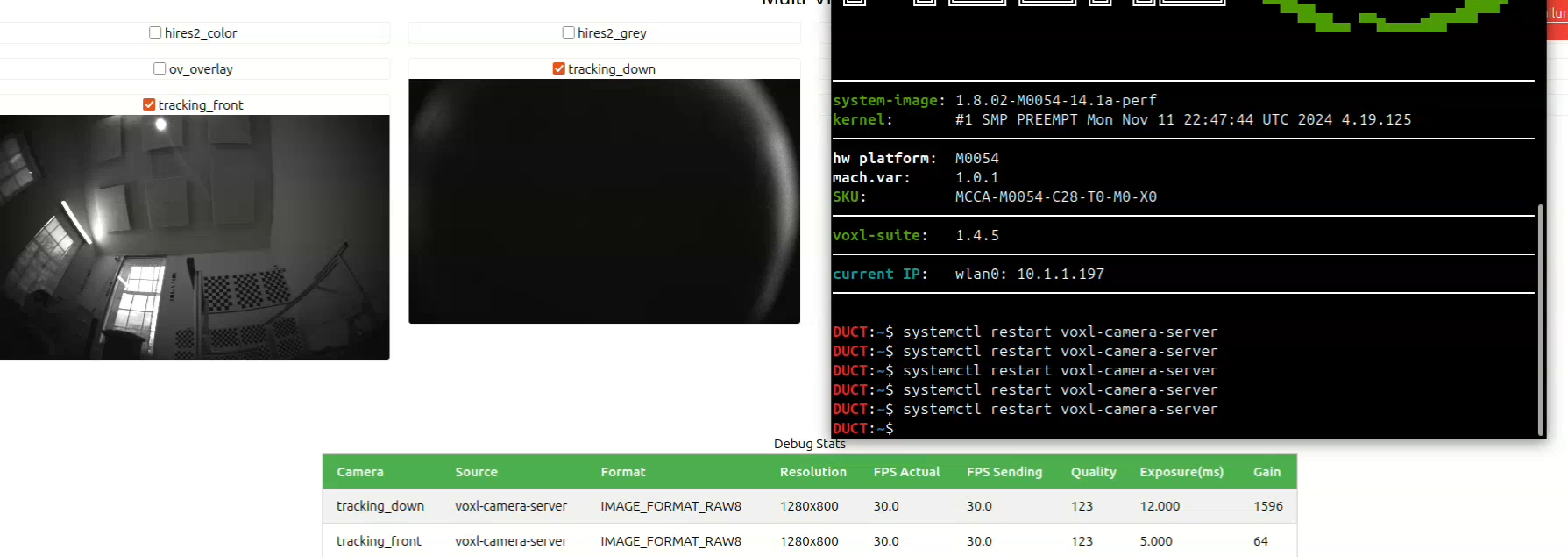
    Hi @mark , Thank you for the update. We will keep investigating the underlying issue that was a result of that questionable camera. Meanwhile, if you think that the camera is defective and has no damage, you can fill out an RMA request and send it back for an exchange. I cant really comment on what could be causing this on the camera itself (it would be interesting to try it), but the camera is not serviceable by the user. https://www.modalai.com/pages/rma Alex
  • J8 Sensor Header Use with M0173 Micro-Coax Kit on VOXL2

    3
    0 Votes
    3 Posts
    543 Views
    I
    Hi @Alex-Kushleyev, thank you kindly for the support and apologies for the late response. My earlier question was for an attempt to equip an M0173 to VOXL2 for a C26/27/28 config, plus an M0010 stereo pair on a M0076 interposer on VOXL J8 (sorry for the lack of clarity). Our team is now looking to use a default camera config for M0173, but minus the ToF sensor and with an added M0161 4K Hires camera connected to VOXL J8 via the M0155 adapter. Planning to test this hardware config shortly
  • Boson 640 MIPI M0153 16-bit

    18
    0 Votes
    18 Posts
    3k Views
    Alex KushleyevA
    save image on voxl: voxl-record-raw-image boson640_bayer -n 1 -d ./ display image using python3: import cv2 import numpy as np WIDTH = 640 HEIGHT = 512 FILENAME = "boson640_bayer_640x512.gray" # read 16-bit file img = np.fromfile(FILENAME, dtype=np.uint16).reshape(HEIGHT, WIDTH) # simple normalize vmin = np.min(img) vmax = np.max(img) img_8bit = cv2.convertScaleAbs(img-vmin, alpha=255.0/(vmax-vmin)) # show image cv2.imshow("Normalized Image", img_8bit) cv2.waitKey(3000) cv2.destroyAllWindows() [image: 1761928549434-b0c7843e-dbec-41e6-918b-b0f25085ee82-image.png]
  • 0 Votes
    1 Posts
    965 Views
    No one has replied
  • VOXL2 IMX412 Camera "Received 0 buffers" Error

    14
    1
    0 Votes
    14 Posts
    3k Views
    VinnyV
    Hi @ysc We do not need it back. Please keep it for mechanical reference. Glad we were able to help you out here. Thanks!
  • voxl-camera-server segmentation fault

    4
    1
    0 Votes
    4 Posts
    1k Views
    Alex KushleyevA
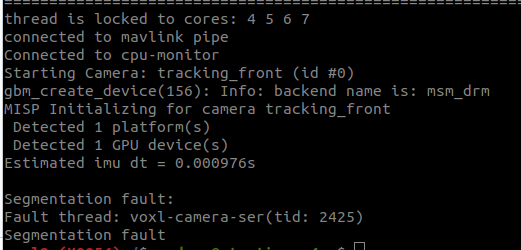
    @psafi , There was a libmodal-pipe library update earlier this week, so if you have updated that library on your VOXL2, then any other library or app (which uses libmodal-pipe) that you deploy to that VOXL2 needs to be built against the same version of libmodal-pipe. So if you want use the latest dev version, you would update the drone. make sure you are using dev for apt sources: in /etc/apt/sources.list.d/modalai.list: deb [trusted=yes] http://voxl-packages.modalai.com/ ./dists/qrb5165/dev/binary-arm64/ then update libmodal-pipe on VOXL2, this should also update any other packages that depend on it. apt update apt install libmodal-pipe When building your application using voxl-cross docker, make sure you run the following in order to get the latest deps from dev: ./install_build_deps.sh qrb5165 dev Most of the time you can get away not doing this, but this time there was an interface change in libmodal-pipe, so a mismatch occurred. Alex
  • Rotate imx412 stream

    16
    0 Votes
    16 Posts
    3k Views
    Jetson NanoJ
    @Alex-Kushleyev Thank you for sharing the files and the support, I was able to flip the video by using the flip file for camera 1. Now it is working fine.
  • Voxl 2 Mini with Starvis 2 not detected

    6
    0 Votes
    6 Posts
    1k Views
    Alex KushleyevA
    @aheyne , Thank you for the update. Please note that our standard configuration 50 has the IMX664 camera in slot 3, as shown in the link below ( J7 upper = slot ID 3). Since it is the only camera connected in this config, it would still show up as ID 0 in the voxl-camera-server.conf file. https://gitlab.com/voxl-public/voxl-sdk/services/voxl-camera-server/-/blob/master/misc_files/usr/share/modalai/voxl-camera-server/standard_configs/platform_config_2/50 - MVX-T0001 voxl2 mini hires imx664 Also, i think you meant that you copied the com.qti.sensormodule.imx664_1.bin file, not 3 after running voxl-configure-cameras. The extra sensormodule file for slot number 3 in this case does not do anything because there is no camera actually connected in slot 3, so the camera pipeline will just try to probe the camera in this slot and will fail and move on. In general. I would recommend having only the sensormodule files that you are actually using in /usr/lib/camera in order to avoid any confusion in the future. Also, thank you for letting me know what happened when you connected the camera to the wrong ucoax port (J1L, which is designed for a Boson camera, which needs 5V). Yes, the camera shorted the 5V rail to ground inside the camera, but it seems it has survived? Don't try it again By the way, did you have to update the kernel? Is there anything else I can help you with, so you can get the most use of the IMX664 camera? Alex
  • 0 Votes
    1 Posts
    647 Views
    No one has replied
  • Stereo Image sensor selection

    7
    0 Votes
    7 Posts
    2k Views
    S
    @Alex-Kushleyev This worked! Thank you
  • video streaming with herelink 1.1

    3
    0 Votes
    3 Posts
    1k Views
    Q
    @Riley-Dove would you have any insight on this? Thanks!
  • Camera not being identified on J7U

    7
    0 Votes
    7 Posts
    2k Views
    Alex KushleyevA
    @Idan-Fiksel , it looks like it worked since your machine variant is now 1.0.0 . I assume it was 1.0.1. Sorry the numbering in the name of the kernel is 00.0 vs 00.1…
  • voxl-camera-server behaving differently

    5
    0 Votes
    5 Posts
    1k Views
    tomT
    @dvz https://gitlab.com/WondesenB/voxl-tag-detector
  • Boson 640 MIPI M0153: 16-bit Pre-AGC

    3
    0 Votes
    3 Posts
    1k Views
    Kerry SnyderK
    @Alex-Kushleyev Thank you! For the moment we have decided to stick with USB since we can fit that into the current electrical architecture, but I appreciate the offer and may take you up on it at some point in the future if our design changes. Thanks, Kerry
  • Camera server: Preview stream stops when Large video activated

    11
    1
    0 Votes
    11 Posts
    3k Views
    Rowan DempsterR
    @Alex-Kushleyev Gotcha, thanks for the info Alex and your help resolving this issue!
  • Hires image sensors and FPV goggles

    3
    0 Votes
    3 Posts
    1k Views
    V
    @Moderator That's exciting, I'll be on the lookout. Thanks!
  • Do "tracking" cameras (e.g. ar0144) support the snapshot command?

    1
    0 Votes
    1 Posts
    754 Views
    No one has replied
  • Micro-coax dual interposer board for M0166 cameras

    3
    0 Votes
    3 Posts
    886 Views
    VinnyV
    Hi @SKA Alex's instincts are correct, we do not have a smaller plug in board for just tracking in a synce'd config. We only had an M0155 for one image sensor for a while, so your best bet is what Alex said and get the new M0188 for VOXL 2 Mini (VOXL 2 uses M0173, whereas VOXL 2 Mini uses M0188) It's quite cost competitive for what it does!! https://www.modalai.com/collections/all/products/m0188