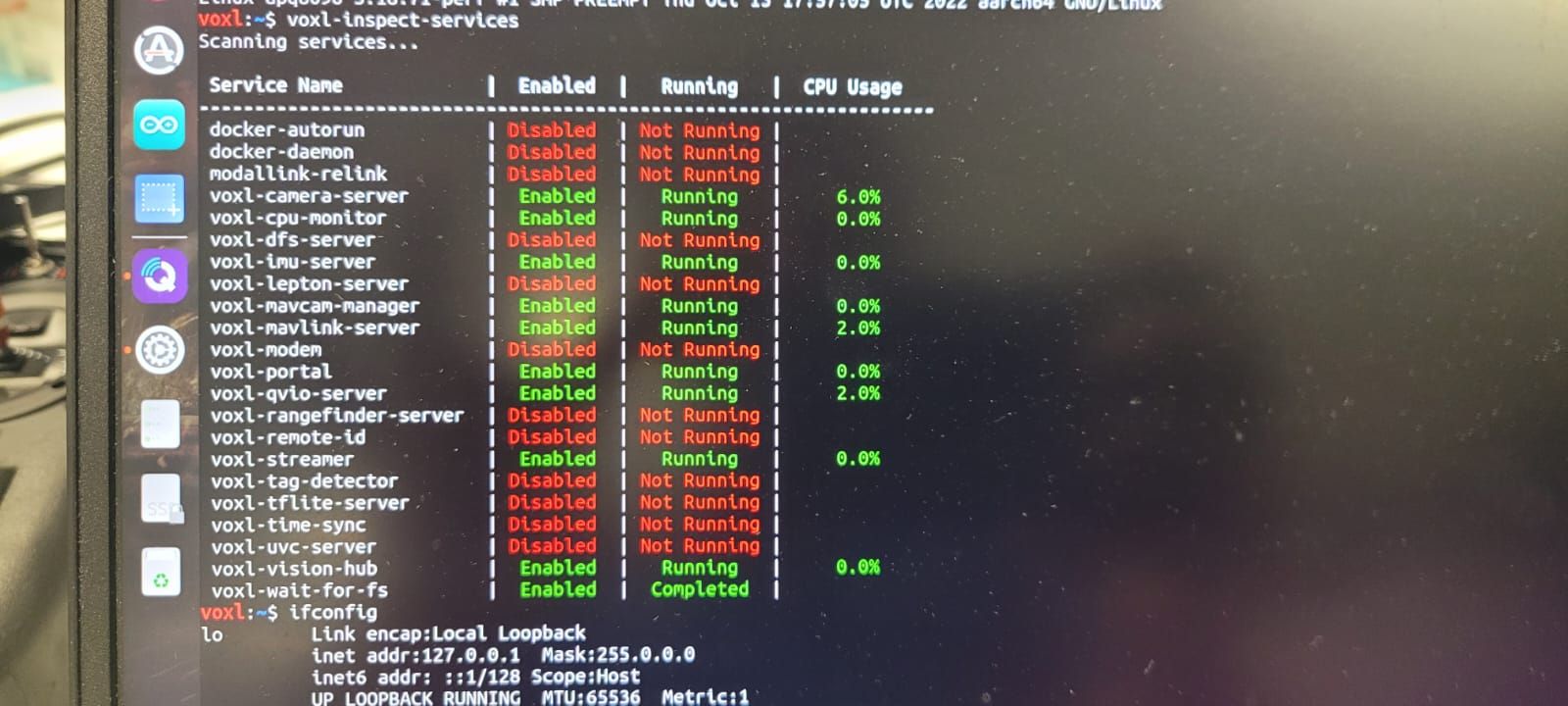
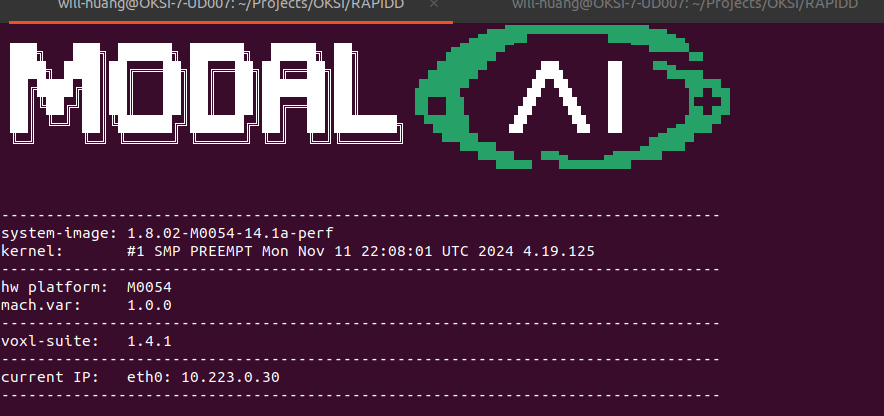
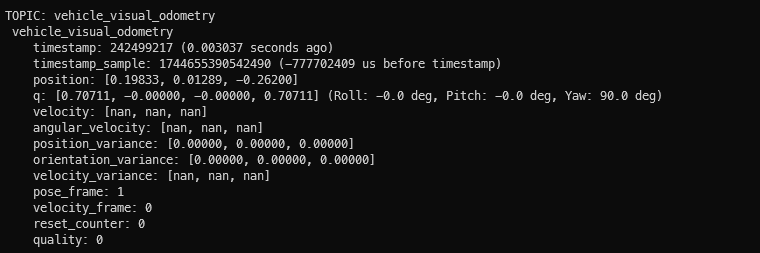
@Andrew-Jue Hi! Could you share how you managed to get your VOXL2 working with motion capture? Did you also use Starling 2 or just a VOXL2 on another platform? It looks like I ran into the same problems as you while trying to get my Starling 2 (also using VOXL2) to position hold with an Optitrack setup
I tried following your troubleshooting steps and replicating your params exactly, and while it seems like it can be toggled into position hold, it doesn't hold its position at all. It just kinda flies off away as soon as I switch it into position hold. I did a screen recording of the outputs of /mavros/vision_pose/pose and /mavros/local_position/pose during flight and noticed that the values for these topics diverges and converges seemingly randomly
Before flight (Left: /mavros/vision_pose/pose, Right: /mavros/local_position/pose)
[image: 1749637505344-24e5cb61-9e40-464e-8941-6c60f804f9b4-screenshot-from-2025-06-11-18-24-58.png]
During pos hold (Left: /mavros/vision_pose/pose, Right: /mavros/local_position/pose)
[image: 1749637677085-73806f5a-aef4-44f7-9cda-90fa7cd39789-image.png]
I reviewed the flight logs and it does look like something is commanding it to move away from its position for some reason.
[image: 1749637827946-9df2c832-cb27-4fee-af22-ed7b037e9351-image.png]
My theory is that the usb wifi on the Starling2 might be introducing some latency that is causing it to fly erratically, although the visual odometry latency seems fine (I think)
[image: 1749637999076-f8abeff3-8923-4ead-a9c6-b6a2134ad612-image.png]
Do you have any hints as to what the problem might be?
These are the changes I made to switch the Starling 2 to receive data from the Optitrack system:
In /etc/modalai/voxl-vision-hub.conf, changed en_vio to false
{
"config_file_version": 1,
"en_localhost_mavlink_udp": true,
"localhost_udp_port_number": 14551,
"en_vio": false,
"vio_pipe": "qvio",
"secondary_vio_pipe": "ov",
"vfc_vio_pipe": "ov",
"en_reset_vio_if_initialized_inverted": true,
"vio_warmup_s": 3,
"send_odom_while_failed": true,
"horizon_cal_tolerance": 0.5,
"en_hitl": false,
"offboard_mode": "off",
"follow_tag_id": 0,
"figure_eight_move_home": true,
"robot_radius": 0.300000011920929,
"collision_sampling_dt": 0.1,
"max_lookahead_distance": 1,
"backtrack_seconds": 60,
"backtrack_rc_chan": 8,
"backtrack_rc_thresh": 1500,
"wps_move_home": true,
"wps_stride": 0,
"wps_timeout": 0,
"wps_damp": 1,
"wps_vfc_mission": true,
"en_tag_fixed_frame": false,
"fixed_frame_filter_len": 5,
"en_transform_mavlink_pos_setpoints_from_fixed_frame": false,
"vfc_rate": 100,
"vfc_rc_chan_min": 980,
"vfc_rc_chan_max": 2020,
"vfc_thrust_ch": 3,
"vfc_roll_ch": 1,
"vfc_pitch_ch": 2,
"vfc_yaw_ch": 4,
"vfc_submode_ch": 6,
"vfc_alt_mode_rc_min": 0,
"vfc_alt_mode_rc_max": 0,
"vfc_flow_mode_rc_min": 0,
"vfc_flow_mode_rc_max": 0,
"vfc_hybrid_flow_mode_rc_min": 0,
"vfc_hybrid_flow_mode_rc_max": 0,
"vfc_position_mode_rc_min": 0,
"vfc_position_mode_rc_max": 2100,
"vfc_traj_mode_rc_min": 0,
"vfc_traj_mode_rc_max": 0,
"vfc_yaw_deadband": 30,
"vfc_vxy_deadband": 50,
"vfc_vz_deadband": 150,
"vfc_min_thrust": 0,
"vfc_max_thrust": 0.800000011920929,
"vfc_tilt_max": 0.43599998950958252,
"vfc_yaw_rate_max": 3,
"vfc_thrust_hover": 0.5,
"vfc_vz_max": 1,
"vfc_kp_z": 5.2899999618530273,
"vfc_kd_z": 5.9800000190734863,
"vfc_vxy_max": 3,
"vfc_kp_xy": 0.63999998569488525,
"vfc_kd_xy": 2.559999942779541,
"vfc_kp_z_vio": 5.2899999618530273,
"vfc_kd_z_vio": 5.9800000190734863,
"vfc_kp_xy_vio": 3.2400000095367432,
"vfc_kd_xy_vio": 3.9600000381469727,
"vfc_w_filt_xy_vio": 10,
"vfc_vel_ff_factor_vio": 0.899999976158142,
"vfc_xy_acc_limit_vio": 2.5,
"vfc_max_z_delta": 3,
"vfc_att_transition_time": 0.5,
"vfc_stick_move_threshold": 30,
"vfc_flow_transition_time": 1,
"vfc_q_min": 10,
"vfc_points_min": 7,
"vfc_en_submode_announcement": 1,
"vfc_disable_fallback": false,
"vfc_traj_csv": "/data/voxl-vision-hub/traj.csv",
"en_voa": true,
"voa_upper_bound_m": -0.15000000596046448,
"voa_lower_bound_m": 0.15000000596046448,
"voa_voa_memory_s": 1,
"voa_max_pc_per_fusion": 100,
"voa_pie_max_dist_m": 20,
"voa_pie_min_dist_m": 0.25,
"voa_pie_under_trim_m": 1,
"voa_pie_threshold": 3,
"voa_send_rate_hz": 20,
"voa_pie_slices": 36,
"voa_pie_bin_depth_m": 0.15000000596046448,
"voa_inputs": [{
"enabled": true,
"type": "point_cloud",
"input_pipe": "dfs_point_cloud",
"frame": "stereo_l",
"max_depth": 8,
"min_depth": 0.300000011920929,
"cell_size": 0.079999998211860657,
"threshold": 4,
"x_fov_deg": 68,
"y_fov_deg": 56,
"conf_cutoff": 0
}, {
"enabled": true,
"type": "point_cloud",
"input_pipe": "stereo_front_pc",
"frame": "stereo_front_l",
"max_depth": 8,
"min_depth": 0.300000011920929,
"cell_size": 0.079999998211860657,
"threshold": 4,
"x_fov_deg": 68,
"y_fov_deg": 56,
"conf_cutoff": 0
}, {
"enabled": true,
"type": "point_cloud",
"input_pipe": "stereo_rear_pc",
"frame": "stereo_rear_l",
"max_depth": 8,
"min_depth": 0.300000011920929,
"cell_size": 0.079999998211860657,
"threshold": 4,
"x_fov_deg": 68,
"y_fov_deg": 56,
"conf_cutoff": 0
}, {
"enabled": true,
"type": "tof",
"input_pipe": "tof",
"frame": "tof",
"max_depth": 6,
"min_depth": 0.15000000596046448,
"cell_size": 0.079999998211860657,
"threshold": 3,
"x_fov_deg": 106.5,
"y_fov_deg": 85.0999984741211,
"conf_cutoff": 125
}, {
"enabled": true,
"type": "rangefinder",
"input_pipe": "rangefinders",
"frame": "body",
"max_depth": 8,
"min_depth": 0.300000011920929,
"cell_size": 0.079999998211860657,
"threshold": 4,
"x_fov_deg": 68,
"y_fov_deg": 56,
"conf_cutoff": 0
}]
}
In /etc/modalai/voxl-mavlink-server.conf, changed en_external_ap_timesync to 0
{
"primary_static_gcs_ip": "192.168.8.10",
"secondary_static_gcs_ip": "192.168.8.11",
"onboard_port_to_autopilot": 14556,
"onboard_port_from_autopilot": 14557,
"gcs_port_to_autopilot": 14558,
"gcs_port_from_autopilot": 14559,
"en_external_uart_ap": false,
"autopilot_uart_bus": 1,
"autopilot_uart_baudrate": 921600,
"autopilot_mission_delay_start": -1,
"autopilot_mission_delay_sound": false,
"autopilot_mission_notif_dur": 0.1,
"en_external_ap_timesync": 0,
"en_external_ap_heartbeat": 1,
"udp_mtu": 0,
"gcs_timeout_s": 4.5
}
In vrpn launch file, remapped vrpn_client_node to mavros/vision_pose/pose with 30Hz update frequency
Disabled QVIO and ovins
Changed PX4 params: EKF2_EV_CTRL to 11, EKF2_EV_QMIN to 0
voxl2:/$ px4-param show ekf2_ev*
Symbols: x = used, + = saved, * = unsaved
x EKF2_EVA_NOISE [292,568] : 0.1000
x EKF2_EVP_GATE [293,569] : 5.0000
x EKF2_EVP_NOISE [294,570] : 0.1000
x EKF2_EVV_GATE [295,571] : 3.0000
x EKF2_EVV_NOISE [296,572] : 0.1000
x + EKF2_EV_CTRL [297,573] : 11
x EKF2_EV_DELAY [298,574] : 0.0000
x EKF2_EV_HGT_TO [299,575] : 5000
x EKF2_EV_NOISE_MD [300,576] : 0
x EKF2_EV_POS_TO [301,577] : 1000
x EKF2_EV_POS_X [302,578] : 0.0000
x EKF2_EV_POS_Y [303,579] : 0.0000
x EKF2_EV_POS_Z [304,580] : 0.0000
x EKF2_EV_QMIN [305,581] : 0
829/2162 parameters used.
Launched mavros with ModalAI's mavros launch script