
Example to stream video via ffmpeg
-
In this documentation(https://docs.modalai.com/docker-on-voxl/#access-to-mipi-cameras), last part, I get this code
ffmpeg -an -sn -f rawvideo -pix_fmt nv21 -s:v 640x480 -i /opt/frame0 <output options>I already set up the docker with roskinetic-xenial_v1_0. Would you like to give an example to use FFmpeg? I want to stream the visual data and view such data on my laptop.
I tried to save the video locally. but the system give me error
ffmpeg -an -sn -f rawvideo -pix_fmt nv21 -s:v 640x480 -i /opt/frame0 output.mov/opt/frame0: Is a directoryThank you!
-
@Ruijie-Geng In order to stream video to your ground control station you can do something similar to the following
ffmpeg -an -sn -f rawvideo -pix_fmt nv21 -s:v 640x480 -i /opt/frame0 -f mpegts udp://GCS_IP:4242Where
GCS_IPis the IP address of the ground control station (laptop) that you are connecting to. -
Also, you have to start the camera application that creates /opt/frame0 before starting the docker. Otherwise the docker will create /opt/frame0 itself as a directory and not as a pipe. If this happens, exit the docker, delete /opt/frame0, start the camera application, then start docker.
-
Thank you! I will have a trial to do that!
-
I meet another question that I try to run
hello_hal3_camera -l /dev/frame0before starting docker, but gives the error~ # hello_hal3_camera -l /dev/frame0 Camera id: 0 Image width: 640 Image height: 480 Number of frames to dump: 0 Frame FIFO: /dev/frame0 Camera mode: preview SUCCESS: Camera module opened Camera Id: 0 Facing: 0 Camera Id: 1 Facing: 1 Error: Could not open named FIFO /dev/frame0 Camera Id: 2 Facing: 1 Camera HAL3 test is now running -
I meet another question that I try to run
hello_hal3_camera -l /dev/frame0before starting docker, but gives the error~ # hello_hal3_camera -l /dev/frame0 Camera id: 0 Image width: 640 Image height: 480 Number of frames to dump: 0 Frame FIFO: /dev/frame0 Camera mode: preview SUCCESS: Camera module opened Camera Id: 0 Facing: 0 Camera Id: 1 Facing: 1 Error: Could not open named FIFO /dev/frame0 Camera Id: 2 Facing: 1 Camera HAL3 test is now running@Ruijie-Geng Can you please show the output of "ls -l /dev/frame0"?
-
Sorry for the late reply. I try the code again, the bug is gone. I can open /dev/frame0 correctly.
Thank you very much
-
Hello, I can use FFmpeg to stream the data from
/opt/frame0. And I can view something on my laptop. But the stream is something with green background. Do you meet a similar issue before?
Does something wrong with my camera or the type of visual stream is not correct?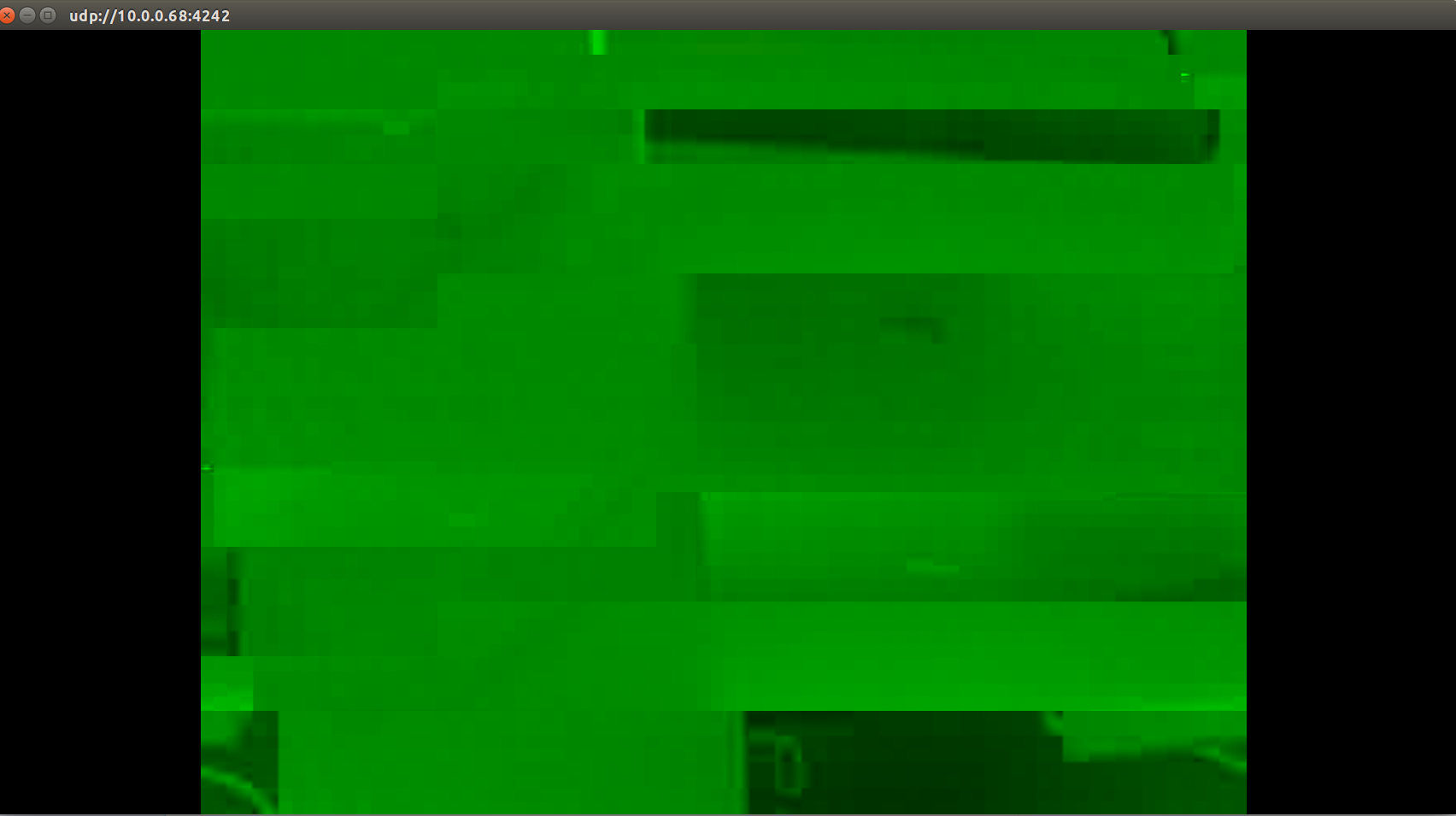
-
Can you please send us the output of "ls -l /dev/frame0", the output showing hello_hal3_camera, and also ffmpeg?



Reading along? Create a free ModalAI Forum account to join in.
With an account you can reply, ask your own question, get an email when a ModalAI engineer answers, and mark the reply that solved it. Your place in each thread is saved between visits.
Questions about VOXL, Flight Core, ESCs and ModalAI drones are answered here by the engineers who build them.
Register Login