Skip to content
  • Categories
  • Recent
  • Tags
  • Popular
  • Users
  • Groups
Collapse
Brand Logo

ModalAI Forum

  1. ModalAI Support Forum
  2. Software Development
  3. Example to stream video via ffmpeg

Example to stream video via ffmpeg

Scheduled Pinned Locked Moved Software Development
9 Posts 3 Posters 2.5k Views 3 Watching
  • Oldest to Newest
  • Newest to Oldest
  • Most Votes
Reply
  • Reply as topic
Log in to reply
This topic has been deleted. Only users with topic management privileges can see it.
  • Ruijie GengR Offline
    Ruijie GengR Offline
    Ruijie Geng
    wrote on last edited by
    #1

    In this documentation(https://docs.modalai.com/docker-on-voxl/#access-to-mipi-cameras), last part, I get this code

    ffmpeg -an -sn -f rawvideo -pix_fmt nv21 -s:v 640x480 -i /opt/frame0 <output options>
    

    I already set up the docker with roskinetic-xenial_v1_0. Would you like to give an example to use FFmpeg? I want to stream the visual data and view such data on my laptop.

    I tried to save the video locally. but the system give me error

    ffmpeg -an -sn -f rawvideo -pix_fmt nv21 -s:v 640x480 -i /opt/frame0 output.mov
    
    /opt/frame0: Is a directory
    

    Thank you!

    1 Reply Last reply
    0
    • tomT Offline
      tomT Offline
      tom
      admin
      wrote on last edited by
      #2

      @Ruijie-Geng In order to stream video to your ground control station you can do something similar to the following

      ffmpeg -an -sn -f rawvideo -pix_fmt nv21 -s:v 640x480 -i /opt/frame0 -f mpegts udp://GCS_IP:4242
      

      Where GCS_IP is the IP address of the ground control station (laptop) that you are connecting to.

      1 Reply Last reply
      0
      • Eric KatzfeyE Offline
        Eric KatzfeyE Offline
        Eric Katzfey
        ModalAI Team
        wrote on last edited by
        #3

        Also, you have to start the camera application that creates /opt/frame0 before starting the docker. Otherwise the docker will create /opt/frame0 itself as a directory and not as a pipe. If this happens, exit the docker, delete /opt/frame0, start the camera application, then start docker.

        1 Reply Last reply
        0
        • Ruijie GengR Offline
          Ruijie GengR Offline
          Ruijie Geng
          wrote on last edited by
          #4

          Thank you! I will have a trial to do that!

          1 Reply Last reply
          0
          • Ruijie GengR Offline
            Ruijie GengR Offline
            Ruijie Geng
            wrote on last edited by
            #5

            I meet another question that I try to run hello_hal3_camera -l /dev/frame0 before starting docker, but gives the error

            ~ # hello_hal3_camera -l /dev/frame0
            
            Camera id: 0
            Image width: 640
            Image height: 480
            Number of frames to dump: 0
            Frame FIFO: /dev/frame0
            Camera mode: preview
            SUCCESS: Camera module opened
            Camera Id: 0 Facing: 0
            Camera Id: 1 Facing: 1
            
            Error: Could not open named FIFO /dev/frame0
            Camera Id: 2 Facing: 1
            
            Camera HAL3 test is now running
            
            Eric KatzfeyE 1 Reply Last reply
            0
            • Ruijie GengR Ruijie Geng

              I meet another question that I try to run hello_hal3_camera -l /dev/frame0 before starting docker, but gives the error

              ~ # hello_hal3_camera -l /dev/frame0
              
              Camera id: 0
              Image width: 640
              Image height: 480
              Number of frames to dump: 0
              Frame FIFO: /dev/frame0
              Camera mode: preview
              SUCCESS: Camera module opened
              Camera Id: 0 Facing: 0
              Camera Id: 1 Facing: 1
              
              Error: Could not open named FIFO /dev/frame0
              Camera Id: 2 Facing: 1
              
              Camera HAL3 test is now running
              
              Eric KatzfeyE Offline
              Eric KatzfeyE Offline
              Eric Katzfey
              ModalAI Team
              wrote on last edited by
              #6

              @Ruijie-Geng Can you please show the output of "ls -l /dev/frame0"?

              1 Reply Last reply
              0
              • Ruijie GengR Offline
                Ruijie GengR Offline
                Ruijie Geng
                wrote on last edited by
                #7

                Sorry for the late reply. I try the code again, the bug is gone. I can open /dev/frame0 correctly.

                Thank you very much

                1 Reply Last reply
                0
                • Ruijie GengR Offline
                  Ruijie GengR Offline
                  Ruijie Geng
                  wrote on last edited by
                  #8

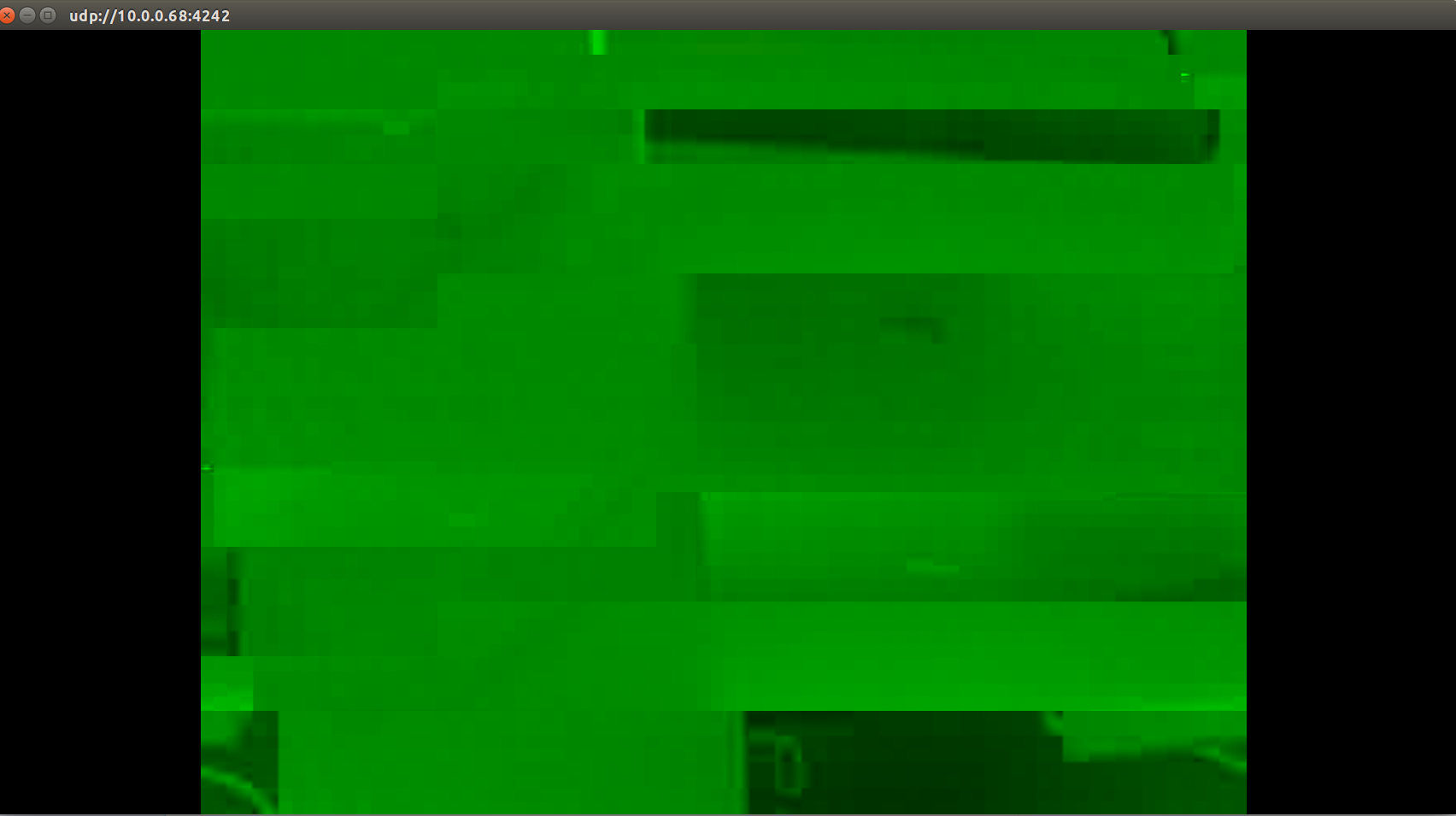
                  Hello, I can use FFmpeg to stream the data from /opt/frame0. And I can view something on my laptop. But the stream is something with green background. Do you meet a similar issue before?
                  Does something wrong with my camera or the type of visual stream is not correct?
                  stream-bug.png

                  1 Reply Last reply
                  0
                  • Eric KatzfeyE Offline
                    Eric KatzfeyE Offline
                    Eric Katzfey
                    ModalAI Team
                    wrote on last edited by
                    #9

                    Can you please send us the output of "ls -l /dev/frame0", the output showing hello_hal3_camera, and also ffmpeg?


                    1 Reply Last reply
                    0

                    Hello! It looks like you're interested in this conversation, but you don't have an account yet.

                    Getting fed up of having to scroll through the same posts each visit? When you register for an account, you'll always come back to exactly where you were before, and choose to be notified of new replies (either via email, or push notification). You'll also be able to save bookmarks and upvote posts to show your appreciation to other community members.

                    With your input, this post could be even better 💗

                    Register Login
                    Reply
                    • Reply as topic
                    Log in to reply
                    • Oldest to Newest
                    • Newest to Oldest
                    • Most Votes


                    ModalAI
                    Categories Recent Tags ModalAI.com Docs
                    © 2026 ModalAI® · Accelerating autonomy for smaller, smarter, safer drones · Powered by NodeBB
                    • Login

                    • Don't have an account? Register

                    • Login or register to search.
                    • First post
                      Last post
                    0
                    • Categories
                    • Recent
                    • Tags
                    • Popular
                    • Users
                    • Groups
