
Voxl not connecting to QGC
-
Hello,
I have gone through the quickstart process and can ssh into my voxl m500 drone, but it does not automatically connect to QCG. I installed qcg using the instructions here for Linux. I am on Ubuntu 20.04. My desktop has two ethernet ports and a wifi card. I tried following the steps in this forum post, but it does not appear to be helping.
I tried running with the default
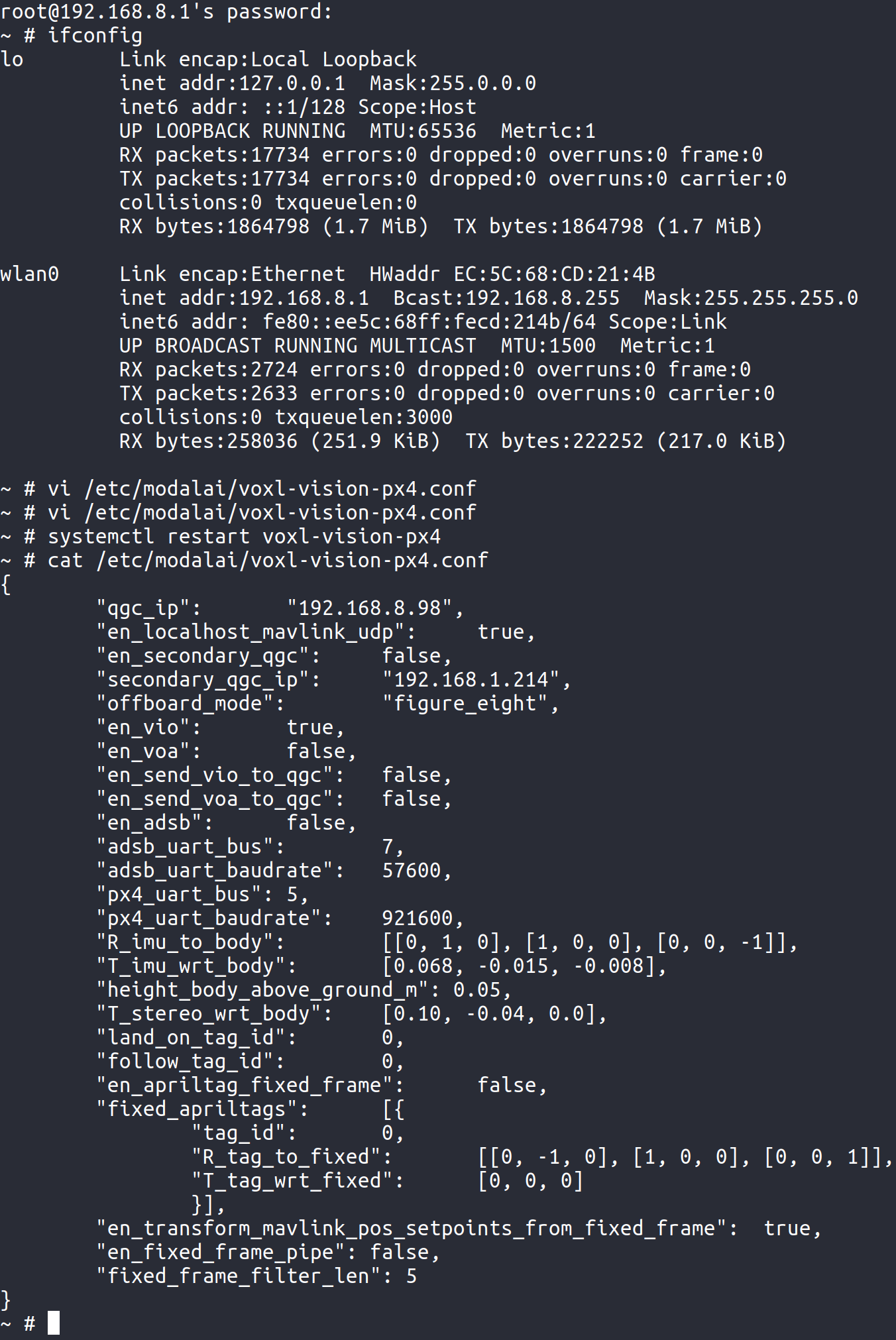
voxl-vision-px4and I tried setting up a new one withvoxl-configure-vision-px4. I've tried with my ethernet connection both enabled and disabled. In the forum post I linked above, the solution was to input the ethernet ip into thevoxl-vision-px4config, but this does not make sense to me as the connection is happening over wifi. However, I tried with both the ethernet and the wifi ip's of my desktop. In all cases I reset the system withsystemctl restart voxl-vision-px4and have also tried power cycling my desktop.Desktop Wifi IP
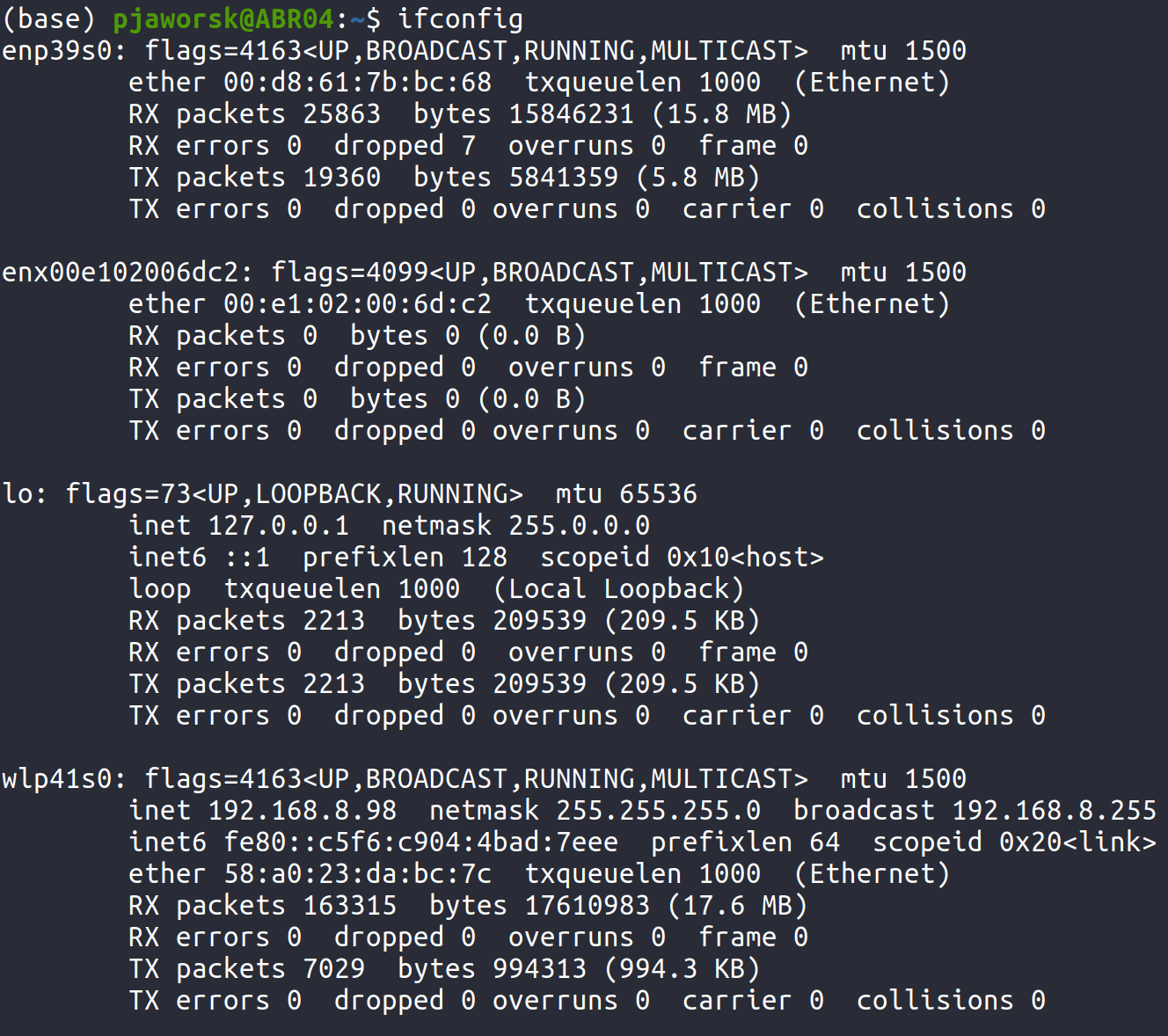
VOXL with WIFI IP
Desktop ethernet IP
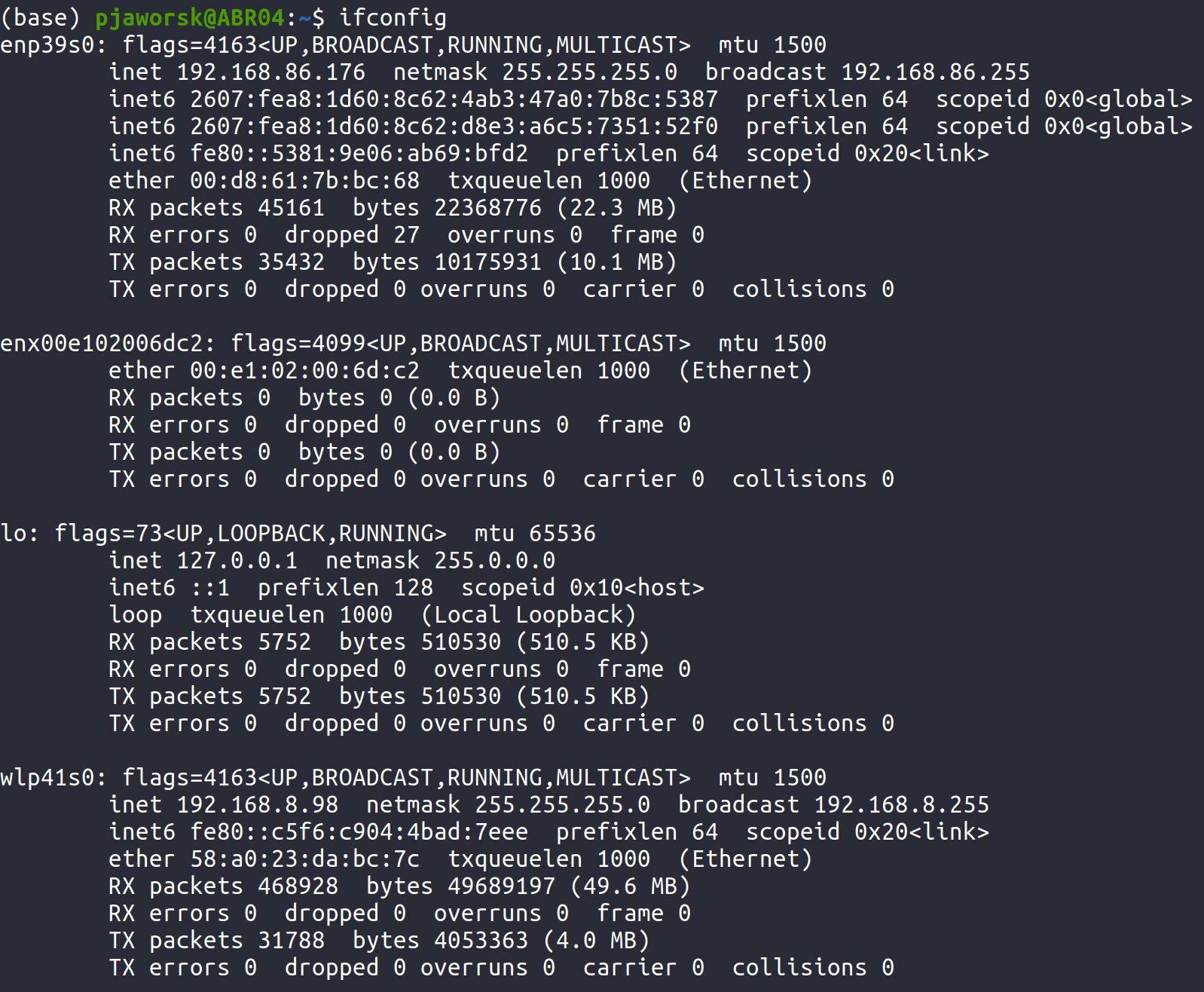
VOXL with ethernet IP
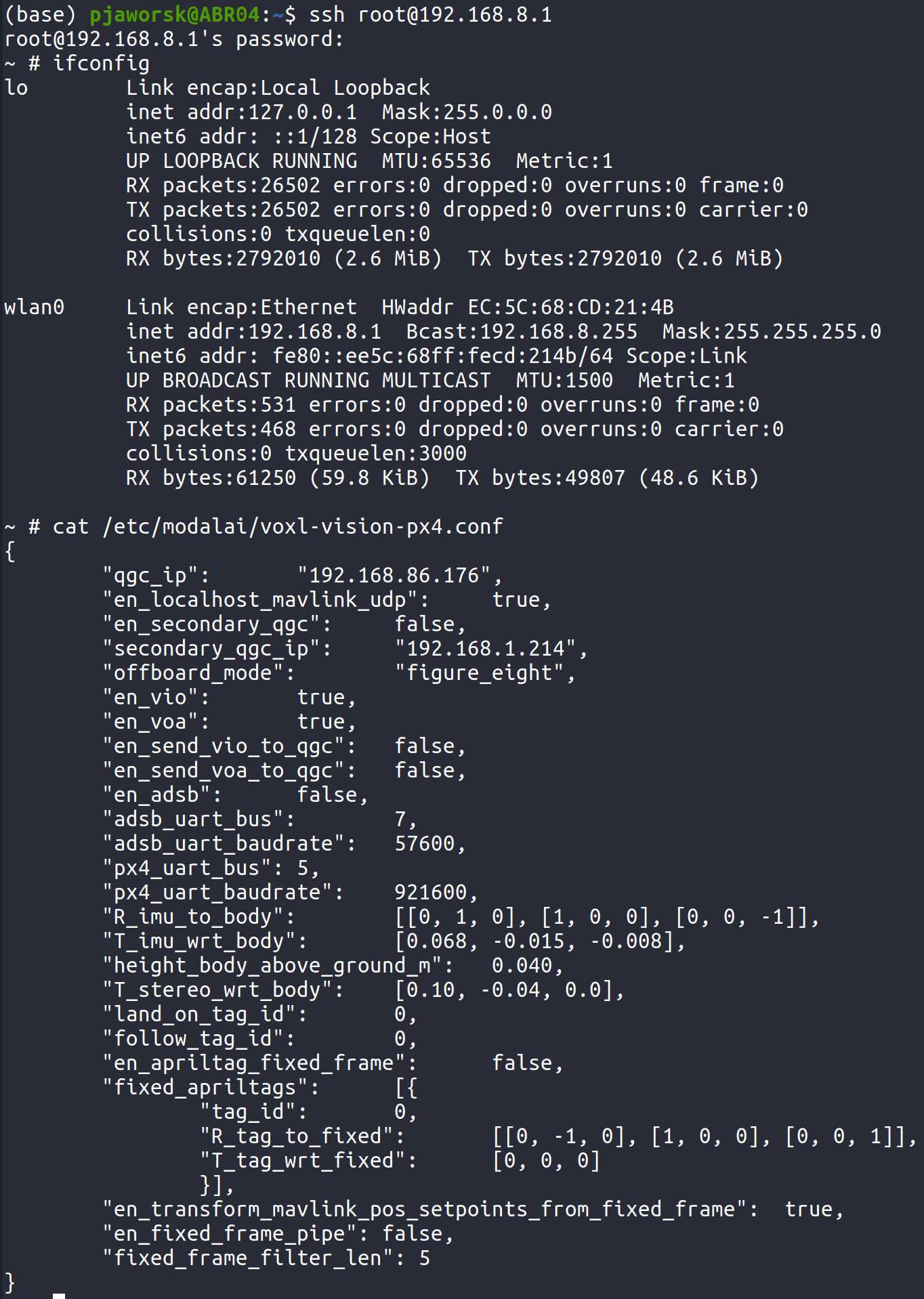
I have also checked the QCG debugging steps here, and do not have any of the connection messages in the QCG console log, however I am able to connect from my computer to the drone over ssh and wifi.Please let me know if there is any other information that can be useful for debugging.
Cheers,
Pawel
-
@tom said in Voxl not connecting to QGC:
systemctl status -l voxl-vision-px4
Sorry for the delay, I had to shift work for a few weeks. I was also able to get the drone to connect to my windows laptop, however I am still facing the same problem when connecting to my ubuntu 20 desktop. I just went through the connection process again and added my desktops ip given by the voxl-m500, and power cycled as you asked.
~ # systemctl status -l voxl-vision-px4
● voxl-vision-px4.service - voxl-vision-px4
   Loaded: loaded (/usr/bin/voxl-vision-px4; enabled; vendor preset: enabled)
   Active: active (running) since Thu 1970-01-01 00:00:08 UTC; 23s ago
 Main PID: 2869 (voxl-vision-px4)
   CGroup: /system.slice/voxl-vision-px4.service
           └─2869 /usr/bin/voxl-vision-px4

Jan 01 00:00:09 apq8096 voxl-vision-px4[2869]: [SensorImuUtil.cpp, 108] ComputeOffset The apps - dsp offset = [-1761534639]ns, Apps ClockType[CLOCK_MONOTONIC]
Jan 01 00:00:09 apq8096 voxl-vision-px4[2869]: [7.963379] SNAV INFO: IMU sensor finished initializing.
Jan 01 00:00:09 apq8096 voxl-vision-px4[2869]: [7.963522] SNAV INFO: IMU sensor settings retrieved.
Jan 01 00:00:09 apq8096 voxl-vision-px4[2869]: [7.963537] SNAV INFO: Creating IMU thread.
Jan 01 00:00:09 apq8096 voxl-vision-px4[2869]: [7.963627] SNAV INFO: Creating VISLAM processing thread.
Jan 01 00:00:09 apq8096 voxl-vision-px4[2869]: [7.963682] SNAV INFO: Creating VISLAM publishing thread.
Jan 01 00:00:09 apq8096 voxl-vision-px4[2869]: [7.963682] SNAV INFO: ImuManager thread has tid = 3052, nice = -15
Jan 01 00:00:09 apq8096 voxl-vision-px4[2869]: [7.963762] SNAV INFO: VISLAM processing thread has tid = 3053, nice = -5
Jan 01 00:00:09 apq8096 voxl-vision-px4[2869]: Init complete, entering main loop
Jan 01 00:00:09 apq8096 voxl-vision-px4[2869]: [7.968099] SNAV INFO: VISLAM publishing thread has tid = 3054, nice = -5
I am still not automatically connecting to QGC, please let me know if there is any other information I can send you.
Cheers
-
@PawelJ It looks as though you are using the correct IP in your config file and voxl-vision-px4 is running correctly. Is it possible that you have some custom firewall setup on your host PC that is blocking traffic on that port?
-
Thanks for sorting that out
 Is there a way I can mark the question as resolved? I don't see the option anywhere.
 -
@tom that sounds great, this forum has already been incredibly useful in my initial setup
 Just to clarify, I was asking if there was a way to mark the question as having an answer, vs being an ongoing issue. This is helpful when searching through the forum as well.
 -
@tom that sounds great, this forum has already been incredibly useful in my initial setup
Just to clarify, I was asking if there was a way to mark the question as having an answer, vs being an ongoing issue. This is helpful when searching through the forum as well.


Reading along? Create a free ModalAI Forum account to join in.
With an account you can reply, ask your own question, get an email when a ModalAI engineer answers, and mark the reply that solved it. Your place in each thread is saved between visits.
Questions about VOXL, Flight Core, ESCs and ModalAI drones are answered here by the engineers who build them.
Register Login