
Trouble configuring m500 into Station Mode
-
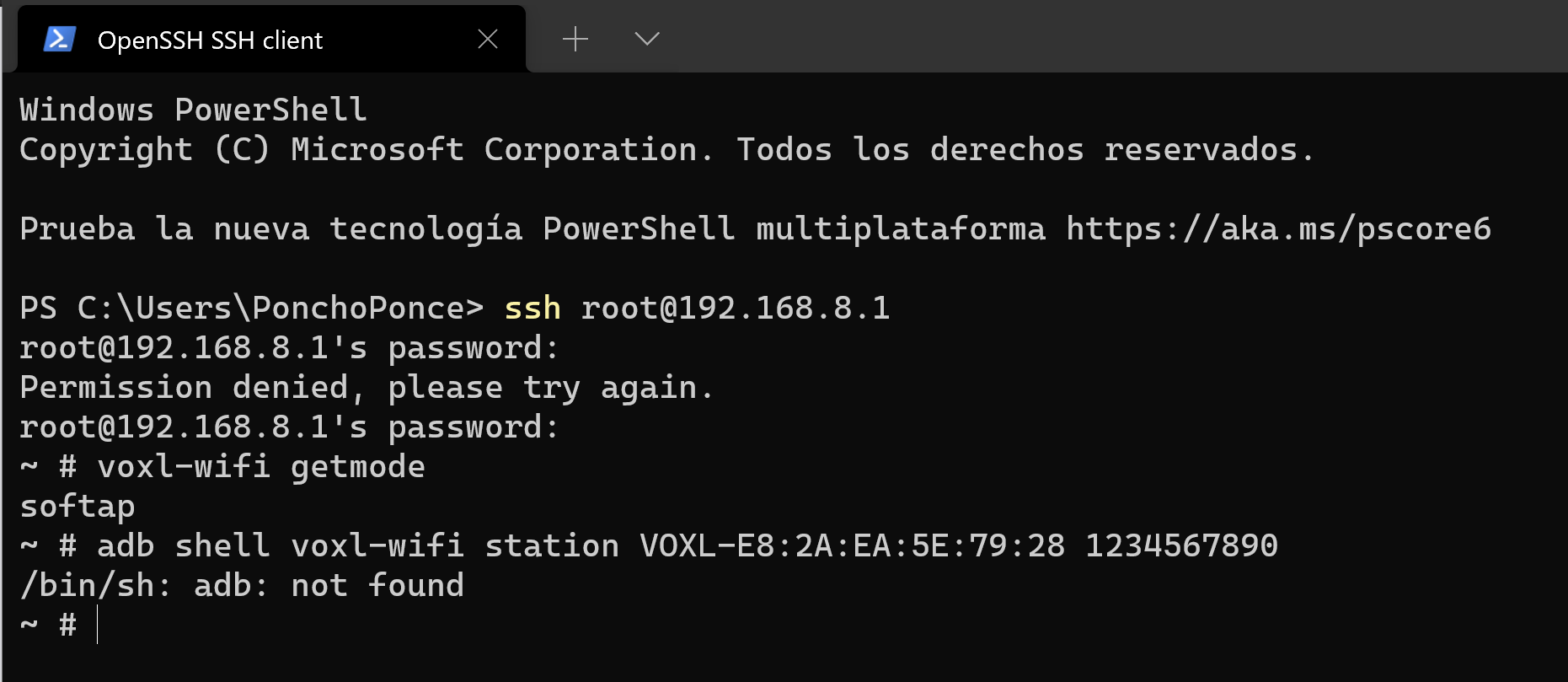
@Alfonso-Ponce ADB (https://developer.android.com/studio/command-line/adb) is a program that you can run on your host computer in order to open a shell on the VOXL over USB. If you are SSH'ing into your VOXL you can ignore any references to ADB.
So the command that you want to be running on VOXL is
voxl-wifi [SSID] [PASSWORD]Station mode refers to connecting to the access point of your house / office that is connected to the internet. So you want to be entering the SSID and Password of your home / office's WiFi network.
-
@Alfonso-Ponce ADB (https://developer.android.com/studio/command-line/adb) is a program that you can run on your host computer in order to open a shell on the VOXL over USB. If you are SSH'ing into your VOXL you can ignore any references to ADB.
So the command that you want to be running on VOXL is
voxl-wifi [SSID] [PASSWORD]Station mode refers to connecting to the access point of your house / office that is connected to the internet. So you want to be entering the SSID and Password of your home / office's WiFi network.
@tom so, in order to run the
voxl-wifi [SSID] [PASSWORD]
command first I need to make the ssh connection like I did in the VOXL m500 Getting Started Guide? Then I enter the SSID and password of my office network, but how do I restart it without using the
reboot && adb wait-for-device
command of the guide that's using adb? Do I enter:
systemctl restart voxl-vision-px4
and then the drone will connect to it automatically when I turn it up?
Also, I tried to connect the m500 using the USB to microB cable but I'm not sure it is working. The cable I'm using I took it from a 8 year old external HDD but I'm not sure it is compatible.
-
@tom said in Trouble configuring m500 into Station Mode:
voxl-wifi [SSID] [PASSWORD]
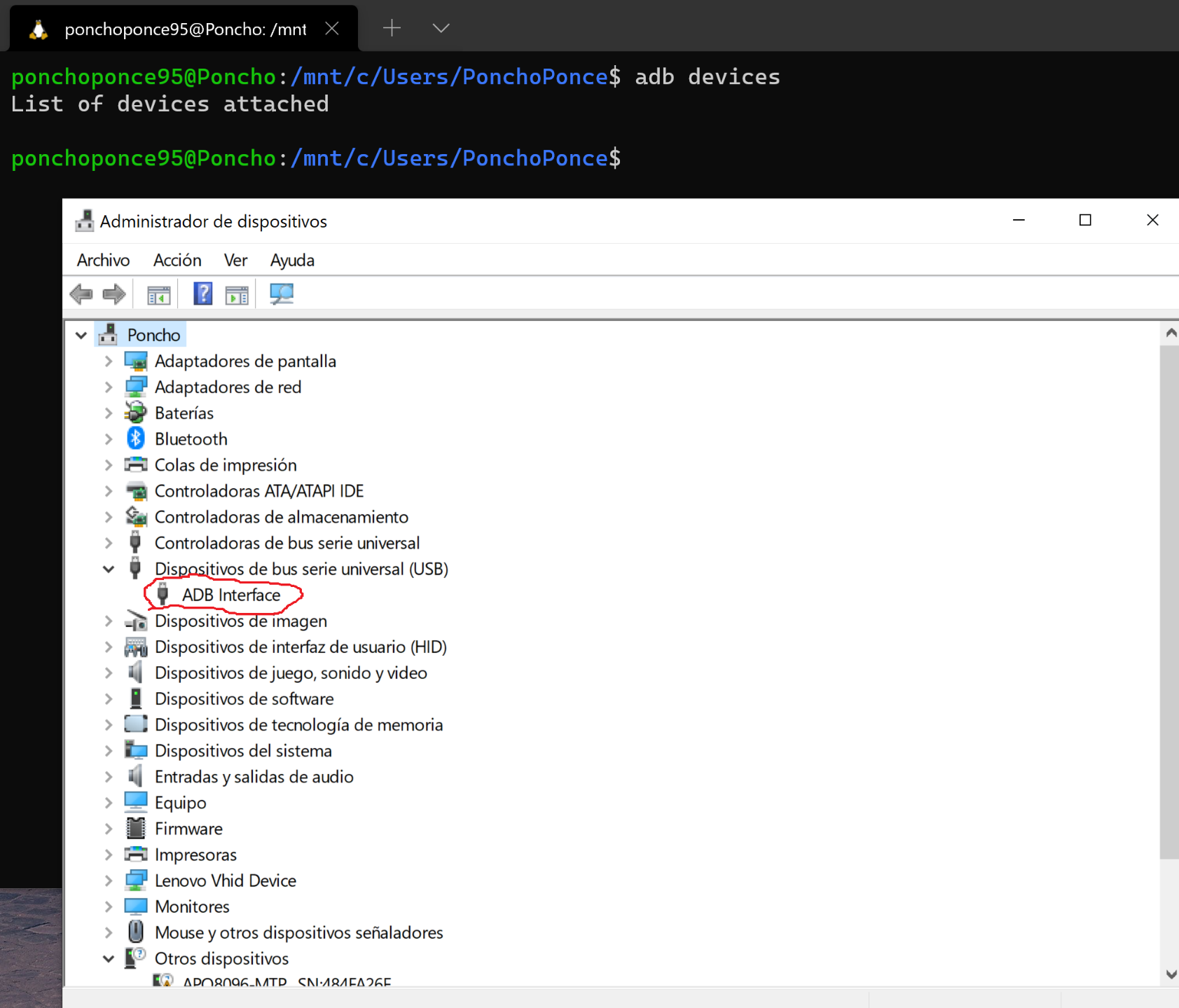
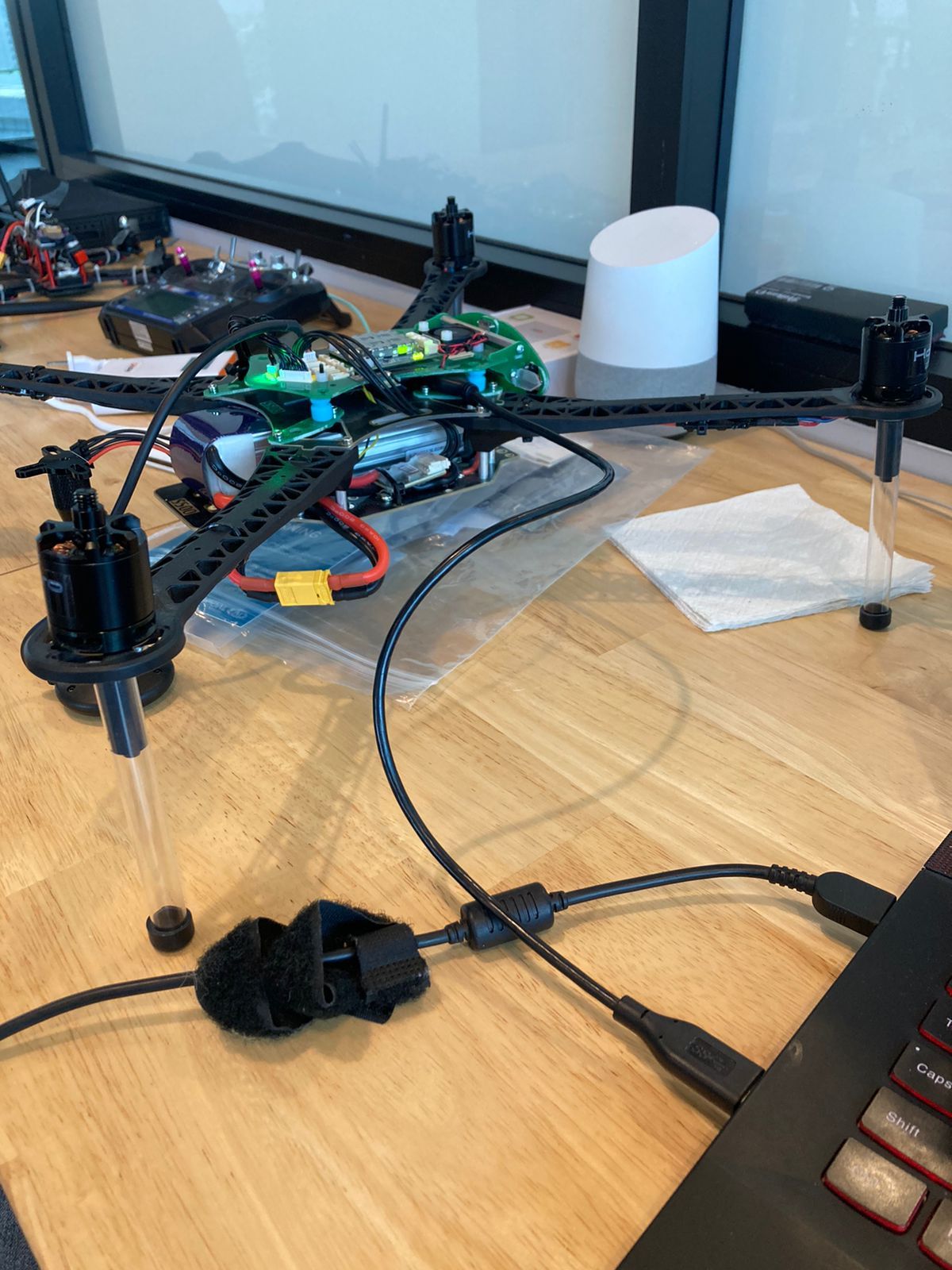
Thank you for the help, Tom. I think I was finally able to connect the m500 to the local network, however I can't be sure of that because I haven't been capable of stablishing an ADB connection and check that out. I have made sure the cable I'm using is 3.0 and the port in my PC even says that port is using an ADB interface but when I try to enlist the devices using abd nothing shows up.
-
@Alfonso-Ponce It looks like you have the cable setup correct. I'm not super familiar with using ADB on Windows, I use Ubuntu 18. It's possible there are some specific settings that need to be changed on your Windows machine in order to get the device to show up.
-
Have you tried a standard Micro USB cable instead?
We'll need to update our docs, the USB port is 2.0 when in "client" mode (e.g. host is Windows/Ubuntu).
You just need to plug in a micro USB cable into "half" of the port, see this image for help:
-
Have you tried a standard Micro USB cable instead?
We'll need to update our docs, the USB port is 2.0 when in "client" mode (e.g. host is Windows/Ubuntu).
You just need to plug in a micro USB cable into "half" of the port, see this image for help:
@modaltb no need for that, I was finally able to connect to it. The cable was ok, the problem, I think, was that I was using the Ubuntu terminal in my windows PC, however, as I understand how that works, the Ubuntu terminal uses a virtual computer that I suppose wasn't able to use the USB ports of my Windows PC, so I installed the ADB package for Windows, run the normal Windows Terminal, and then the device showed up

Now, I would like to know how can I make the m500 connect to QGroundControl while in station mode, or be able to send code to it using MAVSDK-Python. Right now the drone is not showing anywhere even though it is connected to the same network as my PC (supposedly).
-
@Alfonso-Ponce This video should be very helpful: Demo of how to VOXL to QGroundControl over WiFi
This demo uses SoftAP mode instead of Station mode but it is the same idea, modifying the IP address in
/etc/modalai/voxl-vision-px4.confin order forvoxl-vision-px4to know where your ground station is located. -
@Alfonso-Ponce This video should be very helpful: Demo of how to VOXL to QGroundControl over WiFi
This demo uses SoftAP mode instead of Station mode but it is the same idea, modifying the IP address in
/etc/modalai/voxl-vision-px4.confin order forvoxl-vision-px4to know where your ground station is located.@tom thank you again Tom, I was finally able to connect my m500 to my local network and to QGC. Now I will start trying to send routines using MAVSDK.
In general, and as developers, which is the best path to take if my final goal is to create a mobile app that with simple touch commands could make the drone follow you, fly to a charging station autonomously, fly around avoiding obstacles, etc? I mean what kind of programmig language and tools best fit these finals goals?
And thank you again!
-
In the future if you need to quickly change the ip address of where the voxl looks for qgc you can do
voxl-vision-px4 -i <ip> -
@Alfonso-Ponce We don't have any recommendations on how to create such a mobile application. However, whatever path you choose, you will most likely need the app to be sending Mavlink packets to the drone to carry out the instructions. Also, QGroundControl can be run as a mobile app and it is open source so you could look to that as an example.




Reading along? Create a free ModalAI Forum account to join in.
With an account you can reply, ask your own question, get an email when a ModalAI engineer answers, and mark the reply that solved it. Your place in each thread is saved between visits.
Questions about VOXL, Flight Core, ESCs and ModalAI drones are answered here by the engineers who build them.
Register Login