Skip to content

FAQs

70 Topics 299 Posts

Commonly asked questions we get from the community

  • Question for GPU Usage

    5
    0 Votes
    5 Posts
    1k Views
    Gyeongmin KimG
    Thank you Alex! According to your reply, Should I use the gpu for large tasks such as Neural Network or large image instead of the task that need to process each frames?
  • Fork Modal Pipe & Modal Json

    2
    0 Votes
    2 Posts
    744 Views
    Chad SweetC
    For any of our projects, there should be a LICENSE file in the root directory that dictates the terms of use. Most of our software has a license that limits to use with ModalAI hardware. There are a few exceptions, like libmodal_pipe, which have different licenses for compatibility purposes. You can see the license for libmodal_pipe here: https://gitlab.com/voxl-public/voxl-sdk/core-libs/libmodal-pipe/-/blob/master/LICENSE
  • voxl-tflite-server v0.3.0 apq8096 yolov5

    17
    0 Votes
    17 Posts
    3k Views
    Philemon BennerP
    @Matt-Turi Ah ok that sounds interesting might be worth a try. Good to know that. Thanks for the fast answer as always.
  • Voxl-Wifi set softap password

    1
    0 Votes
    1 Posts
    453 Views
    No one has replied
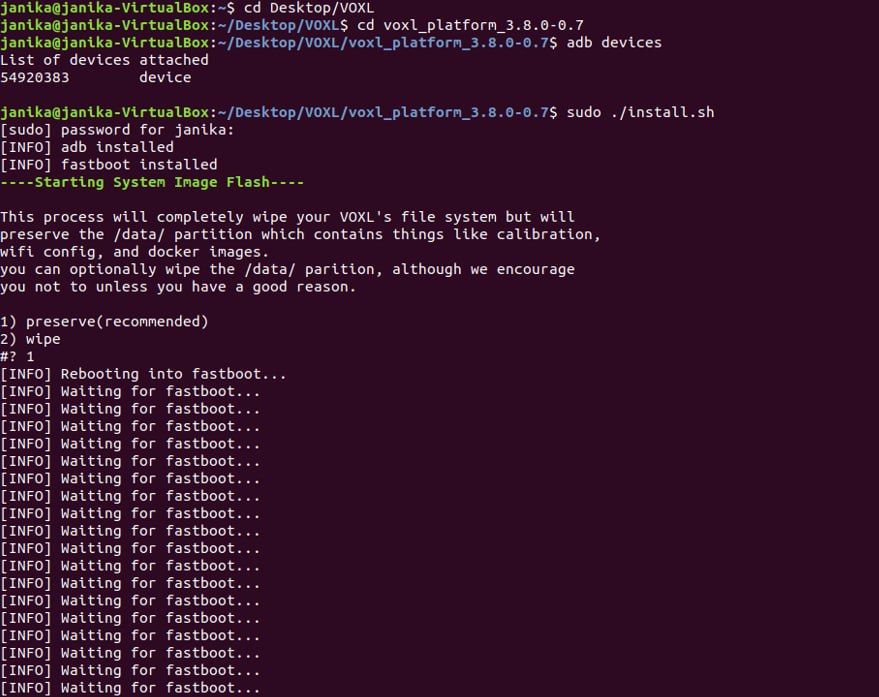
  • [INFO] Waiting for fastboot...

    2
    1
    0 Votes
    2 Posts
    768 Views
    Chad SweetC
    Solution here
  • Build apq8096 GPU libs with different compiler

    4
    1
    0 Votes
    4 Posts
    715 Views
    ?
    Hey @Philemon-Benner, As of a few minutes ago, the latest voxl-tflite-server (v0.3.0) is now running with tensorflow v2.8.0 for apq8096. This means that you can now run any of the models that were included with qrb5165 on VOXL without dealing with these headaches. You can pull this from the dev apq8096 packages repo, or directly from here: http://voxl-packages.modalai.com/dists/apq8096/dev/binary-arm64/voxl-tflite-server_0.3.0_202207212215.ipk
  • 14S Power Module

    4
    0 Votes
    4 Posts
    601 Views
    wilkinsafW
    I realize I made a mistake and meant 12S, but same problem
  • This topic is deleted!

    1
    0 Votes
    1 Posts
    2 Views
    No one has replied
  • Voxl-streamer x264enc with gpu

    8
    0 Votes
    8 Posts
    1k Views
    Eric KatzfeyE
    @Philemon-Benner We build this as part of our Yocto system image build. It is 32 bit. We have not tried to build this outside of the Yocto build.
  • Libmodal Pipe voxl-tflite-server aI_detection helper

    5
    0 Votes
    5 Posts
    954 Views
    Philemon BennerP
    Thank you for the Answer
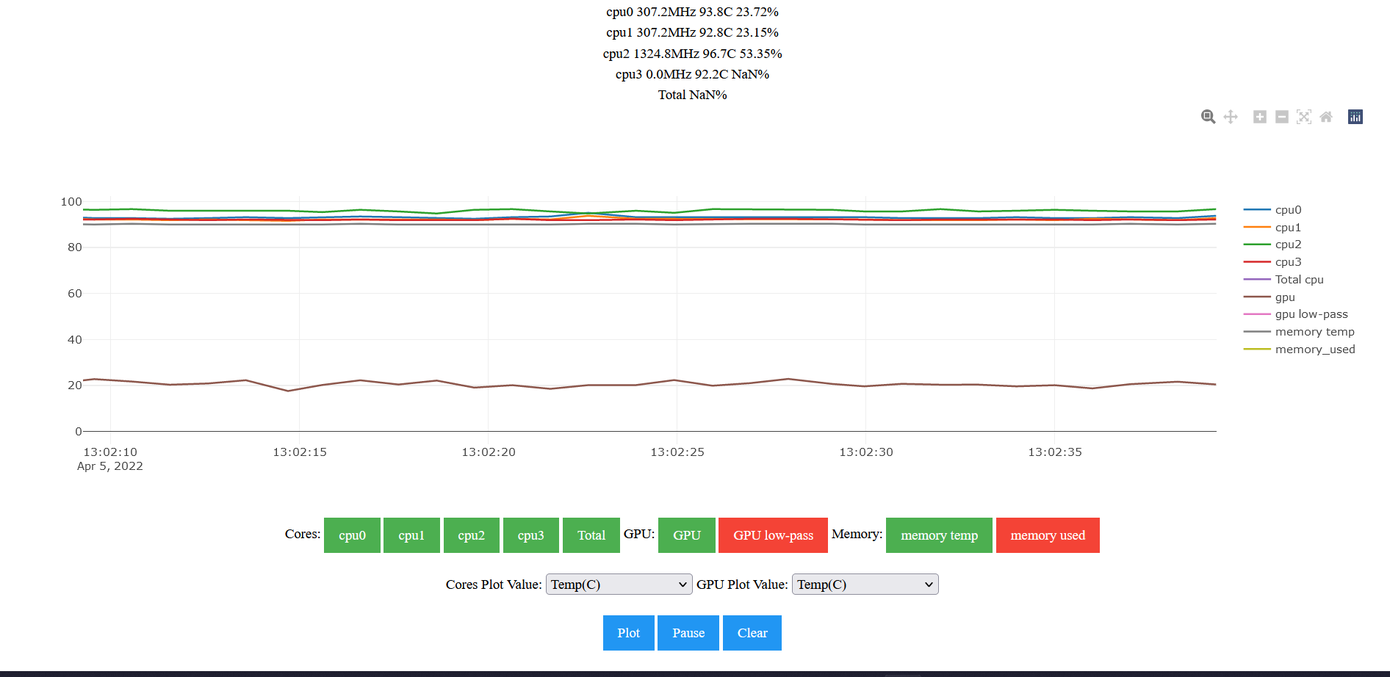
  • Voxl-Portal Core Heat Measurement weird results

    3
    2
    0 Votes
    3 Posts
    784 Views
    Philemon BennerP
    @Alex-Gardner Thank you for the fast answer
  • This topic is deleted!

    1
    0 Votes
    1 Posts
    5 Views
    No one has replied
  • Upgrade Tensorflow Version tflite-server

    38
    0 Votes
    38 Posts
    13k Views
    Philemon BennerP
    @Matt-Turi Ok nice i've send an email to you
  • voxl-tflite-server with USB Camera

    2
    0 Votes
    2 Posts
    1k Views
    ?
    Hello @Philemon-Benner , It is possible to use any MPA image pipe as input for voxl-tflite-server. For a usb camera, you must be using the latest voxl-uvc-server to get the camera frames from your usb device into our MPA pipes. Then, you must modify the config file (under /etc/modalai/voxl-tflite-server.conf) such that the input pipe matches the new usb pipe: voxl:/$ vi /etc/modalai/voxl-tflite-server.conf /** * This file contains configuration that's specific to voxl-tflite-server. * * skip_n_frames - how many frames to skip between processed frames. For 30hz * input frame rate, we recommend skipping 5 frame resulting * in 5hz model output. * model - which model to use. Currently support mobilenet for * object detection or midas for monocular depth * input_pipe - which camera to use (tracking or hires). */ { "skip_n_frames": 0, "model": "/usr/bin/dnn/ssdlite_mobilenet_v2_coco.tflite", "input_pipe": "/run/mpa/USB_PIPE_NAME/", // CHANGE HERE "delegate": "gpu" } The only limitation with the tflite server is supported image formats. In this code block, there is a switch for the supported formats, so if your input data is not in NV12, NV21, or RAW8 format you will have to add handling for your specific type.
  • Voxl Esc v2 with Flight Deck

    3
    0 Votes
    3 Posts
    1k Views
    K
    @Chad-Sweet Awesome, thanks!
  • Faster Startup

    3
    0 Votes
    3 Posts
    1k Views
    wilkinsafW
    @Eric-Katzfey microhard addition
  • Error on running dfs_server. Cannot get Point Cloud

    2
    2
    0 Votes
    2 Posts
    1k Views
    ?
    Hi Prasad, I've seen the error that you talked about with the ungenerated once or twice and running the calibration procedure again properly generated the files. This is a sample stereo cal from my board (that has a few additional data fields from a soon to be released cal rework) that would serve as a good general idea of what the files should look like. The DFS algorithm is, however, very sensitive to inaccuracies and I'd strongly recommend trying to calibrate your cameras again, but if that doesn't work you can add your values to this format: yocto:/$ cat /data/modalai/opencv_stereo_extrinsics.yml %YAML:1.0 --- R: !!opencv-matrix rows: 3 cols: 3 dt: d data: [ 9.9965050025202740e-01, -5.6519379540328910e-04, 2.6430245966411248e-02, 2.8842568739021546e-03, 9.9613506820545850e-01, -8.7787282413751958e-02, -2.6278478041102546e-02, 8.7832832399280705e-02, 9.9578854941426354e-01 ] T: !!opencv-matrix rows: 3 cols: 1 dt: d data: [ -7.9514399346537298e-02, -2.7245018421472277e-03, 6.0288890076187220e-04 ] reprojection_error: 2.8997817600221831e-01 calibration_time: "2021-09-30 22:52:56" yocto:/$ cat /data/modalai/opencv_stereo_intrinsics.yml %YAML:1.0 --- M1: !!opencv-matrix rows: 3 cols: 3 dt: d data: [ 4.9291881707143079e+02, 0., 3.0643471662712096e+02, 0., 4.9232152259255315e+02, 2.1697996372929907e+02, 0., 0., 1. ] D1: !!opencv-matrix rows: 5 cols: 1 dt: d data: [ -1.6984598364049669e-01, 6.0034285910162230e-02, -8.8644933037586781e-04, -4.1419313003228072e-04, 0. ] reprojection_error1: 1.9741562557305206e-01 M2: !!opencv-matrix rows: 3 cols: 3 dt: d data: [ 4.9673975454370270e+02, 0., 3.1711708934220133e+02, 0., 4.9610254255552854e+02, 2.2876245199481119e+02, 0., 0., 1. ] D2: !!opencv-matrix rows: 5 cols: 1 dt: d data: [ -1.6758727319959599e-01, 5.4041564358266361e-02, -1.5695644102222835e-03, -5.8891426327232642e-04, 0. ] reprojection_error2: 3.1594418176162986e-01 width: 640 height: 480 distortion_model: plumb_bob calibration_time: "2021-09-30 22:52:56"
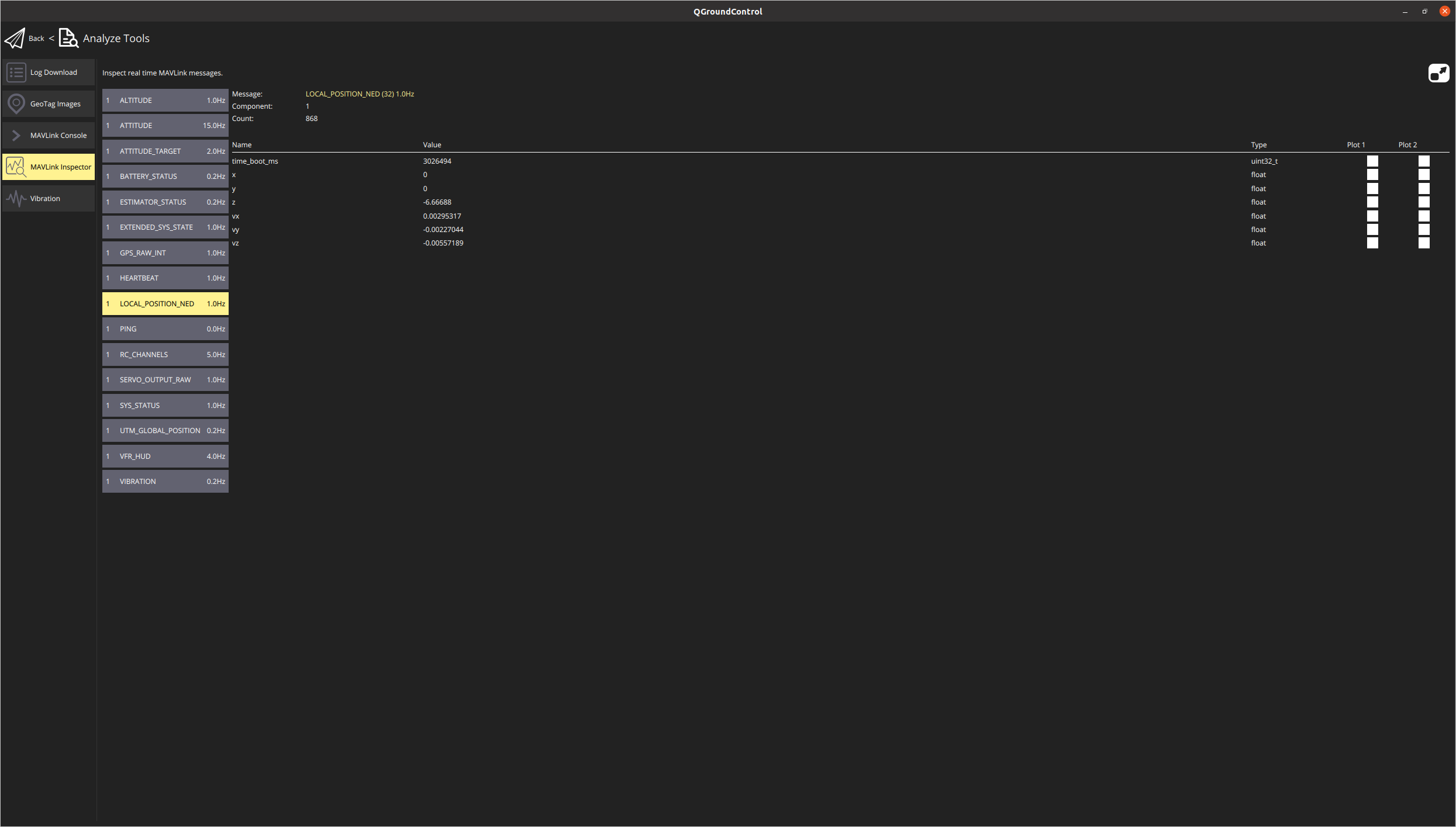
  • Not receiving VIO pose information from VOXL in QGC

    5
    1
    0 Votes
    5 Posts
    2k Views
    Prasad AntervediP
    Thanks for your help. I realized that I hadn't configured the cameras correctly. I ran the voxl-configure-cameras and set it up correctly. Now I am getting the position estimates in QGC.
  • How to run tf-lite-server on VOXL

    12
    0 Votes
    12 Posts
    3k Views
    ?
    Hey @colerose, Glad to hear you got it working, and I apologize for the typos in my code snippets. I do not know of any way to send coordinates over rtsp, but if you are willing to work in c++, you are able to access that data directly in the voxl-tflite-server.
  • Bootup after running install.sh script out of fastboot not working

    3
    0 Votes
    3 Posts
    1k Views
    A
    I tried everything there was in the tutorial and spent like 1h with different timing. I was able to unbrick other Voxls before but this one doesn't want to. If there is a different method than what you already described please let me know.