Skip to content

VOXL 2 and VOXL 2 Mini

654 Topics 3.7k Posts

VOXL 2, VOXL 2 Mini and VOXL 2 IO: bring-up, connectors, power, cameras, system image and SDK installs on the current compute platform.

  • voxl-px4 service pipeline uORB failure

    Unsolved voxl-2
    15
    0 Votes
    15 Posts
    3k Views
    Eric KatzfeyE
    @Jeremy-Frederick I'm guessing that the black 4 wire cable between the VOXL 2 and the APM may have some issues making an occasional problem for the i2c bus. Do you have another one of those cables to swap with?
  • Drone flipped upside down when switched to manual mode

    Unsolved voxl-2
    6
    0 Votes
    6 Posts
    1k Views
    Alex KushleyevA
    @restore , thanks. One more thing, when you entrer the pwm_vs_rpm_curve_a1 and a2 params, you currently have only one significant digit, which may explain why your rpm response was not working well. You should enter at least 3-4 significant digits, so instead of a2=0.003, you should put 0.003xyz where xyz are the additional digits from the original calibration results.
  • Calibrating Extrinsics and DFS

    Unsolved voxl-2
    2
    0 Votes
    2 Posts
    639 Views
    ?
    @Taylor-Presley Hey Taylor, happy to try and help! On calibrating we try to keep the reprojection error as low as possible. You're getting an error of 1.42 which is almost triple what we'd like at worst. I'd recommend trying to recalibrate in different lighting conditions with as flat of a checkerboard as you can make. Even small imperfections here can lead to bad calibration. Hope this helps! Thomas
  • Building px4 tests in docker

    Unsolved voxl-2-mini
    1
    0 Votes
    1 Posts
    502 Views
    No one has replied
  • VOXL2 with IO board, Graupner RC, F9 uBlox GPS, and the FPV ESC 4-in-1

    Unsolved voxl-2
    9
    0 Votes
    9 Posts
    2k Views
    R
    @restore After reading older posts, changing the Voxl start script to add the ist8308 magnetometer to the build instead of the ist8310 solved the issue. I can now see the compass through PX4-listener
  • VOXL2 Mini flip camera orientation

    Unsolved voxl-2-mini
    11
    2
    0 Votes
    11 Posts
    3k Views
    Alex KushleyevA
    @LucaVertiq , Here is the latest VOXL2 mini nightly SDK : https://storage.cloud.google.com/platform-nightlies/voxl2-mini/voxl2-mini_SDK_nightly_20240415.tar.gz I just tested by using SDK 1.1.1 as a base and booting using the kernel from the nightly: adb reboot bootloader fastboot boot qti-ubuntu-robotics-image-m0104-1-boot.img IMX214 works on all 4 ports. I think you have an option of using this approach or just installing the full nightly. I am not 100% that the latest kernel is fully compatible with everything in SDK 1.1.1, so that is a bit of a risk, so using nightly is a back up option if you wanted to try the SDK 1.1.1 and something did not work as expected with the latest kernel. If you install the full nightly, use M0054-1 board variant for the voxl2 mini. Also here are links for the imx214 sensormodule for slot 1 (regular and flip): https://storage.googleapis.com/modalai_public/temp/voxl2-misc-packages/com.qti.sensormodule.imx214_1.bin https://storage.googleapis.com/modalai_public/temp/voxl2-misc-packages/com.qti.sensormodule.imx214_flip_1.bin
  • VOXL 2 issue connecting with RC

    Unsolved voxl-2-io
    5
    0 Votes
    5 Posts
    2k Views
    Alexander SaundersA
    @Eric-Katzfey We were able to resolve the issue. We went to /etc/modalai/voxl-px4.conf and changed the RC params to Spektrum.
  • voxl-px4 not logging in VIO only flight modes

    Unsolved voxl-2
    3
    0 Votes
    3 Posts
    795 Views
    A
    @Eric-Katzfey Thanks Eric. I will try this out and let you know soon.
  • Powering the VOXL 2 as a Standalone Computer

    Unsolved voxl-2
    5
    0 Votes
    5 Posts
    1k Views
    Mihir BalaM
    @Vinny yes thanks so much! I'll look into it.
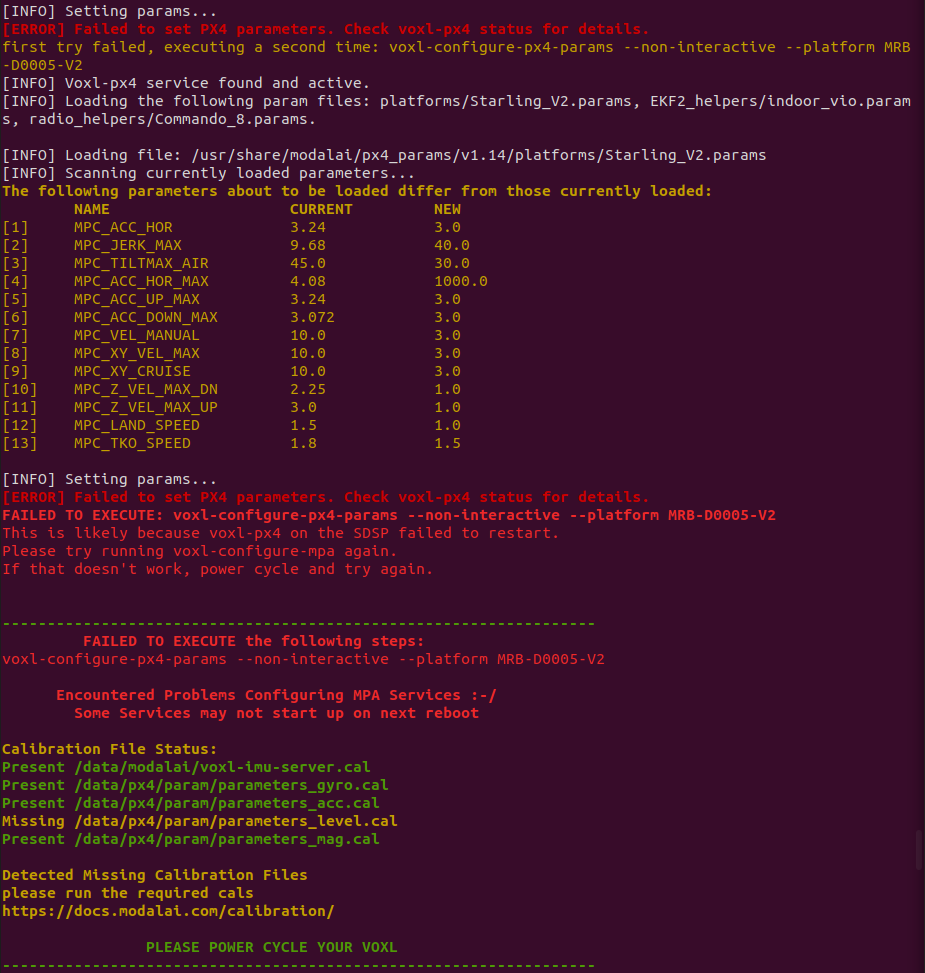
  • Voxl2 Mini Failed to Configure px4

    Unsolved voxl-2-mini
    14
    1
    0 Votes
    14 Posts
    2k Views
    Nicholas HansenN
    @tom Ok, thank you for you help & time in troubleshooting this issue
  • This topic is deleted!

    1
    0 Votes
    1 Posts
    2 Views
    No one has replied
  • Connecting i2c device on voxl2

    Unsolved voxl-2
    61
    0 Votes
    61 Posts
    35k Views
    Eric KatzfeyE
    @Aaky The Microhard board does not expose an apps processor UART but you could use a USB to UART adapter to connect to the Gimbal via one of the USB ports.
  • Connecting USB 2.0 device on VOXL2 USB3 UART Add-on board

    Unsolved voxl-2
    3
    0 Votes
    3 Posts
    649 Views
    A
    @Moderator Thank you. This clarifies everything.
  • RTSP Streaming (to QGC on Android) issues on VOXL Mini

    Unsolved voxl-2-mini
    8
    0 Votes
    8 Posts
    2k Views
    Alex KushleyevA
    @AndriiHlyvko , thank you for following up with your solution!
  • SPI port for VOXL2 SLPI DSP

    Unsolved voxl-2
    17
    0 Votes
    17 Posts
    2k Views
    Eric KatzfeyE
    @Aaky Unfortunately, we have not done any integration between PX4 and SPI devices on the apps processor. I would get an oscilloscope and see what is happening on the bus.
  • VOXL2 PX4 HITL with VIO

    Unsolved voxl-2
    6
    0 Votes
    6 Posts
    1k Views
    A
    @Eric-Katzfey This sounds like perfect plan. I would implement this and get back for any queries. Thank you Eric!
  • I2C Multiplexer Driver

    Unsolved voxl-2-mini
    6
    0 Votes
    6 Posts
    2k Views
    Eric KatzfeyE
    @Morten-Nissov I would advise trying to get some support from the PX4 community. I'm not aware of any use of i2c multiplexers in any current PX4 drivers but I think it's a useful feature. But that is the best place to get advice on PX4 development.
  • Camera server failing after the update

    Unsolved voxl-2
    5
    0 Votes
    5 Posts
    1k Views
    Alex KushleyevA
    @riteshsharma , based on changelog (https://gitlab.com/voxl-public/voxl-sdk/services/voxl-camera-server/-/blob/master/CHANGELOG) you can use voxl-camera-server package version 1.8.10 -- dowload it from here http://voxl-packages.modalai.com/dists/qrb5165/dev/binary-arm64/. Upgrading your SDK would also work as Tom suggested.
  • Additional VOXL 2 PWM ouputs?

    Unsolved voxl-2-io
    9
    0 Votes
    9 Posts
    3k Views
    Alex KushleyevA
    @maddyr13 besides enabling 4 additional channels, the changes included: introduce new UART message between PX4 and M0065 board to allow specifying output pulse with high resolution (previously limited to only command range of 0-800 which was remapped to 1-2ms) change the output pulse to OneShot, which means for every command from Flight Controller, there is only one PWM pulse (per channel) generated. This synchronizes the PWM output to Flight Controller update cycle and reduces total delay between FC and ESCs. there was a bug in case of SBUS input was used, the output PWM rate was reduced to only 100hz (normally about 400hz using 1-2ms pulse, which is a limitation of the pulse width, since flight controller update loop is 800hz). I am curious if you were using SBUS input into M0065 before for your RC, in which case the pwm update rate was reduce to only 100hz. Change to OneShot should not have effect on the pulse width, only the delay of it. It is possible that with new firmware, the ESCs are getting updates at higher rate, which could mean that if there is high frequency noise (picked up by gyro from propeller vibrations), the ESCs are now receiving more noisy commands, which would cause the motors to heat up more. If you have the PX4 logs from before the M0065 firmware change, you can take a look and see if gyro was picking up a lot of noise (more than 5-10 deg/s is considered more than normal). Additionally you can check the noise in the actuator outputs. Are you still using m500 frame? did you modify it in any way? maybe VOXL2 needs more vibration insulation. Also, what you could do is restore the original M0065 firmware, use unmodified PX4 and compare results again (making sure to save the logs). Also, did you go through the ESC calibration and updated the PX4 actuator ranges, as instructed, after uploading the new M0065 firmware? Alex
  • Unable to run my own offboard node in starling 2

    Unsolved voxl-2
    2
    3
    1 Votes
    2 Posts
    639 Views
    ModeratorM
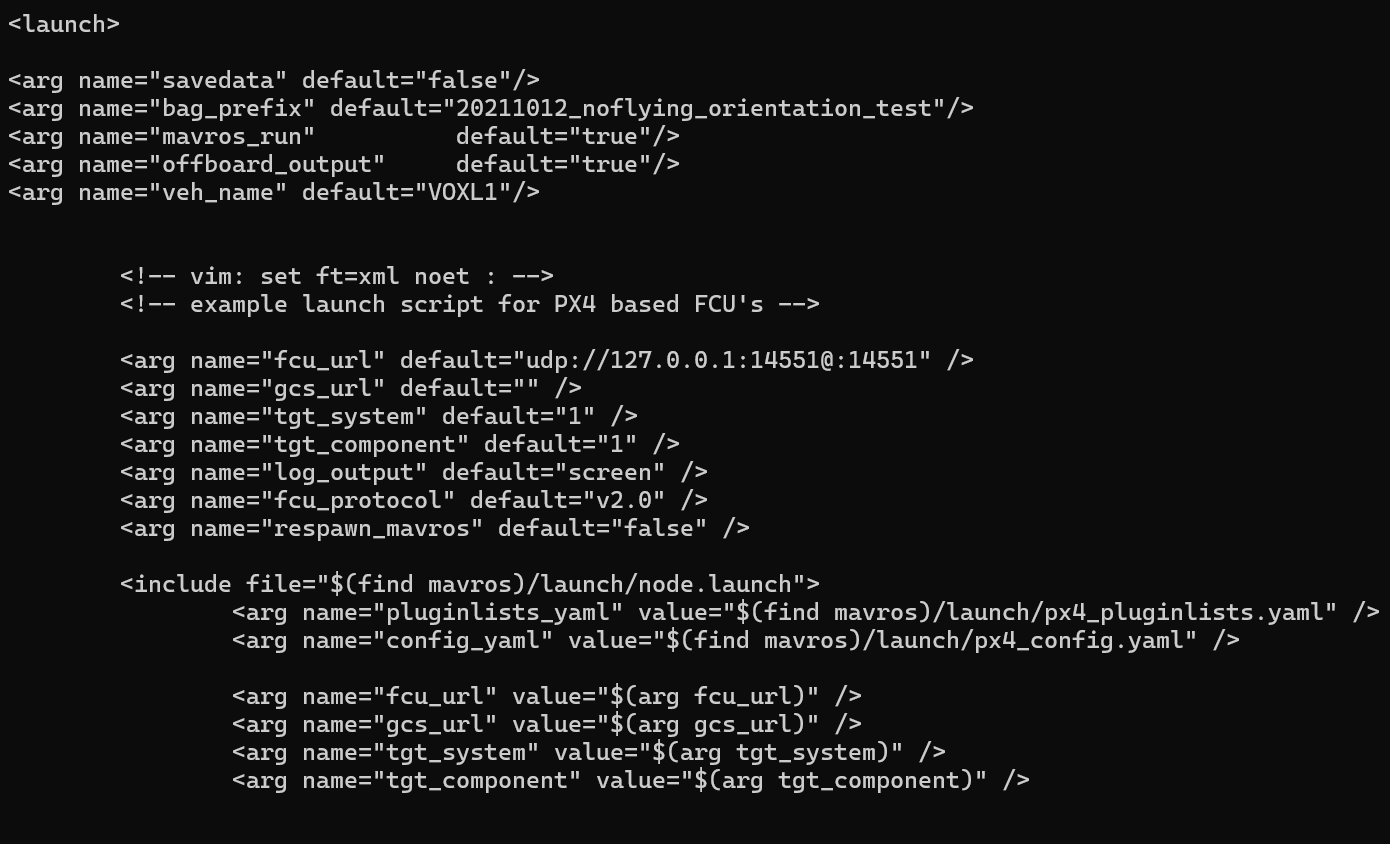
    @Jonathan-Davis said in Unable to run my own offboard node in starling 2: offboard_mode Check: https://docs.modalai.com/mavros/#configure-voxl-vision-hub-localhost offboard_mode - set to “off”. When offboard_mode is on, this enables voxl-vision-hub to command the drone to move, which we don’t want (we only want MAVROS to be sending movement commands)