@greg_s
Hi there, your extrinsics are good: same as a factory Starling. Now, if you altered the voxl-camera-server.conf (e.g. enabled a flip of a camera stream when it wasn't) or physically changed a camera mount point then the extrinsics would need to be adjusted. Let assume that's not the case.
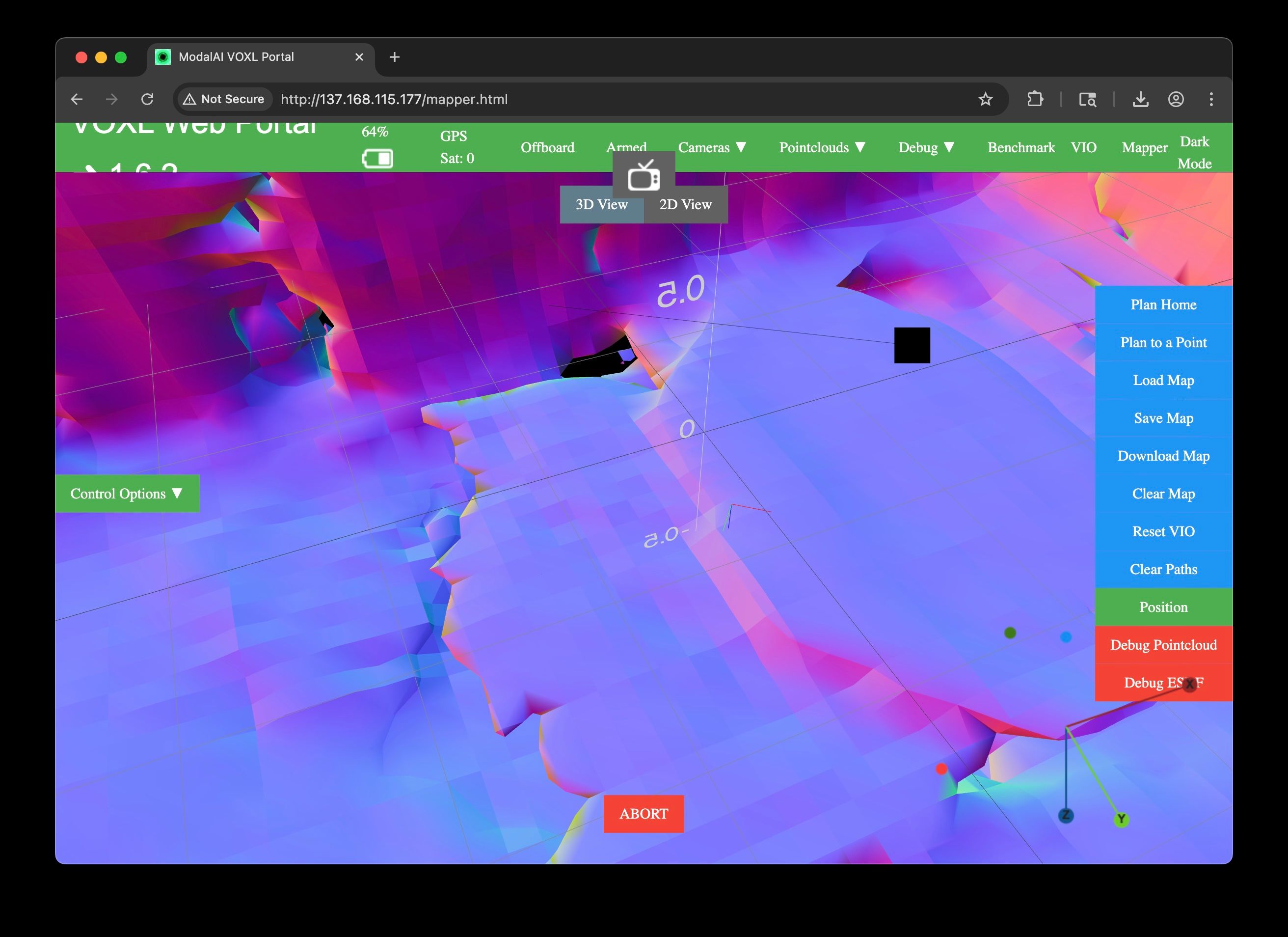
From your vvhub trajectory output, it appears your setpoints command the vehicle to move forward (X) and to the right (Y) > 1m while dropping altitude (Z) 0.8m --recall mapper runs in FRD (aka body) space where Z up is negative. Also you do pass through the take off origin (0,0,0). If that's not what you wanted, then we have a "requested trajectory" drawing problem in the portal tool or mapper's found invalid regions/obstacle and could not draw the "requested trajectory".
In the former case @ApoorvThapliyal mentions the un-intuitiveness of the portal tool that you already understand.
In the latter case, upon "request trajectory" submission, voxl-mapper will analyze the map to see if there are obstacles and alter the trajectory to fly around potential obstacles. You can alter in voxl-mapper.conf:
rrt_min_distance (try 0.125) esdf_inner_sphere_radius (try 0.15)if you seeing mapper create trajectories going around 'ghost' objects. This should allow RRT generated trajectories to get closer to objects.
In checking precision, you'll need to take the trajectory output (e.g. the setpoints in the *commanding: XYZ* messages) and compared it against VIO position to determine tracking error. You have 2 ways to get that data:
option 1 is record you vvhub traj output as above and record the output of voxl-inspect-vins -n then plot compare the tracking error.
option 2 is running voxl-vision-hub --debug_offboard --debug_odometry which you'll need to seperate the traj messages from the vio (T_body_wrt_local) messages, then you ca plot the tracking error.
The goal is we want the vio position to follow the commanded trajectory: (it's doing what is told to do). That will narrow down where your concerns are w.r.t what module has a problem.
Hopefully that gets you on the right track, just post any outputs you gather that continue to show tracking error.