
Not receiving VIO pose information from VOXL in QGC
-
Hi!
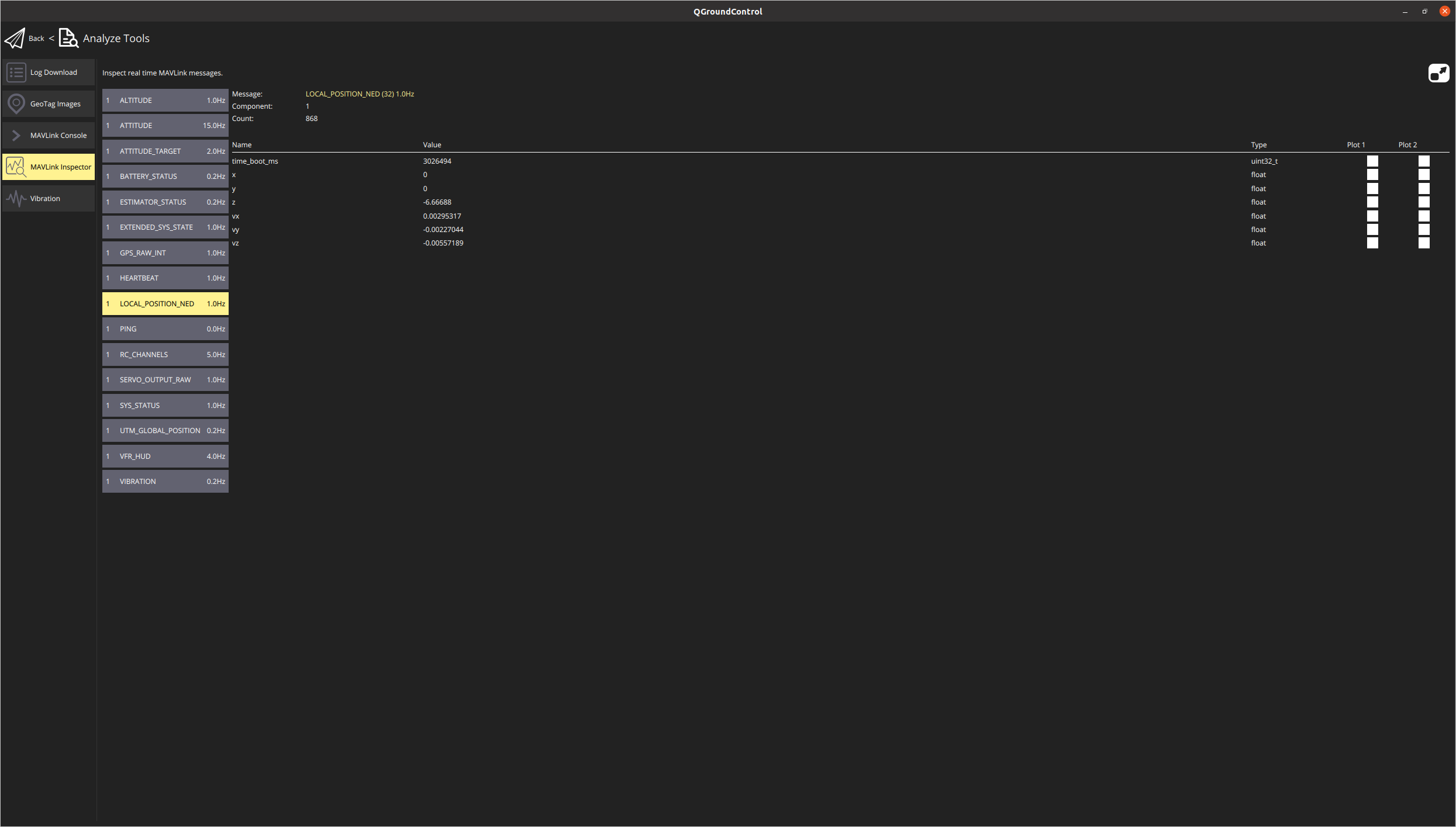
I have a m500 drone from modal AI. I have been following the 'getting started' guide provided here. I am able to connect to QGC from voxl and can see the red marker (in the QGC) rotate as I rotate the drone. However, I am not receiving any position information from the QGC. When I open the MAVLink inspector in QGC the planar coordinates (x, y) are always zero even when I translate the drone for a few meters.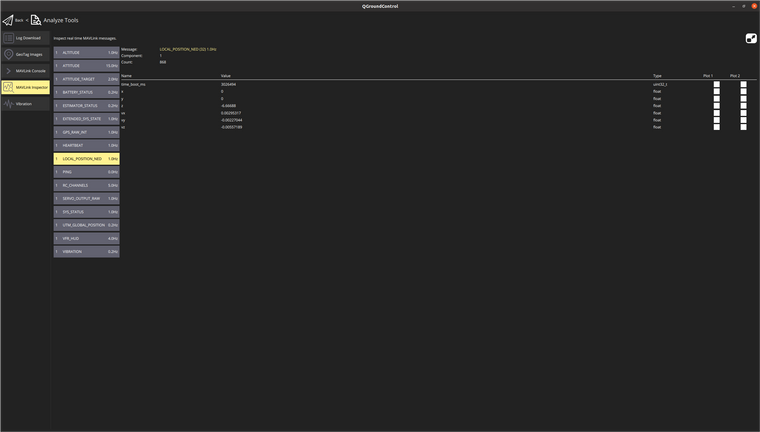
The floor is textured so I do not think its due to the lack of features.
Here is my voxl-vision-px4.conf file:
{
"qgc_ip": "192.168.8.64",
"en_localhost_mavlink_udp": true,
"en_secondary_qgc": false,
"secondary_qgc_ip": "127.0.0.1",
"en_vio": true,
"en_voa": false,
"en_send_vio_to_qgc": true,
"en_send_voa_to_qgc": false,
"en_mvl_video_stream": false,
"en_adsb": false,
"adsb_uart_bus": 7,
"adsb_uart_baudrate": 57600,
"en_offboard_figure_eight": false,
"vio_to_ned_rotation_matrix": [[0, 1, 0], [1, 0, 0], [0, 0, -1]]
}
I have followed the tutorial very closely but haven't had any success with the VIO. Please let me know how can I debug this and get position estimates from VIO.
Thank you
-
Have you set your EFK2_AID_MASK to vio mode(280)?
-
Yes it is set to 280.
-
Follow this link https://gitlab.com/voxl-public/flight-core-px4/px4-parameters and you can find our px4 parameters and helper parameters files for different features.
Under "Helpers" you'll find our "Indoor_VIO_params". Try installing that helper file on top of your existing parameters. Reboot the drone and see if that helps.
-
Thanks for your help. I realized that I hadn't configured the cameras correctly. I ran the voxl-configure-cameras and set it up correctly. Now I am getting the position estimates in QGC.


Reading along? Create a free ModalAI Forum account to join in.
With an account you can reply, ask your own question, get an email when a ModalAI engineer answers, and mark the reply that solved it. Your place in each thread is saved between visits.
Questions about VOXL, Flight Core, ESCs and ModalAI drones are answered here by the engineers who build them.
Register Login