ModalAI Forum
    • Categories
    • Recent
    • Tags
    • Popular
    • Users
    • Groups
    • Register
    • Login
    1. Home
    2. Sarika Sharma
    3. Topics
    S
    • Profile
    • Following 0
    • Followers 0
    • Topics 4
    • Posts 18
    • Best 0
    • Controversial 0
    • Groups 0

    Topics created by Sarika Sharma

    • S

      Hardware configuration for 2× M0014 tracking + 1× M0169 PMD ToF + 1× M0024 HiRes

      Ask your questions right here!
      • • • Sarika Sharma
      7
      0
      Votes
      7
      Posts
      118
      Views

      Alex KushleyevA

      @Sarika-Sharma ,

      Your VOXL2 mini uses a kernel variant 2.0.2 (you can see in mach.var field, in the log-in message in your terminal). This kernel is used with M0188, M0195 camera adapter boards and is not compatible with all use cases that use the older adapters and interposers liike M0135 and M0084.

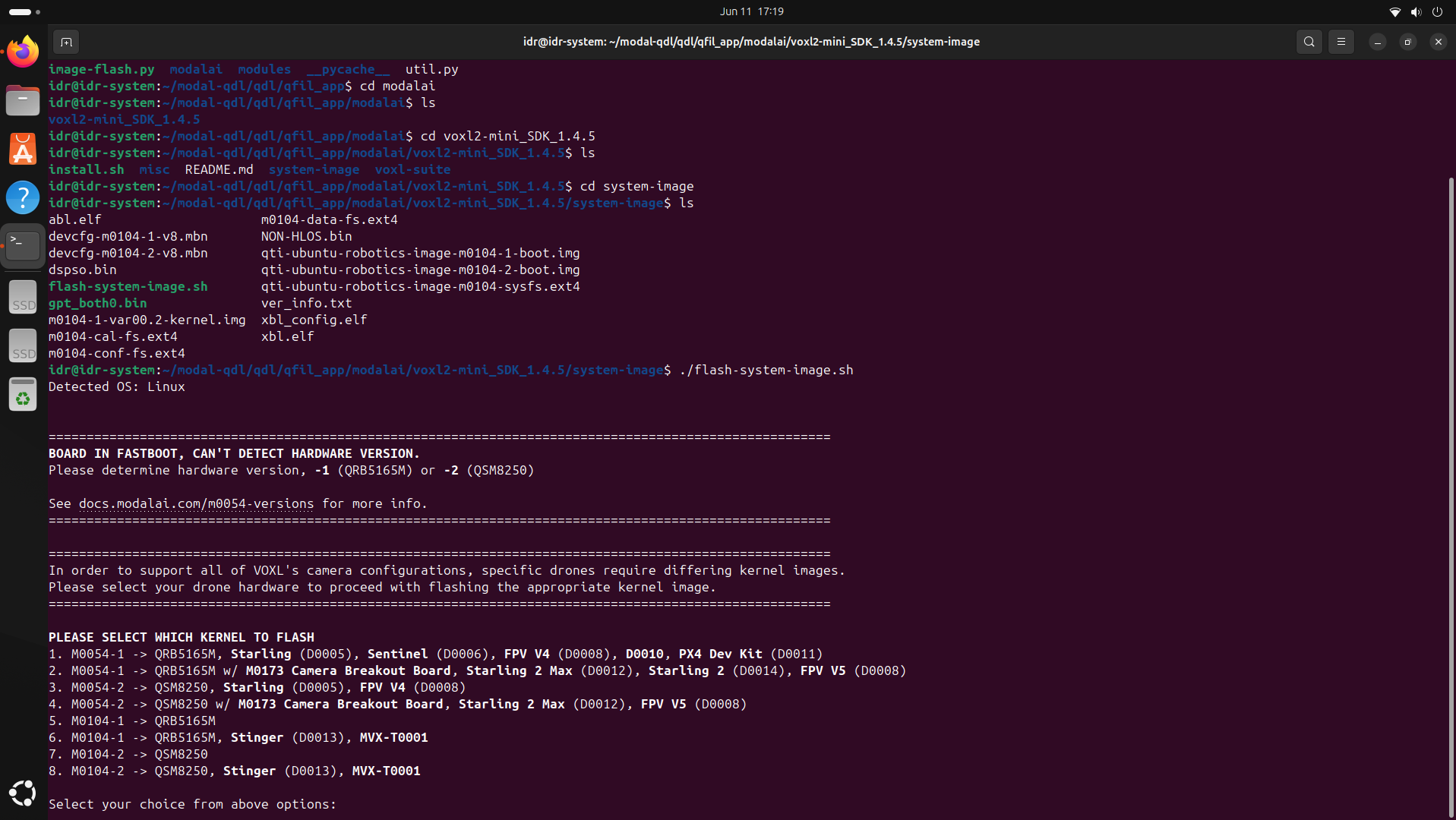
      Since you are using older interposers / cables, you need to switch to the original kernel, which you can do during the SDK setup (it will ask you which kernel variant to install, there are only two options).

      You can also test and update your kernel without re-installing the sdk. I suggest testing first to see if you can detect all 4 cameras:

      you can find the kernel in your SDK in system-image directory. the original voxl2 mini kernel is qti-ubuntu-robotics-image-m0104-1-boot.img test and update kernel instructions here : https://docs.modalai.com/voxl2-kernel-build-guide/#test

      By testing the kernel you will temporarily load it into RAM and boot using the kernel, after which you can check if all cameras are detected. If you want the kernel update to persist after power cycle, you need to update it, as documented.

      Alex

    • S

      PMD ToF not detected on VOXL2

      Ask your questions right here!
      • • • Sarika Sharma
      2
      0
      Votes
      2
      Posts
      62
      Views

      S

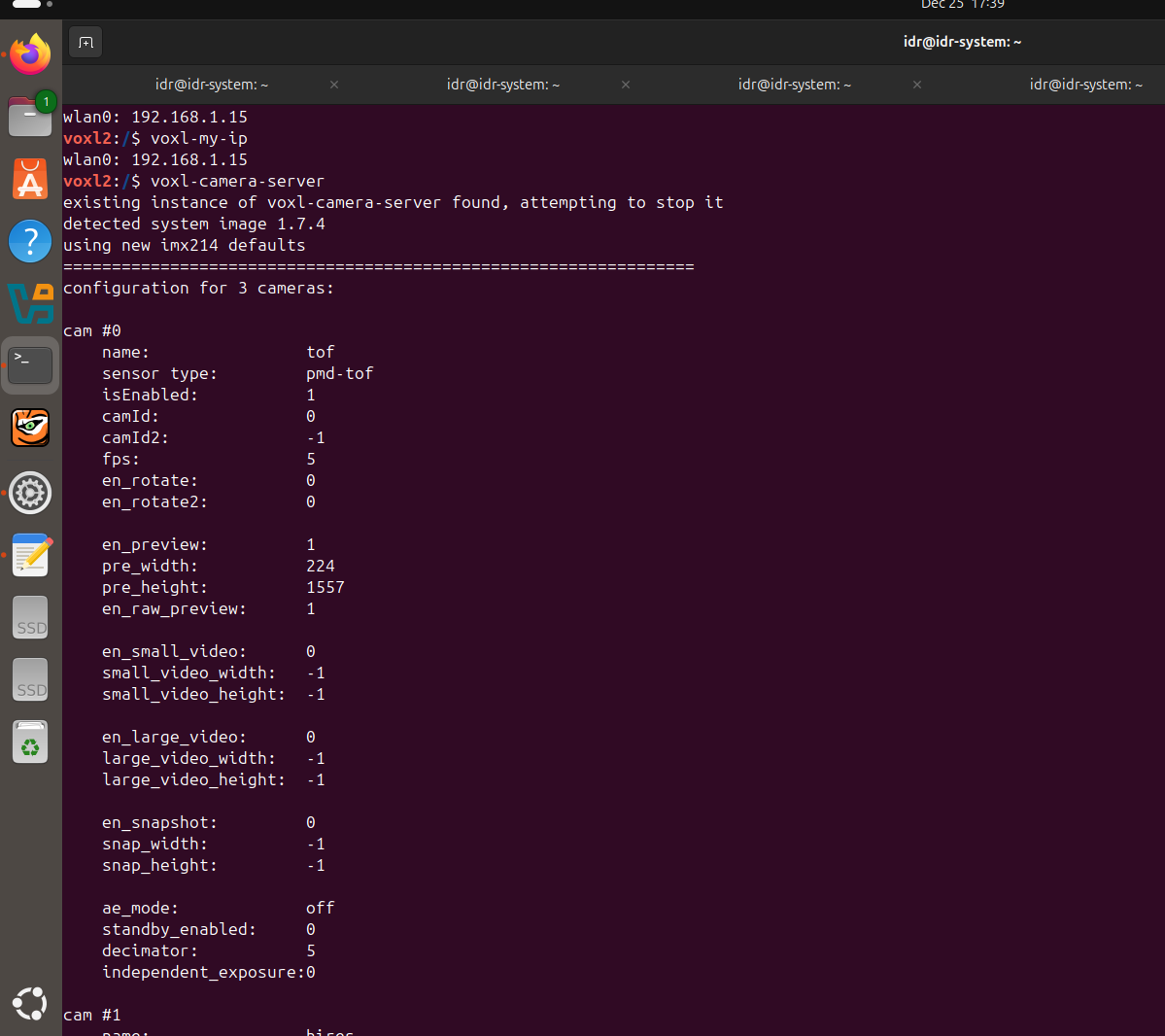
      @Sarika-Sharma Now TOF is detected. I have choosed pmd-tof instead of pmd-tof-liow2.
      But please give solution for the following problem.
      When I used J7 according to the following configuration
      Hardware Setup
      M0104 Connector Interposer Sensor HW ID
      J7 M0135 JL Tracking (M0014 ) 2
      J7 M0135 JU Hires (M0025-2 ) 3
      OR
      J7 M0135 JL Hires (M0025-2 ) 2
      J7 M0135 JU Tracking (M0014 ) 3

      ONLY , The camera which is connected to JL is working either tracking or hires.
      Cameras connected to JU is not working.
      When i run voxl-camera-server it gives this
      WARNING: cam tracking (id 1) does not seem to be alive

      ------ voxl-camera-server: Started 1 of 2 cameras

      ------ voxl-camera-server: Camera server is now running
      OR
      When i run voxl-camera-server it gives this
      WARNING: cam hires (id 1) does not seem to be alive

      ------ voxl-camera-server: Started 1 of 2 cameras

      ------ voxl-camera-server: Camera server is now running![alt text](ba913d5d-8f28-44d8-8ee4-8a906e5f680c-WhatsApp Image 2025-12-26 at 5.31.01 PM.jpeg )/home/idr/Downloads/WhatsApp Image 2025-12-26 at 5.31.01 PM.jpeg

    • S

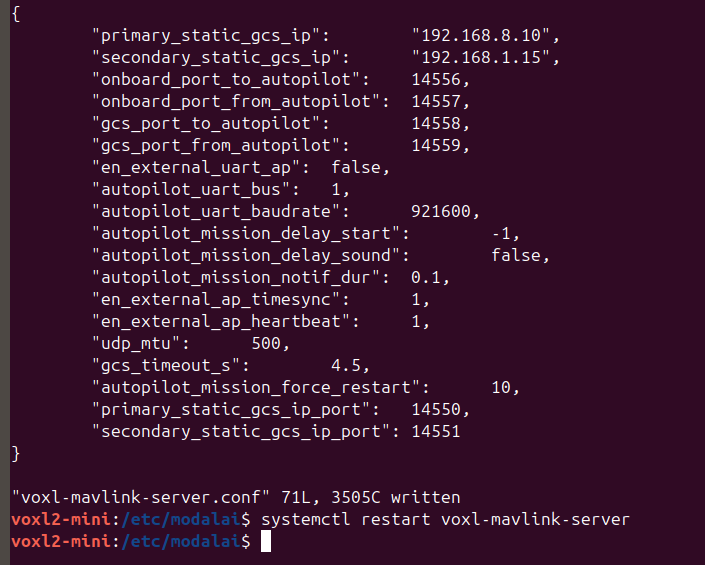
      Unable to connect multiple VOXL2 mini drones to QGroundControl using different UDP ports

      Ask your questions right here!
      • • • Sarika Sharma
      8
      0
      Votes
      8
      Posts
      129
      Views

      S

      @Sarika-Sharma Kindly resolve this issue also https://forum.modalai.com/topic/4952/pmd-tof-not-detected-on-voxl2?_=1766730439331.

    • S

      Voxl 2 Mini not detected via USB

      VOXL 2 Mini
      • • • Sarika Sharma
      10
      0
      Votes
      10
      Posts
      1142
      Views

      tomT

      @Sarika-Sharma Okay that should be fine, was just double checking the voltage wasn't too high for that ESC.

      I'd recommend submitting an RMA: https://www.modalai.com/pages/rma