Skip to content
  • Categories
  • Recent
  • Tags
  • Popular
  • Users
  • Groups
Collapse
Brand Logo

ModalAI Forum

  1. ModalAI Support Forum
  2. VOXL SDK and Software
  3. UVC Server - can't change the resolution

UVC Server - can't change the resolution
Scheduled Pinned Locked Moved Unsolved VOXL SDK and Software
mpa
4 Posts 2 Posters 1.4k Views 2 Watching
  • Oldest to Newest
  • Newest to Oldest
  • Most Votes
Reply
  • Reply as topic
Log in to reply
This topic has been deleted. Only users with topic management privileges can see it.
  • M Offline
    M Offline
    marian
    Contributor
    wrote on last edited by
    #1

    Hi, I use an uvc camera which supports several resolution up to 3840 x 2160 @ 30fps.

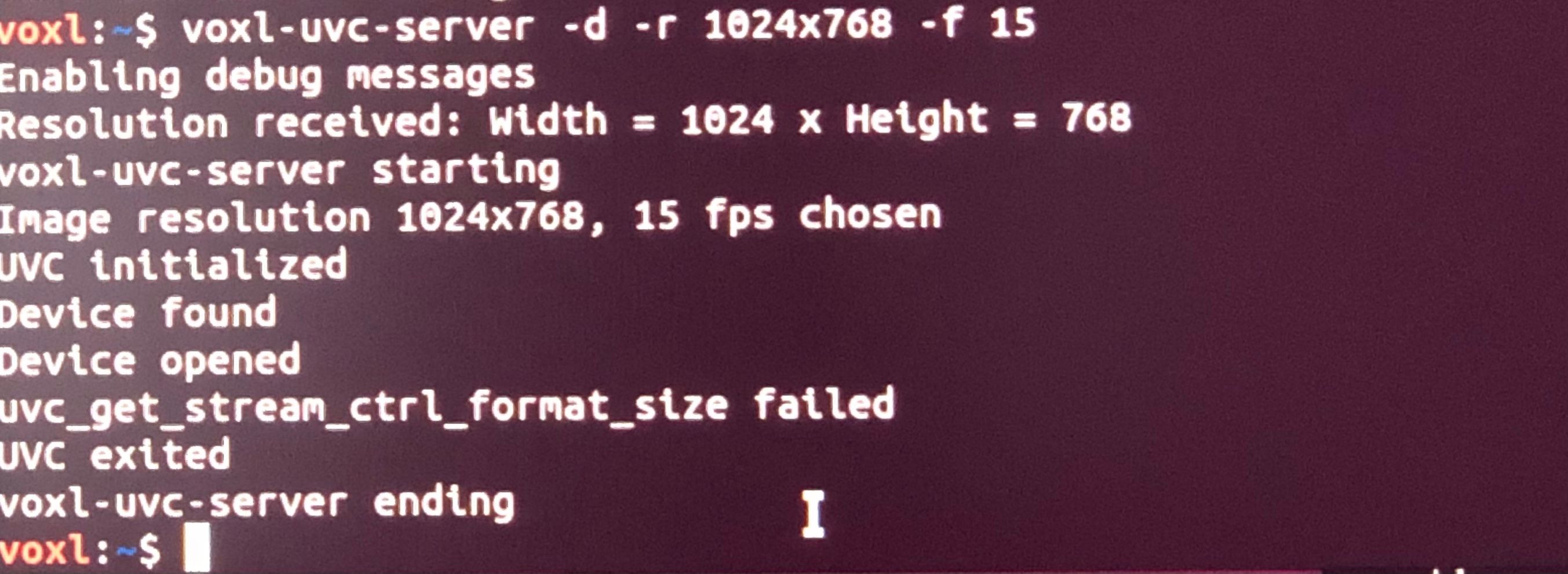
    Using uvc-server whit default resolution is working just fine, but when I try to change the default resolution doesn't work anymore (I tried different resolutions, frame rates ...), as can see in the screen below:
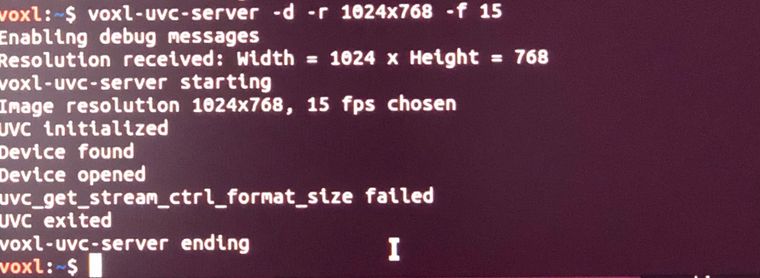
    IMG_2896.jpg

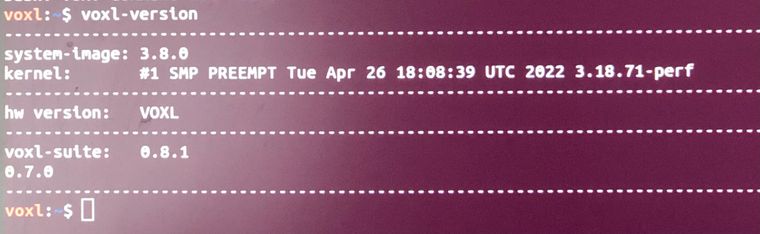
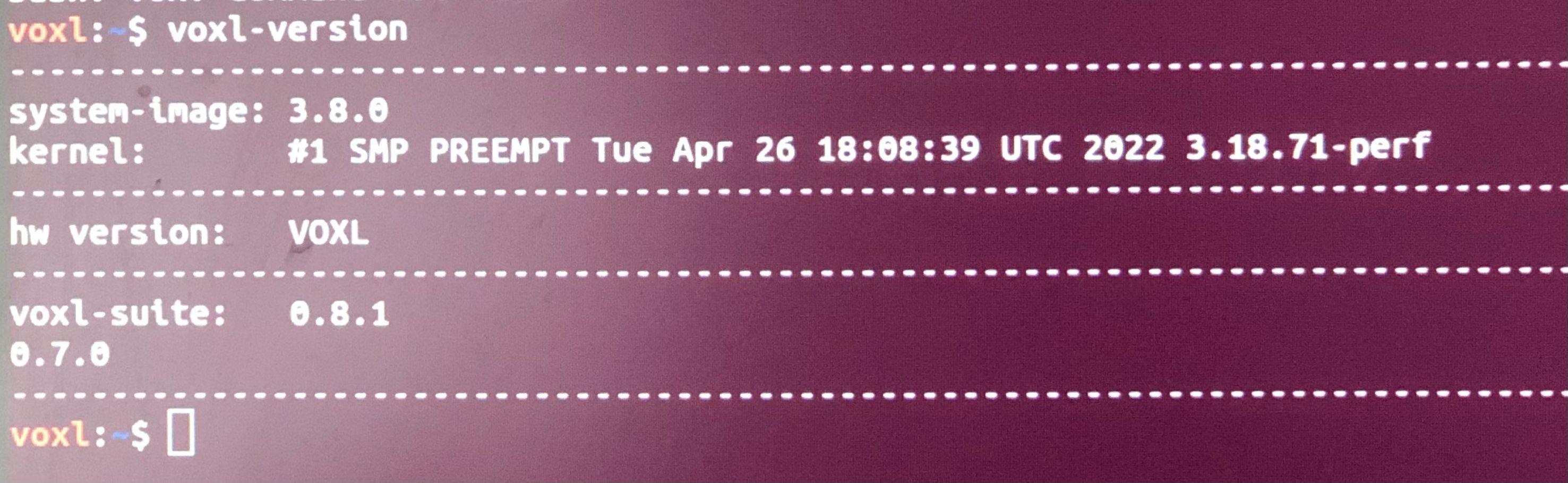
    Here is the voxl-version I use:
    IMG_2897.jpg

    Can you please advice how to proceed?

    Eric KatzfeyE 1 Reply Last reply
    0
    • M marian

      Hi, I use an uvc camera which supports several resolution up to 3840 x 2160 @ 30fps.

      Using uvc-server whit default resolution is working just fine, but when I try to change the default resolution doesn't work anymore (I tried different resolutions, frame rates ...), as can see in the screen below:

      IMG_2896.jpg

      Here is the voxl-version I use:
      IMG_2897.jpg

      Can you please advice how to proceed?

      Eric KatzfeyE Offline
      Eric KatzfeyE Offline
      Eric Katzfey
      ModalAI Team
      wrote on last edited by
      #2

      @marian Can you follow the guide here: https://docs.modalai.com/voxl-uvc-server/#helpful-tips? Please post the output from those commands so we can see what camera you have and what it supports.

      1 Reply Last reply
      0
      • M Offline
        M Offline
        marian
        Contributor
        wrote on last edited by
        #3

        @Eric-Katzfey Sorry for bothering you, I finally found the problem, the frame rate is very low when choosing better resolution than 640x480. Changing the frame rate accordingly it is working fine.

        Thanks for your support.

        Eric KatzfeyE 1 Reply Last reply
        0
        • M marian

          @Eric-Katzfey Sorry for bothering you, I finally found the problem, the frame rate is very low when choosing better resolution than 640x480. Changing the frame rate accordingly it is working fine.

          Thanks for your support.

          Eric KatzfeyE Offline
          Eric KatzfeyE Offline
          Eric Katzfey
          ModalAI Team
          wrote on last edited by
          #4

          @marian Oh yes, thanks for letting us know. When you are using raw frames over USB 2.0 you have to go to a much lower frame rate or else there isn't enough bandwidth to transfer them.

          1 Reply Last reply
          0

          Reading along? Create a free ModalAI Forum account to join in.

          With an account you can reply, ask your own question, get an email when a ModalAI engineer answers, and mark the reply that solved it. Your place in each thread is saved between visits.

          Questions about VOXL, Flight Core, ESCs and ModalAI drones are answered here by the engineers who build them.

          Register Login
          Reply
          • Reply as topic
          Log in to reply
          • Oldest to Newest
          • Newest to Oldest
          • Most Votes


          ModalAI
          Categories Recent Tags ModalAI.com Docs
          © 2026 ModalAI® · Accelerating autonomy for smaller, smarter, safer drones · Powered by NodeBB
          • Login

          • Don't have an account? Register

          • Login or register to search.
          • First post
            Last post
          0
          • Categories
          • Recent
          • Tags
          • Popular
          • Users
          • Groups