
m500 put VOXL sdcard
-
Hi team,
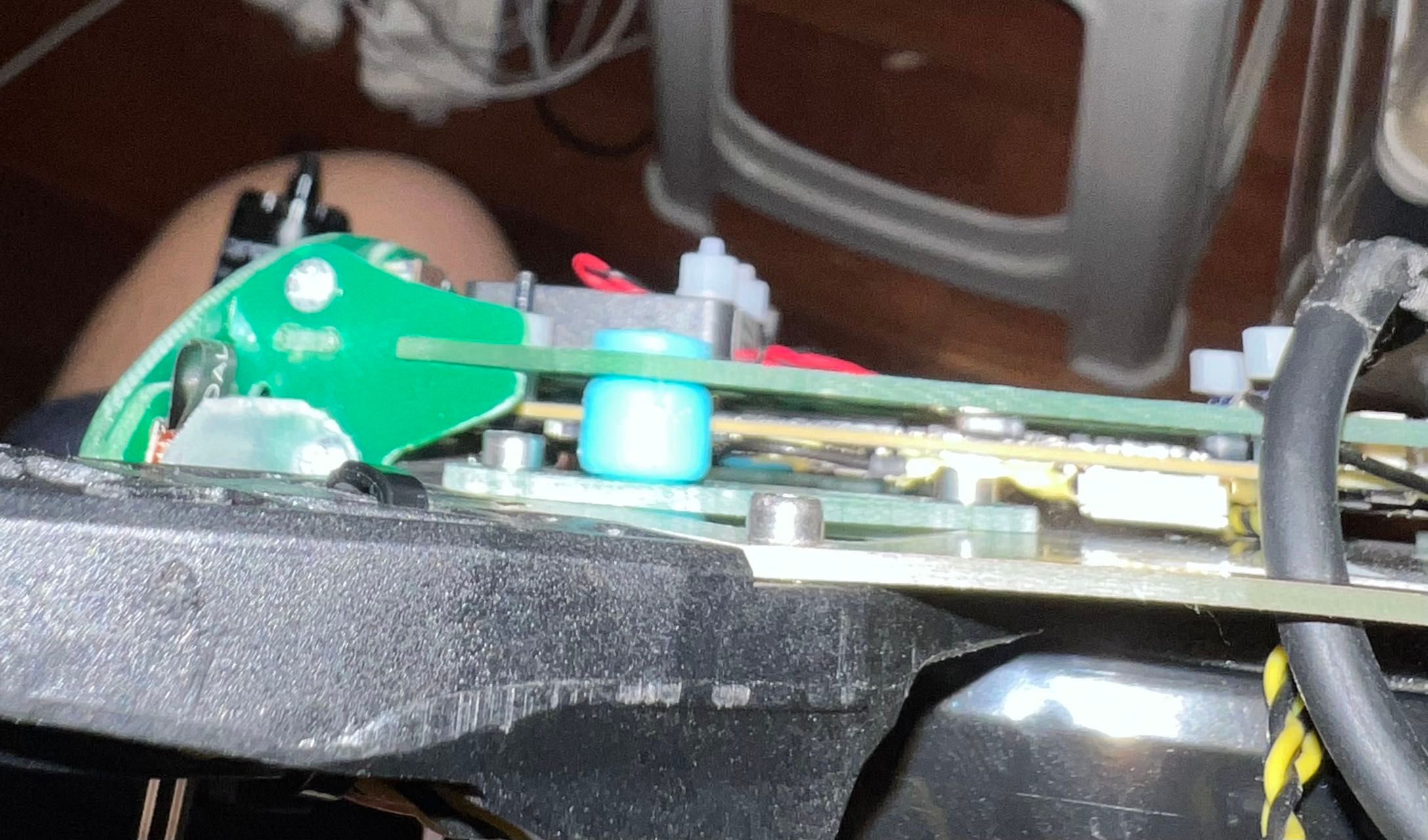
I am wondering how to insert a sdcard to the VOXL microSD card slot? It seems that the light blue rubber connector blocks the slot, and I would have to open the VOXL flight deck by removing the blue connector, but I am wondering how to install back the blue rubber after?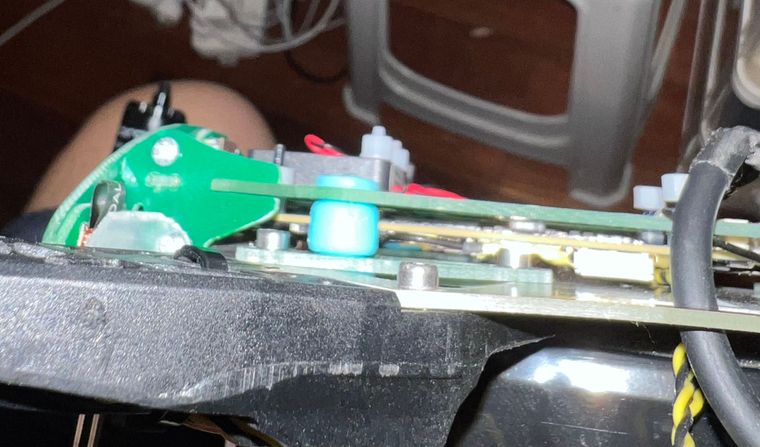
-
I've read through your other post on our forums and it seems that you want to read the px4 log data from the SD card on your flight core.
The m500 has two SD cards, one for VOXL and another for Flight Core. The SD card you have pictured is the wrong one. You need to read data from the PX4 SD card slot.
Please see below.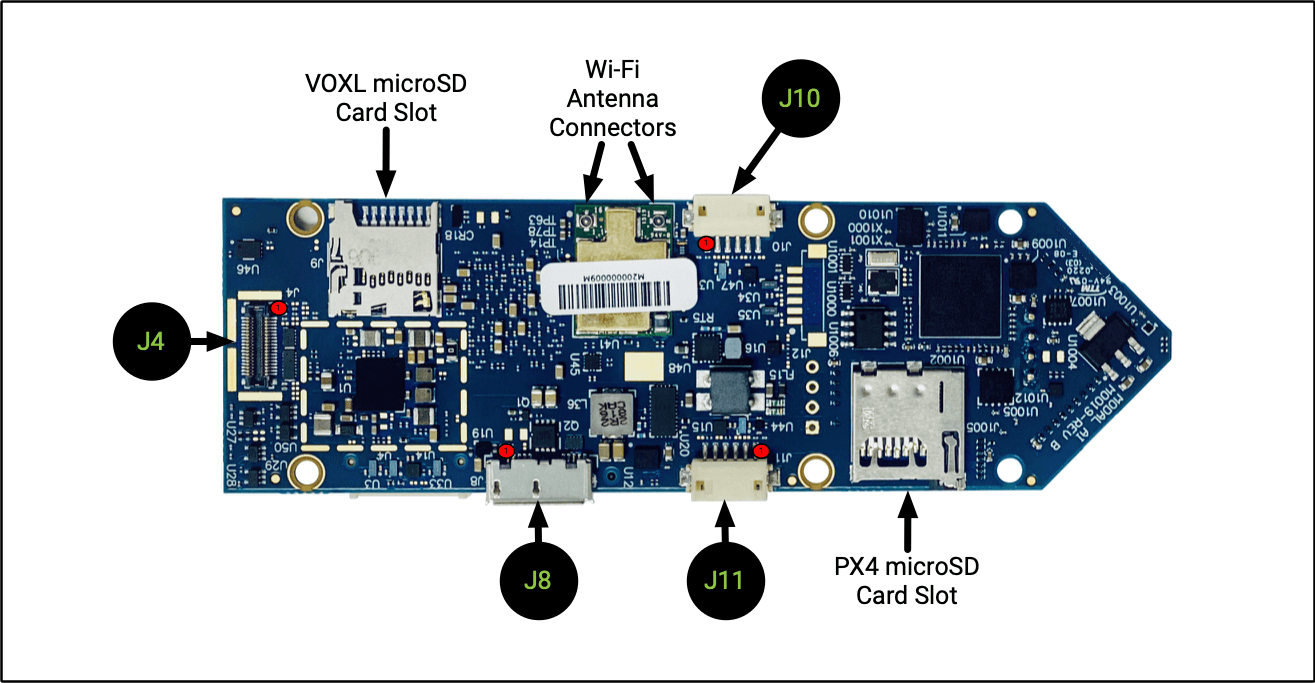
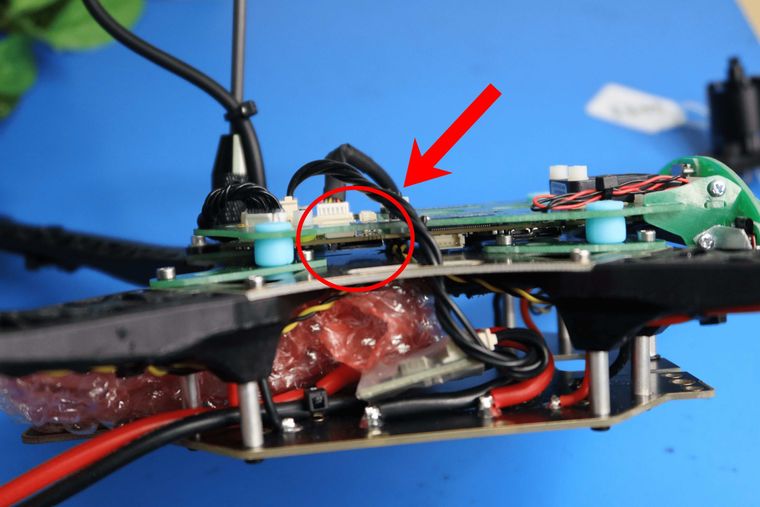
You may find it easier to use forceps to pop the SD card out and to re-insert it.
(the unit pictured may look slightly different from yours but same process)See Here for a gif of me doing it
Hope this was helpful!
Matt Lohier -
Hi @Matt-Lohier ,
Thanks for the great gif made!I think this slot is the PX4 microSD slot, right? And I already access the log by poping this sdcard.
Actually, I am not looking for the PX4 one but looking for another VOXL microSD card slot for VOXL shown on the left side of the board. So, I think I have pictured should be the right one? If so, could you please present how to access the VOXL slot? I would extend the VOXL onboard storage for my projects.
-
I made a quick video that breaks down the process for you. See Here.
-
Although it takes some finesse, it is possible to change the VOXL SD card on m500 without removing the dampeners. At the start of the video I demonstrate using forceps to slide the SD card in without any dismantling. It takes patience but may be preferable for you.
-
To make the process easier, you can remove the dampener to give yourself more clearance. The dampeners are fragile, so be careful when removing. Simply push the dampener through as I did in the video
-
This will give you more clearance to slide the SD card. Go ahead and slide it in. Then, pull the dampener back through. Again, be gentle, and see video.
Hope this was helpful!
Matt Lohier -
-
I made a quick video that breaks down the process for you. See Here.
-
Although it takes some finesse, it is possible to change the VOXL SD card on m500 without removing the dampeners. At the start of the video I demonstrate using forceps to slide the SD card in without any dismantling. It takes patience but may be preferable for you.
-
To make the process easier, you can remove the dampener to give yourself more clearance. The dampeners are fragile, so be careful when removing. Simply push the dampener through as I did in the video
-
This will give you more clearance to slide the SD card. Go ahead and slide it in. Then, pull the dampener back through. Again, be gentle, and see video.
Hope this was helpful!
Matt Lohier -


Reading along? Create a free ModalAI Forum account to join in.
With an account you can reply, ask your own question, get an email when a ModalAI engineer answers, and mark the reply that solved it. Your place in each thread is saved between visits.
Questions about VOXL, Flight Core, ESCs and ModalAI drones are answered here by the engineers who build them.
Register Login