
Gimbal camera streaming not starting
-
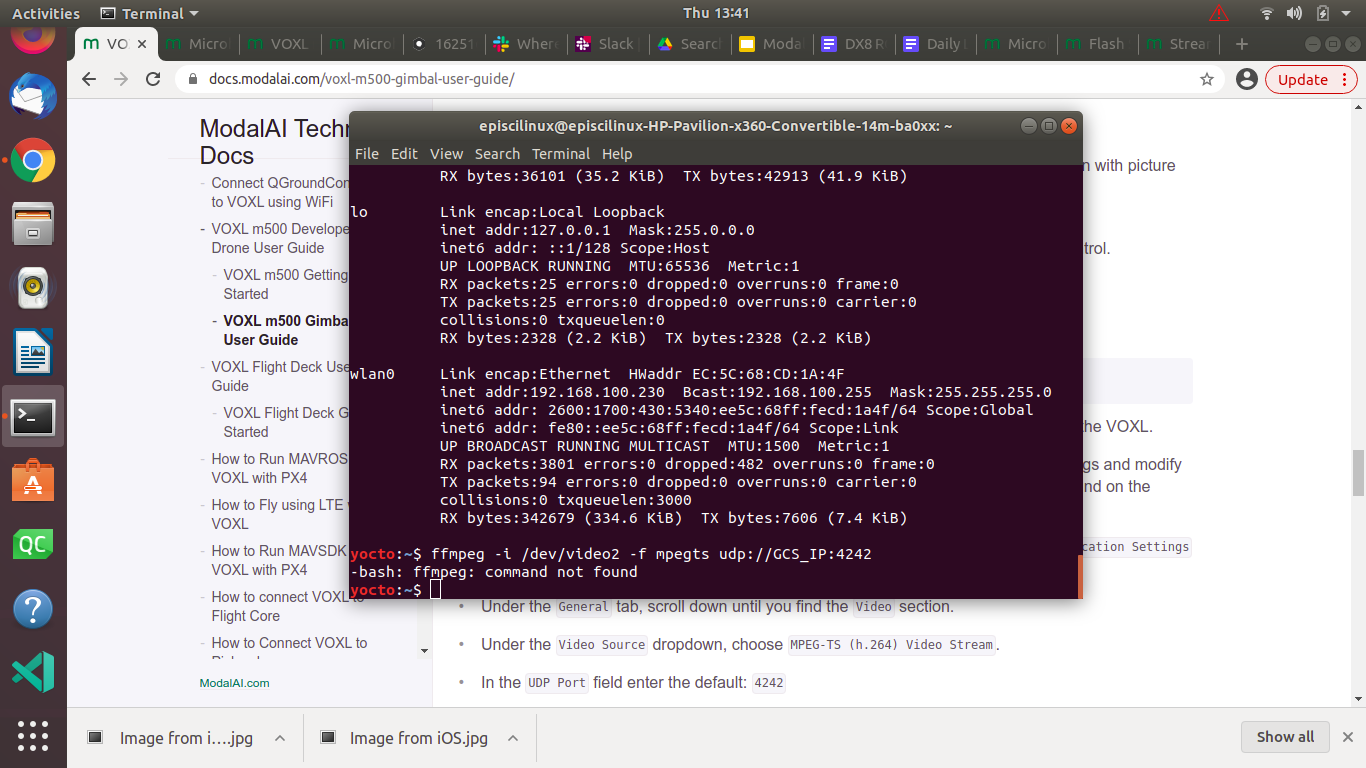
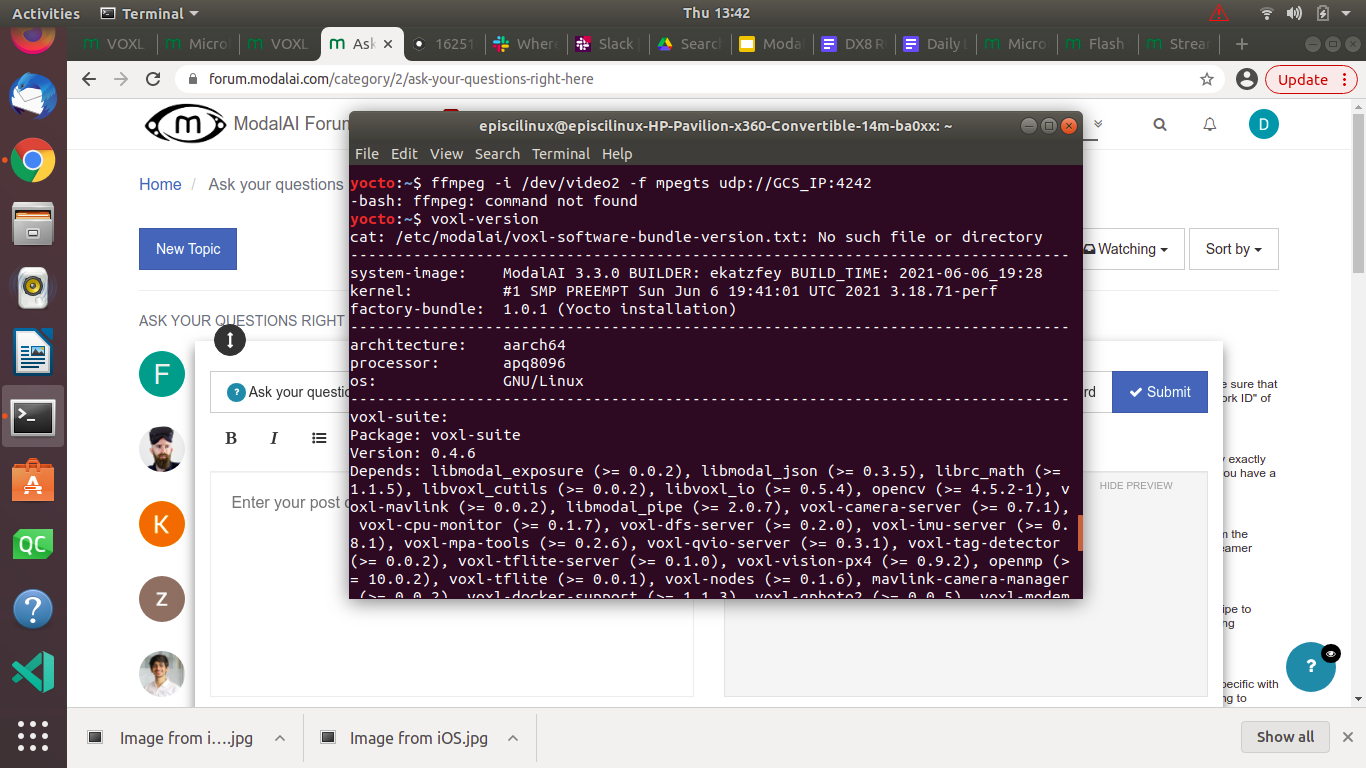
@Daniel-Ryu voxl-emulator can be used to build packages for VOXL on your Linux PC. You can read about it here: https://docs.modalai.com/install-voxl-docker/
-
@Daniel-Ryu voxl-emulator can be used to build packages for VOXL on your Linux PC. You can read about it here: https://docs.modalai.com/install-voxl-docker/
-
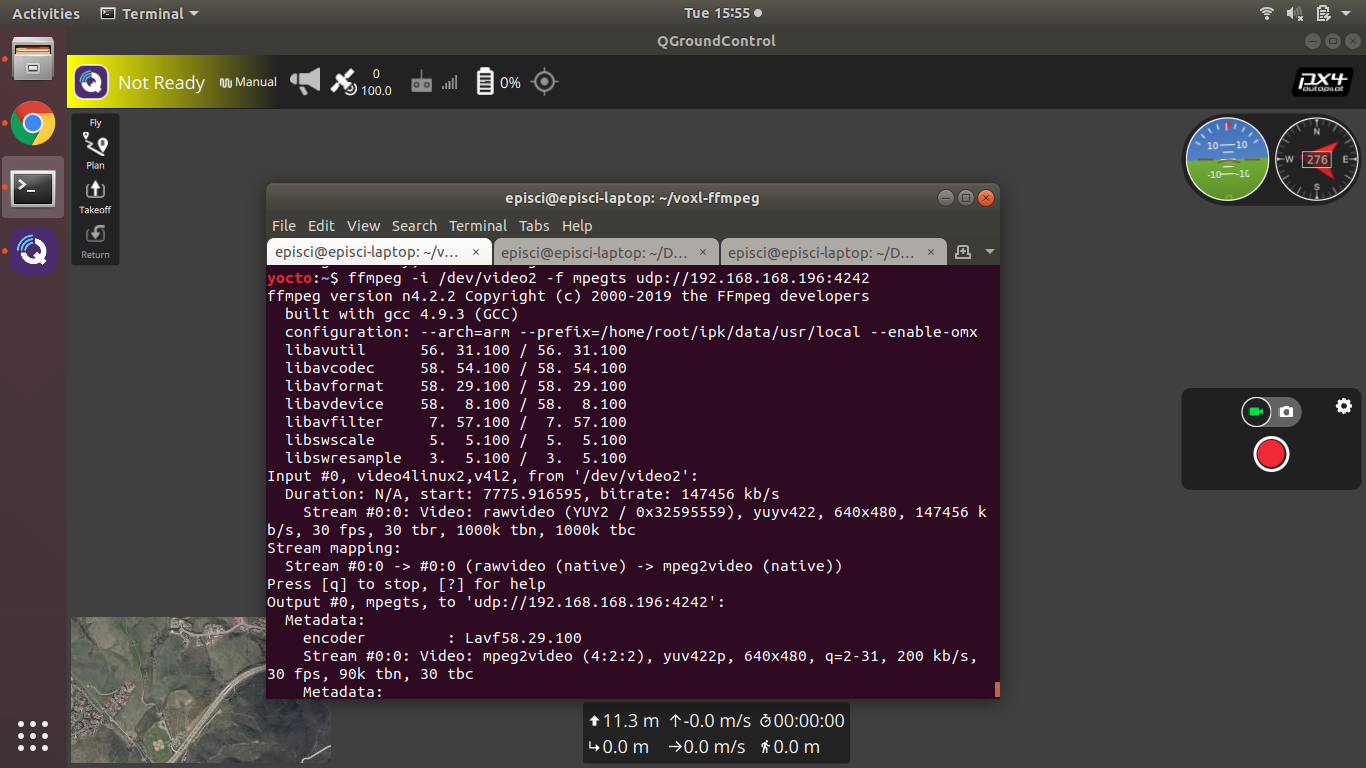
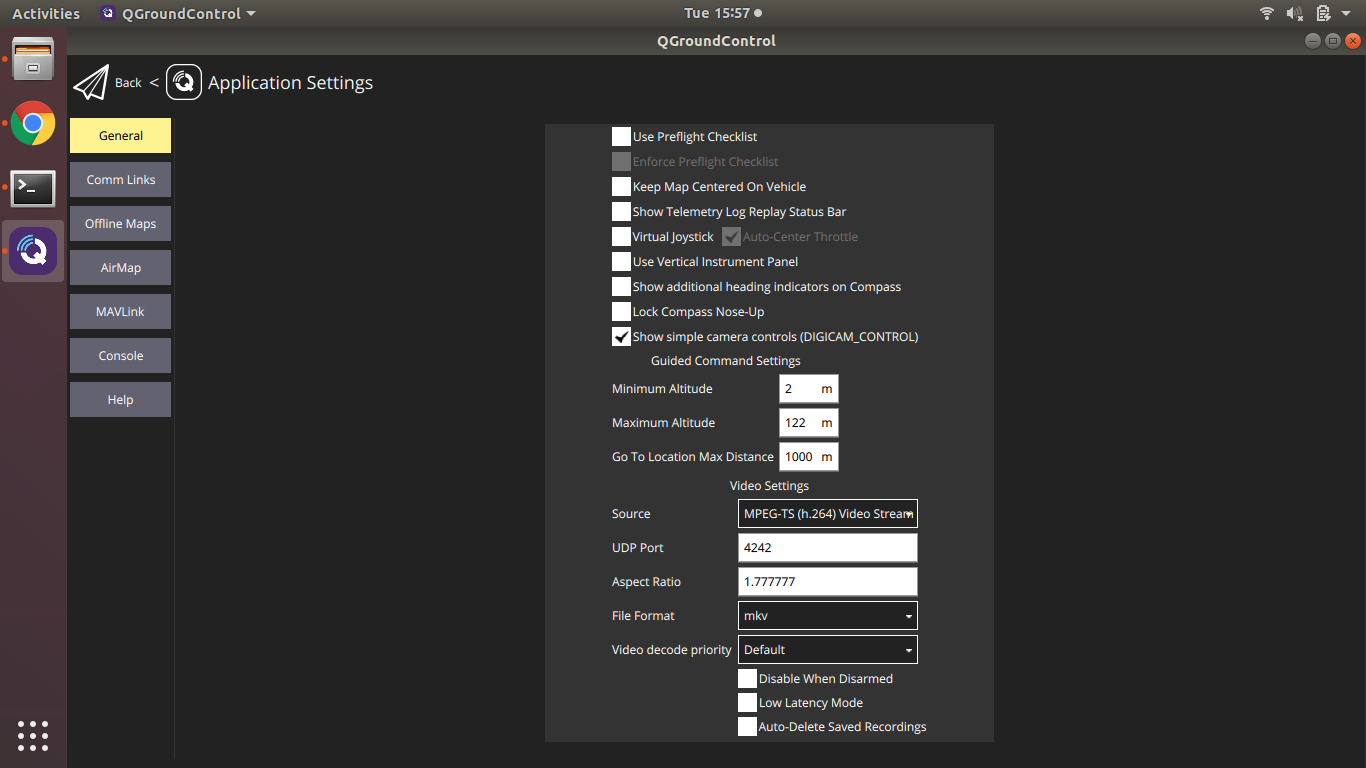
ffmpegs is working but I am still unable to stream to QGC. I'm using the same ip of QGC that is in voxl-vision-px4.conf that allows the drone to even connect to QGC in the first place. Here are all my settings.
@Daniel-Ryu Are you able to see the video in another viewer, like VLC?
-
@Daniel-Ryu Are you able to see the video in another viewer, like VLC?
@Eric-Katzfey Yes, I can get the video to stream following the instructions here https://docs.modalai.com/uvc-streaming/
-
@Eric-Katzfey Yes, I can get the video to stream following the instructions here https://docs.modalai.com/uvc-streaming/
Also, could https://docs.modalai.com/voxl-m500-gimbal-user-guide/#streaming-to-qgroundcontrol this guide have a link to this guide here https://docs.modalai.com/uvc-streaming? I came across the second one quite by accident, despite them accomplishing similar purposes
-
One more question: there's a config file referred to in this guide which is supposed to demonstrate how the gimbal can be controlled from the RC. Which one is it? https://docs.modalai.com/voxl-m500-gimbal-user-guide/#streaming-to-qgroundcontrol
-
Here's a video that can help: https://youtu.be/eYr8nyFid0E?t=26
PX4 params here: https://gitlab.com/voxl-public/flight-core-px4/px4-parameters/-/blob/master/helpers/gimbal_dx8_config.params
-
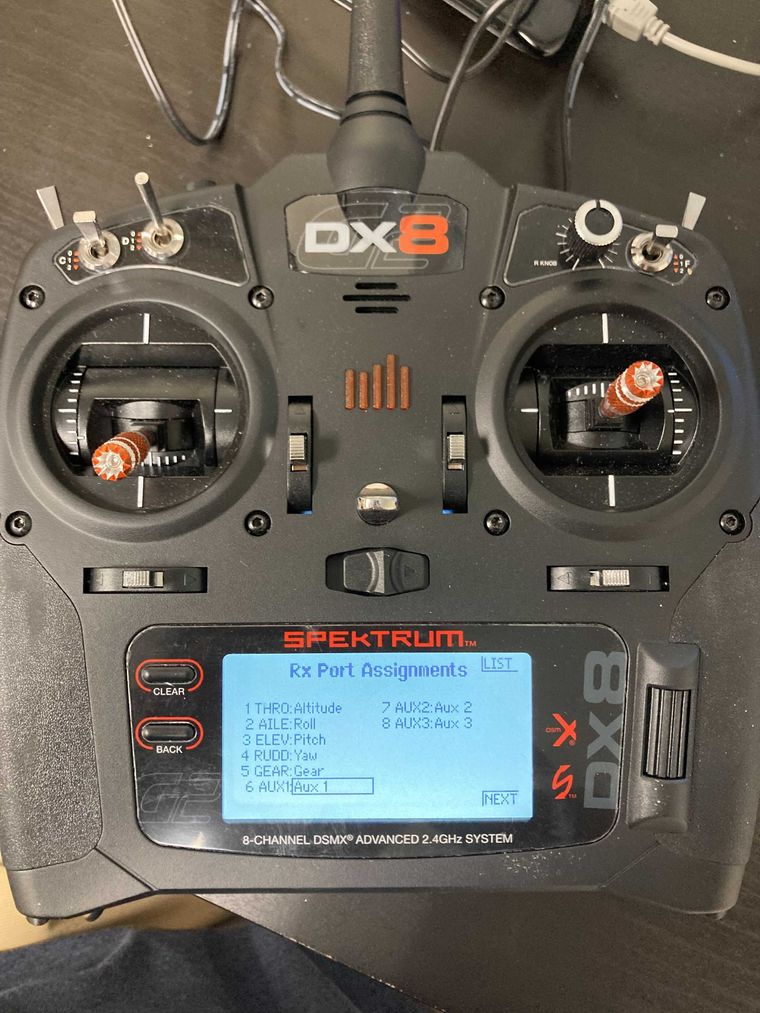
My DX8 looks and behaves differently from the one in the video. Is there a way to confirm that the knob and the switch right next to it are indeed channels 8 and 7, respectively?
-
You can get a good feel from the radio configuration setup in QGC, where you can see the channel assignments -> roughly here https://docs.modalai.com/configure-rc-radio/
-
I'm still having trouble working out the controller and the gimbal. Here's a video of what I did. The channel monitor acknowledges one switch as channel 6 (which I set to RC_MAP_AUX1) but doesn't seem to respond to the dial. https://we.tl/t-HWHzLeJ46h
-
Solution: sometimes when just binding the RC controller, the inputs aren't shown. Make sure to restart drone after rebinding. Additionally, I've found different controllers have different lever/switch inputs, so its good to use QGC to look for the responsive switches and assign the ones you want accordingly




Reading along? Create a free ModalAI Forum account to join in.
With an account you can reply, ask your own question, get an email when a ModalAI engineer answers, and mark the reply that solved it. Your place in each thread is saved between visits.
Questions about VOXL, Flight Core, ESCs and ModalAI drones are answered here by the engineers who build them.
Register Login