Skip to content
  • Categories
  • Recent
  • Tags
  • Popular
  • Users
  • Groups
Collapse
Brand Logo

ModalAI Forum

  1. ModalAI Support Forum
  2. VOXL Dev Kits
  3. VOXL-CAM
  4. Getting video streams from USB camera connected to Microhard Add-on module

Getting video streams from USB camera connected to Microhard Add-on module

Scheduled Pinned Locked Moved VOXL-CAM
8 Posts 3 Posters 1.6k Views 3 Watching
  • Oldest to Newest
  • Newest to Oldest
  • Most Votes
Reply
  • Reply as topic
Log in to reply
This topic has been deleted. Only users with topic management privileges can see it.
  • G Offline
    G Offline
    Gaurav Borade
    Contributor
    wrote on last edited by Gaurav Borade
    #1

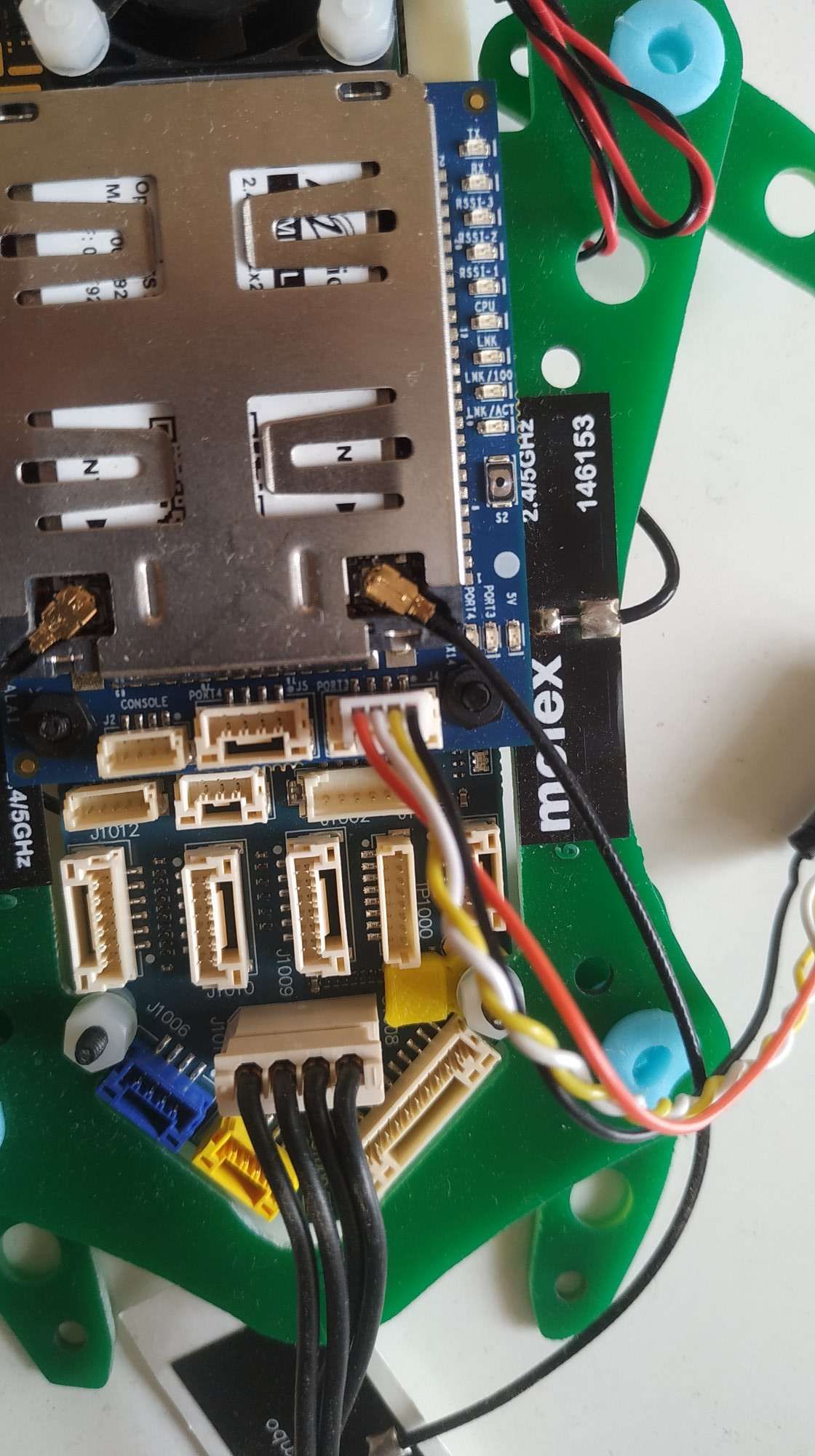
    I am trying to get the video streams from a USB camera which is connected to the J4 connector on the Microhard Add-on module (https://docs.modalai.com/microhard-add-on-datasheet/)

    As this camera is connected to an add-on modem, how to configure it & get video streams from it?

    I am able to get the streams from internal cameras (RTSP video using MIPI cameras https://docs.modalai.com/voxl-rtsp/) but struggling to get the streams from the USB camera.
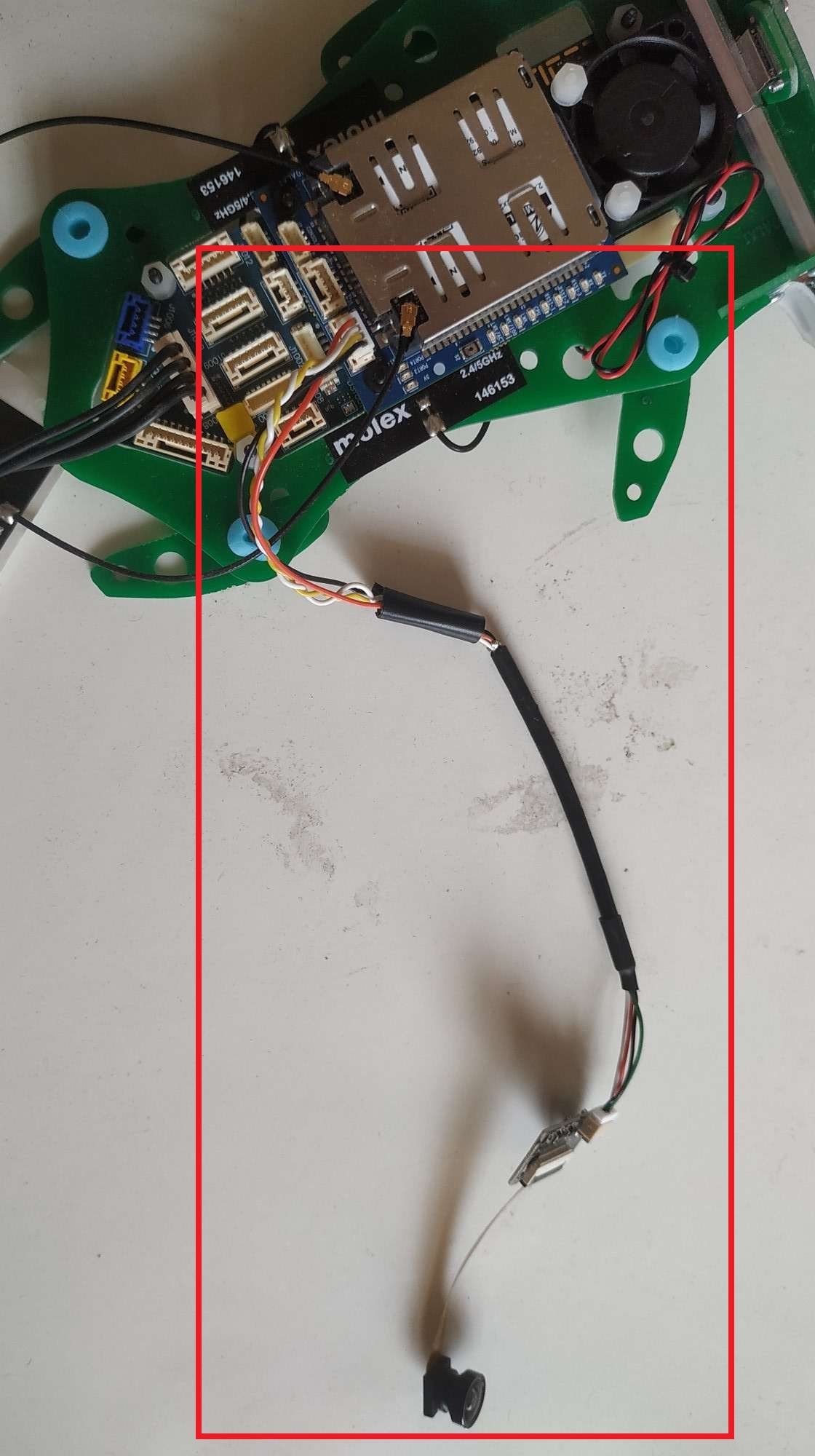
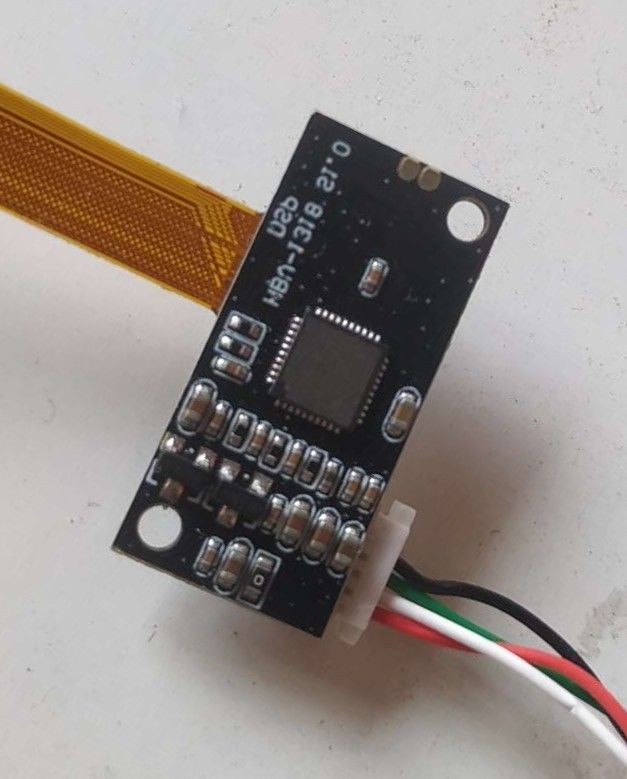
    setup.jpg

    module.jpeg camera.JPEG

    1 Reply Last reply
    0
    • Eric KatzfeyE Offline
      Eric KatzfeyE Offline
      Eric Katzfey
      ModalAI Team
      wrote on last edited by
      #2

      There are a few steps you can take to bring up a new USB camera. First of all, the camera must be UVC compliant. The best thing to do is to test it out on a Linux PC first and verify that it works there. Some tips: 1. Use the 'lsusb' command before and after you plug the camera in to see if it is showing up. 2. If you see the device with 'lsusb', look in /dev to see if it shows up as a /dev/videox device. So, do 'ls /dev/video*' before plugging in the camera and after plugging in the camera to see if it appears. 3. If everything looks good you should be able to stream from it using voxl-streamer.

      1 Reply Last reply
      1
      • G Offline
        G Offline
        Gaurav Borade
        Contributor
        wrote on last edited by
        #3

        Hi Eric,
        Thank you for the help.

        I confirmed that the camera is UVC compliant.
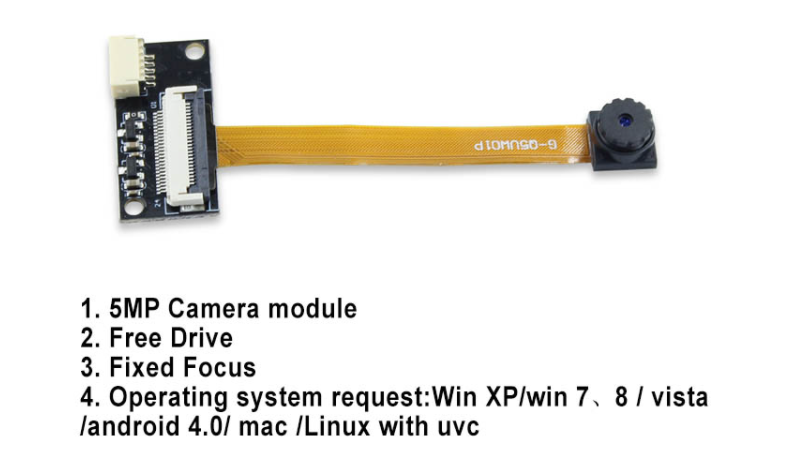
        c6bb9d19-de40-432d-9850-5aa2986550dd-image.png
        Also, the camera is detected on my personal laptop.

        But unfortunately can not see it in VOXL the list (lsusb) not showing the camera.

        before

        3b0ce97e-b529-4bd3-9cd0-3906231bfb8c-image.png

        after
        85b445e0-7c75-4bb3-ae2c-9e11d154a2ff-image.png

        Do I need to install any specific drivers for it?

        1 Reply Last reply
        0
        • Eric KatzfeyE Offline
          Eric KatzfeyE Offline
          Eric Katzfey
          ModalAI Team
          wrote on last edited by
          #4

          No, you shouldn't need anything special to see it with 'lsusb'. If you run 'dmesg -wH' and then plug in the camera do you see any messages printed? Another thing you can try is to free up the adb port by using ssh over wifi instead of adb. Then plug the camera into the adb port and see if you see it with 'lsusb'. It's possible you are seeing a power issue and the adb USB port can deal with more power.

          1 Reply Last reply
          1
          • G Offline
            G Offline
            Gaurav Borade
            Contributor
            wrote on last edited by
            #5

            Hi Eric,

            lsusb not working.

            I have tried with the dmesg -wH & got the following message printed

            usb detection.JPG

            Let me know any suggestions and how to proceed & thank you for helping..! 🙂

            (Also, I am trying with ADB port (Need to find a connector to connect the camera with it))

            1 Reply Last reply
            0
            • Eric KatzfeyE Offline
              Eric KatzfeyE Offline
              Eric Katzfey
              ModalAI Team
              wrote on last edited by
              #6

              What cable / connector were you using to connect to your laptop? What does your laptop show for lsusb for the device? On your laptop, please use ```
              lsusb -v -d vendor:product

              1 Reply Last reply
              0
              • Caleb RievleyC Offline
                Caleb RievleyC Offline
                Caleb Rievley
                Contributor
                wrote on last edited by
                #7

                I am having a similar problem but I was able to confirm that the camera was being seen by the voxl it was under /dev/video2.

                However, it then said that /dev/video2 was not found when running when initiating ffmpeg.

                Eric KatzfeyE 1 Reply Last reply
                0
                • Caleb RievleyC Caleb Rievley

                  I am having a similar problem but I was able to confirm that the camera was being seen by the voxl it was under /dev/video2.

                  However, it then said that /dev/video2 was not found when running when initiating ffmpeg.

                  Eric KatzfeyE Offline
                  Eric KatzfeyE Offline
                  Eric Katzfey
                  ModalAI Team
                  wrote on last edited by
                  #8

                  @Caleb-Rievley Our recommendation is to use voxl-uvc-server and voxl-streamer for UVC cameras. Documentation is at: https://docs.modalai.com/voxl-streamer/#streaming-uvc-cameras-from-voxl-uvc-server, https://docs.modalai.com/voxl-streamer, and https://docs.modalai.com/voxl-uvc-server

                  1 Reply Last reply
                  0

                  Hello! It looks like you're interested in this conversation, but you don't have an account yet.

                  Getting fed up of having to scroll through the same posts each visit? When you register for an account, you'll always come back to exactly where you were before, and choose to be notified of new replies (either via email, or push notification). You'll also be able to save bookmarks and upvote posts to show your appreciation to other community members.

                  With your input, this post could be even better 💗

                  Register Login
                  Reply
                  • Reply as topic
                  Log in to reply
                  • Oldest to Newest
                  • Newest to Oldest
                  • Most Votes


                  ModalAI
                  Categories Recent Tags ModalAI.com Docs
                  © 2026 ModalAI® · Accelerating autonomy for smaller, smarter, safer drones · Powered by NodeBB
                  • Login

                  • Don't have an account? Register

                  • Login or register to search.
                  • First post
                    Last post
                  0
                  • Categories
                  • Recent
                  • Tags
                  • Popular
                  • Users
                  • Groups