Skip to content
  • Categories
  • Recent
  • Tags
  • Popular
  • Users
  • Groups
Collapse
Brand Logo

ModalAI Forum

Z

zcurtis070

@zcurtis070
Unfollow Follow
About
Posts
3
Topics
1
Shares
0
Groups
0
Followers
0
Following
0

Posts

Recent Best Controversial

  • Hi-res IMX214 (M0024-2) Pink Hue Issue
    Z zcurtis070

    @Alex-Kushleyev Here is a copy and paste of the the voxl-camera-server.conf file that you requested. It won't allow me to attach the file itself.

    /**

    • voxl-camera-server Configuration File
    • Each camera has configurations for up to 4 HAL3 streams:
      • preview stream for raw unprocessed images from CV cameras
      • small_video 720p (ish) h264/h265 compressed for fpv video streaming
      • large_video 4k (ish) h264/h265 for onboard video recording to disk
      • snapshot ISP-processed JPG snapshots that get saved to disk
    • on QRB5165 platforms (VOXL2 and VOXL2 mini) you can only have 3 of the 4 enabled
    • This file is generated from default values by voxl-configure-cameras.
    • Do not expect arbitrary resolutions to work, the ISP and video compression
    • pipelines only support very specific resolutions.
    • The default video compression mode is cqp or Constant Quantization Parameter

    */
    {
    "version": 0.1,
    "cameras": [{
    "type": "imx214",
    "name": "hires",
    "enabled": true,
    "camera_id": 0,
    "fps": 30,
    "en_preview": false,
    "preview_width": 640,
    "preview_height": 480,
    "en_raw_preview": false,
    "en_small_video": true,
    "small_video_width": 1024,
    "small_video_height": 768,
    "small_venc_mode": "h265",
    "small_venc_br_ctrl": "cqp",
    "small_venc_Qfixed": 30,
    "small_venc_Qmin": 15,
    "small_venc_Qmax": 40,
    "small_venc_nPframes": 9,
    "small_venc_mbps": 2,
    "en_large_video": false,
    "large_video_width": 4208,
    "large_video_height": 3120,
    "large_venc_mode": "h265",
    "large_venc_br_ctrl": "cqp",
    "large_venc_Qfixed": 38,
    "large_venc_Qmin": 15,
    "large_venc_Qmax": 50,
    "large_venc_nPframes": 29,
    "large_venc_mbps": 30,
    "en_snapshot": true,
    "en_snapshot_width": 4208,
    "en_snapshot_height": 3120,
    "ae_mode": "isp",
    "ae_desired_msv": 60,
    "exposure_min_us": 20,
    "exposure_max_us": 33000,
    "gain_min": 54,
    "gain_max": 8000,
    "exposure_soft_min_us": 5000,
    "ae_filter_alpha": 0.600000023841858,
    "ae_ignore_fraction": 0.20000000298023224,
    "ae_slope": 0.05000000074505806,
    "ae_exposure_period": 1,
    "ae_gain_period": 1,
    "ae_k_p_ns": 8000,
    "ae_k_i_ns": 5,
    "ae_max_i": 250
    }]
    }

    Zach
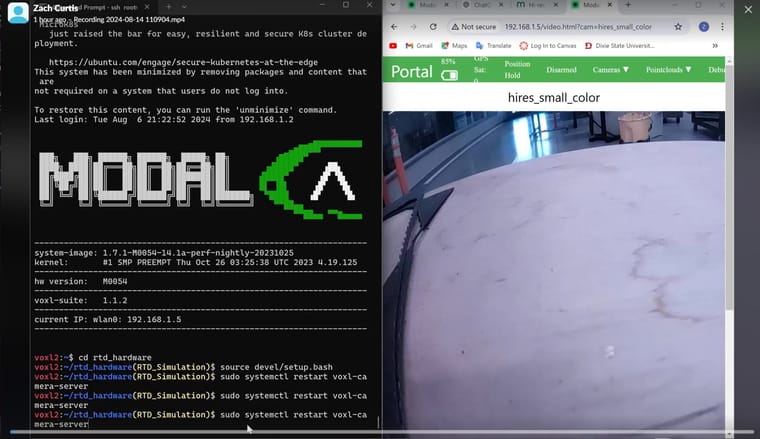
    Image Sensors

  • Hi-res IMX214 (M0024-2) Pink Hue Issue
    Z zcurtis070

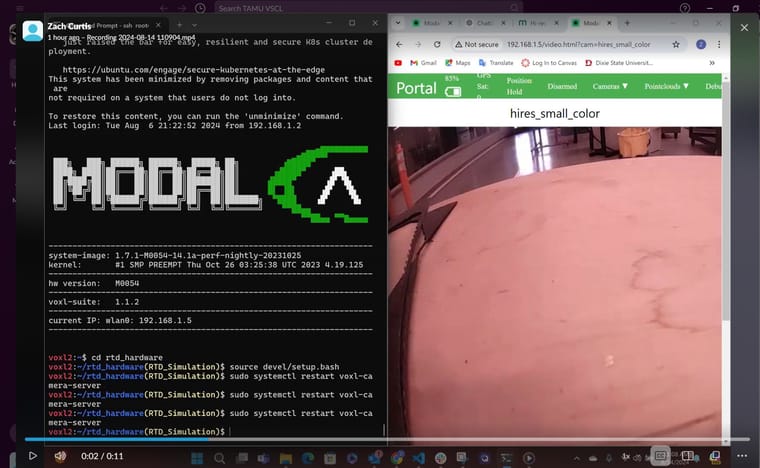
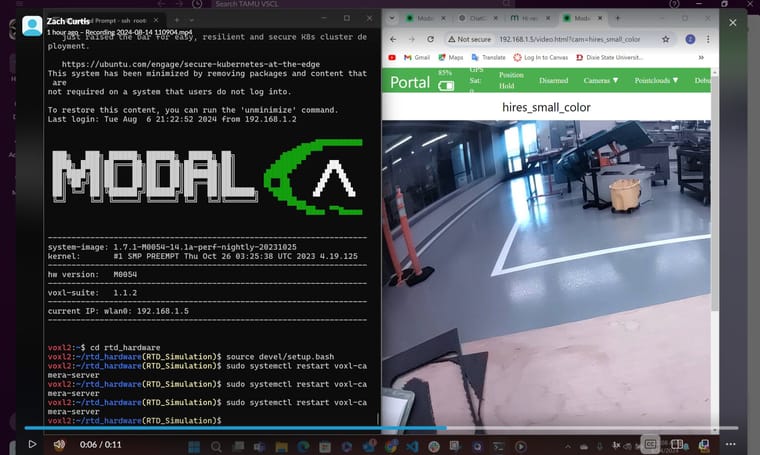
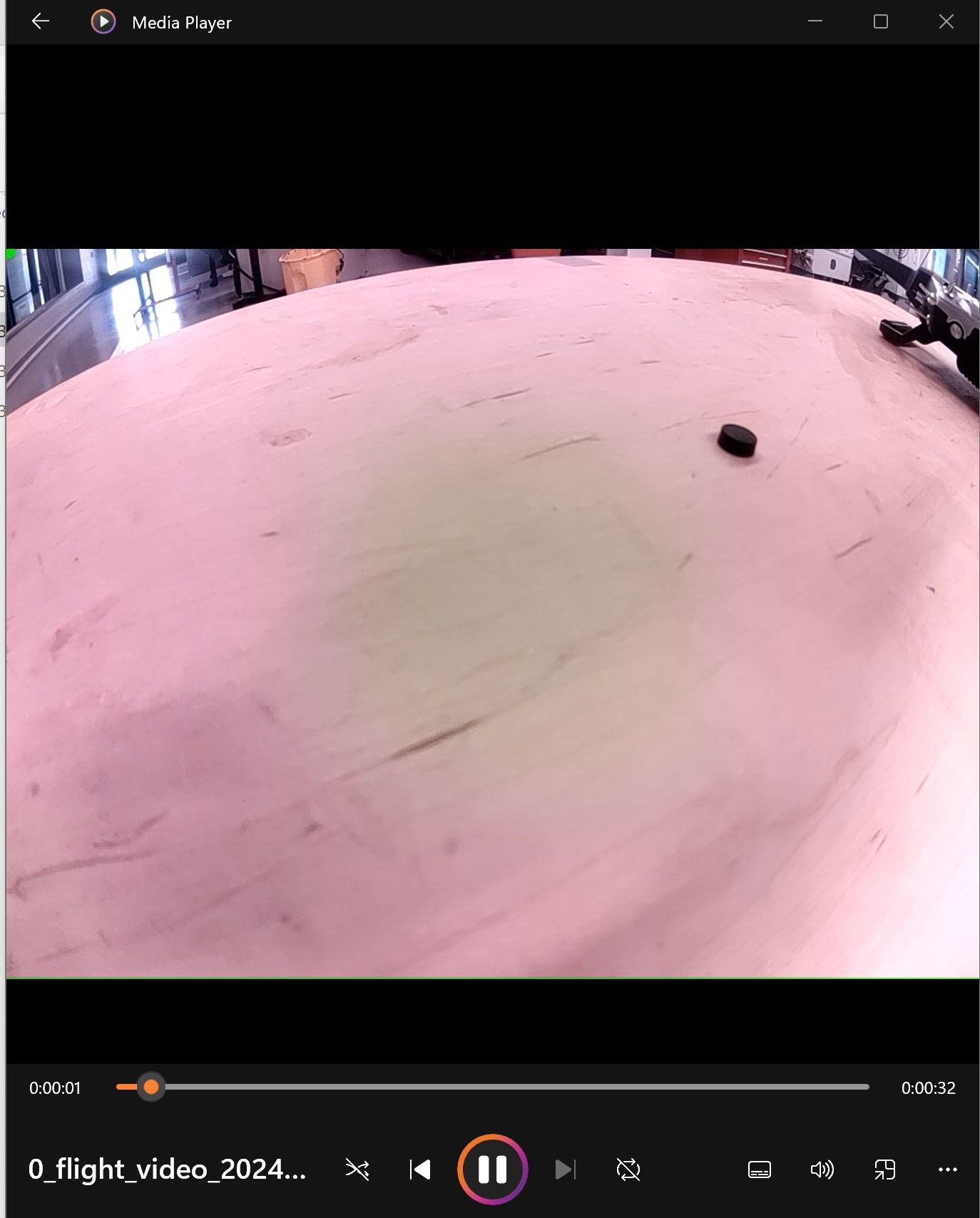
    @Alex-Kushleyev this seems to have a positive effect but its not working perfectly and it doesn't work all the time. Inside on the workbench, I noticed that when I restart the voxl-camera-server it immediately shows up pink, but as soon as I lift the vehicle off the ground it seems to adjust settings and the color comes out closer to true color and what we are looking for (I have a video that show the behavior, but I am not sure how to post it here).

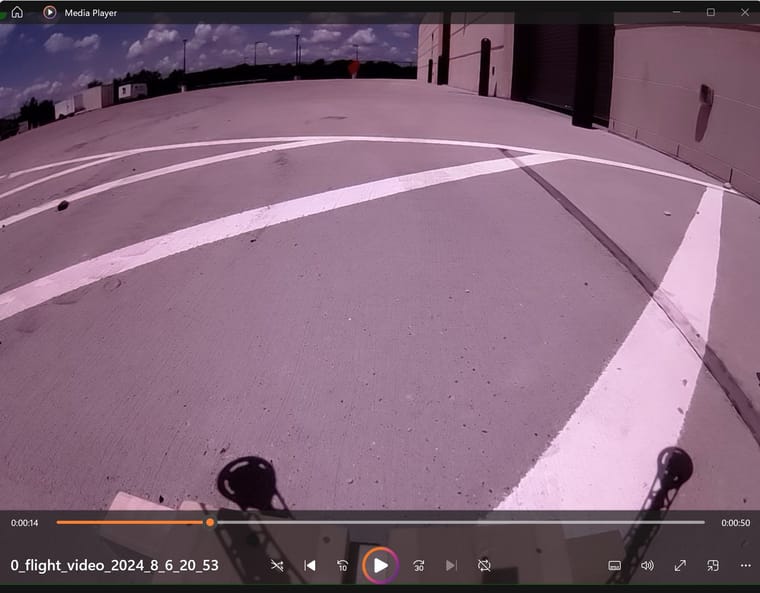
    However, I took the vehicle outside to perform a test and I was not able to get the pink hue to go away. I tried restarting the camera server and tilting it around hoping it would auto adjust the settings, but I didn't have any luck. Do you have any other suggestions?

    Before Restart
    Screenshot 2024-08-14 123851.jpg

    After Restart
    Screenshot 2024-08-14 124033.jpg

    After Lifting which causes auto-adjust
    Screenshot 2024-08-14 124148-new.jpg

    Outside:
    Screenshot 2024-08-14 123359.jpg

    Image Sensors

  • Hi-res IMX214 (M0024-2) Pink Hue Issue
    Z zcurtis070

    Re: Hi-res IMX214 (M0024-2) Color and Stuttering Issue

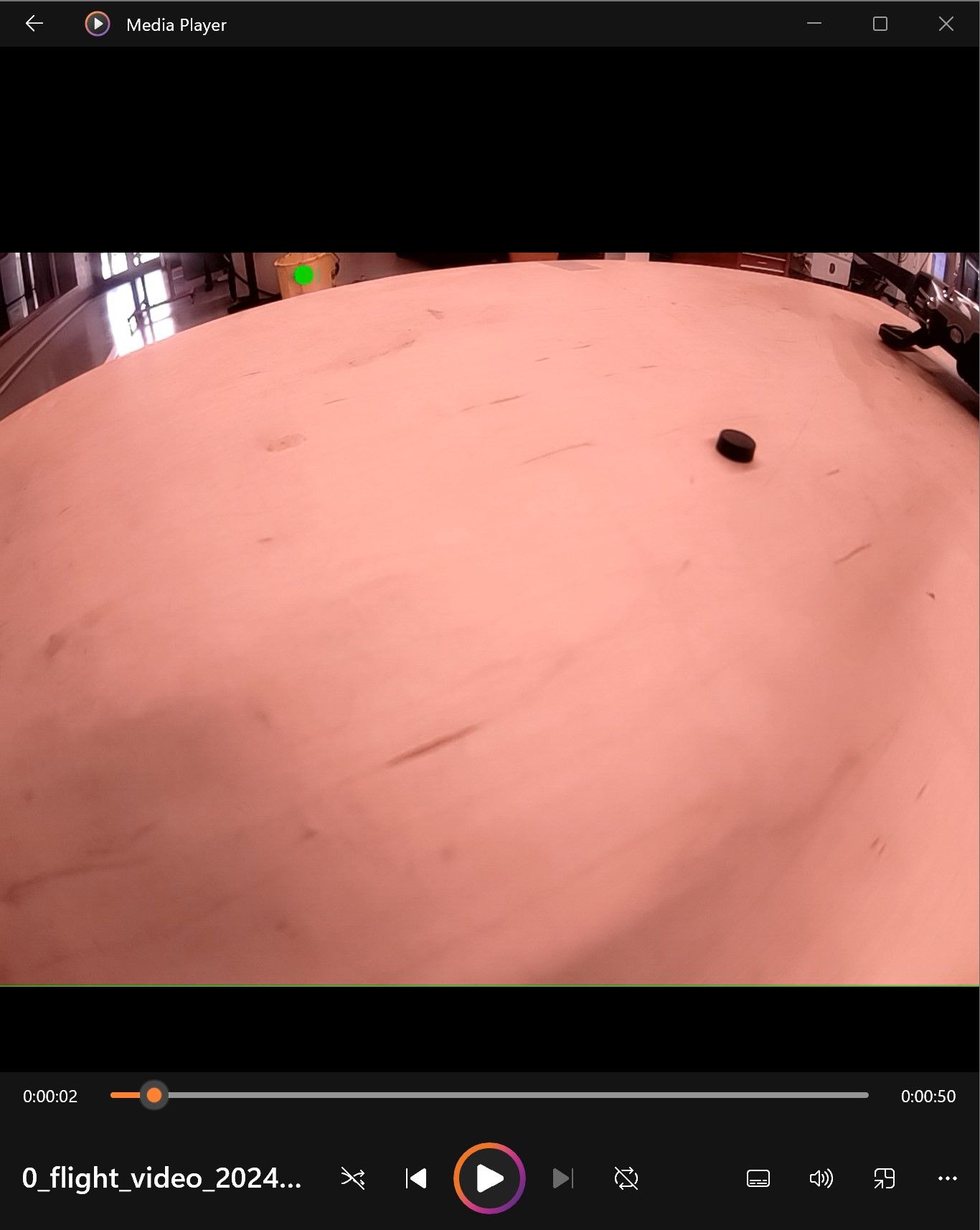
    I went through the process linked in the above thread and successfully got rid of the green circle found in the center on the picture, but I am still dealing with pink/warm tones dominating the picture. This is causing issues with our color detection algorithm, and we are hoping for a correction to produce true colors.

    image.jpg

    image (1).jpg

    Image Sensors
  • Login

  • Don't have an account? Register

  • Login or register to search.
  • First post
    Last post
0
  • Categories
  • Recent
  • Tags
  • Popular
  • Users
  • Groups