
voxl-calibrate-camera not working
-
Hello,
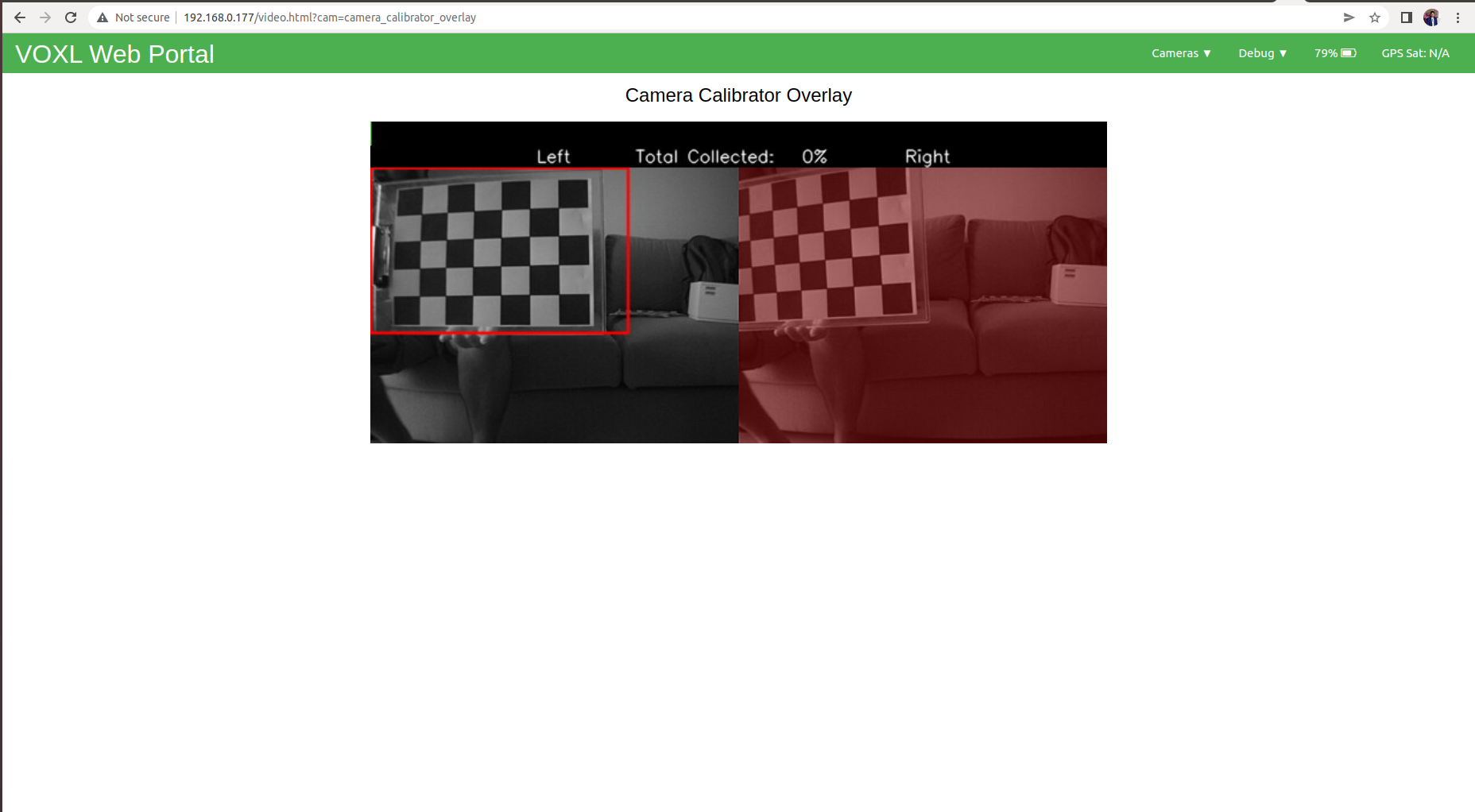
I have custom printed checker board pattern 5x7 with each square of length 40 mm. With this checker board printed on A4 size paper I tried to kick start voxl-calibrate-camera for caliberating my stereo camera pair but this isn't working and on voxl-portal I cant see checker pattern been detected on stereo image overlay. So basically I couldn't proceed with the same.
I ran this command "voxl-calibrate-camera stereo -m -s 5x7 -l 0.04"Please see attached image of voxl-portal which isn't able to detect pattern.
What can be the issue?
Also I tried running voxl-calibrate-camera on checkboard printed and stuck to wall and me moving camera to position board inside specified regions.
-
Update :
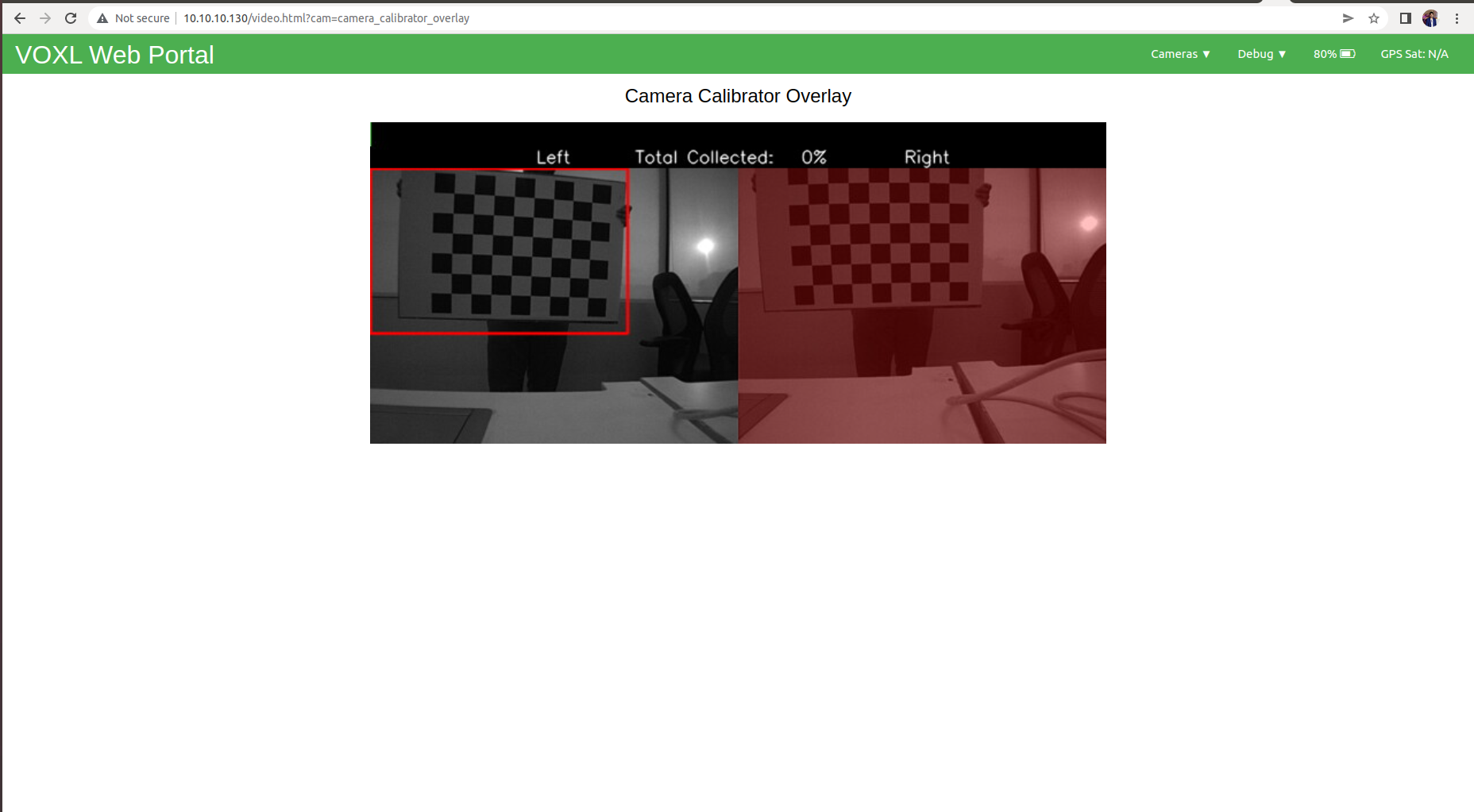
I tried starting calibration with bigger checker board of size 7x9 with each square of length 0.08 as shown in the image attached but still no luck.
My VOXLCAM system image version is 3.3.0.
-
@Chad-Sweet Any help on this issue?
-
Hi, i think your issue is the board size, it's counting the number of inside corners not the number of squares so it should be 6x8 not 7x9
Reading along? Create a free ModalAI Forum account to join in.
With an account you can reply, ask your own question, get an email when a ModalAI engineer answers, and mark the reply that solved it. Your place in each thread is saved between visits.
Questions about VOXL, Flight Core, ESCs and ModalAI drones are answered here by the engineers who build them.
Register Login