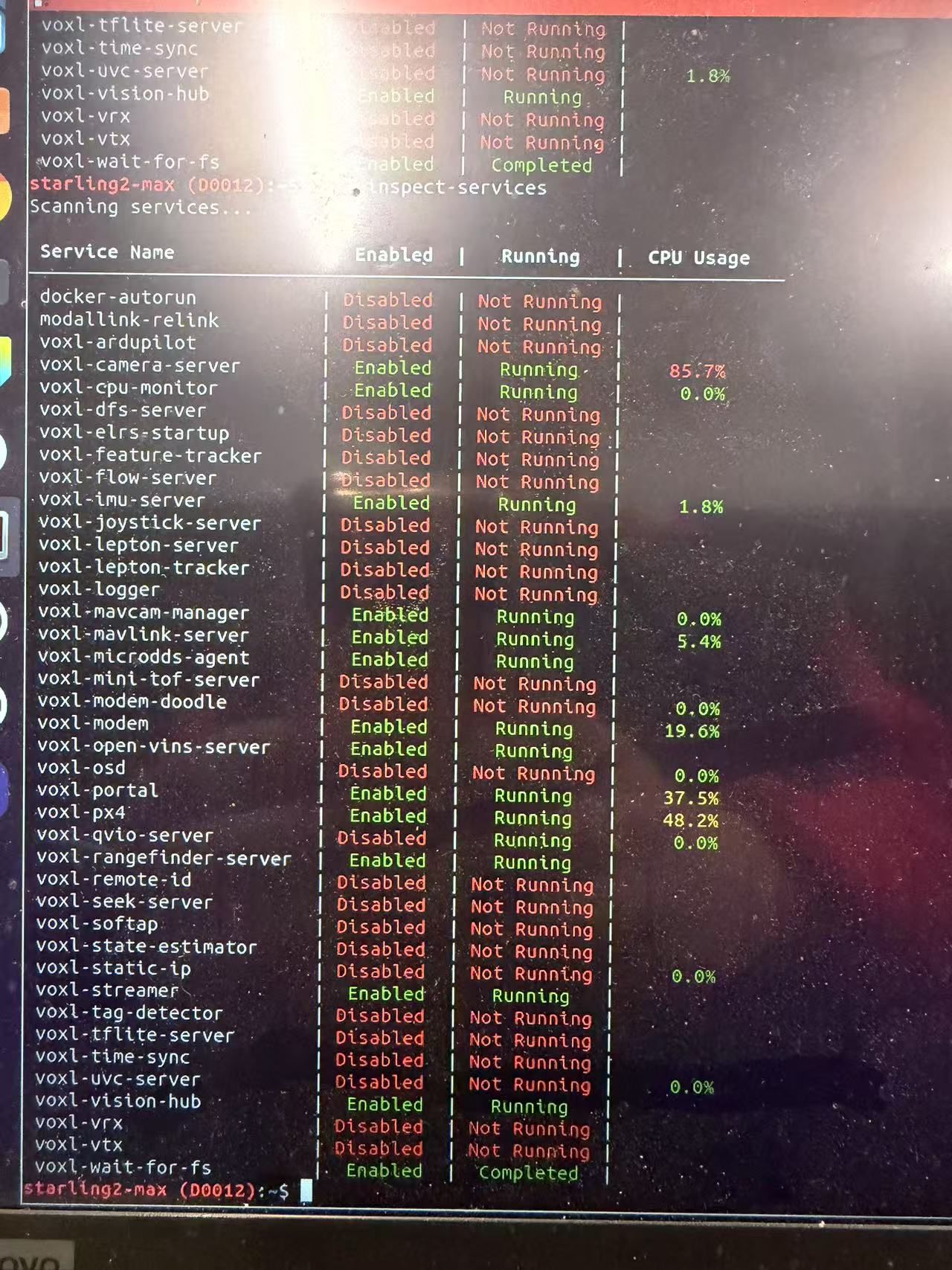
@Vinny we recently experienced wifi disconnection issue with the m0213 board. During flight the wifi just completely disconnected with does not regain connectivity. It seems that the wifi chipset stopped working. We had to do a complete power cycle to regain connectivity. It happened several times during our test. Could you suggest how to resolve this issue? Or is there a way to do soft-reset of the board if we detect wifi connectivity loss?
 M
M
Muqing Cao
@Muqing Cao
Posts
-
M0213 Wifi board pinout and availability -
M0213 Wifi board pinout and availability@Vinny Ah I see, thanks. A follow up question, is there a way for us to connect to another USB device if we plug in the M0213 board to the voxl2? It seems there is no more USB exposed.
-
M0213 Wifi board pinout and availability@Vinny I would still like to get help on either getting M0213 board to work with 5g modem add-on board, or some suggestions on better dongles with better signal and multi-access point transition. thanks!
-
M0213 Wifi board pinout and availability@Hamed_Mozaffari please start a new post to increase your chance of getting replied and also not divert the main topic of this post
-
M0213 Wifi board pinout and availabilityThanks for your reply! The reason we want to use the M0213 board instead of the ALFA dongle is that, in our tests, we find that the M213 wifi board has much better signal strength and better multi-mesh access point transition. The supported ALFA dongle does not seem to support multi access point transition. Therefore, we would still want to use the M0213 board through wiring the required pins. We would really appreciate any suggestion on this.
If there are any other wifi dongle that works with the system and has better signal strength and multi access point transition, please also let us know. We tried to test some other dongles and it does not work, due to that the voxl's linux kernel is built with very limited wifi drivers.
-
M0213 Wifi board pinout and availabilityThanks for your reply!
What we are trying is to make this M0213 wifi board work with the 5G add-on board: https://docs.modalai.com/5G-Modem-datasheet/
The problem is this 5G board does not have the same connector to plug M0213 onto.
Could you give us suggestion on how we can wire the cables to make wifi connection using M0213 with the 5G board?
Thanks! -
M0213 Wifi board pinout and availabilityAny support for this issue? Thanks!
-
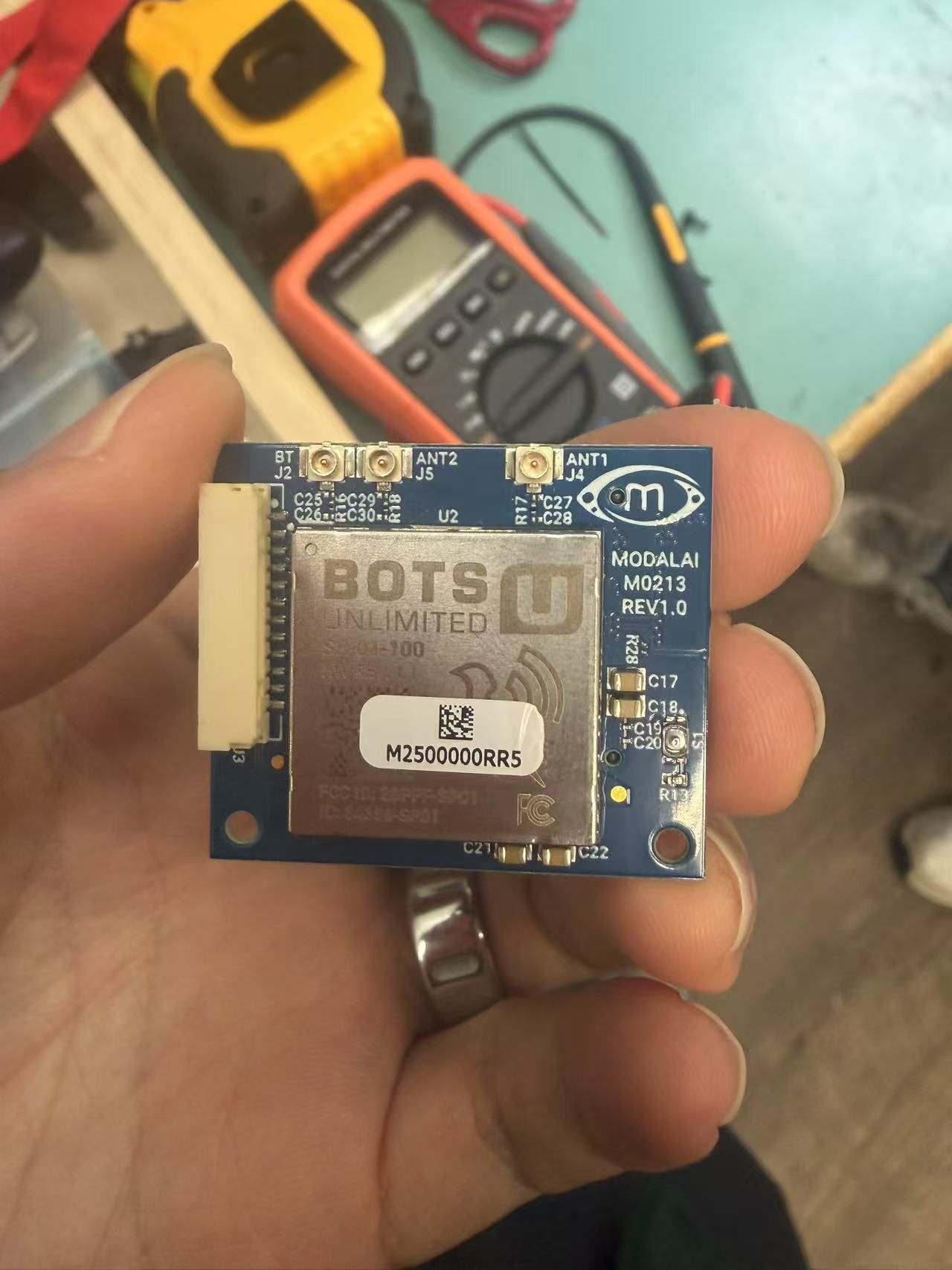
M0213 Wifi board pinout and availabilityA picture of the board:
-
M0213 Wifi board pinout and availabilityHi, can we get the pinout for the M0213 wifi board? Specifically the two connection ports on the front and back of the board.
Also, can we get more of these boards?
-
starling 2 max qvio vs open-vins performance issues@zauberflote1 where is beta firmware? I cant find it in the download page.
-
starling 2 max qvio vs open-vins performance issues@zauberflote1 thanks for your info. When will 1.6.3 be released? I see in the instruction that updating sdk will reset all config files, since we use starling 2 max, do we have to change the configs file to the startling-specific configs after update?
-
starling 2 max qvio vs open-vins performance issues@zauberflote1 1.5.1
-
starling 2 max qvio vs open-vins performance issues@Zachary-Lowell-0 Thanks! Indeed we also had the problem of height estimate unstable in px4, we will try barometer calibration.
But VIO doesnt use barometer and we still need good VIO position. Any suggestion on improving the VIO odometry output? -
starling 2 max qvio vs open-vins performance issuesHI,
we are using starling 2 max and are testing the vio performance. Both vio methods performs well in handhold moving tests. We fly the drone manually in a feature-rich indoor environment. Qvio performs ok during takeoff but drifts away after some yawing motions of the drone. Open-vins drifts ~1m downwards during takeoff but maintains well after takeoff.
We need a good vio performance for indoor test, what is your recommendation? The performance is certainly affected by the imu noise, are there any setups or parameters that we can tune?
Thanks! -
Starling 2 max no odometry even with qvio enabled@Zachary-Lowell-0 after turning off open-vins and rebooting it works. thanks!
-
Starling 2 max no odometry even with qvio enabled@zauberflote1 it's 1.5.1
-
Starling 2 max no odometry even with qvio enabled@Eric-Katzfey any idea how to resolve this? we need to get the position mode flying soon. thanks.
-
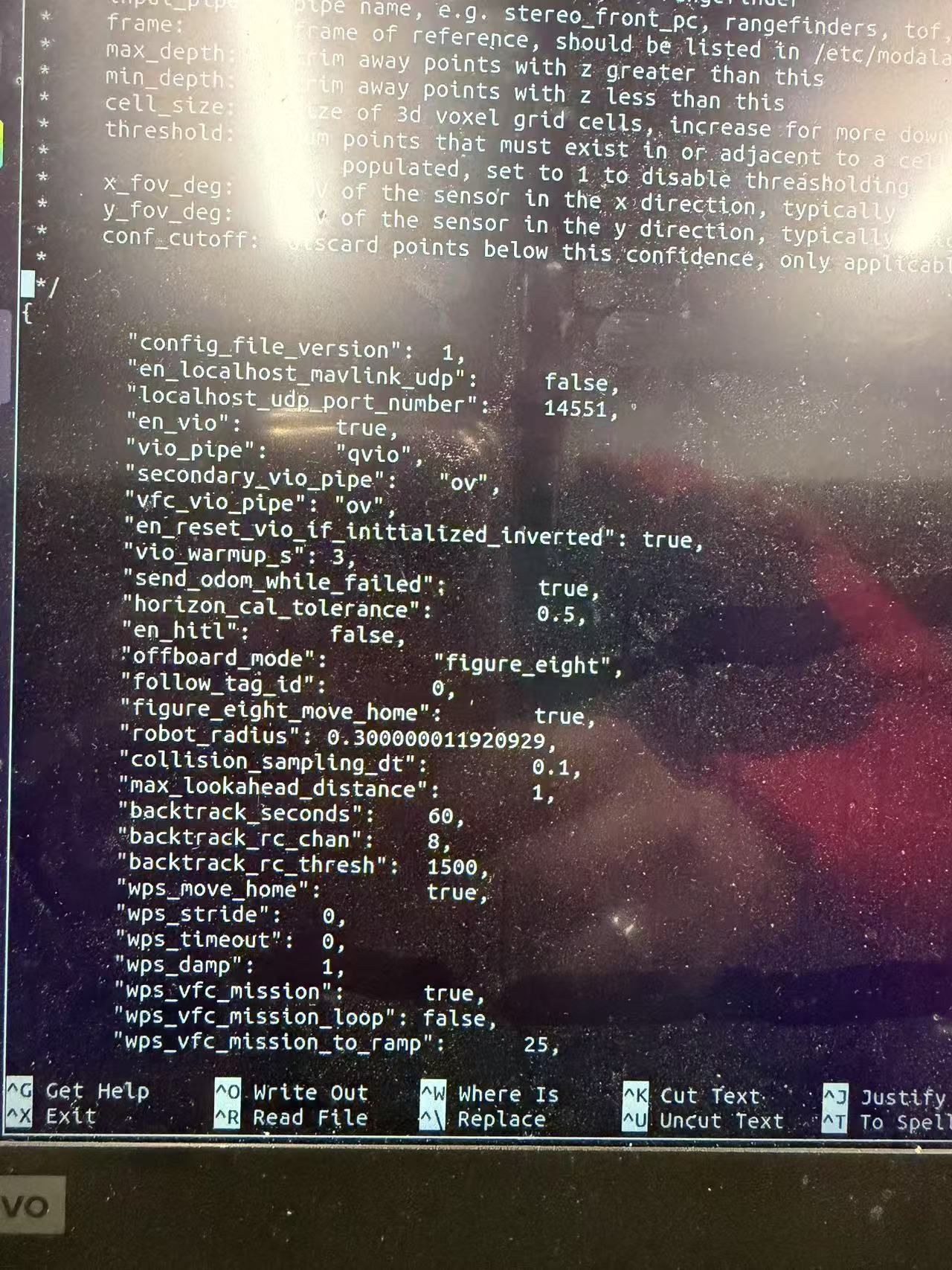
Starling 2 max no odometry even with qvio enabled@Eric-Katzfey
en_vio is set to true
-
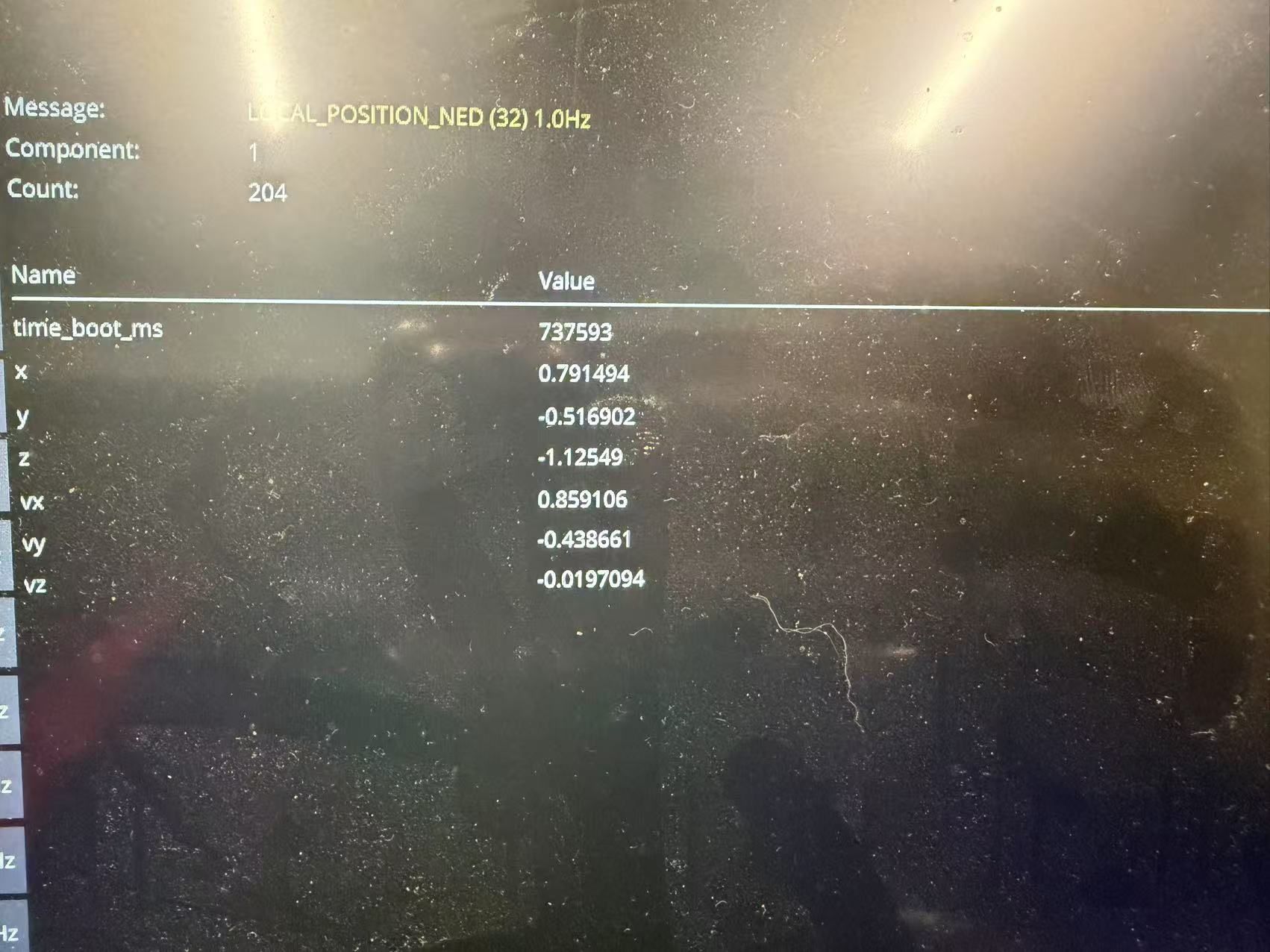
Starling 2 max no odometry even with qvio enabledwe have got a starling 2 max and enabled the qvio service. In GUI the qvio outputs good odometry:
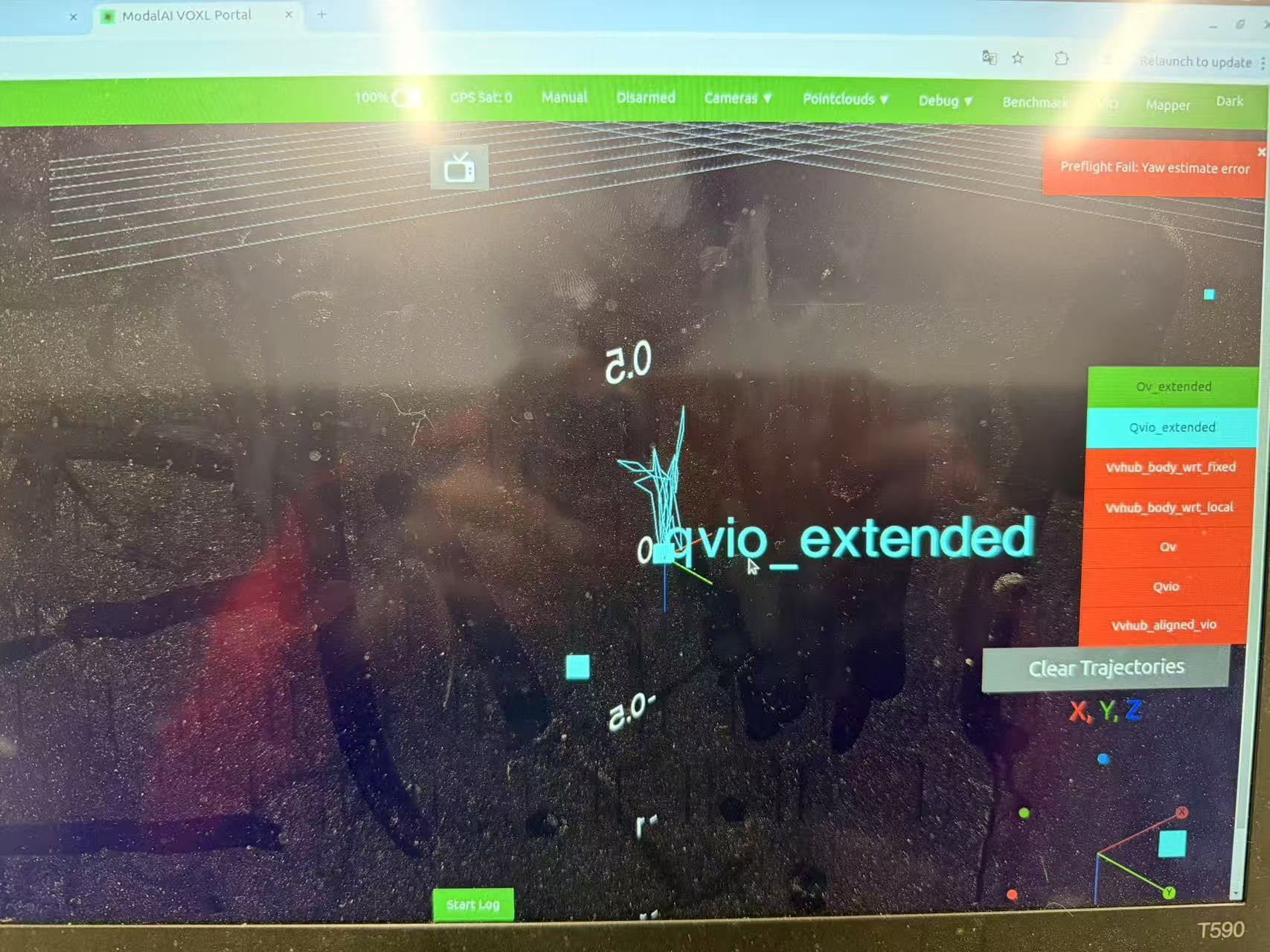
However, in px4 mavlink list, we cannot find the odometry mavlink message. And the local position estimate gives very high velocity even when the drone is static:
This is the list of qvio services running: