
@itsnav Can I get some help here, team?
I
itsnav
@itsnav
Posts
-
VOXL2 is BRICKED. Need help unbricking it -
VOXL 2 Camera Connected but Not Feed@Wesley-Gunawan Hi Wesley, I faced a similar issue recently. I was using IMX678 Hires Camera in J7U. The camera was detected when I run
voxl-camera-server -l, even the green led light on the sensor glows but I didn't get any data run I runvoxl-inspect-cam -a. I had an alternate IMX678 camera and without changing any config, I replaced it and it worked. I don't know what is wrong with the first sensor. I should probably do RMA, but yeah, if you have another sensor, give it a try! -
VOXL2 is BRICKED. Need help unbricking itHey,
So, I'm using VOXL2 M0054-1. My SDK version is 1.1.1. Out of the blue, when I tried to SSH or use ADB, I wasn't able to connect or see any Qualcomm devices in
lsusb. Finally, realized that the VOXL2 IS BRICKED. I turned on EDL SW2 switch and I got this:Bus 001 Device 006: ID 05c6:9008 Qualcomm, Inc. Gobi Wireless Modem (QDL mode)I tried the official documentation for unbricking, tried official qualcomm's qdl repo as well, nothing worked. I am not able to execute the UFS Provisioning.
I get a
firehose timeout error. I also tried increasing the timeout values, but I am still on the same page. I changed USB cables, ports, Power Supplies, but no change it output.Can someone help me out?
-
Can't connect IMX678 to VOXL2@Alex-Kushleyev The alternate camera is the same IMX678. Same Flex Cable, Same config, but one camera works but the other one doesn't work.
I can see the pipelines in
voxl-inspect-cam -aof the faulty camera, but there is no data. But the camera board led lights up in green and even the camera is detected when I runvoxl-camera-server -l -
Can't connect IMX678 to VOXL2When I ran
voxl-inspect-cam -a, I see the pipelines, but no data. Turns out the camera which we were using is faulty. When we ran the camera server in debug mode, we got this: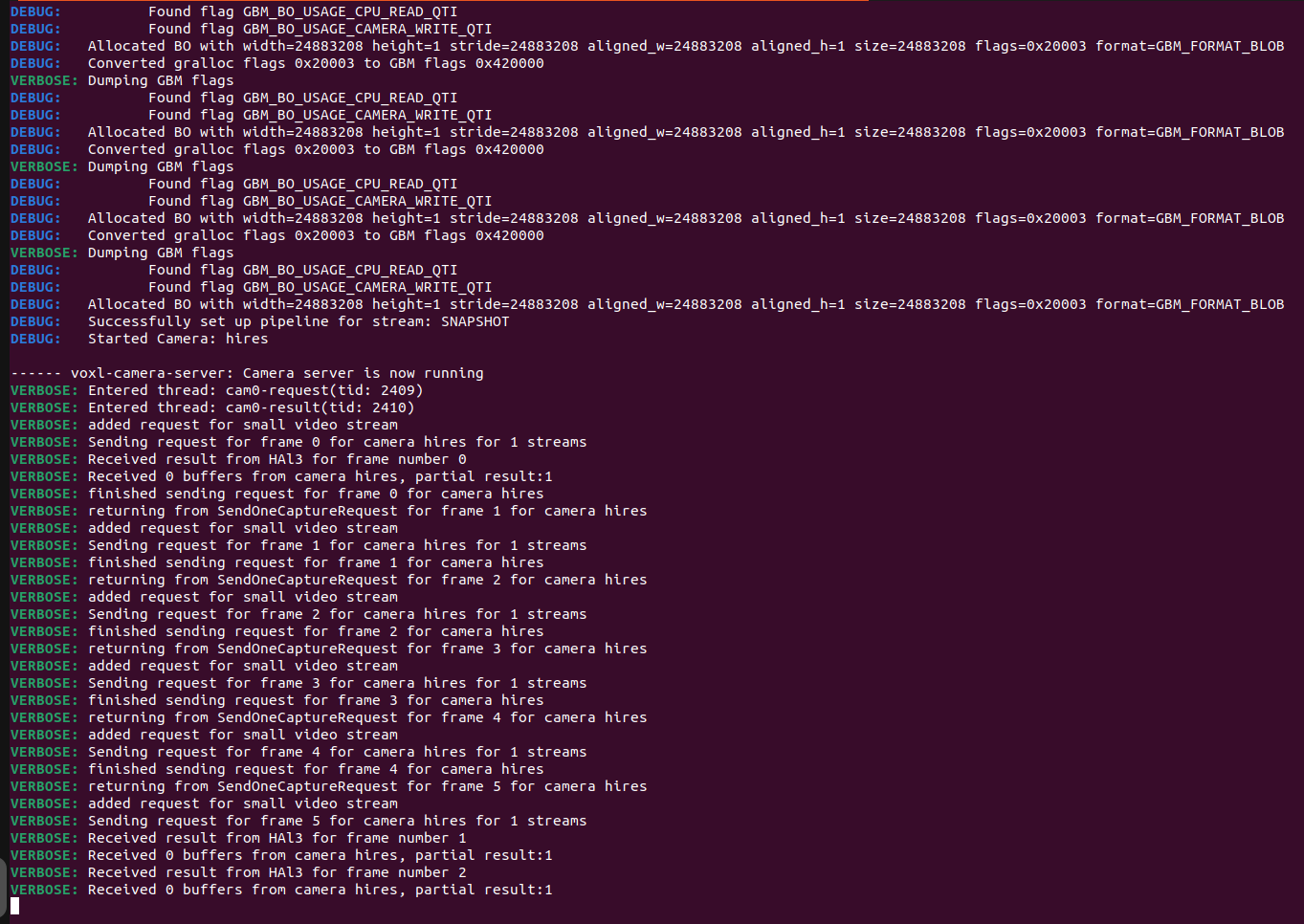
We had an alternate camera and without changing any config, when we ran the camera server, it WORKED. We got the streams. In debug mode, we got this:
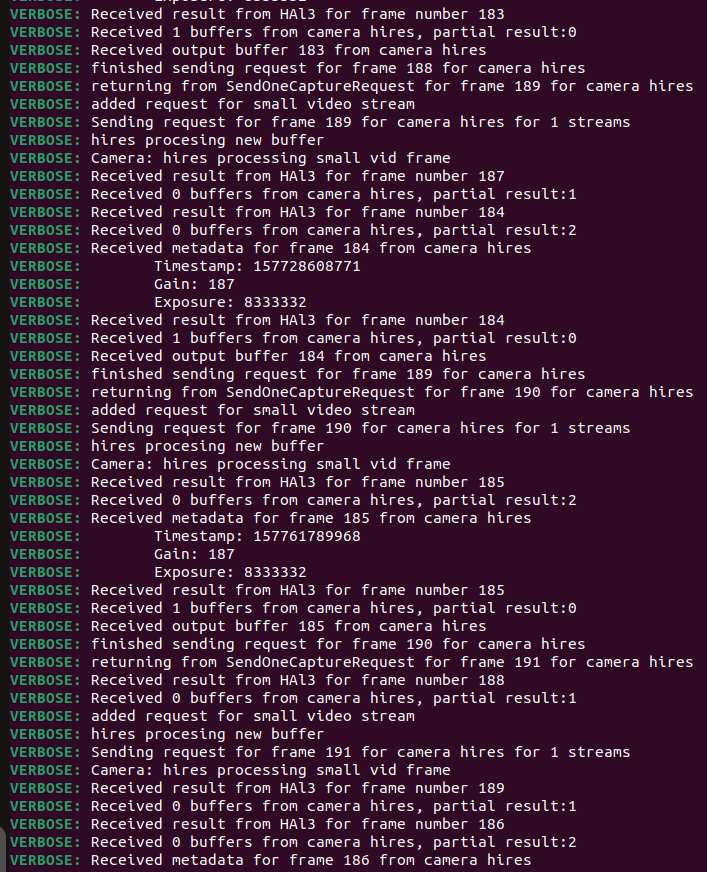
What do we do about the faulty camera? The light glows, camera is detected when I run
voxl-camera-server -l, no idea what's wrong with it. The inspect cam doesn't show any data. Do we have any SOP for testing, debugging or repairing the camera? -
Can't connect IMX678 to VOXL2@tom I've tried upgrading the SDK to the version: 1.3.1. I am getting the same issue. The camera is detected, the server starts, but there is no output.
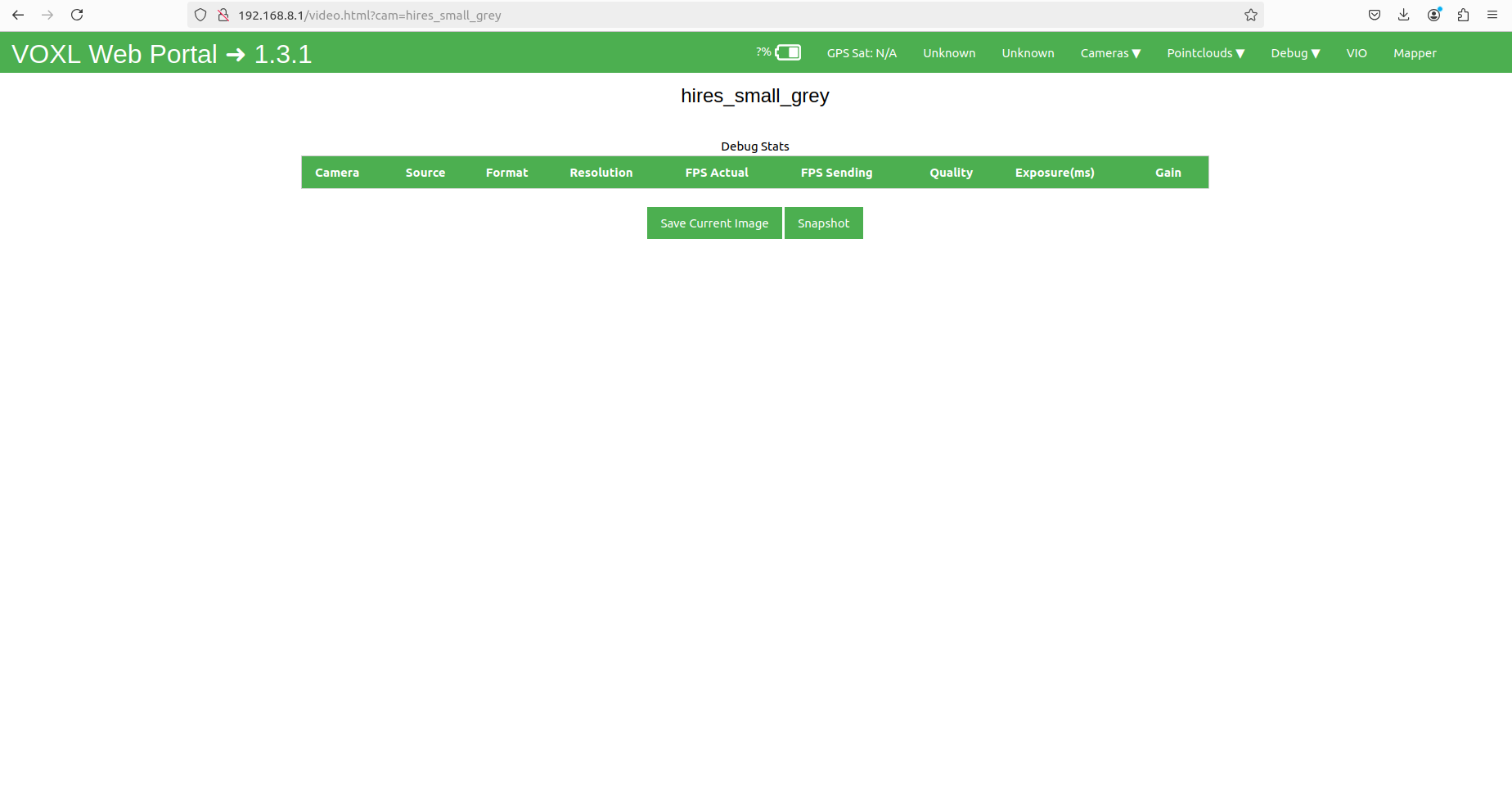
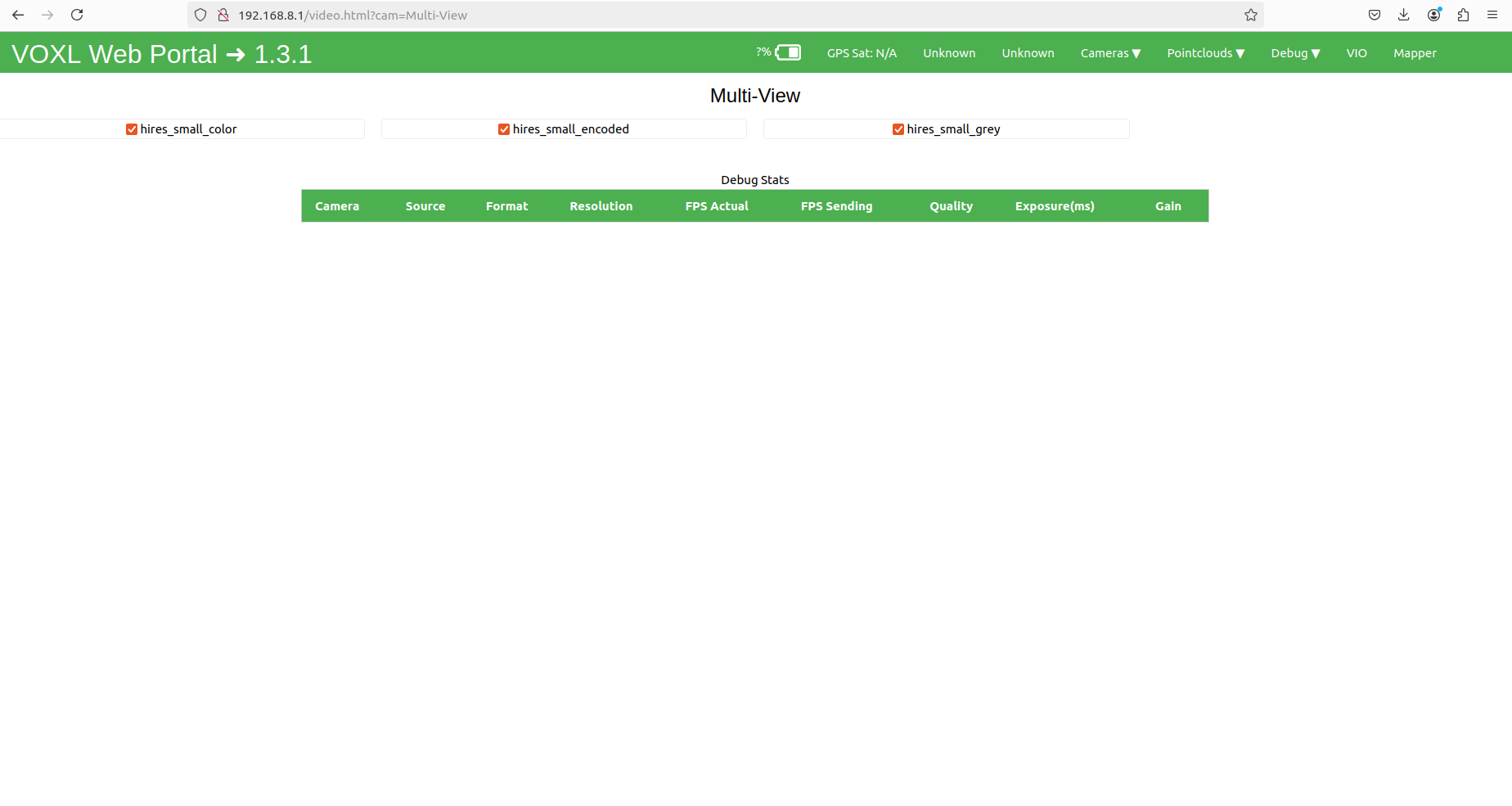
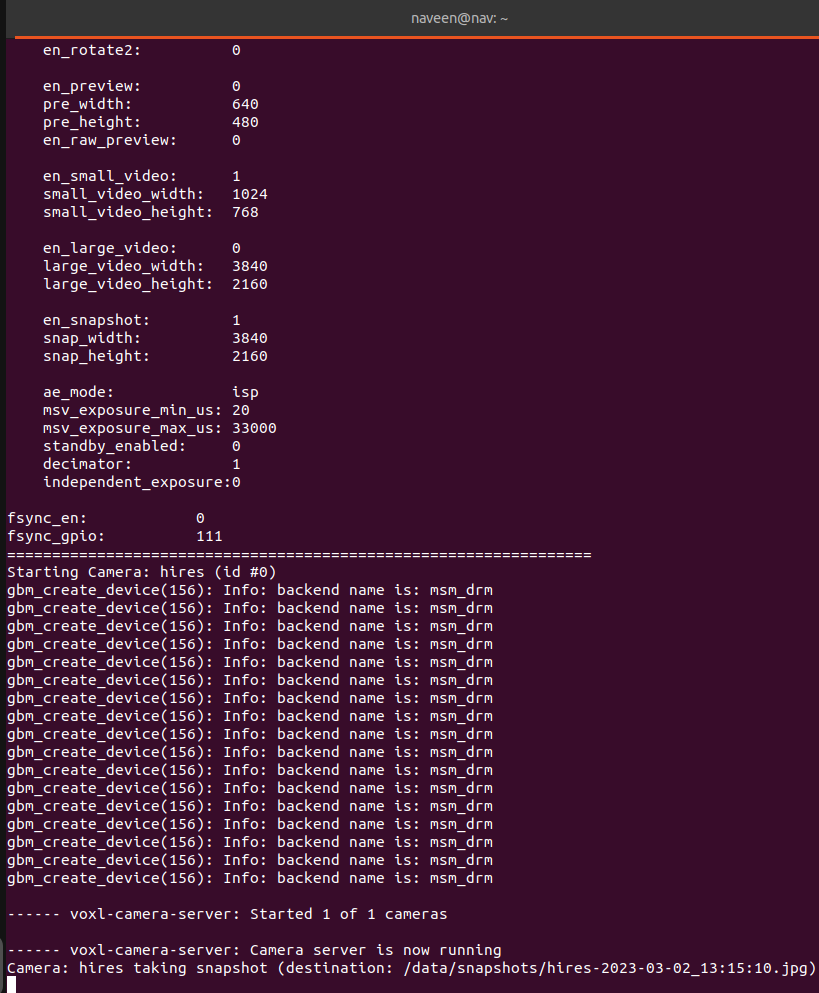
My config file:
{
	"version":	0.1,
	"fsync_en":	false,
	"fsync_gpio":	111,
	"cameras":	[{
			"type":	"imx678",
			"name":	"hires",
			"enabled":	true,
			"camera_id":	0,
			"fps":	30,
			"en_preview":	false,
			"preview_width":	640,
			"preview_height":	480,
			"pre_format":	"nv21",
			"en_raw_preview":	false,
			"en_small_video":	true,
			"small_video_width":	1024,
			"small_video_height":	768,
			"small_venc_mode":	"h265",
			"small_venc_br_ctrl":	"cqp",
			"small_venc_Qfixed":	30,
			"small_venc_Qmin":	15,
			"small_venc_Qmax":	40,
			"small_venc_nPframes":	9,
			"small_venc_mbps":	2,
			"en_large_video":	false,
			"large_video_width":	3840,
			"large_video_height":	2160,
			"large_venc_mode":	"h265",
			"large_venc_br_ctrl":	"cqp",
			"large_venc_Qfixed":	38,
			"large_venc_Qmin":	15,
			"large_venc_Qmax":	50,
			"large_venc_nPframes":	29,
			"large_venc_mbps":	30,
			"en_snapshot":	true,
			"en_snapshot_width":	3840,
			"en_snapshot_height":	2160,
			"ae_mode":	"isp"
		}]
}
Where am I going wrong?
-
Can't connect IMX678 to VOXL2@Alex-Kushleyev This is the output of the voxl-platform
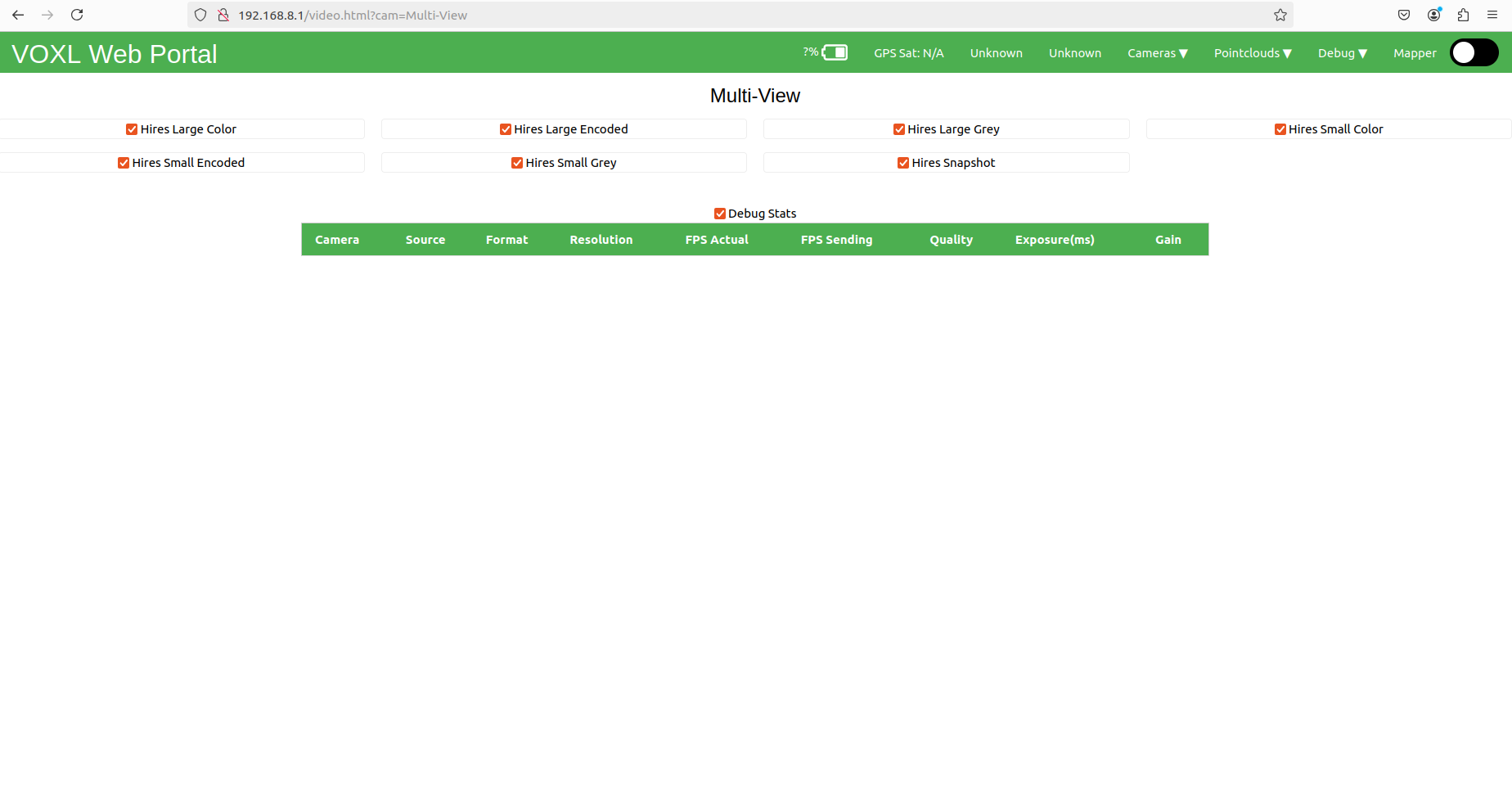
-
Can't connect IMX678 to VOXL2@Alex-Kushleyev I can see a lot of options under the camera tab. Hires 1 Small, Large, Multi View. But I get a 0x0 resolution for them, can't see the output for any of them.
I tried downgrading my SDK to 1.0 as well, but it's the same issue. I just don't see any output, but the camera is detected and the camera server runs.
-
Can't connect IMX678 to VOXL2My voxl suite: 1.1.1
hw version: M0054.I have an IMX678 Camera which is connected to the VOXL2 board using M0076 Interpose at J8.
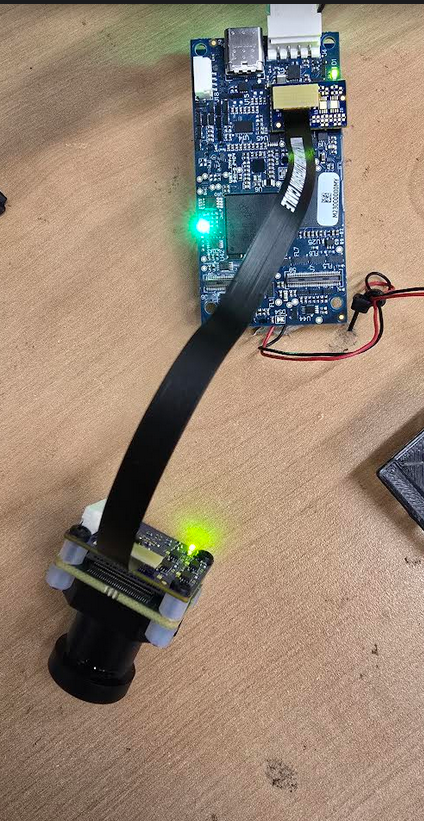
This is my config file:
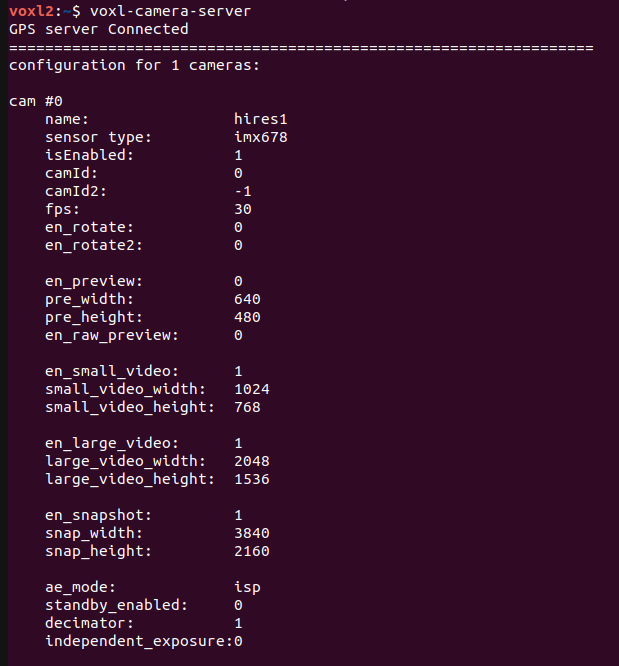
When I ran voxl-camera-server, I got an error: No Camera Connected.
So, I copied all the files from
usr/share/modalai/chi-cdk/imx678library to/usr/lib/camera/and tried running again.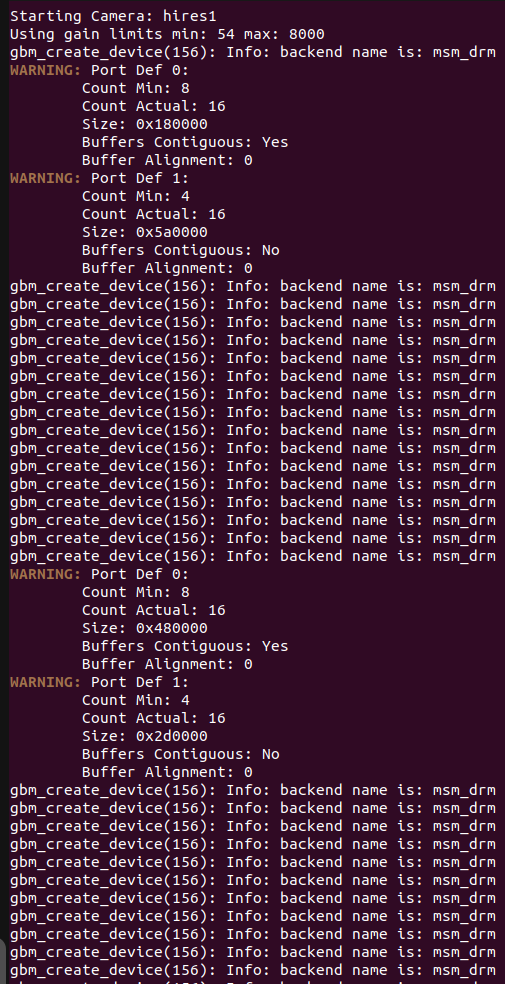
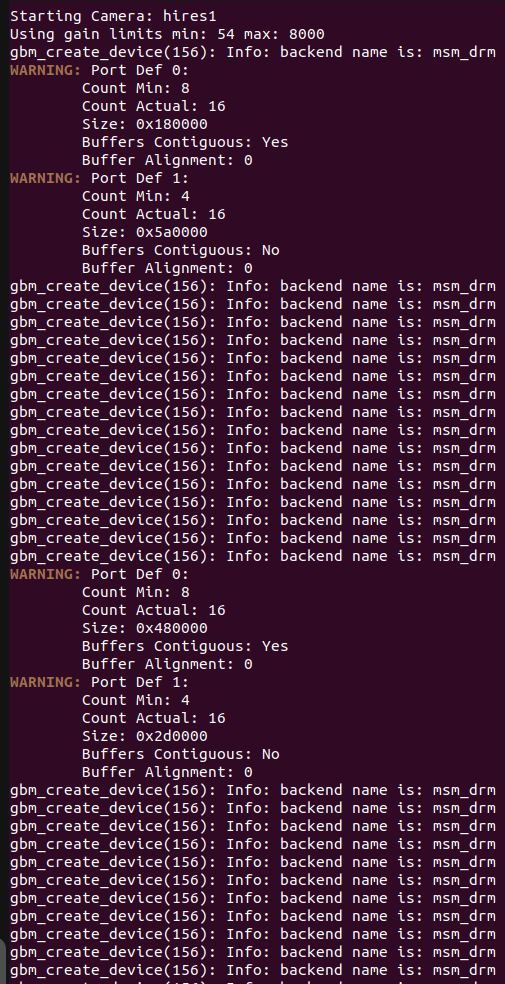
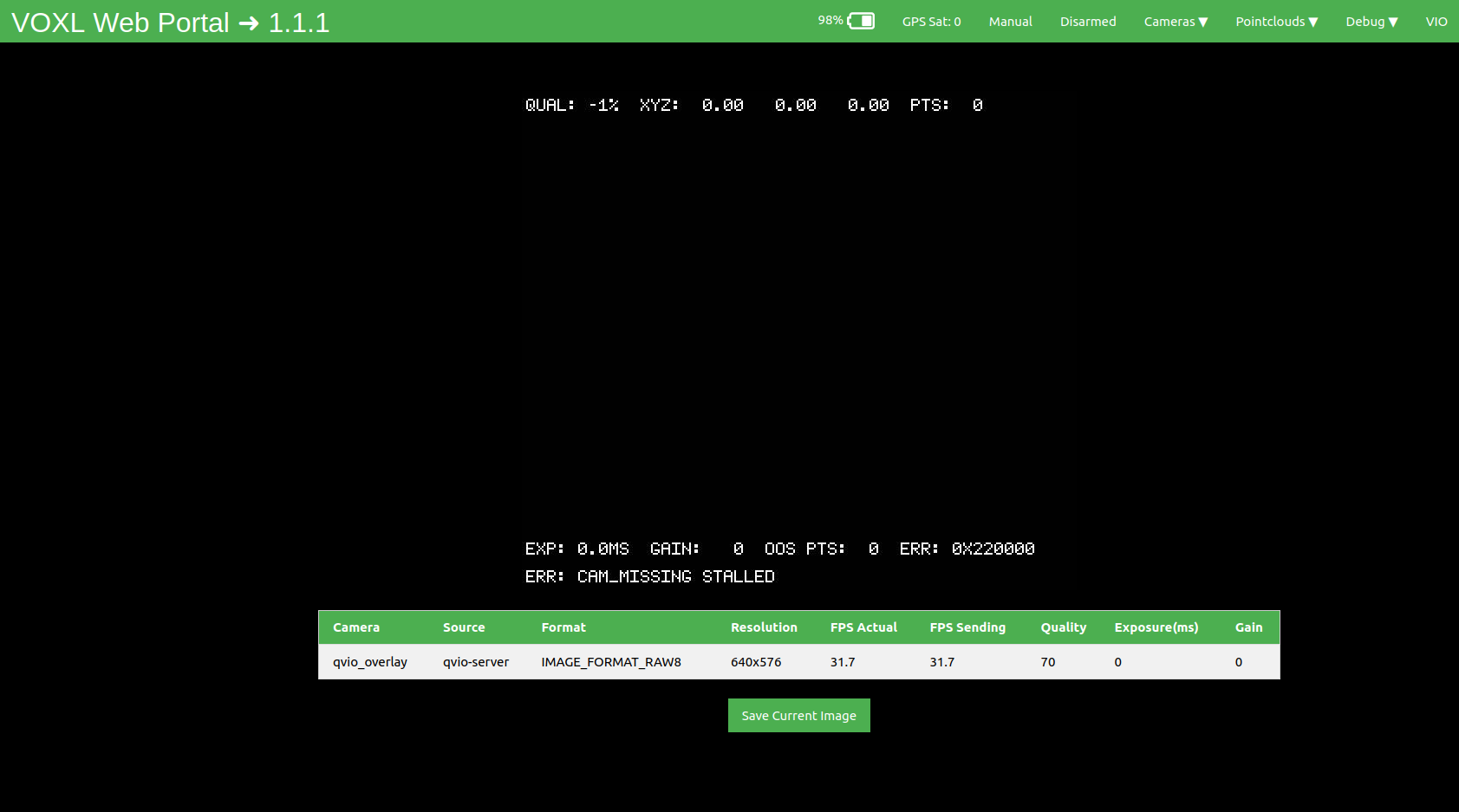
The camera server started but I don't see any images on the portal:
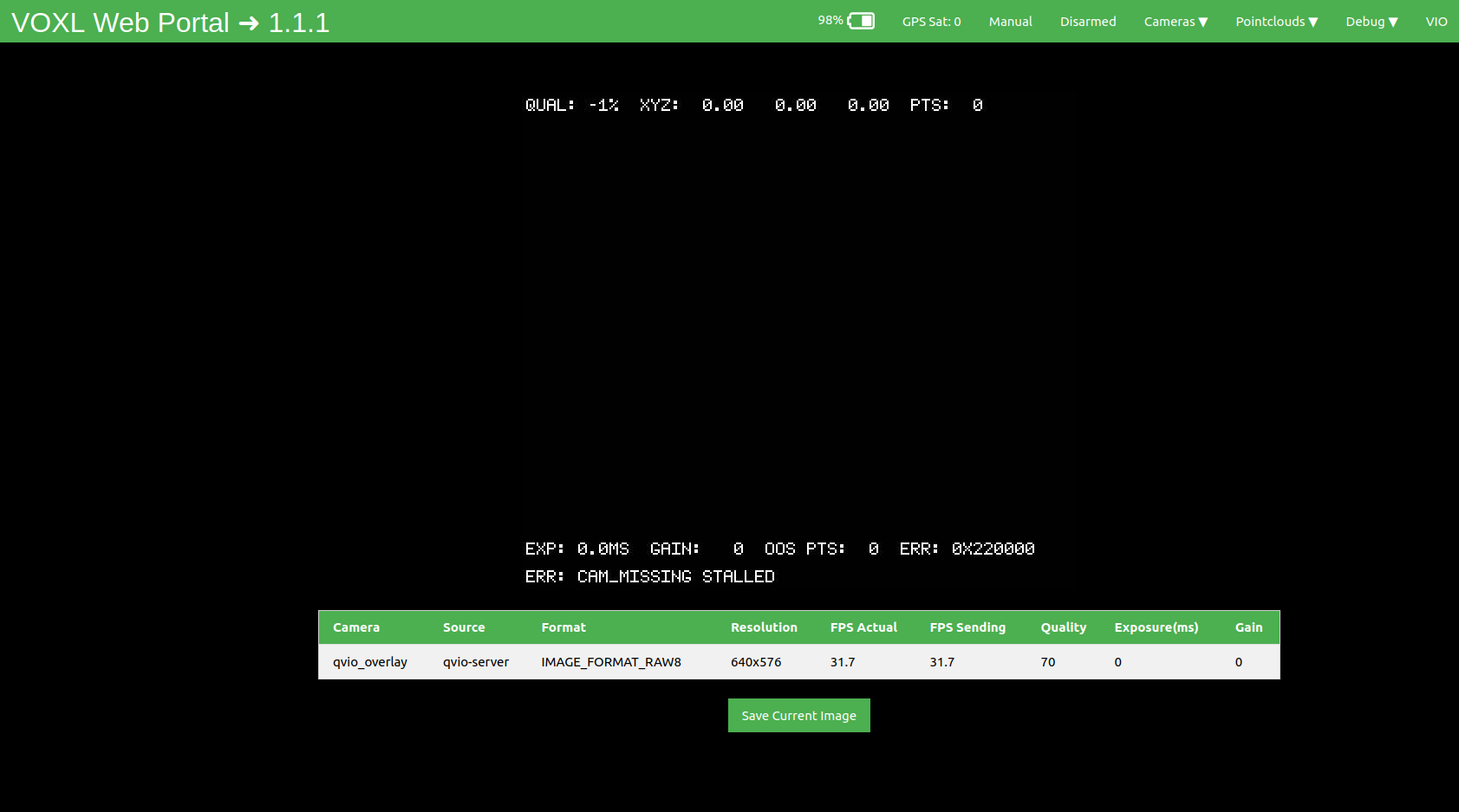
Can someone help me here?
-
Not able to connect IMX678 with VOXL2 M0154My voxl suite: 1.1.1
hw version: M0054.I have an IMX678 Camera which is connected to the VOXL2 board using M0076 Interpose at J8.
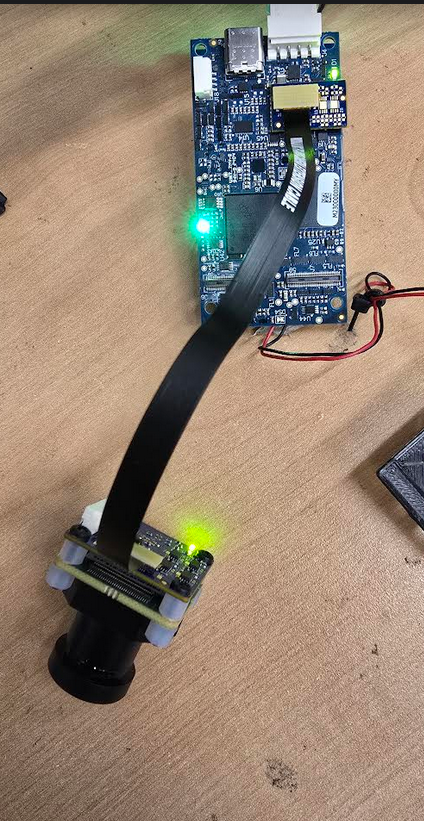
This is my config file:
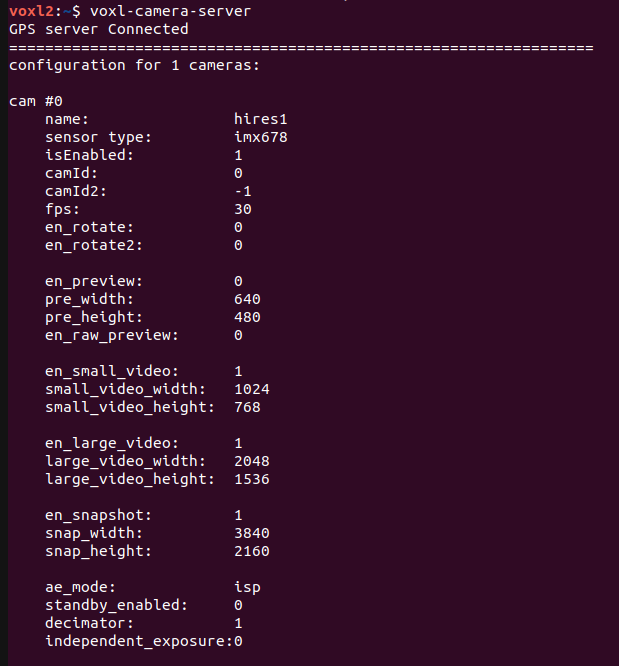
When I ran voxl-camera-server, I got an error: No Camera Connected.
So, I copied all the files from
usr/share/modalai/chi-cdk/imx678library to/usr/lib/camera/and tried running again.The camera server started but I don't see any images on the portal:
Can someone help me here?