Hi Alex,
we turned on only front cam (rgb + tracking) and turned off all bottom cam.
We will try performance mode as you said, while we reduced the resoltuion from the default 4k to 1024 x 768.

Hi Alex,
we turned on only front cam (rgb + tracking) and turned off all bottom cam.
We will try performance mode as you said, while we reduced the resoltuion from the default 4k to 1024 x 768.
@Seungjae-Baek
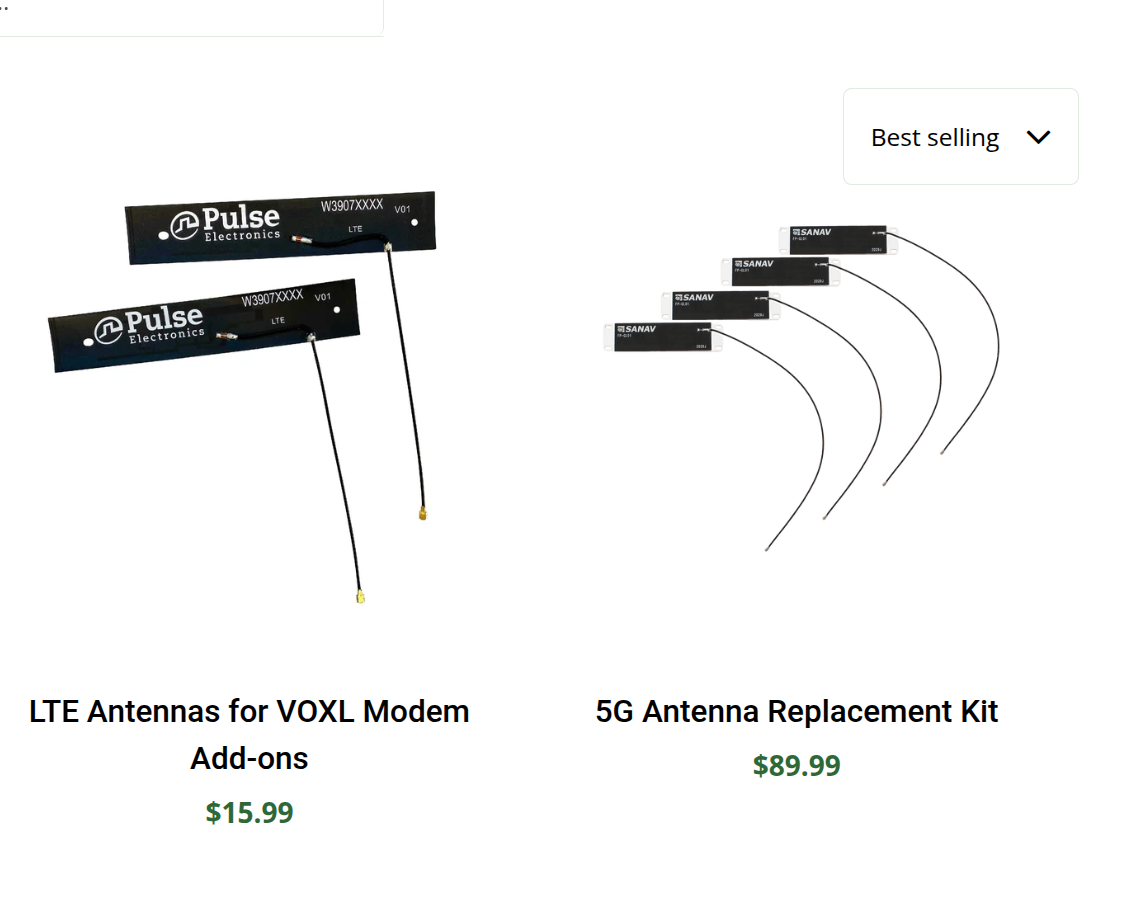
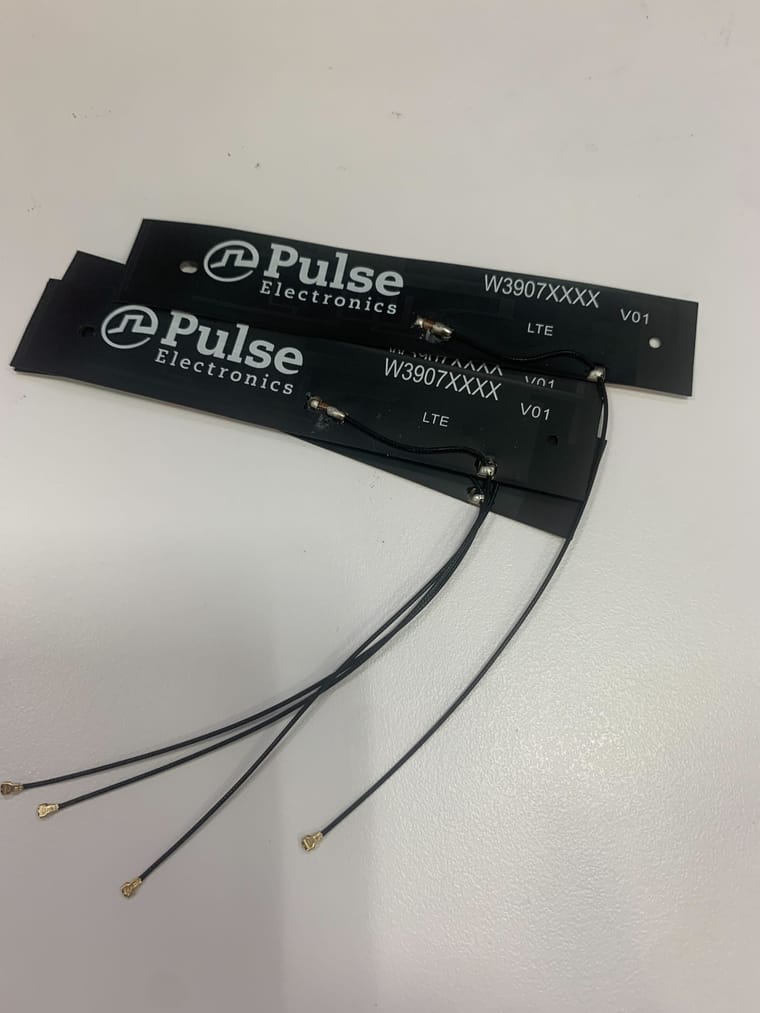
One more question: Should we use 5G antenna, not LTE? As I know when we buy the 5g modem the default antenna is the one with LTE.
Hi ModalAI team,
I’m using a Starling 2 max with the 5G modem add-on (Sierra Wireless EM9291). I’ve now fully activated a US Mobile Dark Star (AT&T) 5G plan, and the modem successfully registers on the network. However, the modem only connects over LTE and does not show any support for 5G NR bands.
Here is the current status:
Registration state: 'registered'
CS: 'attached'
PS: 'attached'
Radio interfaces: 'lte'
PLMN: 310/410 (AT&T Dark Star)
--nas-get-serving-system → only “lte”
--nas-get-rf-band-info → EUTRAN band only
--nas-get-system-selection-preference shows:
Mode preference: cdma-1x, gsm, umts, lte, td-scdma
(There is no nr5g entry at all.)
Attempting to enable NR returns errors:
error: invalid rat mode pref value given: 'mode-preference=nr5g'
This only occurs when the modem firmware does not support NR.
Modem/PRI Build ID: 02.13.08.00_GENERIC
Based on Sierra Wireless documentation, NR-capable EM9191/EM9291 firmware versions are typically in the 03.xx.xx.xx or 04.xx.xx.xx series.
The build I have (02.13.08.00_GENERIC) appears to be a pre-NR (LTE-only) firmware image.
This seems to explain:
No NR bands
No NR technology preferences
Failure to set NR mode
LTE-only operation despite 5G plan
Can ModalAI provide a 5G NR-capable EM9191/EM9291 firmware package (CWE/NVU)?
Or instructions for safely updating the modem firmware on VOXL 2?
My goal is to enable 5G NR (NSA/SA) operation so the drone can use the full Dark Star 5G plan.
Thanks,
Seungjae Baek
Hi Modal AI Team,
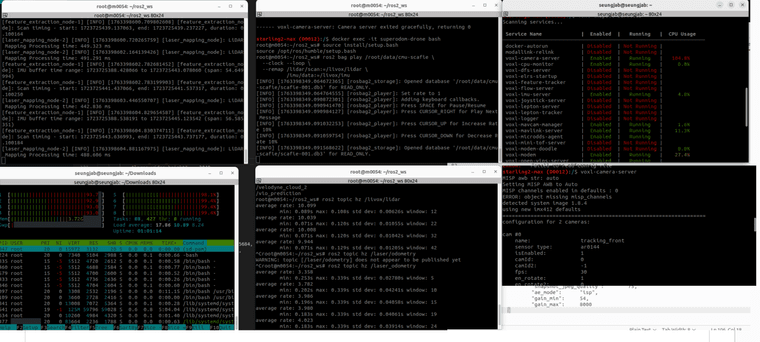
Currently we are using Starling 2 max, and we want to ask you whether we can mitigate the CPU usage of voxl-camera-server.
As you can see the bottom right terminal, we manually turn off 3 cams and only using 2 front cams (total 5, turn off 3 at bottom) by modifying .conf file.!
but still the CPU usage of camera is very high (over 100% when seeing with voxl-inspect-services) , as you can see in the top right and bottom left terminal.
We attached the screenshot. Thank you.