
Bad DFS disparity
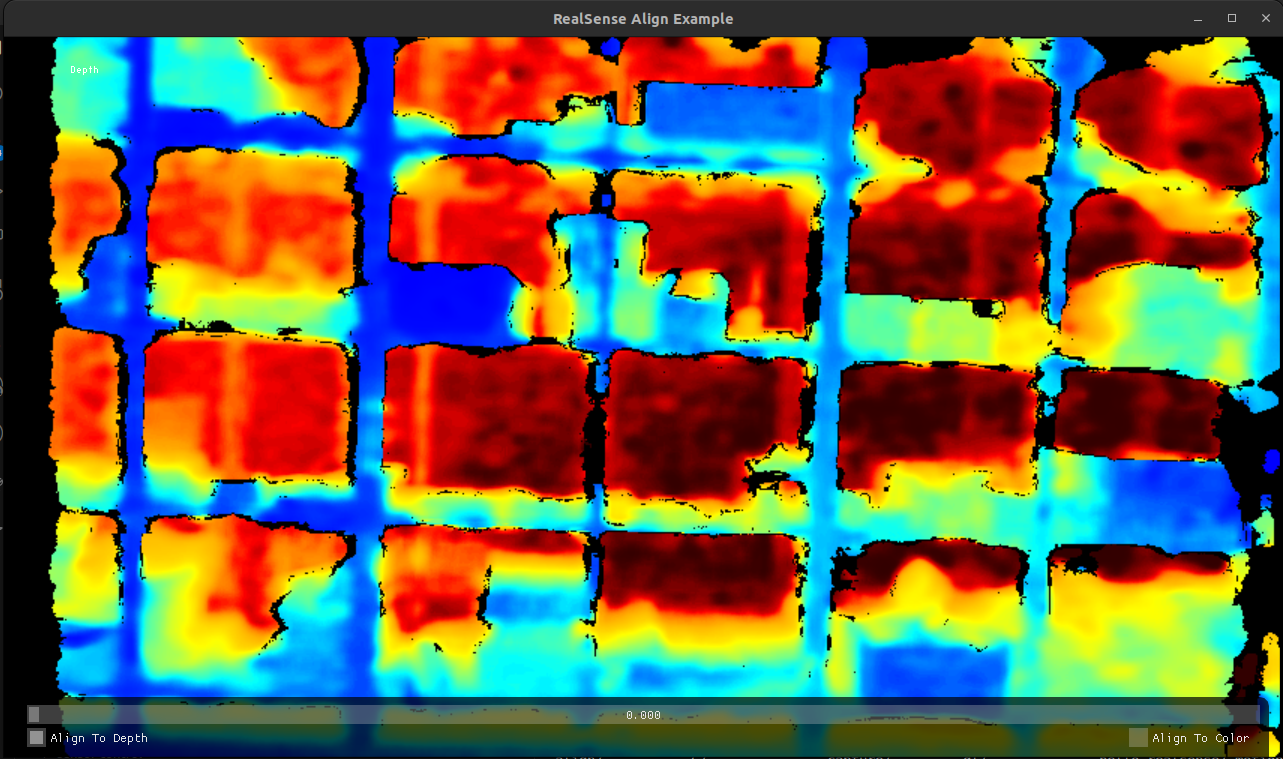
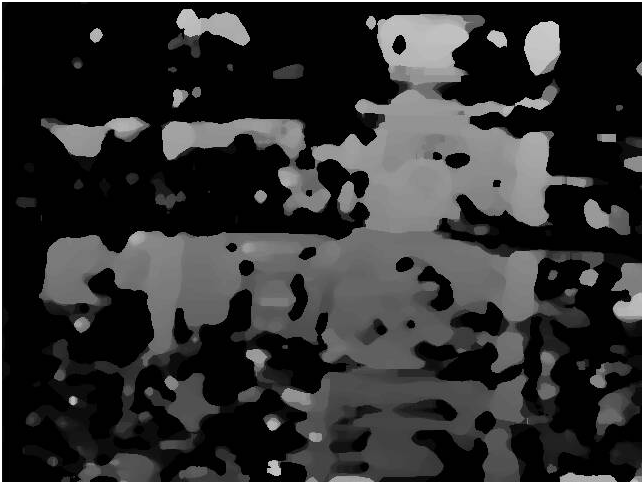
-
@thomas Thank you for your response, On the SDK 0.9 I have the same issue. I tried to re-focus the cameras and re-calibrate them and the dfs has improved maybe slightly:
no parameter tuning
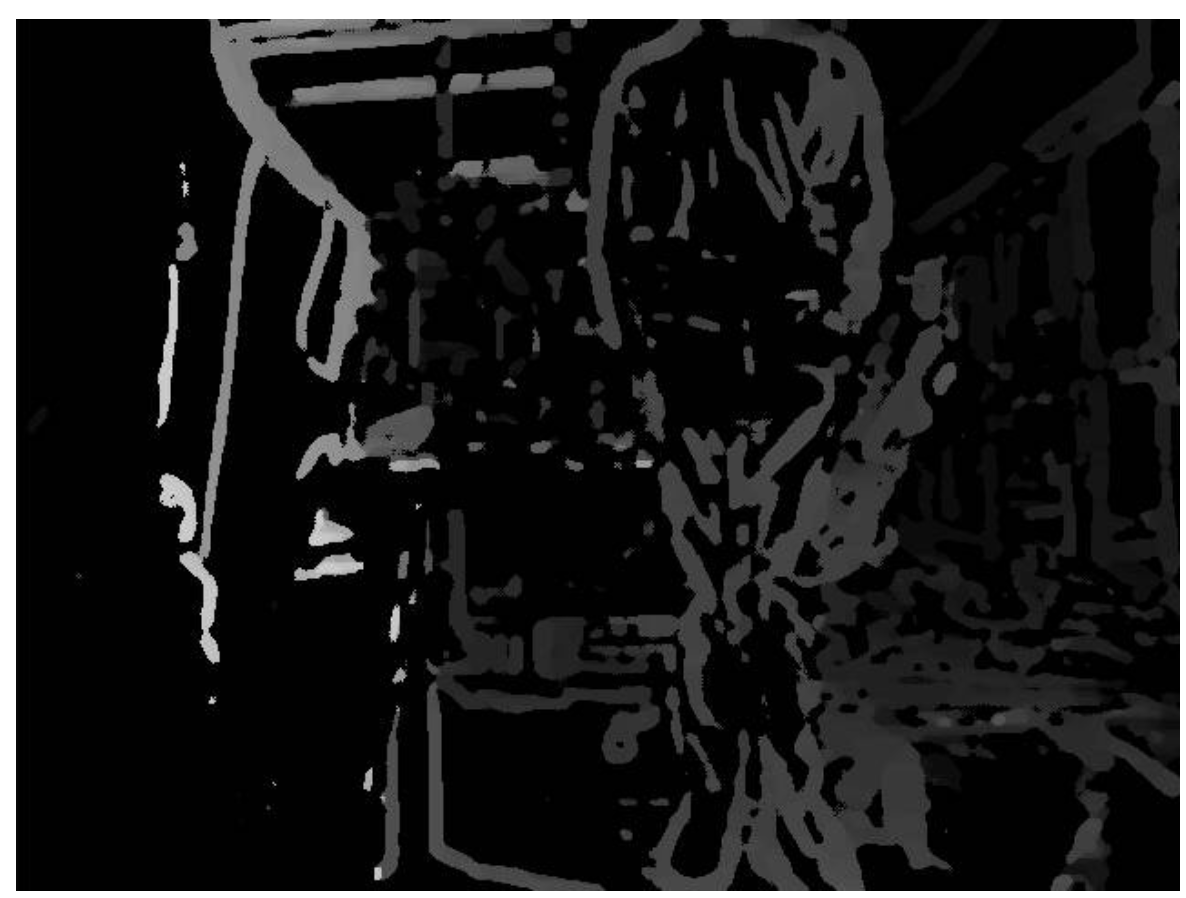
post_median_filter=15
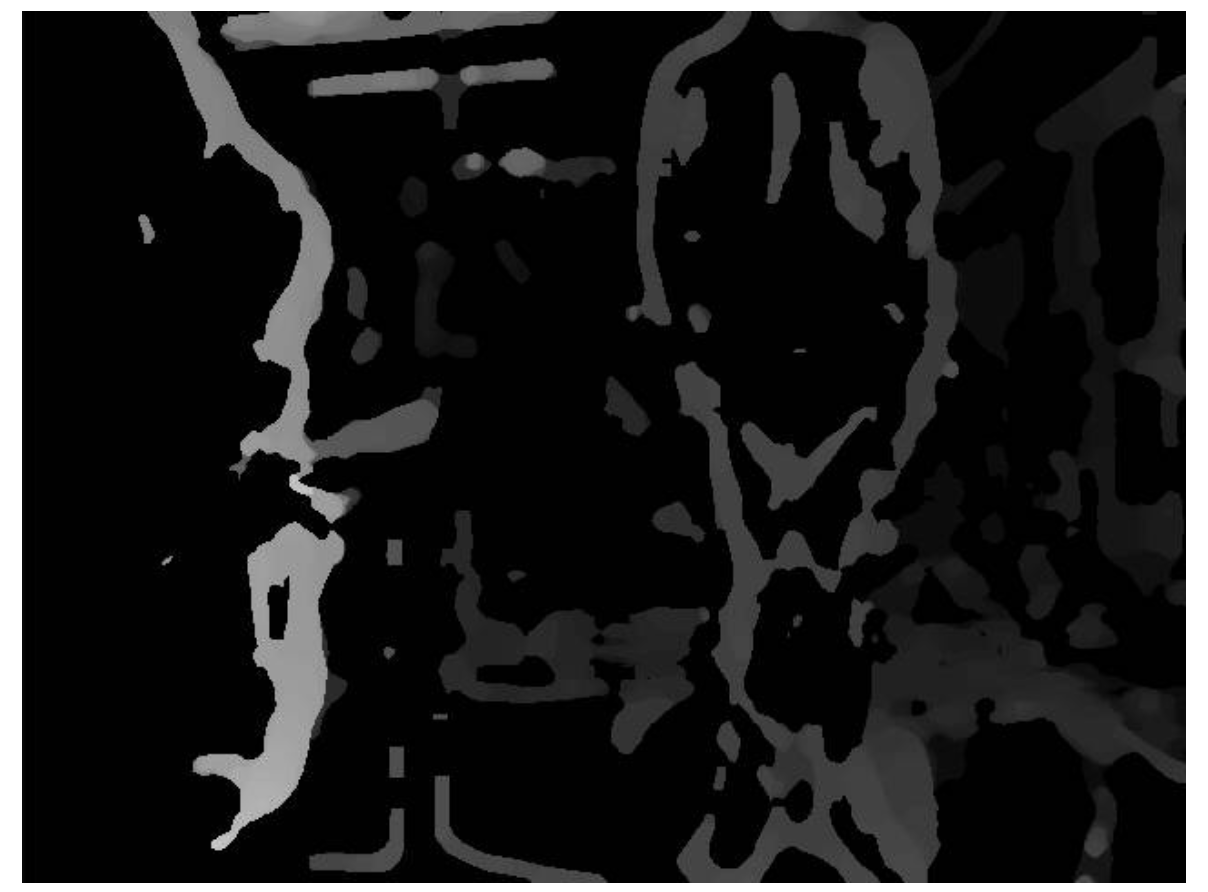
post_median_filter=15, blur_filter=5
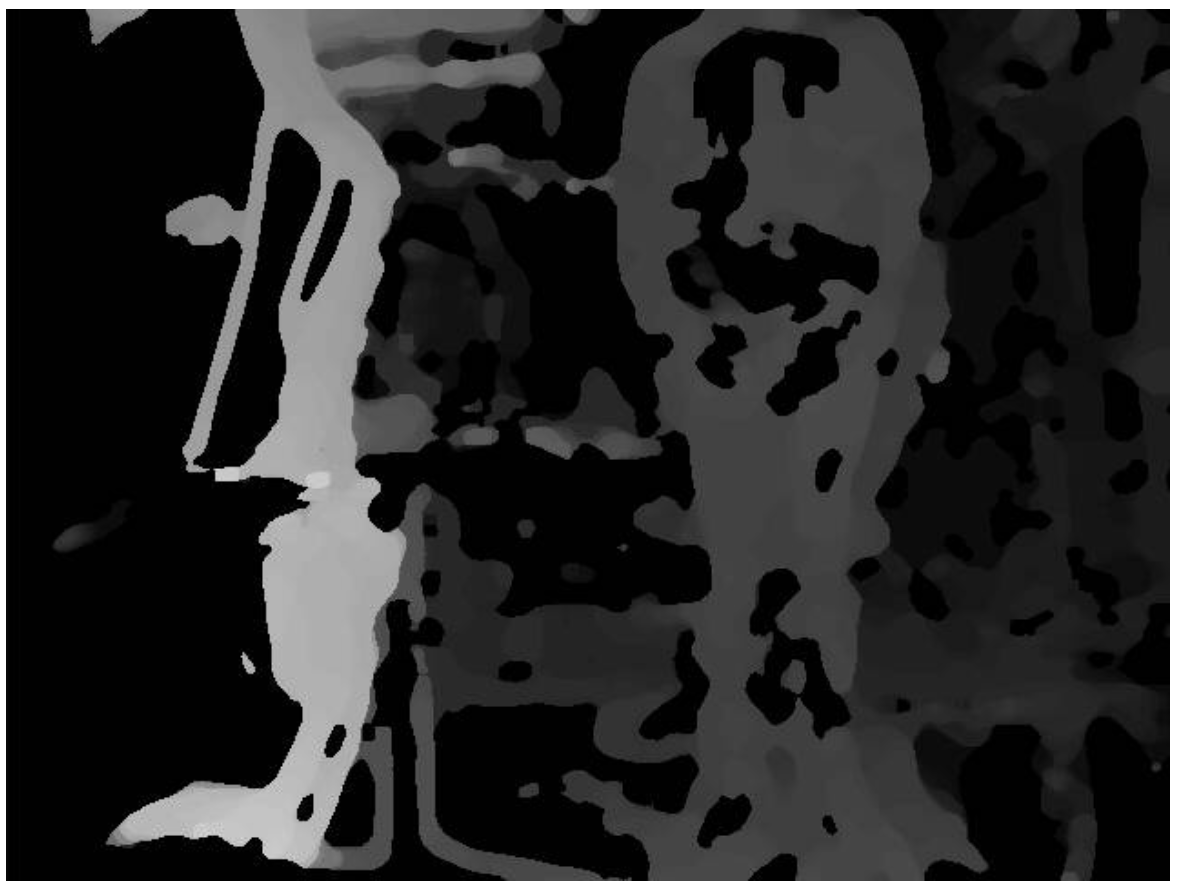
post_median_filter=15, blur_filter=5, dfs_pair_0_cost_threshold=80
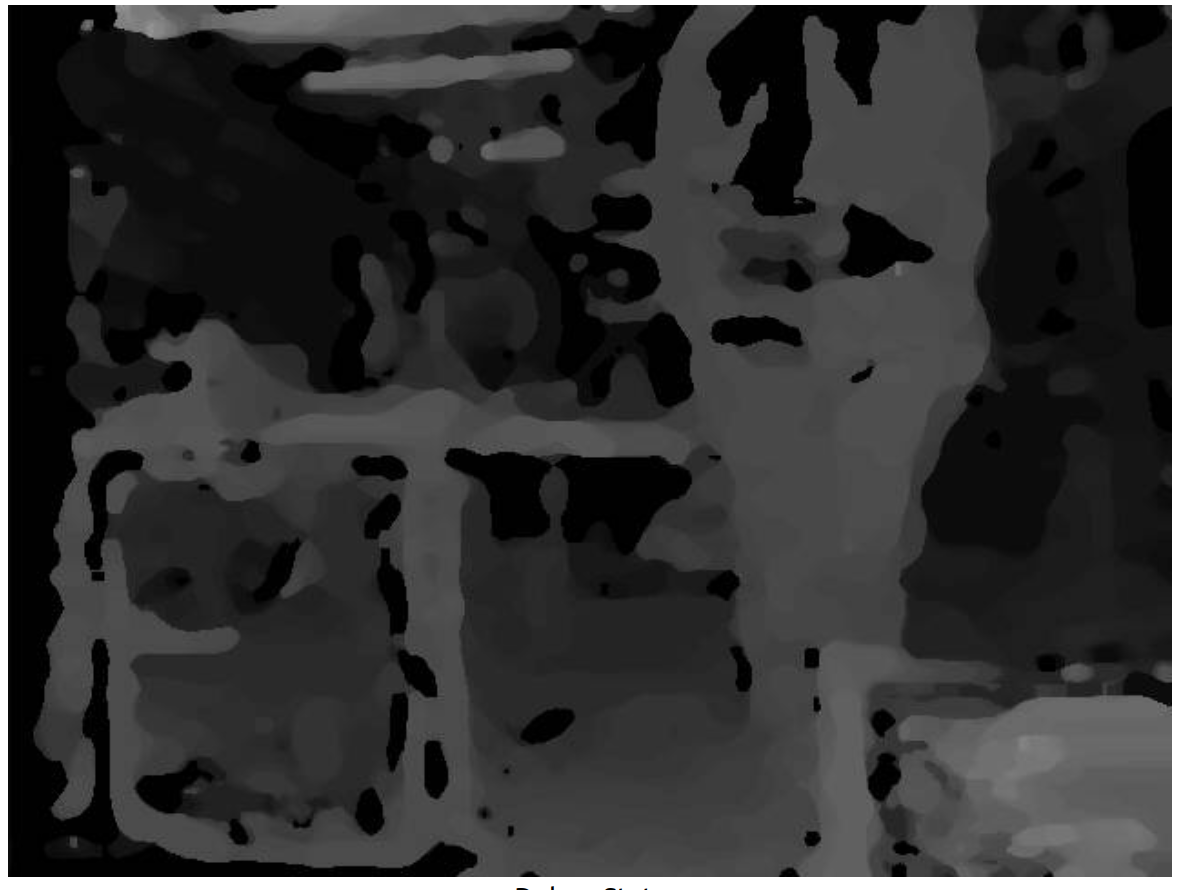
However, I am not able to get a uniform disparity as the one that I would get from the intel sensor for example, there are always a lot of holes over the objects in the scenes.
Is there a way to fine tune this? Maybe a parameter in voxl-dfs-server that I did not yet tweaked?
Could this be related to other macroscopic issues?Thank you in advance for your response!
-
@thomas Sure, the model that I am using is the D455.
I was just trying to understand if the disparity that I am getting from voxl-dfs-server (now) is the best that I can get (or at least not too far from the best that I can get). This is why I asked if you could post a good disparity taken with one of your stereo setup. The one in the website https://docs.modalai.com/voxl-dfs-server-0_9/ looks very similar to what I am getting ATM: good disparity along the edges of the objects, but no information in uniform areas.
Thanks again for the reply!
-
@thomas Sure, the model that I am using is the D455.
I was just trying to understand if the disparity that I am getting from voxl-dfs-server (now) is the best that I can get (or at least not too far from the best that I can get). This is why I asked if you could post a good disparity taken with one of your stereo setup. The one in the website https://docs.modalai.com/voxl-dfs-server-0_9/ looks very similar to what I am getting ATM: good disparity along the edges of the objects, but no information in uniform areas.
Thanks again for the reply!
Yeah, for DFS we actually invoke a lower-level library to compute it for us so it's kind of a black box in the sense that we don't have a lot of control over the algorithmic process. If you tried out DFS Server on SDK 0.9 (like in the docs page) and the result wasn't good there isn't a whole lot I can say. Definitely re-check your camera calibration, camera mounting, and focus - these things all play a big role in the result.
Sorry this isn't that informative of an answer, hope it at least helps some!
Thomas Patton
-
Yeah, for DFS we actually invoke a lower-level library to compute it for us so it's kind of a black box in the sense that we don't have a lot of control over the algorithmic process. If you tried out DFS Server on SDK 0.9 (like in the docs page) and the result wasn't good there isn't a whole lot I can say. Definitely re-check your camera calibration, camera mounting, and focus - these things all play a big role in the result.
Sorry this isn't that informative of an answer, hope it at least helps some!
Thomas Patton
@thomas depth from stereo works by correlating features across two image sensors. Against a uniform surface, such as a white wall, it will never generate depth. You need an active sensor, like TOF or LiDar, to measure depth of a flat, white wall
-
@thomas depth from stereo works by correlating features across two image sensors. Against a uniform surface, such as a white wall, it will never generate depth. You need an active sensor, like TOF or LiDar, to measure depth of a flat, white wall
@Moderator thank you for your response!
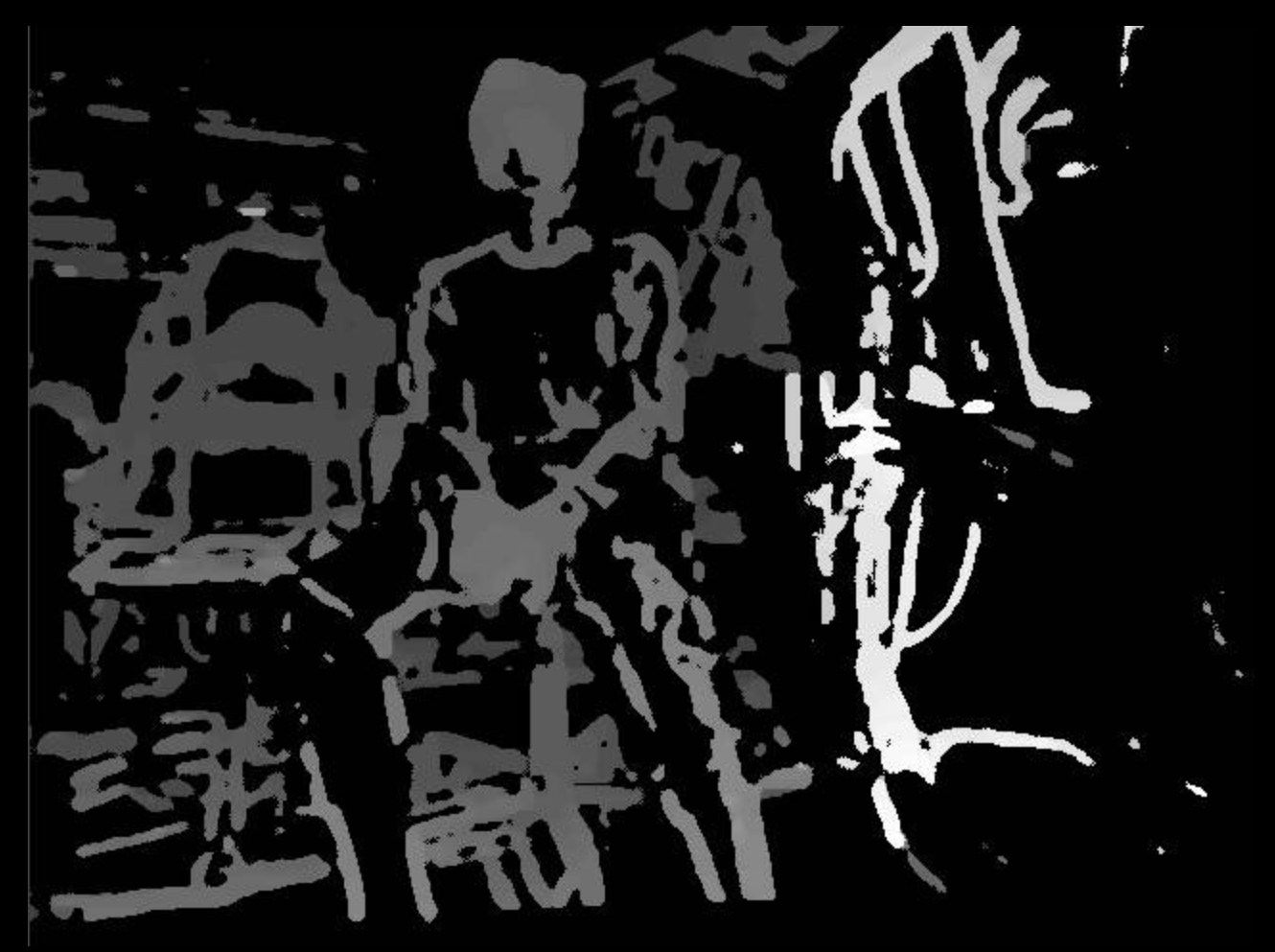
I agree with what you suggest, but we are not discussing about the computation of the disparity in an edge case scenario of a white wall. I am just confused, for instance take the example below: why the voxl-disparity is so sparse (first top picture) with respect to the other done via opencv (second bottom picture)?top-disparity
bottom-disparity
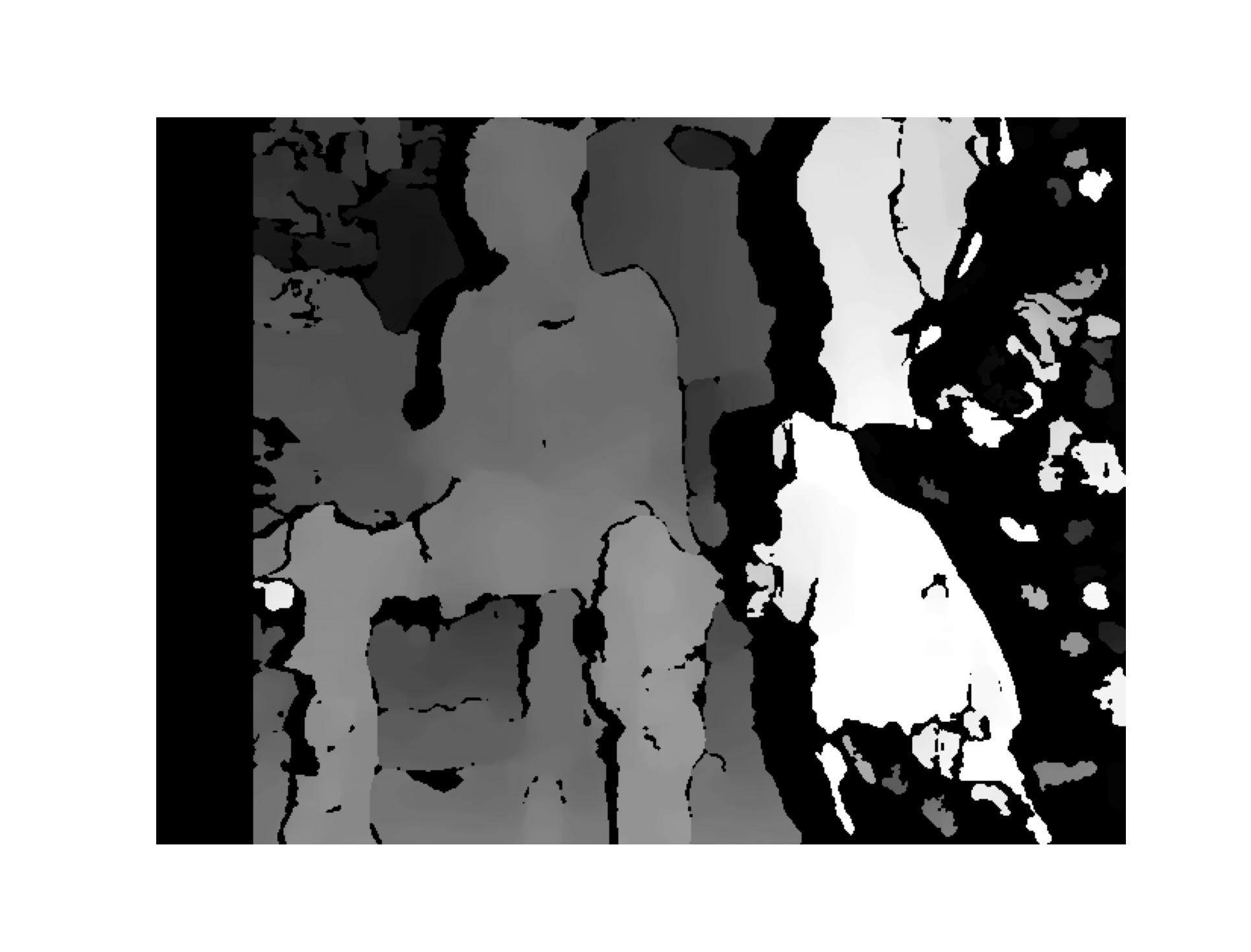
In both cases I am using the same grey images, with the same extrinsics/intrinsics parameters, and yet the disparity from opencv is able to fill in the areas within the edges, whereas voxl-disparity is not. Are there any parameters that I can tune to get the top-disparity to look more similar to the bottom-disparity?
-
@Moderator thank you for your response!
I agree with what you suggest, but we are not discussing about the computation of the disparity in an edge case scenario of a white wall. I am just confused, for instance take the example below: why the voxl-disparity is so sparse (first top picture) with respect to the other done via opencv (second bottom picture)?top-disparity
bottom-disparity
In both cases I am using the same grey images, with the same extrinsics/intrinsics parameters, and yet the disparity from opencv is able to fill in the areas within the edges, whereas voxl-disparity is not. Are there any parameters that I can tune to get the top-disparity to look more similar to the bottom-disparity?
voxl-dfs-serverhas a couple adjustable parameters, you can check them out in/etc/modalai/voxl-dfs-server.conf. But yeah, not everything is tweakable as we're using a hardware-optimized API to compute these images. If you're happier with the OpenCV ones, you could always just forkvoxl-dfs-serverand make a small change to the implementation to have it computed in OpenCV instead of with the usuallibmodal-cvcall. I can help you out with this if you'd like.Hope this helps!
Thomas Patton
-
voxl-dfs-serverhas a couple adjustable parameters, you can check them out in/etc/modalai/voxl-dfs-server.conf. But yeah, not everything is tweakable as we're using a hardware-optimized API to compute these images. If you're happier with the OpenCV ones, you could always just forkvoxl-dfs-serverand make a small change to the implementation to have it computed in OpenCV instead of with the usuallibmodal-cvcall. I can help you out with this if you'd like.Hope this helps!
Thomas Patton
-
@thomas Thank you for your response! That would be great, could you please show me a bit more precisely where can I start to edit the code to make this adjustments?
Assuming you're on VOXL2, start by forking the DFS Server repo here. Then take a look at the
_image_callbackfunction here. This defines what happens when each image comes in. These lines extract that into a left/right OpenCV image which you can then use to compute DFS. Then you should push out the results over some pipe using a similar format to what we do, consult thelibmodal-pipedocumentation if you need any help with this.Hope this helps, let me know if you have any other questions!
Thomas Patton
-
Assuming you're on VOXL2, start by forking the DFS Server repo here. Then take a look at the
_image_callbackfunction here. This defines what happens when each image comes in. These lines extract that into a left/right OpenCV image which you can then use to compute DFS. Then you should push out the results over some pipe using a similar format to what we do, consult thelibmodal-pipedocumentation if you need any help with this.Hope this helps, let me know if you have any other questions!
Thomas Patton
-
@thomas Thanks a lot for the support! I'll dig into it and go back to you in case something is not clear!
Sounds good, let me know if I can help in any way!

Reading along? Create a free ModalAI Forum account to join in.
With an account you can reply, ask your own question, get an email when a ModalAI engineer answers, and mark the reply that solved it. Your place in each thread is saved between visits.
Questions about VOXL, Flight Core, ESCs and ModalAI drones are answered here by the engineers who build them.
Register Login