
Unable to connect to host PC using adb shell & SSH
-
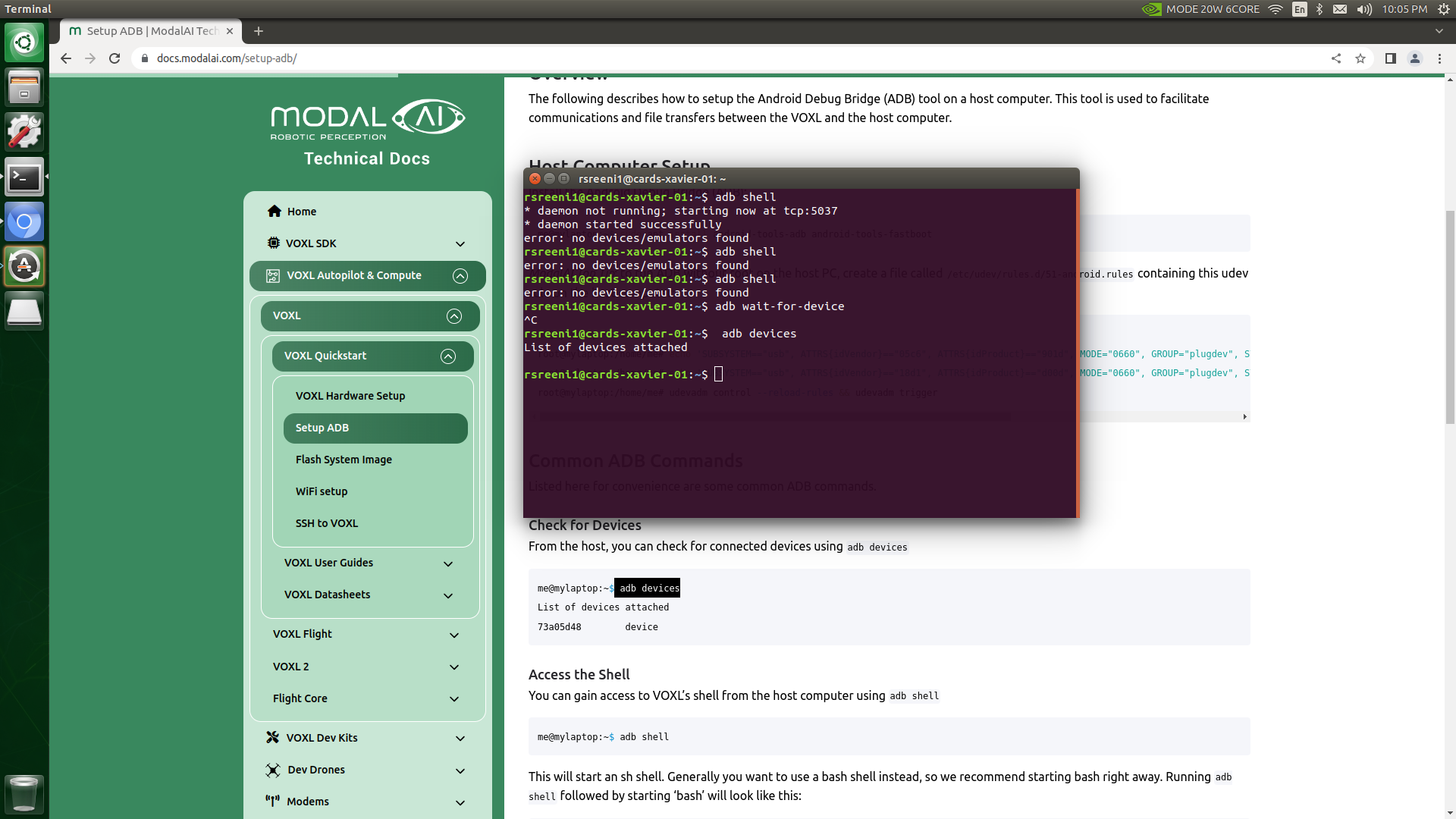
@tom I have a little confusion here. As I said earlier, the ADB shell has not been working. So how can I install your specified system image using the ADB pull command?
like these commands:
adb pull /data/modalai/opencv_tracking_intrinsics.yml
adb pull /data/modalai/opencv_stereo_intrinsics.yml
adb pull /data/modalai/opencv_stereo_rear_intrinsics.yml
adb pull /data/modalai/opencv_stereo_extrinsics.yml
adb pull /data/modalai/opencv_stereo_rear_extrinsics.yml -
Those adb pull commands are backing up config files on the drone, if it's only accessible through fastboot you'll have to skip those steps and reflash the drone. By default the data partition on the board is not reflashed, so as long as that partition wasn't corrupted the data will still be there.
-
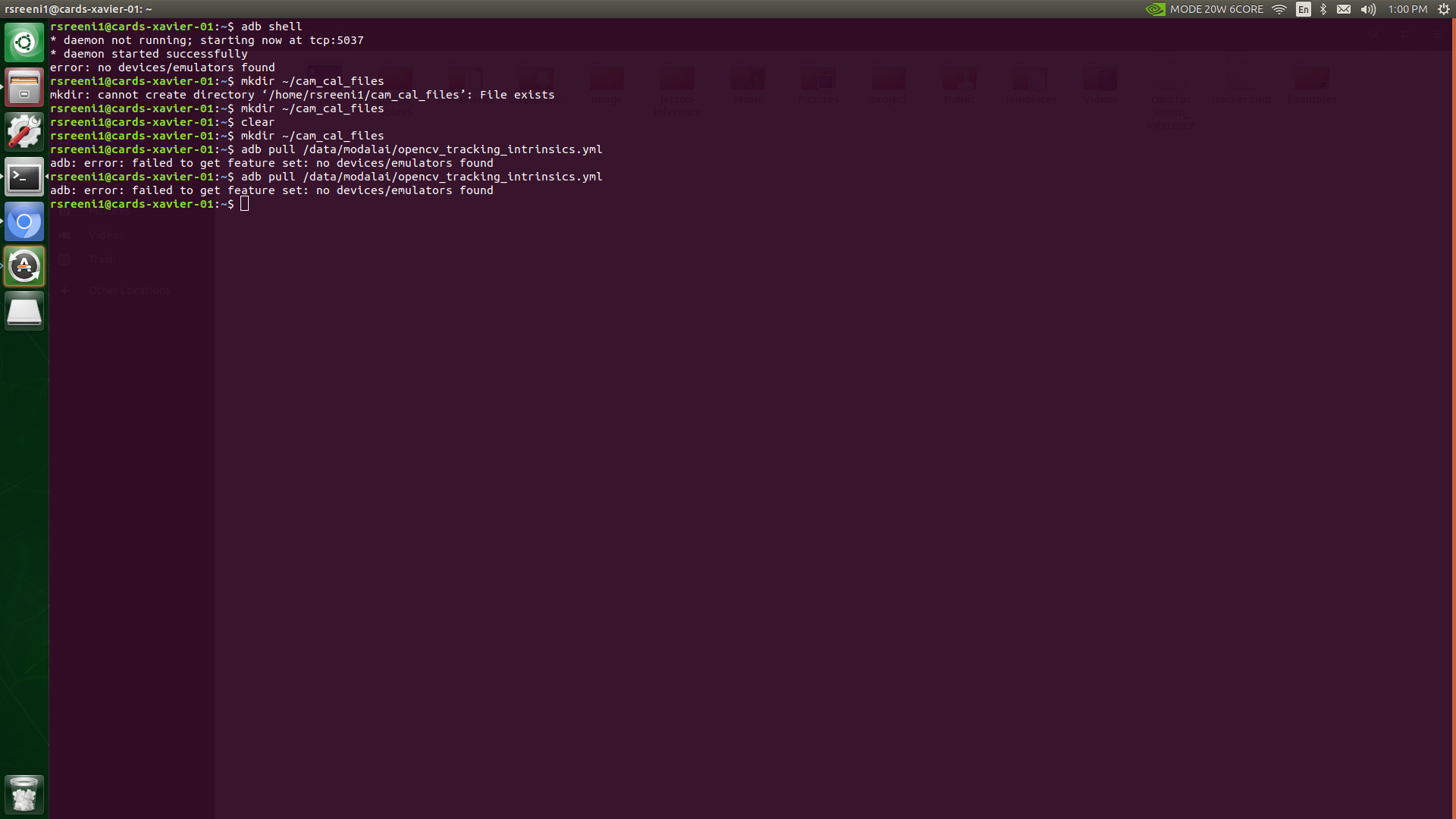
I tried to flash your latest platform release (0.9). But I have faced the same issue. No ADB shell connection. Please take a look.
-
I tried to flash your latest platform release (0.9). But I have faced the same issue. No ADB shell connection. Please take a look.
@tom @Alex-Gardner
-
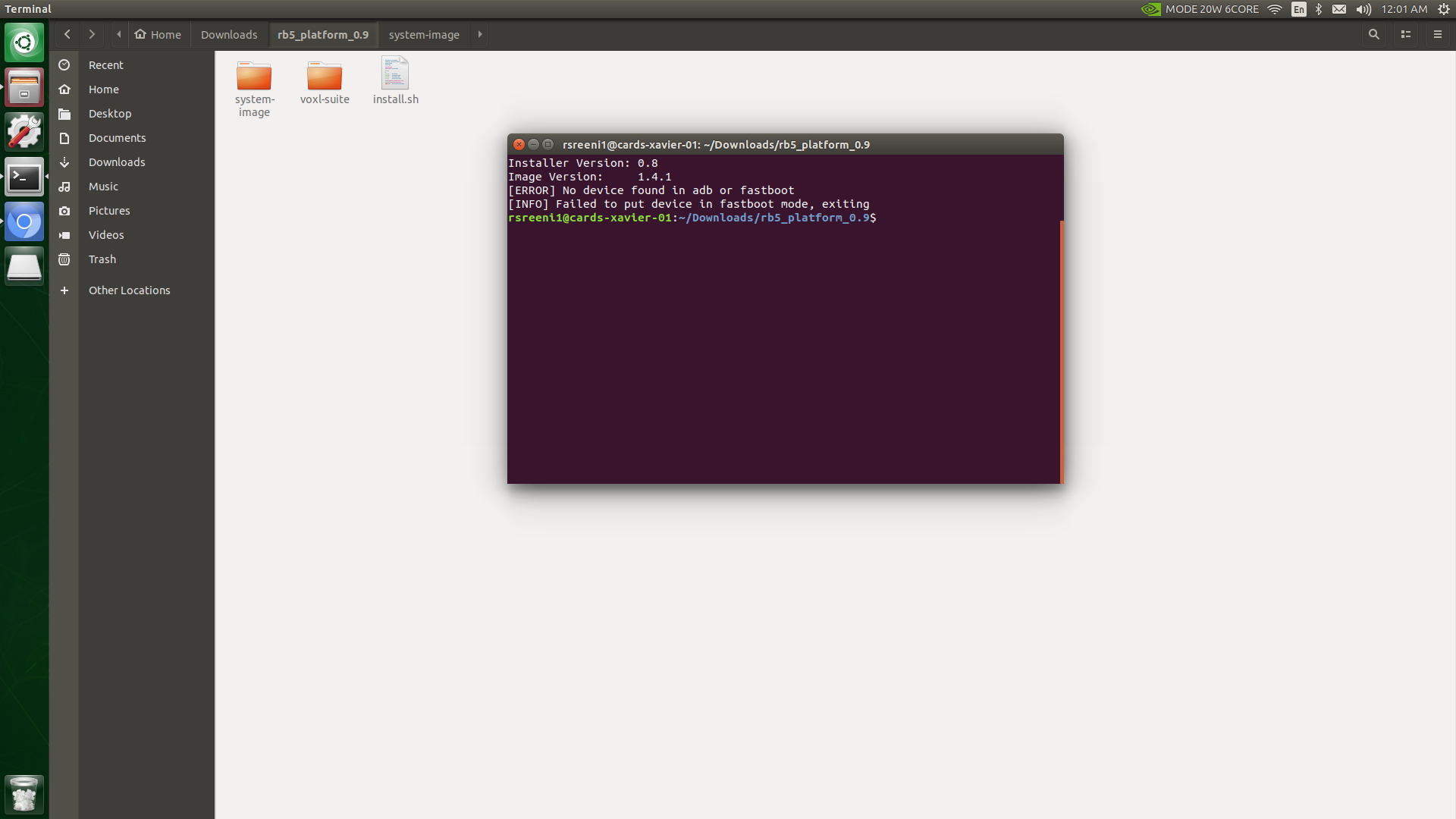
Hello @tom This happened when I ran the platform release install script.
-
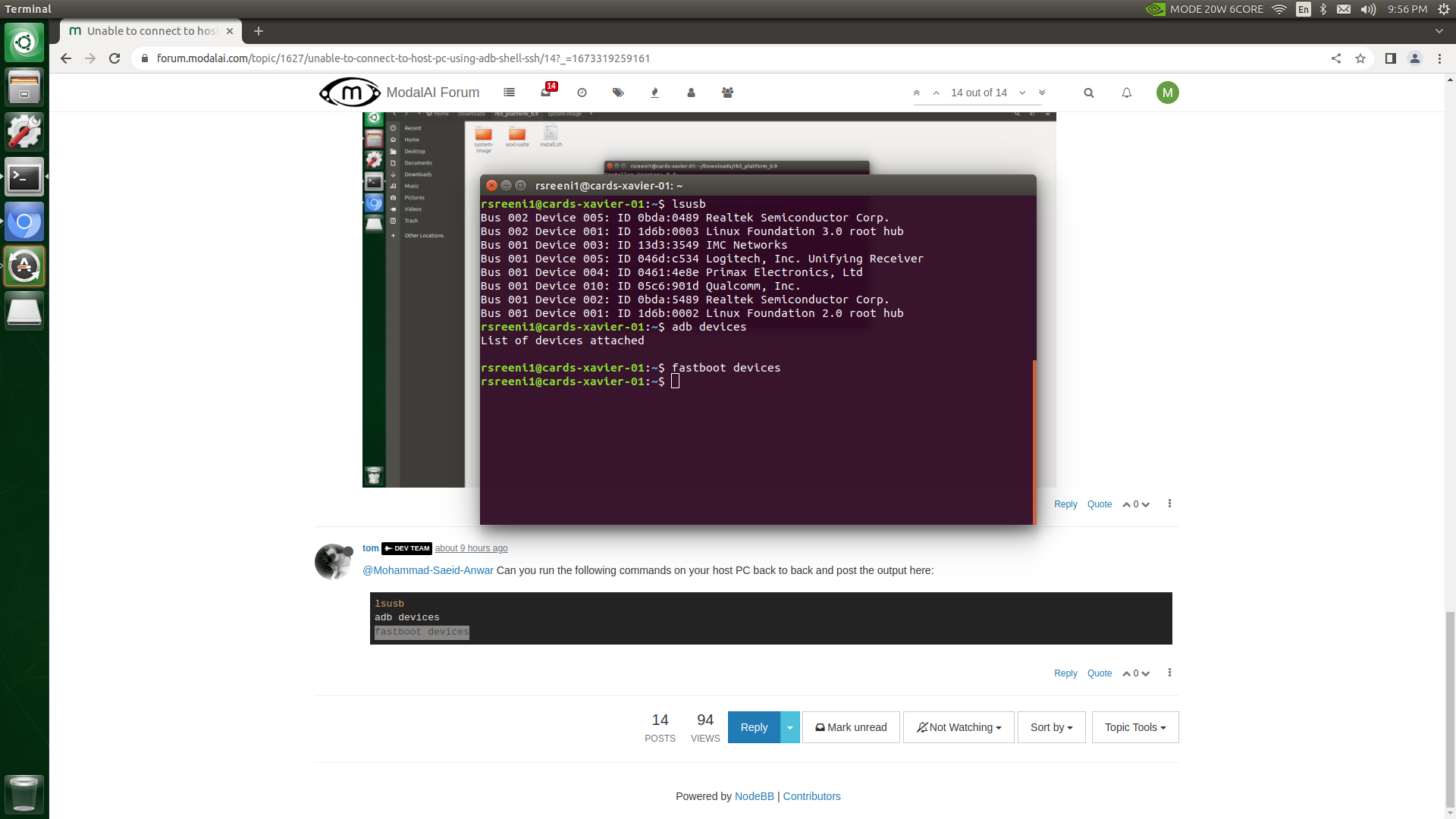
@tom said in Unable to connect to host PC using adb shell & SSH:
fastboot devices
hey @tom this is the output.
-
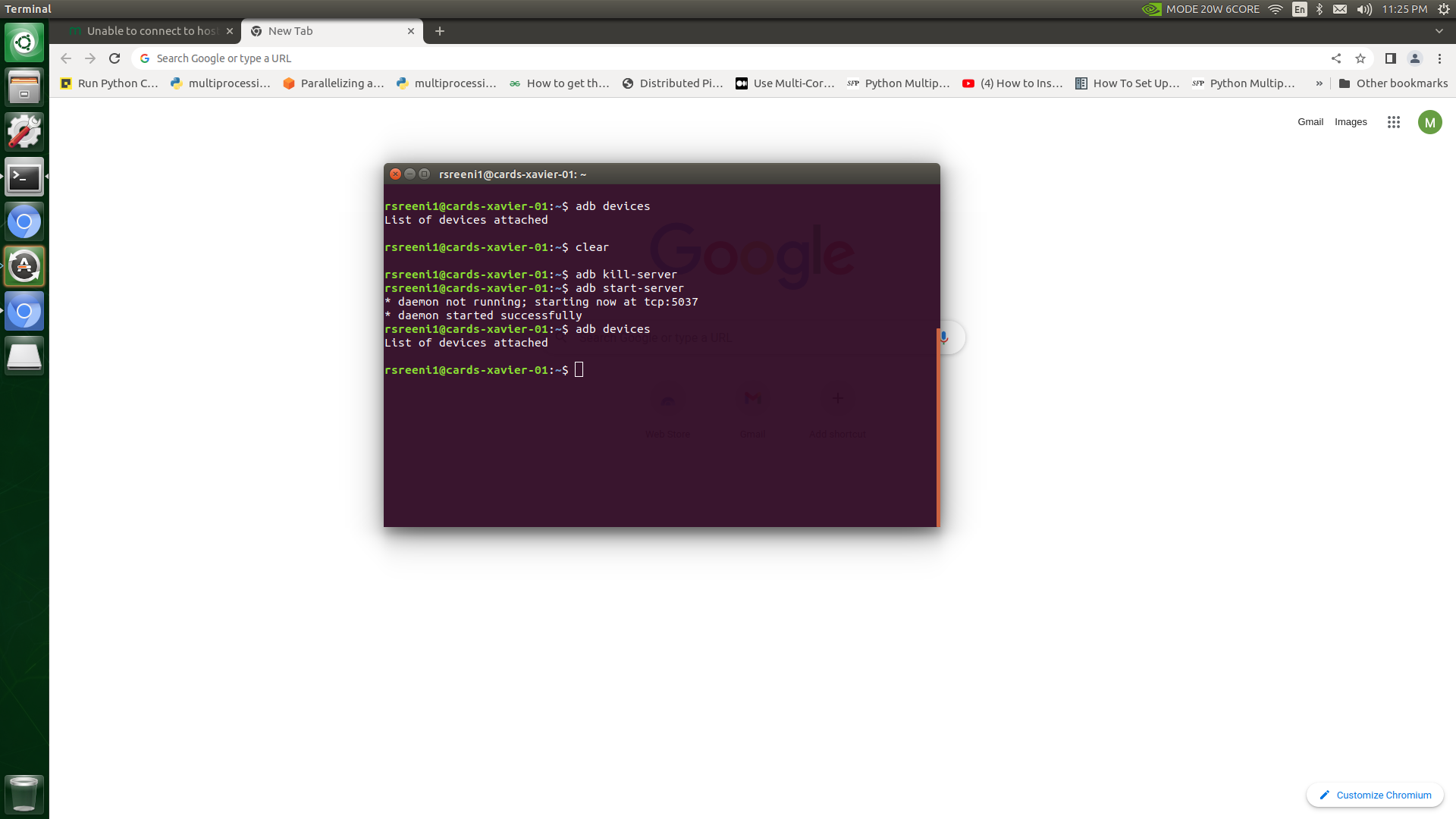
@tom It's still same!!
-
No. I don't have any other voxl.
Yes, it's properly installed. I had previously worked with the same ADB installation. Suddenly, it stopped responding. I also tried with two other machines with proper ADB installations. It showed the same problem (no device found).


Reading along? Create a free ModalAI Forum account to join in.
With an account you can reply, ask your own question, get an email when a ModalAI engineer answers, and mark the reply that solved it. Your place in each thread is saved between visits.
Questions about VOXL, Flight Core, ESCs and ModalAI drones are answered here by the engineers who build them.
Register Login