ModalAI Forum
    • Categories
    • Recent
    • Tags
    • Popular
    • Users
    • Groups
    • Register
    • Login
    1. Home
    2. YUUJI INOUE
    3. Posts
    • Profile
    • Following 0
    • Followers 0
    • Topics 2
    • Posts 5
    • Best 0
    • Controversial 0
    • Groups 0

    Posts made by YUUJI INOUE

    • RE: Critical VIO Instability and Calibration Failure on Stinger (D0013) with Brand New VOXL 2 Mini

      @YUUJI-INOUE
      This is the setup I did for stable operation, please let me know if there are any mistakes.

      Stinger (VOXL 2 Mini) VIO Setup Guide

      This document provides instructions for setting up a stable VIO (Visual Inertial Odometry) environment on the ModalAI Stinger (equipped with VOXL 2 Mini).
      It focuses on SDK version selection and correct configuration commands for the D0013 build to ensure reliable autonomous flight.

      1. Prerequisites

      • Drone: ModalAI Stinger (VOXL 2 Mini)
      • Configuration ID: D0013 (Stinger V2)
      • PC Environment: Linux/Ubuntu with ADB (Android Debug Bridge) installed
      • Network: Internet connection required for the drone (via Wi-Fi) for apt-get operations

      2. SDK Version Check and Installation

      IMPORTANT: Development versions (Alpha/Beta) of the SDK may cause unstable VIO behavior. It is strongly recommended to use the Stable SDK 1.6.2.

      2.1 Check Current Version

      Connect to VOXL via ADB and check the version:

      adb shell voxl-version
      # OR
      adb shell apt-cache policy voxl-suite
      

      If you see versions like 1.6.3~alpha, you must downgrade.

      2.2 Install SDK 1.6.2

      Force install the stable version:

      # Run inside VOXL shell or via adb shell
      adb shell "DEBIAN_FRONTEND=noninteractive apt-get install -y voxl-suite=1.6.2"
      

      2.3 Install Required Libraries

      To fix dependency issues with OpenVINS in SDK 1.6.2, install the voxl-ceres-solver library (libceres.so.2😞

      adb shell "apt-get install -y voxl-ceres-solver"
      

      Note: Without this, voxl-open-vins-server will fail to start.

      3. Factory Reset and Configuration

      Apply the correct presets for Stinger (D0013). Using these commands is more reliable than manual configuration.

      3.1 Configure Extrinsics

      Load the camera and IMU geometry for Stinger V2 (D0013).

      adb shell "voxl-configure-extrinsics D0013_Stinger_V2"
      

      3.2 Configure Vision Hub

      Configure how VIO data is sent to PX4 using the Stinger-specific preset.

      adb shell "voxl-configure-vision-hub factory_enable_vfc_pos_back_flow_d0013"
      

      3.3 Configure OpenVINS

      Reset the VIO server configuration.

      adb shell "voxl-configure-open-vins factory_enable"
      

      3.4 Configure PX4 Parameters

      Load optimized PID gains and flight parameters for Stinger (D0013).

      adb shell "voxl-configure-px4-params -n -p MRB-D0013"
      

      3.5 Enable VIO (Official Helper)

      Load the official parameter helper file for indoor VIO flight without GPS.

      adb shell "voxl-configure-px4-params -n -f /usr/share/modalai/px4_params/v1.14/EKF2_helpers/indoor_vio_missing_gps.params"
      

      3.6 Configure ESCs

      Upload Stinger-specific ESC parameters.

      adb shell "/usr/bin/voxl-esc setup_d0013"
      

      If you encounter invalid option errors, use the manual python script method:

      adb shell "systemctl stop voxl-px4 && cd /usr/share/modalai/voxl-esc-tools/ && python3 voxl-esc-upload-params.py --params-file ../voxl-esc-params/D0013/lumenier_2305_2400kv_GF_D90_4S.xml && systemctl start voxl-px4"
      

      3.7 Change ESC Mode (Critical)

      Change ESC control from RPM mode (default) to Power mode to ensure reliable motor startup.

      adb shell "px4-param set VOXL_ESC_MODE 0"
      

      3.8 Motor Test

      WARNING: REMOVE PROPELLERS BEFORE TESTING

      Spin Motor 0 (Front Right) for 2 seconds to verify ESC communication.

      adb shell "systemctl stop voxl-px4"
      adb shell "cd /usr/share/modalai/voxl-esc-tools/ && python3 voxl-esc-spin.py --id 0 --power 15 --timeout 2 --skip-prompt True"
      adb shell "systemctl start voxl-px4"
      

      4. Advanced Optimization (Critical for Stability)

      4.1 OpenVINS Optimization (Stinger Specific)

      To prevent data corruption and initialization errors on Stinger (D0013):

      1. Disable imu_body_frame_mode.
      2. Change configuration folder to fpv.
      adb shell "sed -i 's/\"imu_body_frame_mode\":\ttrue/\"imu_body_frame_mode\":\tfalse/' /etc/modalai/voxl-open-vins-server.conf"
      adb shell "sed -i 's/starling2/fpv/g' /etc/modalai/voxl-open-vins-server.conf"
      

      4.2 Stabilize Connection After Reboot

      Prevent voxl-vision-hub from starting before voxl-open-vins-server is ready by adding a 10-second delay.

      Edit /etc/systemd/system/voxl-vision-hub.service:

      adb shell "sed -i 's/After=voxl-wait-for-fs.service/After=voxl-wait-for-fs.service voxl-open-vins-server.service/' /etc/systemd/system/voxl-vision-hub.service"
      adb shell "sed -i '/ExecStart=\/usr\/bin\/voxl-vision-hub/i ExecStartPre=\/bin\/sleep 10' /etc/systemd/system/voxl-vision-hub.service"
      

      4.3 IMU Calibration

      If VIO is unstable or the Web Portal Health Check shows "IMU Calibration Missing", perform calibration:

      adb shell "voxl-calibrate-imu"
      

      Follow the on-screen instructions to place the drone in 6 orientations.

      5. Apply Changes and Reboot

      After applying all settings, reboot the drone. A hard power cycle (unplug battery) is recommended to ensure all sensors reset correctly.

      adb shell reboot
      

      6. Verification

      6.1 Check Services

      adb shell voxl-inspect-services
      

      Ensure voxl-open-vins-server, voxl-vision-hub, and voxl-px4 are Running.

      6.2 Check VIO in VOXL Portal

      Access the VOXL Portal (via IP address) and check the VIO (3D View):

      • Orientation: Does the drone in the view verify Pitch/Roll/Yaw movements correctly?
      • Position: Does the drone stay still in the view when the physical drone is stationary? (No drifting/divergence)

      6.3 Check QGroundControl (QGC)

      1. Local Position: Is the drone icon visible on the map?
      2. Position Mode: Switch flight mode to Position. It should say "Ready to fly" or "Position mode enabled" (not "Rejected").
        • If you can enter Position mode without GPS, VIO is working.

      7. Operational Best Practices

      1. Power On: After plugging in the battery, leave the drone static on a level surface for ~30 seconds. This allows the gyro to calibrate biases and services to start.
      2. Initialize VIO: Pick up the drone and move it in a large figure-8 motion to excite the IMU and cameras.
      3. Pre-flight Check: Do not take off until you can successfully switch to Position mode in QGC.
        • Note: If initialization fails (rarely), perform a reboot.

      8. Troubleshooting

      Q. Cannot enter Position Mode on the ground ("Not Ready")
      A. Check the following:

      1. Run voxl-inspect-pose vvhub_body_wrt_local to see if VIO data is streaming.
      2. If no data, perform a hard reboot (battery pull) to fix timestamp sync issues.
      3. Set en_voa to false in voxl-vision-hub.conf to disable obstacle avoidance (can cause extrinsics errors).
      4. Ensure vio_pipe is set to ov.
      posted in Ask your questions right here!
      YUUJI INOUEY
      YUUJI INOUE
    • RE: Critical VIO Instability and Calibration Failure on Stinger (D0013) with Brand New VOXL 2 Mini

      @zauberflote1
      The problem was solved after upgrading to SDK1.6.2, thank you.

      posted in Ask your questions right here!
      YUUJI INOUEY
      YUUJI INOUE
    • Critical VIO Instability and Calibration Failure on Stinger (D0013) with Brand New VOXL 2 Mini

      Dear ModalAI Support Team,

      I am writing to report a critical issue with my Stinger drone (SKU: MRB-D0013). I have recently installed a brand new VOXL 2 Mini flight controller on this unit. Despite extensive troubleshooting, including resetting to factory defaults and comparing with a working Starling 2 (D0014), the VIO system fails to initialize correctly and diverges immediately.

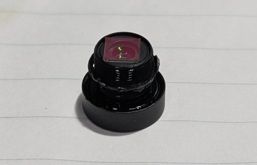
      We suspect a hardware defect related to the IMU orientation, camera focus/calibration, or an incompatibility with the default configuration for this specific unit.

      Issue Summary

      • Symptom: VIO (both QVIO and OpenVINS) diverges immediately or reports "BAD_CAM_CAL".
      • Observation:
        • In VOXL Portal, the VIO overlay shows the drone's estimated position diverging.
        • When manually moving the drone, the VIO estimated motion is often inverted (e.g., pitching up is interpreted as pitching down) or axes are swapped, even with default extrinsics.
        • voxl-qvio-server reports BAD_CAM_CAL and NOT_STATIONARY errors.
        • voxl-calibrate-camera fails for both tracking_front and tracking_down with high re-projection errors (> 0.9), citing "motion blur" even in a well-lit, static environment.

      Troubleshooting Steps Taken

      1. Factory Reset:

        • Ran voxl-configure-mpa (factory reset).
        • Ran voxl-configure-extrinsics D0013_Stinger (reset to default D0013 extrinsics).
        • Ran voxl-configure-cameras 22 (reset to default Stinger Dual AR0144 config).
        • Result: VIO still diverges with BAD_CAM_CAL.
      2. IMU Data Analysis:

        • Analyzed voxl-inspect-imu imu_apps raw data (with rotate_common_frame: false and true).
        • The IMU data suggests the physical orientation might be different from what the default configuration expects (Roll 180 + Yaw 180 vs just Roll 180), or the driver correction is not applying as intended for this specific unit.
        • Even when manually adjusting extrinsics.conf to match the observed IMU orientation (FLU) and Camera orientation (FRD), VIO stability could not be achieved.
      3. Comparison with Starling 2 (D0014):

        • We have a working Starling 2 unit. Applying Starling 2's configuration to Stinger (as a test) also resulted in divergence, confirming the hardware configuration is indeed different or defective.
      4. Camera Calibration:

        • Attempted voxl-calibrate-camera for both cameras.
        • Consistently fails with high re-projection error, suggesting potential lens focus issues or sensor alignment problems.

      Request

      Since we are using a brand new VOXL 2 Mini board, we want to ensure there are no configuration mismatches or firmware issues. However, given that it fails to operate with factory default settings and cannot be calibrated, we are concerned about a potential initial defect in the sensor modules or the board itself.

      Please review the attached diagnostic logs (diagnostic_logs.txt) and advise on the next steps for troubleshooting.

      Attached Files

      • diagnostic_logs.txt: Output of voxl-inspect-sku, voxl-version, voxl-inspect-services, voxl-inspect-extrinsics, and voxl-camera-server.conf.

      Thank you for your assistance.
      diagnostic_logs.txt

      posted in Ask your questions right here!
      YUUJI INOUEY
      YUUJI INOUE
    • RE: STINGER (D0013) Position Mode Fails after replacing

      @YUUJI-INOUE
      I made a mistake in the file name
      diagnostic_info

      posted in Ask your questions right here!
      YUUJI INOUEY
      YUUJI INOUE
    • STINGER (D0013) Position Mode Fails after replacing

      Subject: STINGER (D0013) Position Mode Fails after replacing VOXL 2 Mini: VIO Quality High but EKF2 Rejects Data

      Hi ModalAI Team,

      I am trying to restore a STINGER (D0013).
      The drone crashed into the ceiling and stopped working, so I replaced the VOXL 2 Mini (M0104) with a new one.
      I have set up the new board from scratch.

      Current Status:

      • Manual Flight: Works fine. Motors, RC, and basic stabilization are OK.
      • Position Mode: Cannot engage. QGC says "No valid local position estimate".

      Symptoms:

      • voxl-qvio-server is running, voxl-inspect-qvio shows Quality: 100% (or High).
      • PX4 receives data (px4-listener vehicle_odometry shows valid data).
      • px4-listener vehicle_local_position shows xy_valid: False.
      • px4-listener estimator_status shows pos_test_ratio: nan continuously.

      What I have tried:

      1. Reset parameters using voxl-configure-px4-params -p MRB-D0013.
      2. Verified Extrinsics using voxl-configure-extrinsics D0013_Stinger.
      3. Calibrated sensors in QGC.
      4. Tried aligning settings with a working STARLING 2 unit:
        • EKF2_EV_CTRL = 15
        • SYS_HAS_GPS = 1
        • EKF2_HGT_REF = 0 (Baro)
        • Relaxed EKF2_REQ_SACC = 1.5, EKF2_REQ_GPS_H = 5.0.

      Since this is a repaired unit with a new VOXL 2 Mini, I suspect I might be missing some calibration or configuration step specific to a board replacement.
      Despite valid VIO data reaching PX4 (checked via listener), EKF2 seems to completely ignore it (pos_test_ratio: nan).

      Attachments:

      • voxl-inspect-services output (diagnostic_info.txt)
      • Parameter file (stinger_support.params)
      • Flight Log (latest_flight_log.ulg)

      System Info:

      • VOXL 2 Mini (M0104) - New replacement board
      • Image: 1.8.04-M0104-14.1a-perf
      • PX4: (Current version)

      Any help would be appreciated.

      daiagnostic_info.txt
      stinger_support.params
      latest_flight_log.ulg
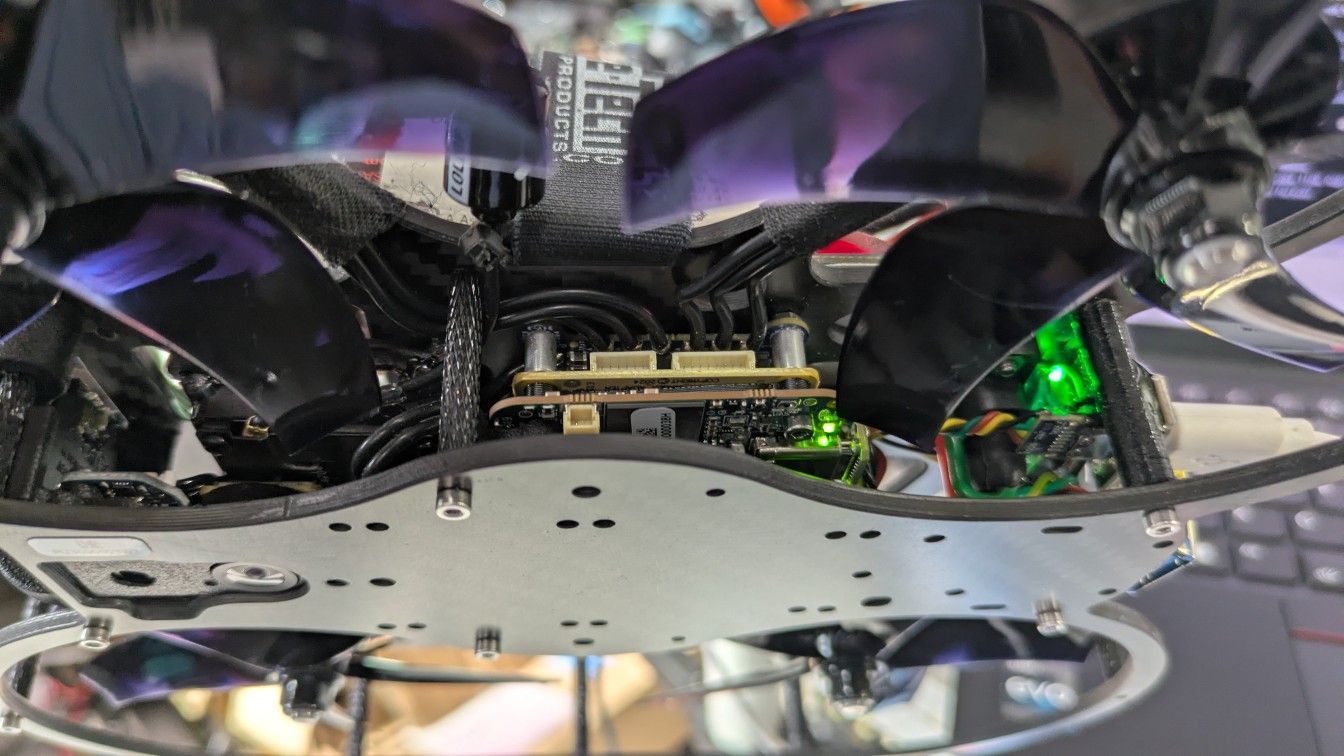
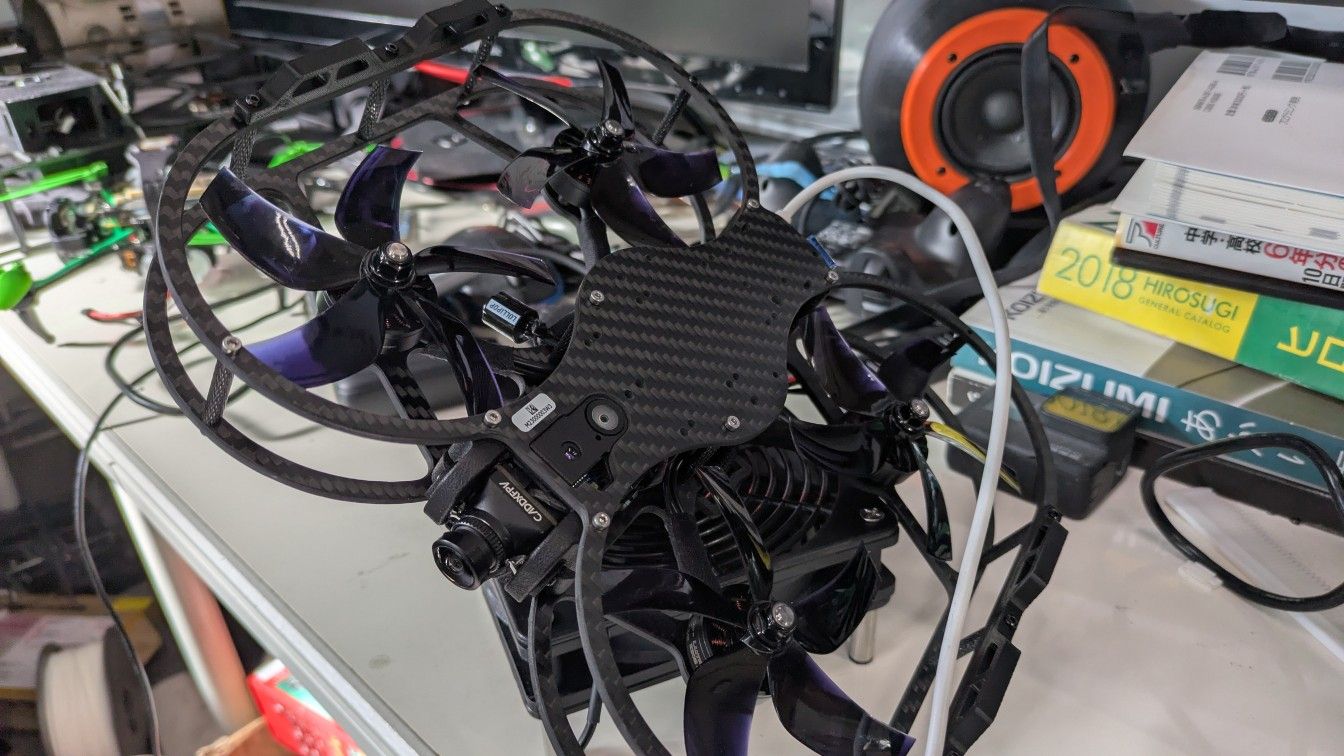
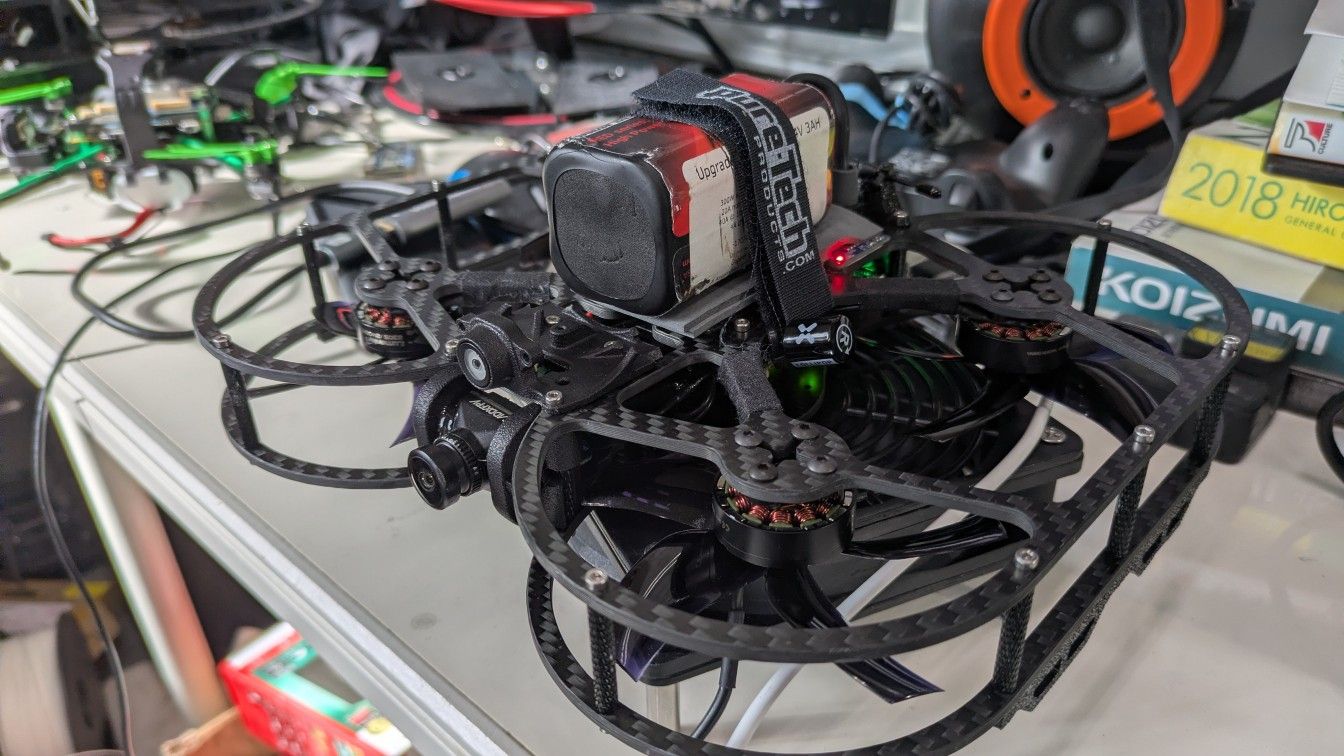
      2.jpg 3.jpg 1.jpg

      posted in Ask your questions right here! nonsaya
      YUUJI INOUEY
      YUUJI INOUE